DeepTube AI is an innovative platform that transforms the way users interact with content on YouTube and X (formerly Twitter). It offers a range of AI-powered features to enhance video understanding, content creation, and social media engagement. DeepTube AI aims to turn every video into a gateway for knowledge exploration and interactive learning.
DeepTube AI - Advanced Tools for YouTube & X
Learn and extract knowledge from YouTube - share everything and grow on X.
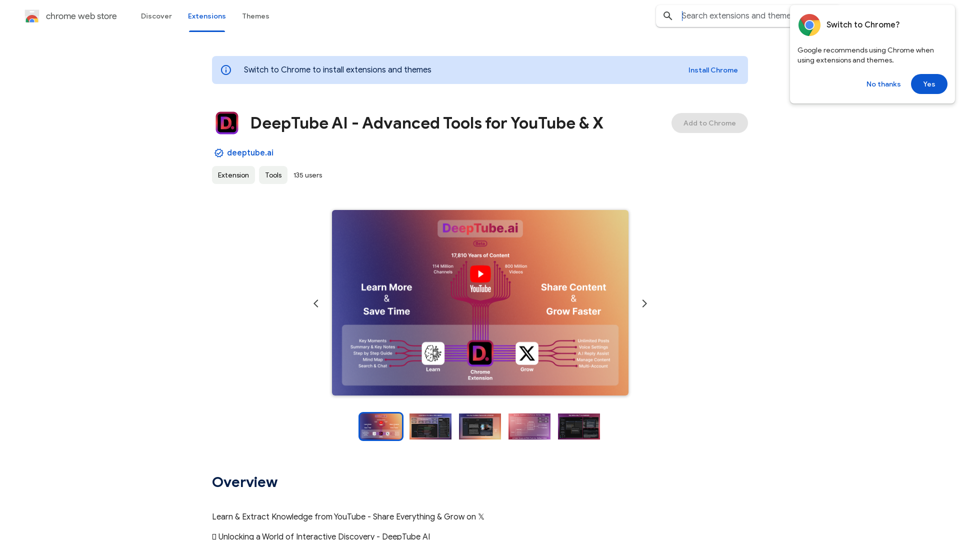
Introduction
Feature
YouTube Video Insights
- Transcript: Choose from video captions or AI-generated transcriptions
- Key Moments: Identify crucial points with precise timestamps
- Summary & Key Notes: Quick access to in-depth knowledge
- Step-by-Step Guide: Simplify video content into easy-to-follow instructions
- Mind Map: Visualize ideas and explore knowledge connections
- Search & Chat: Interactive learning with instant answers
YouTube Channel Chat
- Create Chat Groups: Import videos from channels to form chat groups
- Search & Chat: Ask questions and get answers from all videos in the group
- Access Previous Chats: Easily reconnect with past conversations
X (Twitter) AI-Powered Assistant
- Unique Voice: Customize brand voice with tone & personality settings
- Fine-Tune AI Settings: Adjust AI behavior to suit specific needs
- Multi-Source Post Generation:
- From single videos
- From entire YouTube channels
- From multiple YouTube channels
- AI-Powered Replies: Boost engagement with instant, AI-enhanced responses
- Posts Board: Archive and bookmark for optimized workflow
- Kanban Panel: Organize content using a personalized Kanban system
- Multiple X Accounts: Manage various accounts with user profiles
Enhanced User Experience
- Dark/Light Mode: Match X and YouTube themes
- YouTube Features: Flexible resizing, multi-tasking, collapsible toolbar
- X Features: Easy navigation, customization, X Pro Deck integration
FAQ
How does DeepTube AI work?
DeepTube AI utilizes AI-powered tools to analyze and summarize YouTube videos, enabling users to unlock knowledge, explore ideas, and engage in instant chat interactions.
What are the benefits of using DeepTube AI?
DeepTube AI offers a transformative experience, allowing users to interact with content more interactively and immersively, gaining insights and knowledge more efficiently.
Is DeepTube AI free?
Yes, DeepTube AI is free to use, with optional in-app purchases available for premium features and upgrades.
Related Websites
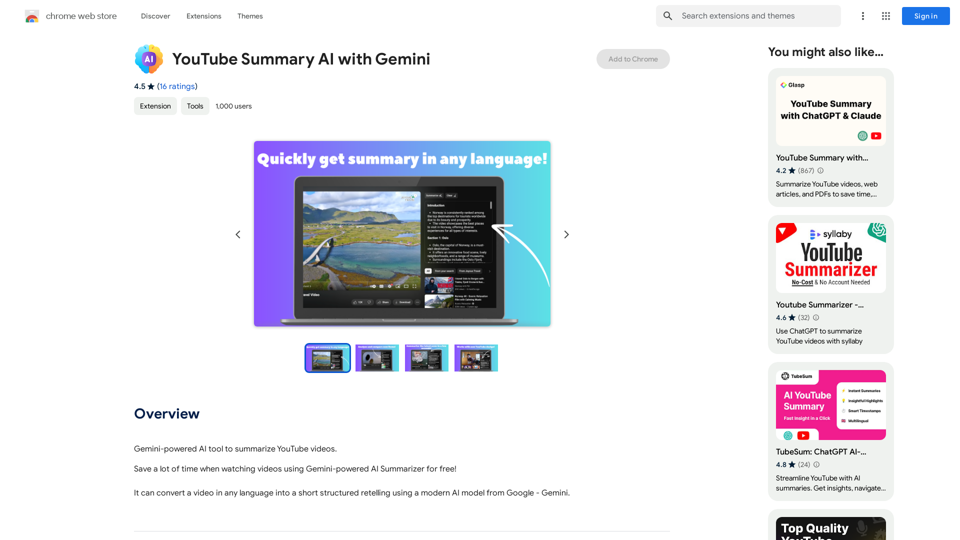
YouTube Summary AI with Gemini Gemini, Google's powerful new AI, is making waves in the world of YouTube. Imagine a future where YouTube videos automatically generate concise and informative summaries. That's exactly what Gemini aims to achieve. By leveraging its advanced language understanding capabilities, Gemini can analyze video content and extract key points, creating summaries that capture the essence of the video. This means viewers can quickly grasp the main ideas without having to watch the entire video. Gemini's potential applications extend beyond simple summaries. It could also be used to: * Generate captions: Automatically create accurate captions for videos, making them accessible to a wider audience. * Translate videos: Break down language barriers by translating videos into different languages. * Create interactive experiences: Enable viewers to engage with videos in new and innovative ways through interactive summaries and quizzes. Gemini's arrival on YouTube promises to revolutionize the way we consume and interact with video content.
YouTube Summary AI with Gemini Gemini, Google's powerful new AI, is making waves in the world of YouTube. Imagine a future where YouTube videos automatically generate concise and informative summaries. That's exactly what Gemini aims to achieve. By leveraging its advanced language understanding capabilities, Gemini can analyze video content and extract key points, creating summaries that capture the essence of the video. This means viewers can quickly grasp the main ideas without having to watch the entire video. Gemini's potential applications extend beyond simple summaries. It could also be used to: * Generate captions: Automatically create accurate captions for videos, making them accessible to a wider audience. * Translate videos: Break down language barriers by translating videos into different languages. * Create interactive experiences: Enable viewers to engage with videos in new and innovative ways through interactive summaries and quizzes. Gemini's arrival on YouTube promises to revolutionize the way we consume and interact with video content.AI tool powered by Gemini that summarizes YouTube videos.
193.90 M
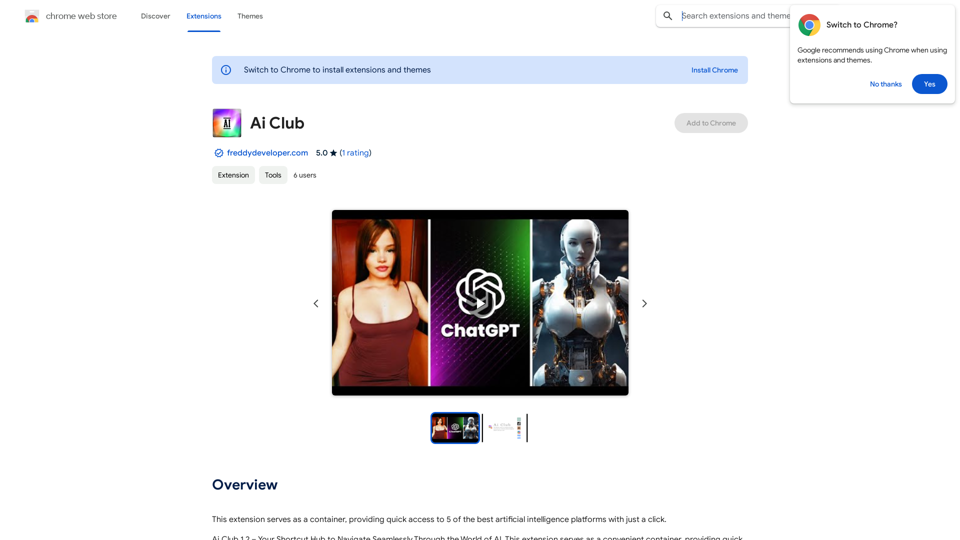
This extension acts as a container, giving you quick access to 5 of the top artificial intelligence platforms with a single click.
193.90 M

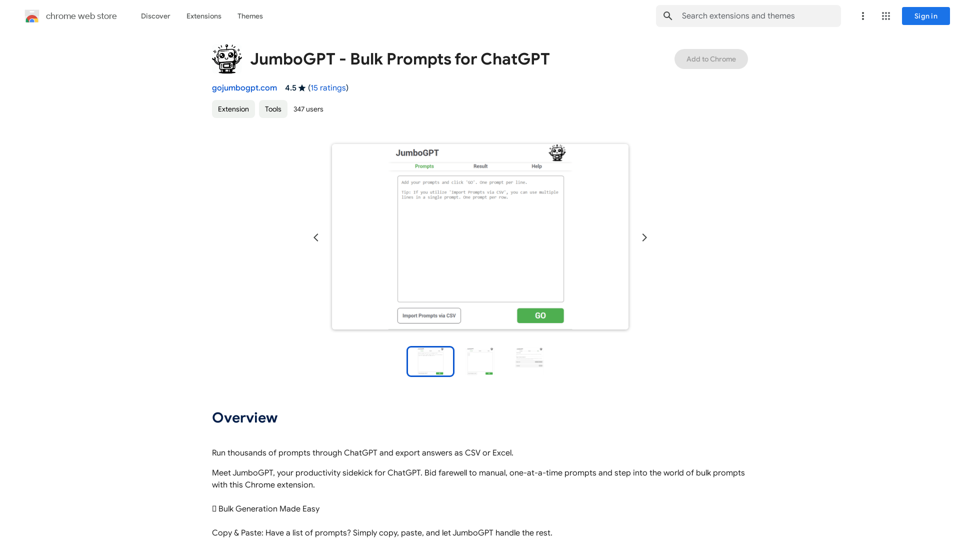
JumboGPT - Bulk Prompts for ChatGPT This is a collection of bulk prompts for ChatGPT, designed to help you explore its capabilities and generate diverse creative text formats. Instructions: * Each prompt is designed to be used individually with ChatGPT. * You can copy and paste the prompts directly into the ChatGPT interface. * Feel free to modify the prompts to suit your specific needs and interests. Categories: * Story Starters: > A lone astronaut stumbles upon a derelict spaceship... > The old woman sat on the park bench, watching the children play... > A mysterious package arrived on her doorstep, addressed simply to "The Keeper"... * Creative Writing: > Write a short poem about the feeling of nostalgia. > Compose a song about a robot who falls in love with a human. > Describe a world where animals can talk. * Dialogue Prompts: > Two friends argue about the best way to spend a weekend. > A detective interrogates a suspect in a murder case. > A parent tries to explain a difficult concept to their child. * Worldbuilding: > Create a detailed description of a fantasy city. > Design a new species of creature for a science fiction story. > Develop a unique magic system for a medieval world. * Code Generation: > Write a Python function to calculate the factorial of a number. > Generate HTML code for a simple webpage. > Create a SQL query to retrieve data from a database. * Humor: > Write a joke about a programmer. > Create a funny story about a talking cat. > Generate a list of puns about food. * Educational: > Explain the concept of photosynthesis in simple terms. > Summarize the main events of the American Revolution. > Provide a brief history of the development of the internet.
JumboGPT - Bulk Prompts for ChatGPT This is a collection of bulk prompts for ChatGPT, designed to help you explore its capabilities and generate diverse creative text formats. Instructions: * Each prompt is designed to be used individually with ChatGPT. * You can copy and paste the prompts directly into the ChatGPT interface. * Feel free to modify the prompts to suit your specific needs and interests. Categories: * Story Starters: > A lone astronaut stumbles upon a derelict spaceship... > The old woman sat on the park bench, watching the children play... > A mysterious package arrived on her doorstep, addressed simply to "The Keeper"... * Creative Writing: > Write a short poem about the feeling of nostalgia. > Compose a song about a robot who falls in love with a human. > Describe a world where animals can talk. * Dialogue Prompts: > Two friends argue about the best way to spend a weekend. > A detective interrogates a suspect in a murder case. > A parent tries to explain a difficult concept to their child. * Worldbuilding: > Create a detailed description of a fantasy city. > Design a new species of creature for a science fiction story. > Develop a unique magic system for a medieval world. * Code Generation: > Write a Python function to calculate the factorial of a number. > Generate HTML code for a simple webpage. > Create a SQL query to retrieve data from a database. * Humor: > Write a joke about a programmer. > Create a funny story about a talking cat. > Generate a list of puns about food. * Educational: > Explain the concept of photosynthesis in simple terms. > Summarize the main events of the American Revolution. > Provide a brief history of the development of the internet.Use ChatGPT to process many different questions and save the responses in a spreadsheet format like CSV or Excel.
193.90 M

100% Free AI Face Swap Online Tool No Limits, No signups. No watermarks. Swap faces in videos, photos, and GIFs.
84.55 K
The official website for the PaintShop Pro family of products. Get product information, updates and free trials. Access special offers, tutorials and videos.
155.73 K

Abacus.AI - Effortlessly Embed Cutting-Edge AI in Your Applications.
Abacus.AI - Effortlessly Embed Cutting-Edge AI in Your Applications.Abacus.AI is the world’s first AI super assistant built on our state-of-the-art generative AI technology. Abacus Enterprise is a fully featured AI platform where AI, not humans, builds enterprise-scale applied AI systems and agents. ChatLLM is our AI super assistant for small teams and individuals.
3.84 M