FisherAI is an advanced Chrome extension designed to enhance web browsing efficiency. It offers quick summarization of web and video content, supporting multiple AI models. This tool enables users to analyze webpages, extract key information, and present it concisely. FisherAI is particularly useful for quickly grasping core points from long articles, research reports, or daily news.
FisherAI - Your Best Summary Copilot, Supporting ChatGPT & Gemini
Your Best AI Summary Assistant
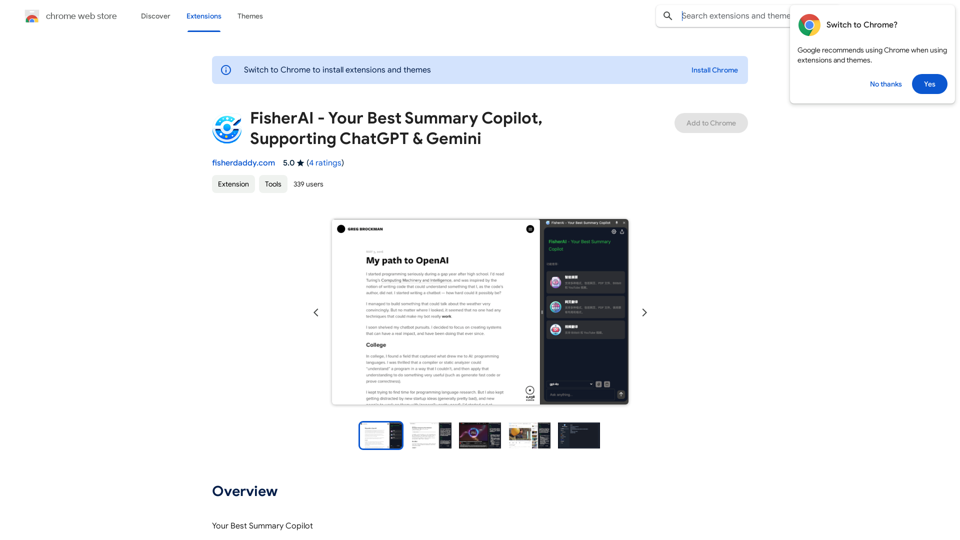
Introduction
Feature
Free and Secure
- Customizable API key
- Offline storage on local device
- Ensures user privacy and data security
Wide Model Support
- OpenAI models: GPT-3.5, GPT-4, GPT-4O
- Google models: Gemini-Pro, Gemini-1.5-Pro, Gemini-1.5-Flash
- Moonshot models: v1 8k/32k/128k
- Mistral models: Mixtral 8x7b/8x22b
- Groq models: LLaMA3 70b/8b
- Other models: LLaMA2 70b, Mixtral-8x7b, Gemma-7b, DeepSeek, Zero-One
- Support for Ollama local models
Intelligent Summarization and Translation
- Automatic analysis of webpage and video content
- Quick generation of summaries and translations
- Supports YouTube and Bilibili for video summaries and subtitle translation/download
Shortcut Functions
- Triggered by '/' key
- Includes translation, summary, polishing, image-to-text, and code explanation
Additional Features
- Highlight translation
- Webpage main text extraction
- Video subtitle download
Efficiency Improvement
- Saves reading time
- Facilitates quick browsing and understanding of large information volumes
User-Friendly Interface
- One-key summary/translation
- Suitable for all user types
Multi-Scenario Application
- Academic research
- Commercial reports
- Daily news browsing
FAQ
What is FisherAI?
FisherAI is an advanced Chrome extension that helps users quickly summarize web and video content, supporting multiple AI models. It analyzes webpages, extracts key information, and presents it concisely, making it ideal for grasping core points from long articles, research reports, or daily news in seconds.
What are the main features of FisherAI?
FisherAI offers:
- Free and secure usage with customizable API keys
- Support for multiple AI models
- Intelligent summarization and translation of web and video content
- Video summary and subtitle translation/download for YouTube and Bilibili
- Shortcut functions for various tasks
- Additional features like highlight translation and webpage text extraction
How does FisherAI improve efficiency?
FisherAI improves efficiency by:
- Saving reading time
- Enabling quick browsing and understanding of large amounts of information
- Providing one-key summary/translation
- Offering a user-friendly interface suitable for all types of users
In what scenarios can FisherAI be used?
FisherAI is applicable in various scenarios, including:
- Academic research
- Commercial report analysis
- Daily news browsing
- Any situation requiring quick information extraction and understanding
Related Websites

ImagePrompt - Reverse Image To Prompt This tool takes an image as input and generates a textual description (prompt) that can be used to recreate the image using text-to-image AI models.
ImagePrompt - Reverse Image To Prompt This tool takes an image as input and generates a textual description (prompt) that can be used to recreate the image using text-to-image AI models.ImagePrompt: The Ultimate Tool for Generating Prompts From Images.
193.90 M
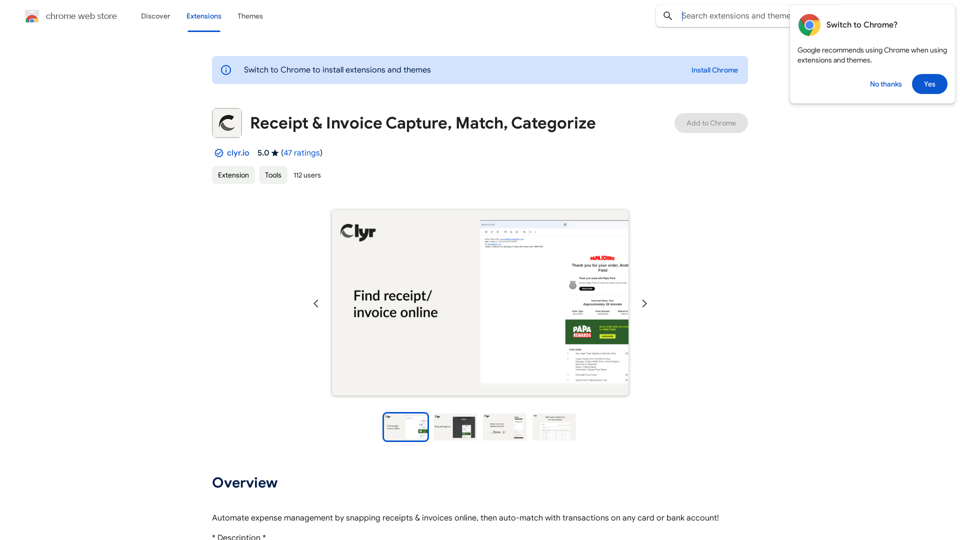
Automatically manage your expenses by taking pictures of your receipts and invoices online. They will then be automatically matched with transactions on any of your credit cards or bank accounts!
193.90 M
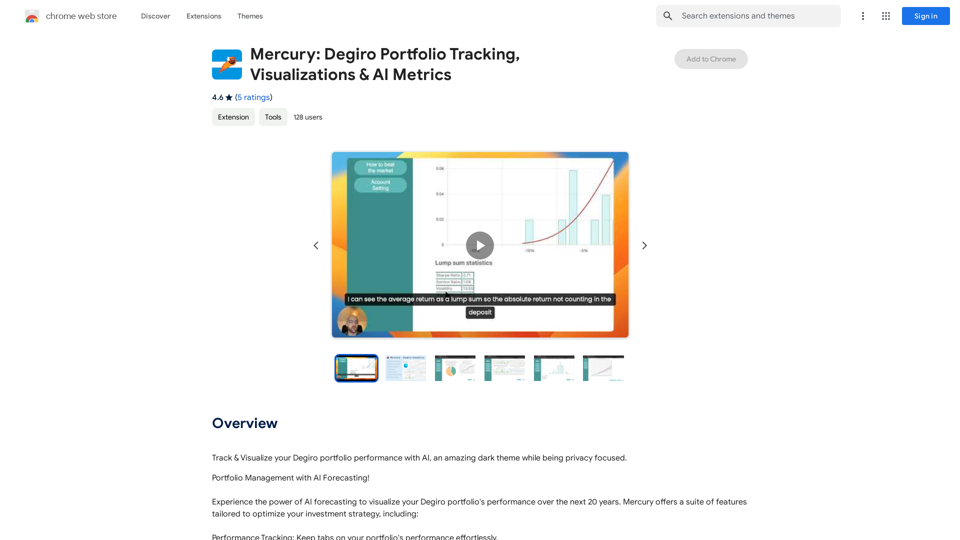
Mercury: Degiro Portfolio Tracking, Visualizations & AI Metrics
Mercury: Degiro Portfolio Tracking, Visualizations & AI MetricsTrack and visualize your Degiro portfolio performance with AI, featuring an amazing dark theme and a focus on privacy.
193.90 M
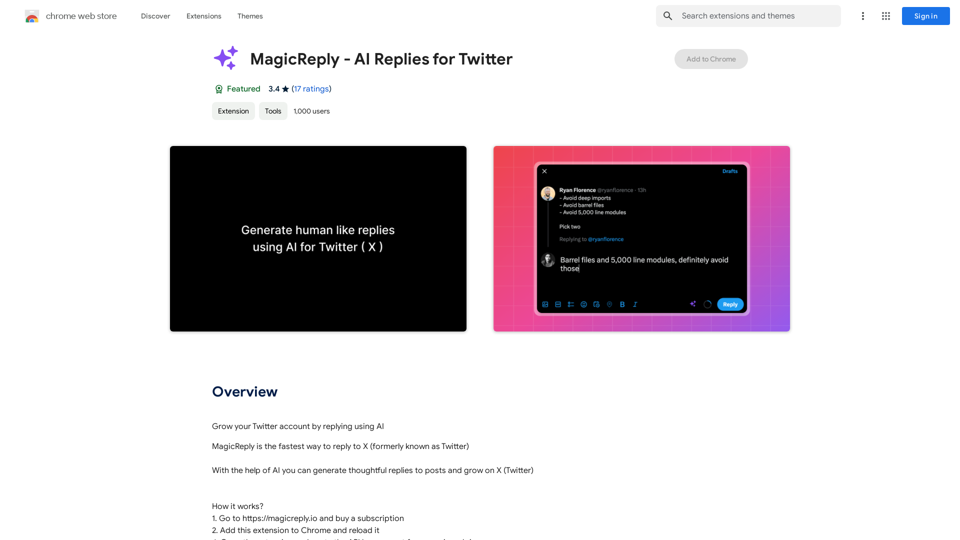
Grow Your Twitter Account by Replying Using AI Are you tired of manually responding to tweets and struggling to grow your Twitter account? Do you want to increase your online presence and engage with your audience more efficiently? Look no further! This article will show you how to grow your Twitter account by replying using AI. What is AI-powered Twitter reply? AI-powered Twitter reply is a technology that uses artificial intelligence to automatically respond to tweets. This innovative tool analyzes the content of incoming tweets and generates a relevant response based on the context. With AI-powered Twitter reply, you can save time and effort while increasing your online engagement. Benefits of using AI-powered Twitter reply 1. Increased efficiency Manually responding to tweets can be time-consuming, especially if you have a large following. AI-powered Twitter reply automates the process, allowing you to focus on other important tasks. 2. Improved engagement AI-powered Twitter reply helps you respond to tweets quickly, which increases the chances of starting a conversation and building relationships with your followers. 3. Personalized responses AI-powered Twitter reply can be customized to fit your brand's voice and tone, ensuring that your responses are personalized and consistent. 4. Scalability As your Twitter account grows, AI-powered Twitter reply can handle a large volume of tweets, ensuring that you never miss a response. How to use AI-powered Twitter reply 1. Choose an AI-powered Twitter reply tool There are several AI-powered Twitter reply tools available, such as [Tool 1], [Tool 2], and [Tool 3]. Research and choose the one that best fits your needs. 2. Set up your AI-powered Twitter reply Once you've chosen a tool, set it up by connecting your Twitter account and customizing your responses. 3. Monitor and adjust Monitor your AI-powered Twitter reply's performance and adjust the settings as needed to ensure that your responses are relevant and engaging. Conclusion Growing your Twitter account requires consistent engagement and timely responses. AI-powered Twitter reply is a game-changer that can help you achieve this goal. By automating your responses, you can increase efficiency, improve engagement, and personalize your interactions. Try AI-powered Twitter reply today and watch your Twitter account thrive!
193.90 M
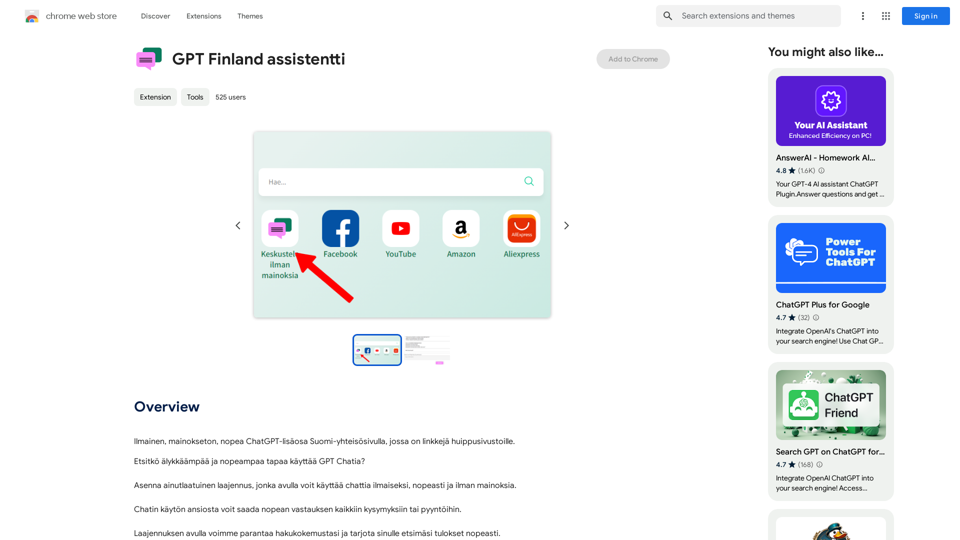
Free, ad-free, fast ChatGPT add-on on the Finnish community page, which has links to top-notch websites.
193.90 M