Open-source RightAI Tools Directory
  • Discover AI
  • Submit
  • Startup
  • Blog
Open-source RightAI Tools Directory
Discover the best AI tools of 2025 with the RightAI Tools Directory!

Friend Links

AI Anime GeneratorToolsApp AI

Support

Tap4
Privacy policyTerms & ConditionsContact Us
Loading...
loading...

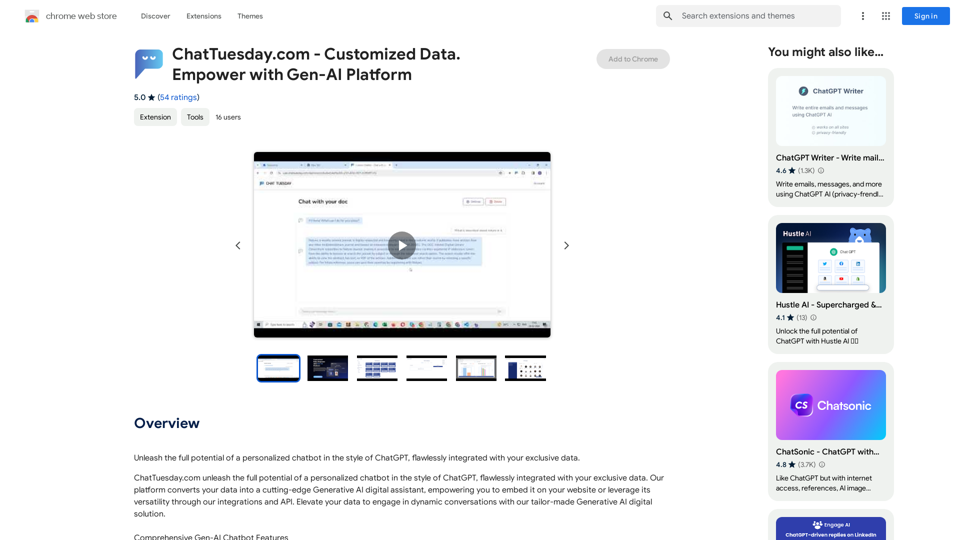
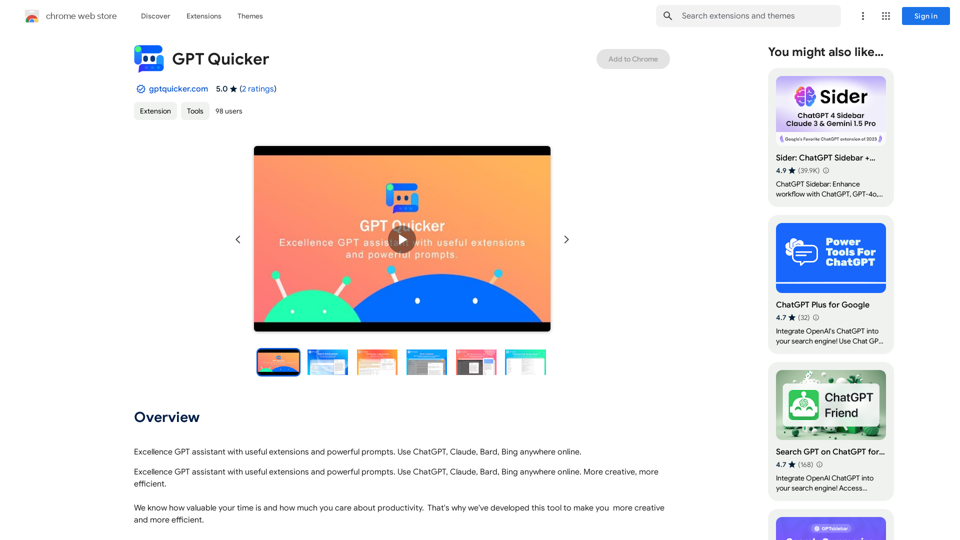
Faster GPT

Excellent GPT assistant with useful extensions and powerful prompts. Use ChatGPT, Claude, Bard, Bing on any website.
Visit Website
Faster GPT
Visit Website

Introduction

GPT Quicker is a versatile web extension that integrates AI-powered tools to boost productivity and creativity. It seamlessly incorporates ChatGPT, Claude, Bard, and Bing across various online platforms, offering a range of features from text enhancement to email management. This tool is designed to streamline online tasks and provide intelligent assistance for diverse digital activities.

Feature

AI-Powered Web Extension Functions

  • Text selection for reading and writing
  • Search enhancement with AI synchronization
  • Email management assistance
  • Upcoming features: Facebook, Twitter, YouTube assistants, PDF AI reader, webpage summary, and parallel translation

Efficient Shortcut Chat

  • Easy access via sidebar icon
  • Seamless conversation transfer to shortcut chat
  • Quick prompt selection with slash command and fuzzy search

Full-Screen Mode

  • Immersive environment for creativity and assistance
  • Grouped quicker prompts with detailed formulas and examples
  • Saved chat history for easy reference and continuation
  • Multi-AI integration in a single chatbox

User-Friendly Interface

  • Simple installation process
  • Intuitive shortcut chat for quick access to AI tools
  • Customizable experience with various prompts and AI options

Pricing Model

  • Free basic version available
  • Subscription option for advanced features and extended access

FAQ

What are the key benefits of using GPT Quicker?

GPT Quicker offers:

  • Enhanced productivity through AI-powered tools
  • Seamless integration with multiple online platforms
  • Quick access to intelligent assistance for various tasks
  • Customizable experience with different AI options and prompts

How does GPT Quicker improve online search?

GPT Quicker enhances online search by:

  • Synchronizing queries with AI for more effective information retrieval
  • Providing AI-powered insights alongside traditional search results
  • Offering quick summaries and explanations of search content

Can GPT Quicker help with email management?

Yes, GPT Quicker assists with email management by:

  • Quickly summarizing email content
  • Highlighting key points in emails
  • Providing AI-generated reply suggestions

Is GPT Quicker compatible with different AI models?

GPT Quicker supports multiple AI models, including:

  • ChatGPT
  • Claude
  • Bard
  • Bing Users can switch between these models in the Multi-AI All-in-One Chatbox.

How does the pricing structure work for GPT Quicker?

GPT Quicker's pricing is as follows:

  • Basic version: Free for all users
  • Advanced features: Available through subscription (details not provided in the given content)

Related Websites
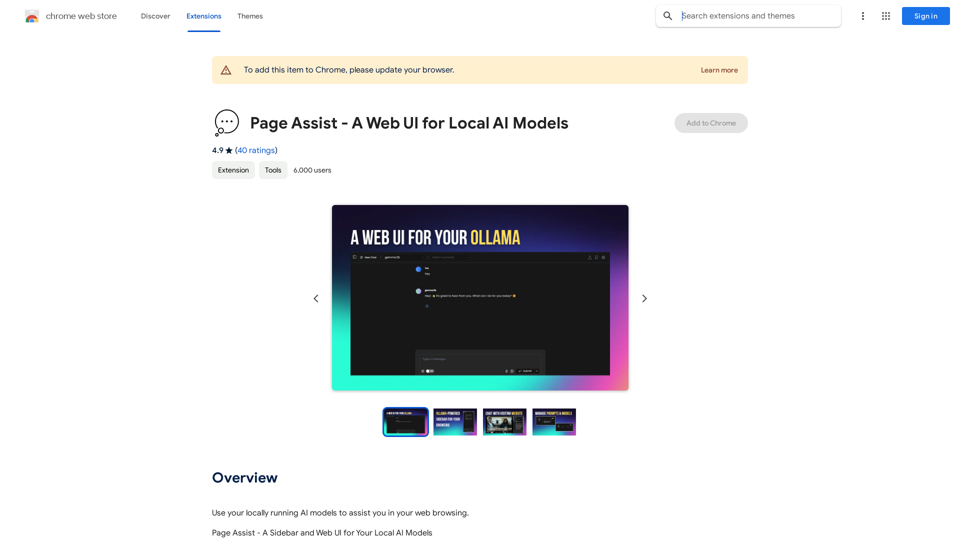
Chrome Web Store
View Detail

Chrome Web Store

Chrome Web Store

Enhance your browser with new features and customize your browsing experience.

193.90 M
Omost | Try Omost for Free Online - AI-Powered Image Generation from Code
View Detail

Omost | Try Omost for Free Online - AI-Powered Image Generation from Code

Omost | Try Omost for Free Online - AI-Powered Image Generation from Code

Omost offers large language model (LLM) models that can generate code to create visual images using Omost's virtual Canvas agent.

0
Notion AI Pro
View Detail

Notion AI Pro

Notion AI Pro

The Best Alternative to a Notion AI Subscription.

193.90 M
MagicMax - Job Application Copilot
View Detail

MagicMax - Job Application Copilot

MagicMax - Job Application Copilot

Automate your job applications with our 1-Click Autofill Solution. Just upload your resume. Powered by ChatGPT-4.

193.90 M
Stability Matrix CivitAI Integration 

This document outlines the integration of Stability Matrix into Civitai. 

What is Stability Matrix?

Stability Matrix is a powerful tool for evaluating and comparing different AI models. It provides a comprehensive set of metrics to assess model performance across various tasks, including text generation, image generation, and code generation.

Benefits of Integrating Stability Matrix into Civitai:

* Enhanced Model Discovery: Users can easily identify high-performing models based on their desired tasks and preferences.
* Improved Model Selection: The detailed metrics provided by Stability Matrix allow for informed decision-making when choosing a model for a specific project.
* Community-Driven Evaluation: By leveraging the collective wisdom of the Civitai community, Stability Matrix fosters a transparent and collaborative approach to model evaluation.
* Accelerated Model Development: Developers can use Stability Matrix to track the progress of their models and identify areas for improvement.

Implementation Details:

* Stability Matrix scores will be displayed alongside model descriptions on Civitai.
* Users will be able to filter models based on their Stability Matrix scores.
* The integration will initially focus on text generation and image generation models.

Future Enhancements:

* Expand support for additional model types, such as code generation models.
* Implement interactive visualizations of Stability Matrix data.
* Allow users to contribute their own model evaluations to the platform.
View Detail

Stability Matrix CivitAI Integration This document outlines the integration of Stability Matrix into Civitai. What is Stability Matrix? Stability Matrix is a powerful tool for evaluating and comparing different AI models. It provides a comprehensive set of metrics to assess model performance across various tasks, including text generation, image generation, and code generation. Benefits of Integrating Stability Matrix into Civitai: * Enhanced Model Discovery: Users can easily identify high-performing models based on their desired tasks and preferences. * Improved Model Selection: The detailed metrics provided by Stability Matrix allow for informed decision-making when choosing a model for a specific project. * Community-Driven Evaluation: By leveraging the collective wisdom of the Civitai community, Stability Matrix fosters a transparent and collaborative approach to model evaluation. * Accelerated Model Development: Developers can use Stability Matrix to track the progress of their models and identify areas for improvement. Implementation Details: * Stability Matrix scores will be displayed alongside model descriptions on Civitai. * Users will be able to filter models based on their Stability Matrix scores. * The integration will initially focus on text generation and image generation models. Future Enhancements: * Expand support for additional model types, such as code generation models. * Implement interactive visualizations of Stability Matrix data. * Allow users to contribute their own model evaluations to the platform.

Stability Matrix CivitAI Integration This document outlines the integration of Stability Matrix into Civitai. What is Stability Matrix? Stability Matrix is a powerful tool for evaluating and comparing different AI models. It provides a comprehensive set of metrics to assess model performance across various tasks, including text generation, image generation, and code generation. Benefits of Integrating Stability Matrix into Civitai: * Enhanced Model Discovery: Users can easily identify high-performing models based on their desired tasks and preferences. * Improved Model Selection: The detailed metrics provided by Stability Matrix allow for informed decision-making when choosing a model for a specific project. * Community-Driven Evaluation: By leveraging the collective wisdom of the Civitai community, Stability Matrix fosters a transparent and collaborative approach to model evaluation. * Accelerated Model Development: Developers can use Stability Matrix to track the progress of their models and identify areas for improvement. Implementation Details: * Stability Matrix scores will be displayed alongside model descriptions on Civitai. * Users will be able to filter models based on their Stability Matrix scores. * The integration will initially focus on text generation and image generation models. Future Enhancements: * Expand support for additional model types, such as code generation models. * Implement interactive visualizations of Stability Matrix data. * Allow users to contribute their own model evaluations to the platform.

This extension adds a button to the CivitAI interface that allows you to download a given model with Stability Matrix.

193.90 M
Voice, dim.
View Detail

Voice, dim.

Voice, dim.

Control the brightness of your lights with your voice.

193.90 M
Smart Template - DocumentAI 


This is a placeholder for content about Smart Templates in DocumentAI. 

Please provide me with the content you'd like me to translate.
View Detail

Smart Template - DocumentAI This is a placeholder for content about Smart Templates in DocumentAI. Please provide me with the content you'd like me to translate.

Smart Template - DocumentAI This is a placeholder for content about Smart Templates in DocumentAI. Please provide me with the content you'd like me to translate.

Boost your productivity with the best tool around, making it easy to create and edit documents and saving you precious time.

193.90 M
Prompt Support
View Detail

Prompt Support

Prompt Support

Maximize the Effectiveness of Your GPT Engine Prompts 1. Be Clear and Specific: * Instead of: "Write about dogs." * Try: "Write a 500-word essay about the history and characteristics of Golden Retrievers." 2. Provide Context: * Instead of: "Summarize this article." * Try: "Summarize the main arguments presented in this article about the impact of social media on teenagers." 3. Set the Tone and Style: * Instead of: "Write a story." * Try: "Write a humorous short story about a cat who thinks it's a dog." 4. Define the Desired Format: * Instead of: "Create a poem." * Try: "Write a rhyming sonnet about the beauty of a sunset." 5. Use Examples: * Instead of: "Generate some creative writing ideas." * Try: "Generate some creative writing ideas similar to the style of Edgar Allan Poe." 6. Break Down Complex Tasks: * Instead of: "Write a business plan." * Try: * "Outline the key components of a business plan for a new coffee shop." * "Write a section of the business plan focusing on the target market." 7. Refine Your Prompts: * Experiment with different wording: See what yields the best results. * Iterate on your prompts: Build upon previous responses to get closer to your desired outcome. By following these tips, you can craft more effective prompts that will help you get the most out of your GPT engine.

193.90 M