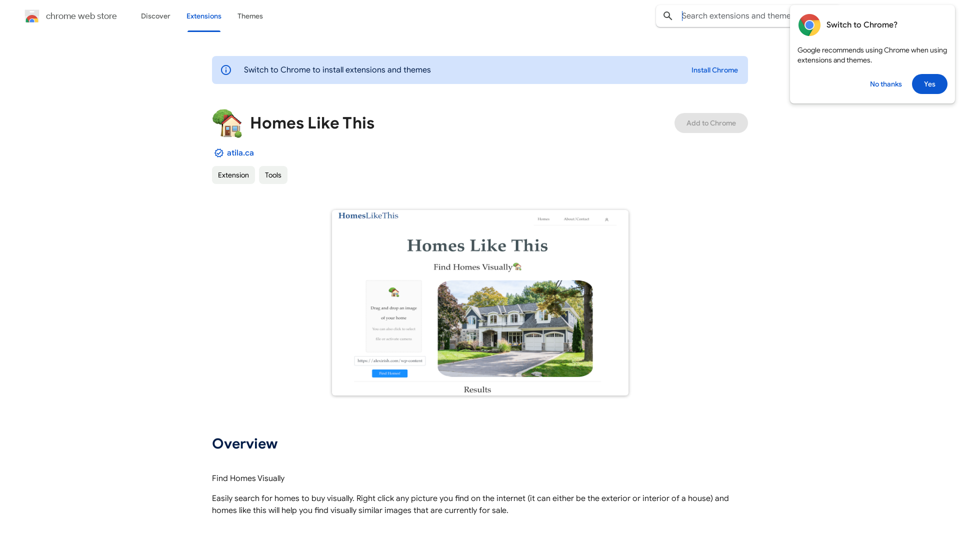
Find Homes Visually is a Chrome extension designed to simplify the process of finding homes for sale based on visual similarities. Created by the owner of atila.ca, this tool allows users to search for properties by right-clicking on any image of a house they find online. The extension then finds visually similar homes currently on the market, making house hunting more intuitive and visually-driven.
Homes Like This
Find Homes Visually
Introduction
Feature
Visual Property Search
Right-click on any image of a house (exterior or interior) found on the internet to initiate a search for visually similar properties currently for sale.
User-Friendly Interface
The extension integrates seamlessly with Chrome, allowing for easy access and use directly from the browser's context menu.
Versatile Search Capabilities
Find Homes Visually can be used to search for various types of properties, including residential homes, commercial properties, and apartments.
Free to Use
The extension is available for free download and use, making it accessible to all users interested in visual property searches.
Compatibility with Public Images
The tool is designed to work with publicly available images of properties, ensuring ethical use of visual data.
FAQ
How do I use Find Homes Visually?
- Install the extension from the Chrome Web Store.
- Right-click on any picture of a house you find on the internet.
- Select "Find Homes Visually" from the context menu to search for visually similar properties currently for sale.
Is Find Homes Visually compatible with all images?
The extension may not work with all types of images. If it doesn't work with one picture, try using different images of properties.
Can I use Find Homes Visually for commercial properties?
Yes, the extension can be used to find similar images of commercial properties and apartments, in addition to residential homes.
Is there any information about data collection and usage?
The developer has not provided specific information about data collection or usage practices for this extension.
Related Websites
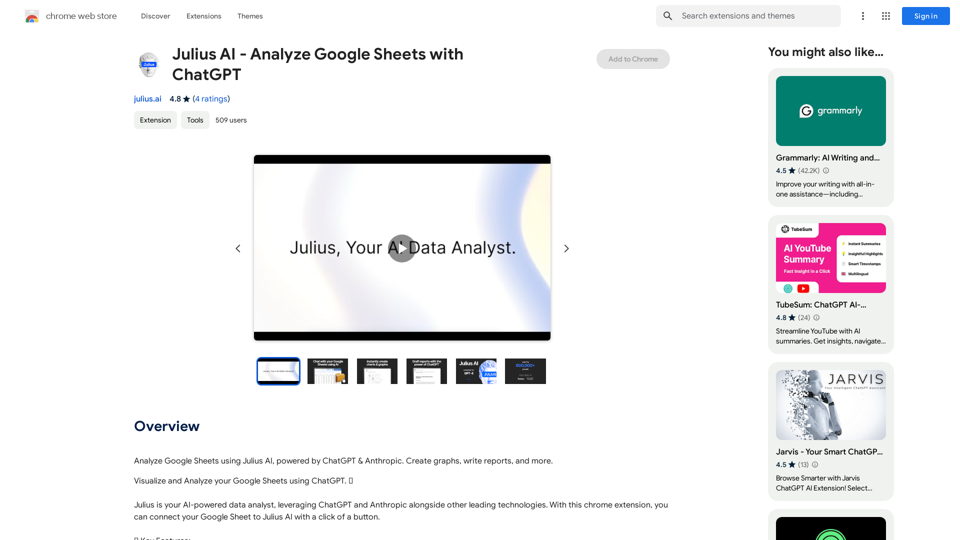
Julius AI - Analyze Google Sheets with ChatGPT This is a powerful tool that combines the analytical capabilities of ChatGPT with the data organization of Google Sheets. Imagine being able to ask natural language questions about your spreadsheet data and get insightful answers instantly. Julius AI makes this a reality. Here's how it works: * Connect your Google Sheet: Easily link your spreadsheet to Julius AI. * Ask ChatGPT to analyze: Use natural language to ask questions about your data. For example, "What is the average sales for product X?" or "Show me the top 5 customers by revenue." * Get clear, concise answers: Julius AI will leverage ChatGPT's understanding of language and your spreadsheet data to provide you with accurate and easy-to-understand answers. Julius AI empowers you to: * Uncover hidden insights: Discover patterns and trends in your data that you might have missed. * Make data-driven decisions: Use the insights gained from Julius AI to make informed business decisions. * Save time and effort: Stop spending hours manually analyzing data. Let Julius AI do the heavy lifting for you. Julius AI is the perfect tool for anyone who wants to unlock the power of their Google Sheets data.
Julius AI - Analyze Google Sheets with ChatGPT This is a powerful tool that combines the analytical capabilities of ChatGPT with the data organization of Google Sheets. Imagine being able to ask natural language questions about your spreadsheet data and get insightful answers instantly. Julius AI makes this a reality. Here's how it works: * Connect your Google Sheet: Easily link your spreadsheet to Julius AI. * Ask ChatGPT to analyze: Use natural language to ask questions about your data. For example, "What is the average sales for product X?" or "Show me the top 5 customers by revenue." * Get clear, concise answers: Julius AI will leverage ChatGPT's understanding of language and your spreadsheet data to provide you with accurate and easy-to-understand answers. Julius AI empowers you to: * Uncover hidden insights: Discover patterns and trends in your data that you might have missed. * Make data-driven decisions: Use the insights gained from Julius AI to make informed business decisions. * Save time and effort: Stop spending hours manually analyzing data. Let Julius AI do the heavy lifting for you. Julius AI is the perfect tool for anyone who wants to unlock the power of their Google Sheets data.Use Julius AI, which is powered by ChatGPT and Anthropic, to analyze your Google Sheets data. You can create charts, write reports, and do other tasks.
193.90 M
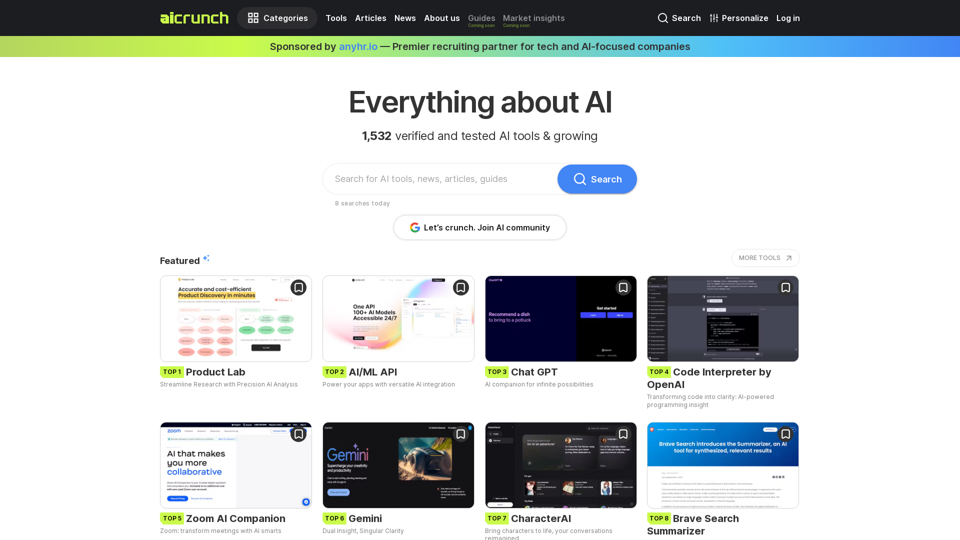
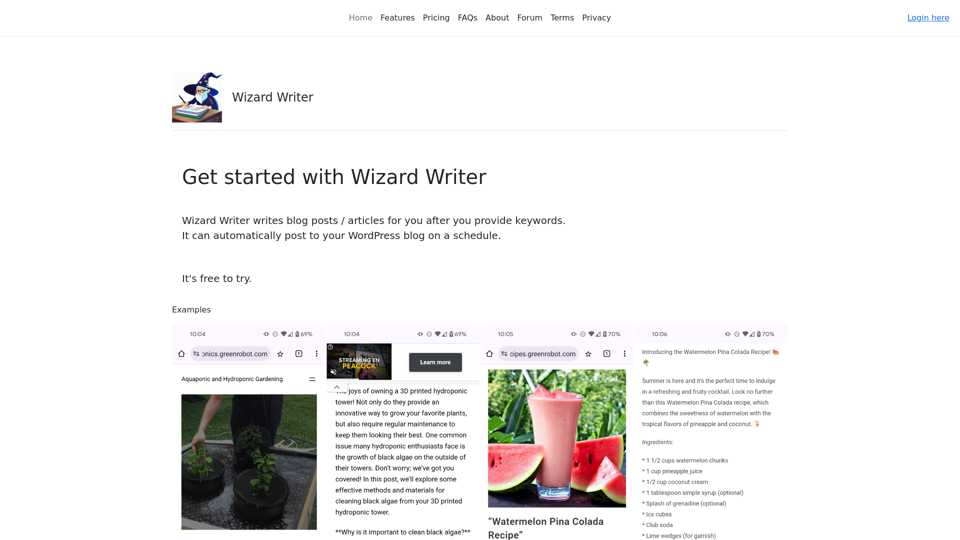
Wizard Writer is an AI-powered platform that gives you access to many different AI tools for a variety of uses, such as writing text and creating content.
0
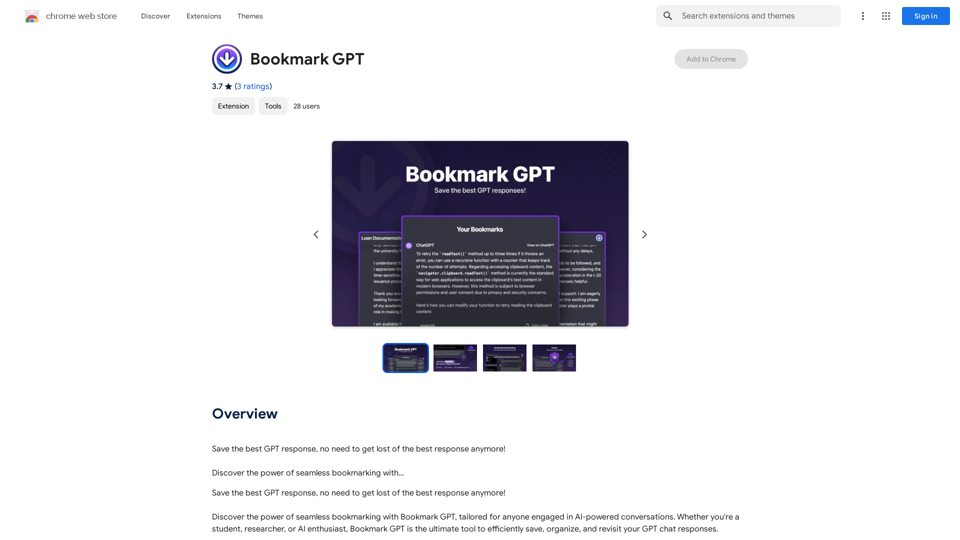
Save the best GPT response, no need to get lost of the best response anymore! Discover the power of seamless bookmarking with...
193.90 M
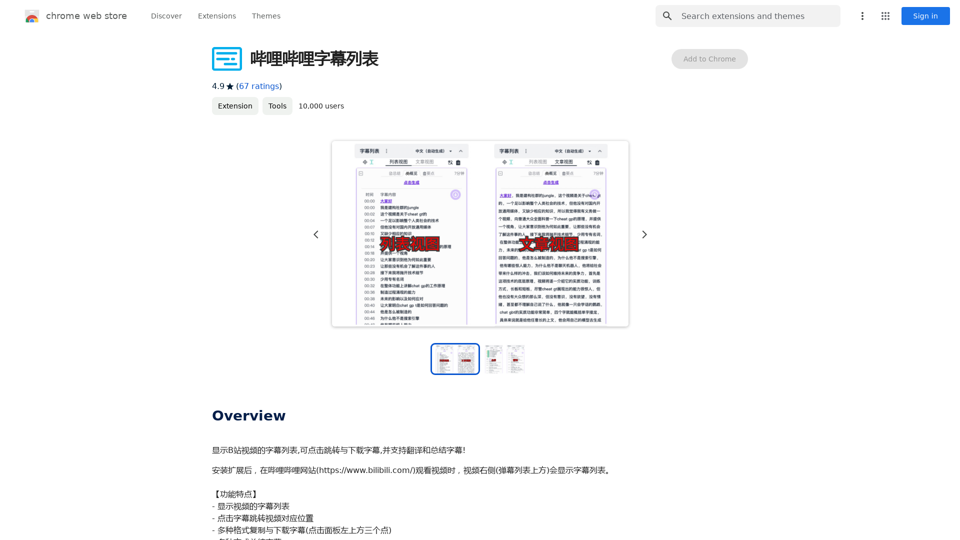
Display a list of Bilibili video subtitles, allowing you to click to jump and download subtitles, and supporting translation and summary of subtitles!
193.90 M
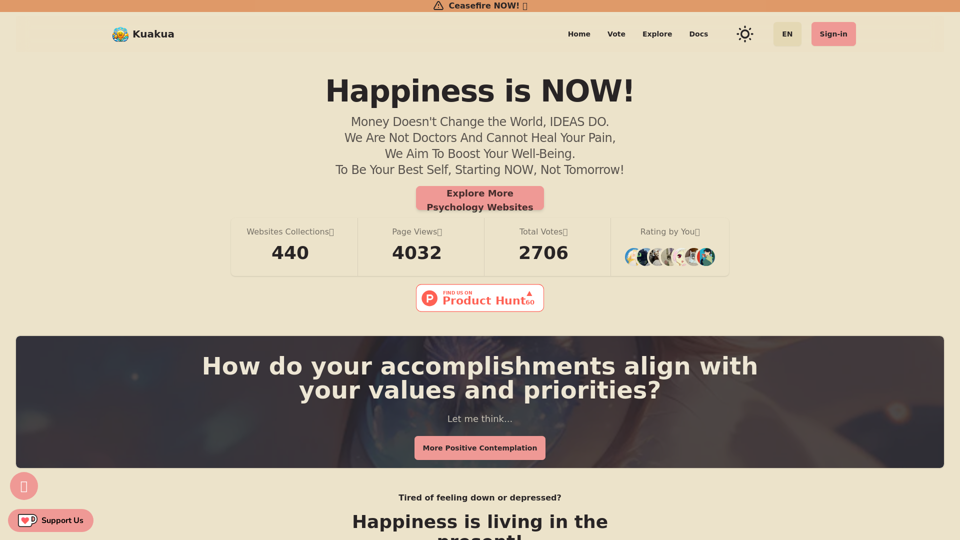
Explore psychology, AI tools, mindfulness, lifestyle, and therapy resources. Find happy languages, tasks, websites, and apps to boost your well-being and happiness.
0
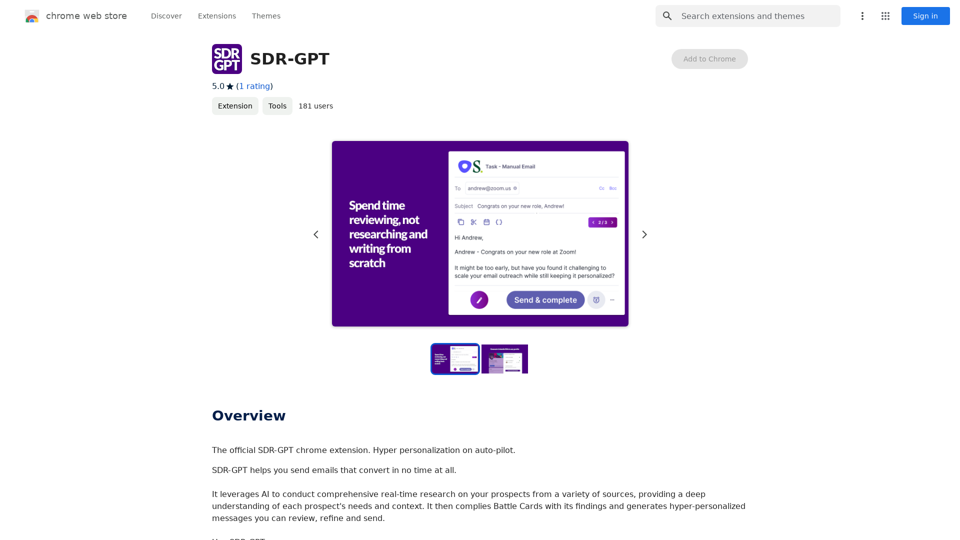
Software Defined Radio - Generative Pre-trained Transformer
Software Defined Radio - Generative Pre-trained TransformerThe official SDR-GPT Chrome extension. Hyper-personalization on autopilot.
193.90 M