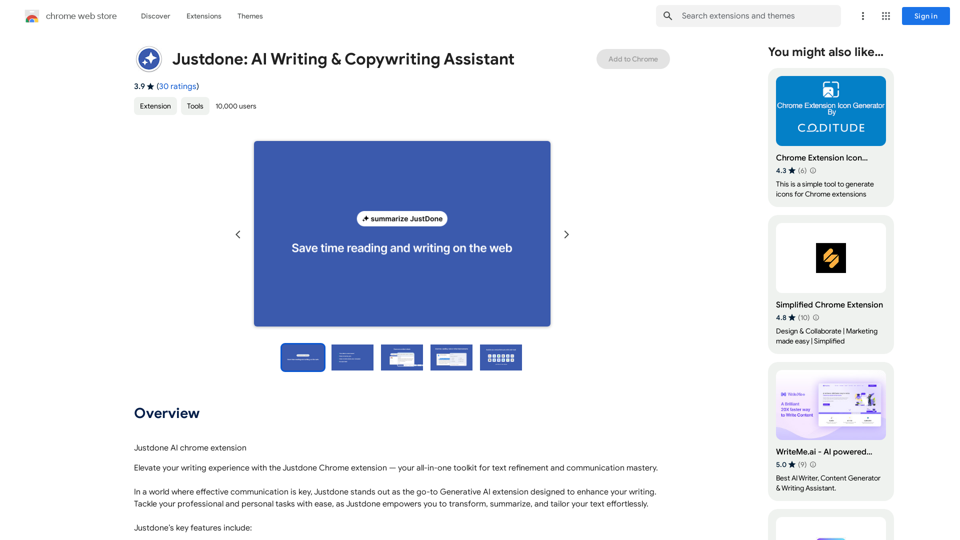
Justdone is a powerful Generative AI Chrome extension designed to enhance your writing experience. This all-in-one toolkit offers a range of features for text refinement and communication mastery, allowing users to effortlessly transform, summarize, and tailor their text. With Justdone, you can improve your writing, paraphrase content, summarize lengthy texts, simplify complex information, and adjust the tone of your messages to suit various contexts.
Justdone: AI Writing & Copywriting Assistant
Justdone AI Chrome Extension
Introduction
Feature
Text Improvement
Justdone's innovative text improvement tool refines your writing with precision, ensuring your message resonates at its best. This feature works on various text lengths, from individual words to entire documents.
Paraphrasing Capability
Embrace diversity in expression by effortlessly rephrasing sentences and paragraphs. This tool adds versatility to your communication style while maintaining clarity.
Text Summarization
Streamline your reading experience by condensing lengthy content. Justdone's summarization feature allows you to grasp the essence of information in half the time.
Text Simplification
Cut through complexity with Justdone's text simplification feature. This tool ensures your message is clear and easily understandable, whether you're drafting emails, documents, or messages.
Tone Adjustment
Informal Tone
Infuse a touch of informality into your communication effortlessly. This feature lets you strike the right balance between professionalism and approachability.
Formal Tone
Tailor your tone to suit formal contexts seamlessly. The formal tone tool refines your writing, making it suitable for professional correspondence and formal documents.
Free Chrome Extension
Justdone is available as a free Chrome extension, allowing users to experience its features on all preferred websites and web applications without any subscription fees or limitations.
FAQ
Is Justdone a paid extension?
No, Justdone is a free extension with no subscription fees. You can use all its features without any limitations.
Can I use Justdone on multiple devices?
Yes, as a Chrome extension, Justdone can be used on any device where you have Chrome installed and signed in to your account.
How do I get started with Justdone?
To get started, simply install the Justdone Chrome extension from the Chrome Web Store. Once installed, you're ready to use its features to elevate your writing experience.
What types of text can I improve with Justdone?
Justdone can improve various types of text, from individual words to entire documents. It's suitable for emails, documents, messages, and any other form of written communication.
Can Justdone help with academic writing?
While not specifically designed for academic writing, Justdone's features like text improvement, summarization, and formal tone adjustment can be beneficial for academic purposes. However, always ensure to follow your institution's guidelines on the use of AI tools.
Related Websites
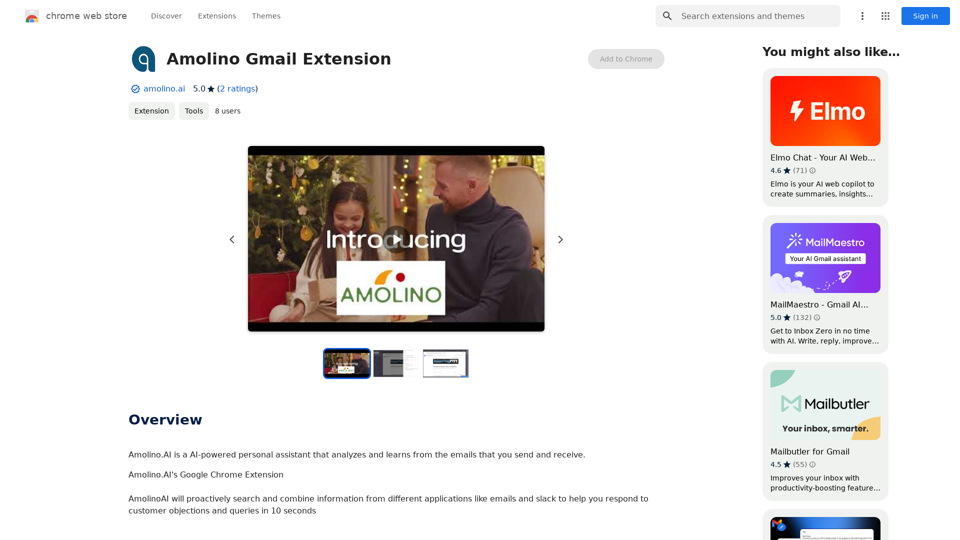
Amolino.AI is an AI-powered personal assistant that analyzes and learns from the emails you send and receive.
193.90 M
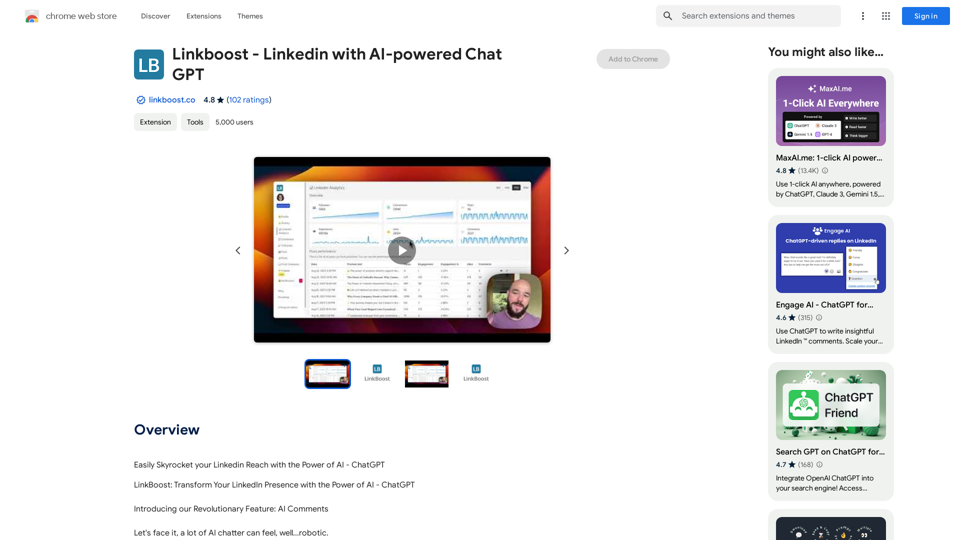
Easily Skyrocket Your LinkedIn Reach with the Power of AI - ChatGPT Let's face it, standing out on LinkedIn can be tough. But what if you could leverage the incredible power of AI to supercharge your profile and connections? That's where ChatGPT comes in. This revolutionary AI tool can help you: * Craft compelling content: Say goodbye to writer's block! ChatGPT can help you generate engaging posts, articles, and even personalized messages that resonate with your audience. * Optimize your profile: Make sure your LinkedIn profile shines! ChatGPT can suggest improvements to your headline, summary, and experience descriptions, helping you attract more views and connections. * Automate your outreach: Spend less time manually sending messages and more time building relationships. ChatGPT can help you draft personalized connection requests and follow-up messages that get results. * Unlock valuable insights: Gain a deeper understanding of your network and industry trends. ChatGPT can analyze your connections and content performance, providing actionable insights to improve your strategy. Ready to take your LinkedIn game to the next level? ChatGPT is your secret weapon.
193.90 M
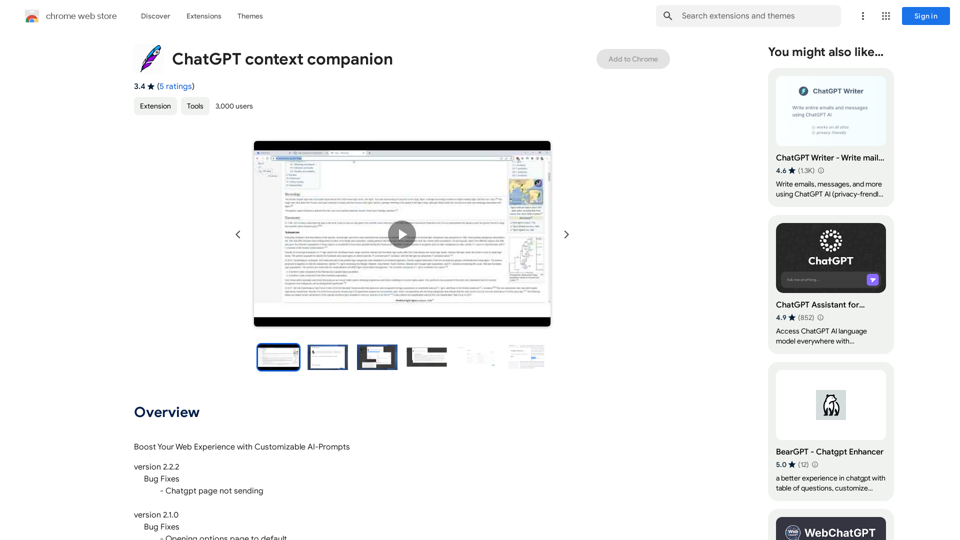
ChatGPT Context Companion The ChatGPT Context Companion is an innovative tool designed to enhance the conversational experience with ChatGPT, a cutting-edge language model. This companion tool provides users with a more comprehensive and engaging interaction by offering real-time suggestions, relevant information, and personalized responses. Key Features * Real-time Suggestions: The Context Companion provides users with relevant suggestions based on the conversation, enabling them to explore new topics, ask follow-up questions, or delve deeper into a subject. * Relevant Information: The tool offers users access to a vast knowledge base, providing them with accurate and up-to-date information on a wide range of topics, from science and history to entertainment and culture. * Personalized Responses: By analyzing the conversation context, the Context Companion generates personalized responses that cater to the user's interests, preferences, and communication style. Benefits * Enhanced Engagement: The ChatGPT Context Companion fosters a more engaging and interactive conversation, encouraging users to explore new ideas, ask questions, and learn from the conversation. * Improved Understanding: By providing users with relevant information and suggestions, the tool helps to clarify complex topics, resolve misunderstandings, and promote a deeper understanding of the subject matter. * Increased Productivity: The Context Companion saves users time and effort by offering quick access to relevant information, enabling them to focus on the conversation and achieve their goals more efficiently. Applications * Education: The ChatGPT Context Companion is an invaluable resource for students, teachers, and researchers, providing them with a wealth of information, suggestions, and insights to support their learning and research endeavors. * Business: The tool is an excellent communication aid for professionals, enabling them to access relevant information, generate ideas, and respond to customer inquiries more effectively. * Entertainment: The Context Companion adds a new dimension to online conversations, making them more engaging, informative, and enjoyable for users.
ChatGPT Context Companion The ChatGPT Context Companion is an innovative tool designed to enhance the conversational experience with ChatGPT, a cutting-edge language model. This companion tool provides users with a more comprehensive and engaging interaction by offering real-time suggestions, relevant information, and personalized responses. Key Features * Real-time Suggestions: The Context Companion provides users with relevant suggestions based on the conversation, enabling them to explore new topics, ask follow-up questions, or delve deeper into a subject. * Relevant Information: The tool offers users access to a vast knowledge base, providing them with accurate and up-to-date information on a wide range of topics, from science and history to entertainment and culture. * Personalized Responses: By analyzing the conversation context, the Context Companion generates personalized responses that cater to the user's interests, preferences, and communication style. Benefits * Enhanced Engagement: The ChatGPT Context Companion fosters a more engaging and interactive conversation, encouraging users to explore new ideas, ask questions, and learn from the conversation. * Improved Understanding: By providing users with relevant information and suggestions, the tool helps to clarify complex topics, resolve misunderstandings, and promote a deeper understanding of the subject matter. * Increased Productivity: The Context Companion saves users time and effort by offering quick access to relevant information, enabling them to focus on the conversation and achieve their goals more efficiently. Applications * Education: The ChatGPT Context Companion is an invaluable resource for students, teachers, and researchers, providing them with a wealth of information, suggestions, and insights to support their learning and research endeavors. * Business: The tool is an excellent communication aid for professionals, enabling them to access relevant information, generate ideas, and respond to customer inquiries more effectively. * Entertainment: The Context Companion adds a new dimension to online conversations, making them more engaging, informative, and enjoyable for users.Boost Your Web Experience with Customizable AI-Prompts
193.90 M
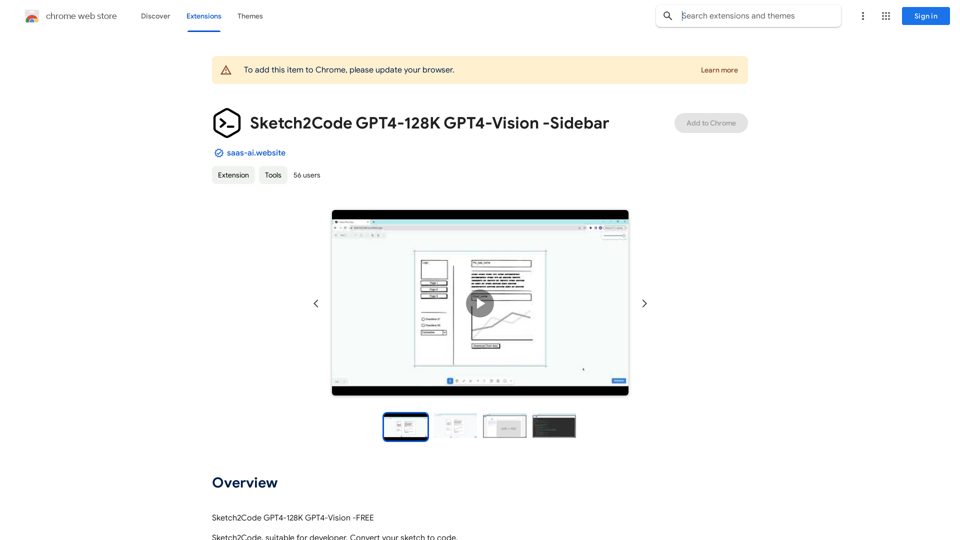
Sketch2Code GPT4-128K GPT4-Vision - Sidebar This is a simple sidebar for a Sketch2Code application powered by GPT4-128K and GPT4-Vision. It likely contains: * Upload Sketch: A button or area to upload an image sketch. * Code Generation Options: Settings to choose the programming language, desired code complexity, or other generation parameters. * Output Code: A display area to show the generated code. * Clear Output: A button to clear the generated code. Let me know if you'd like me to elaborate on any specific aspect of the sidebar!
Sketch2Code GPT4-128K GPT4-Vision - Sidebar This is a simple sidebar for a Sketch2Code application powered by GPT4-128K and GPT4-Vision. It likely contains: * Upload Sketch: A button or area to upload an image sketch. * Code Generation Options: Settings to choose the programming language, desired code complexity, or other generation parameters. * Output Code: A display area to show the generated code. * Clear Output: A button to clear the generated code. Let me know if you'd like me to elaborate on any specific aspect of the sidebar!Sketch2Code GPT4-128K GPT4-Vision - FREE
193.90 M