Kerqu.Ai is a comprehensive AI-powered platform designed for e-commerce sellers. It offers a one-stop solution that combines content generation, image creation, and customer service capabilities. By leveraging advanced AI technologies, Kerqu.Ai aims to streamline workflows, optimize content, and enhance customer service for online businesses.
Kerqu.Ai
Essential AI Tools for Cross-Border Business, All-in-One Content Generator
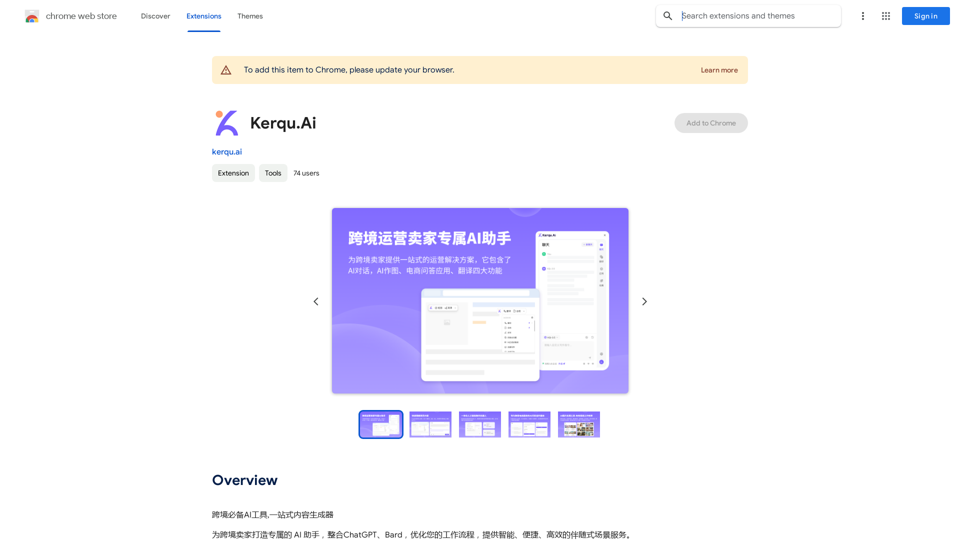
Introduction
Feature
AI Dialog System
- Supports multiple chatbot models:
- ChatGPT 3.5
- GPT-4
- GPT-4 Vision
- Gemini Pro
- Gemini Pro Vision
- AI-powered customer service and product recommendations
- Multilingual support for 14 languages
AI Art Generation
- Creates product images, backgrounds, and models
- Image editing functions:
- Resizing
- Cropping
- Text overlay
- High-quality image generation with minimal human input
E-commerce Q&A Application
- 200+ e-commerce question templates across various product categories
- AI-powered system for accurate and relevant customer inquiry responses
- Multilingual support for global customer service
FAQ
What are the main components of Kerqu.Ai?
Kerqu.Ai consists of three main components:
- AI Dialog System
- AI Art Generation
- E-commerce Q&A Application
How does pricing work for Kerqu.Ai?
Kerqu.Ai offers two pricing tiers:
- Free version with limited features
- Paid version with additional features and support
Pricing plans vary based on:
- Number of users
- Number of products
- Required features
How can e-commerce sellers get started with Kerqu.Ai?
To start using Kerqu.Ai:
- Upload product information and images to the platform
- Utilize the AI chatbot for customer inquiries and recommendations
- Create product images and backgrounds using the AI art generation tool
- Implement the e-commerce Q&A application for customer support
What are some tips for maximizing the benefits of Kerqu.Ai?
- Use the AI chatbot to improve response times and accuracy in customer service
- Leverage the AI art generation tool to create consistent, high-quality product visuals
- Implement the e-commerce Q&A application to provide instant, accurate responses to common customer inquiries
- Utilize the multilingual support to expand your business to international markets
Related Websites
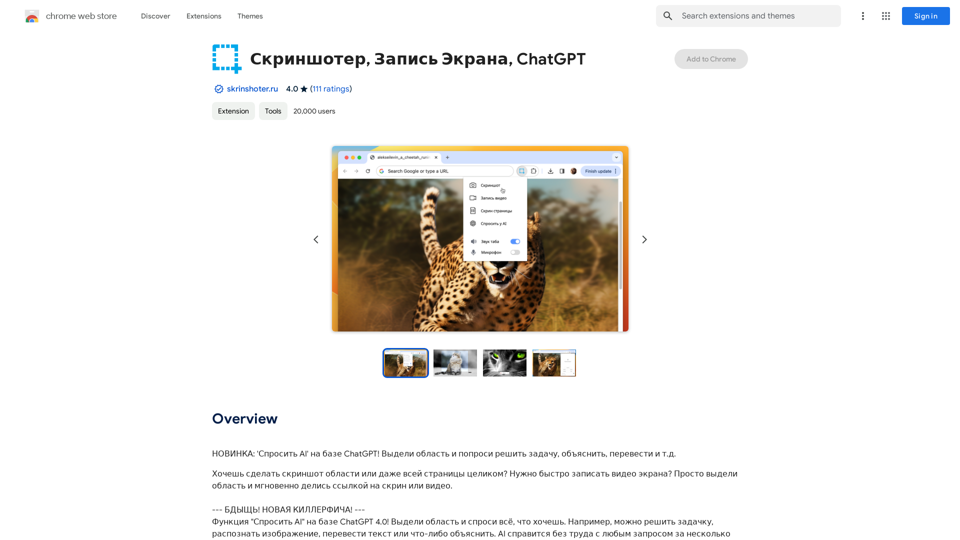
NEW FEATURE: 'Ask AI' based on ChatGPT! Highlight an area and ask it to solve a problem, explain, translate, and more!
193.90 M

Leading Platform for Autonomous Automation & Artificial Intelligence Agents
Leading Platform for Autonomous Automation & Artificial Intelligence AgentsAutonomous AI Agents to automate processes. Used by Fortune 500 companies and startups, our AI agent platform helps organizations build and deploy agents in minutes.
164.60 K
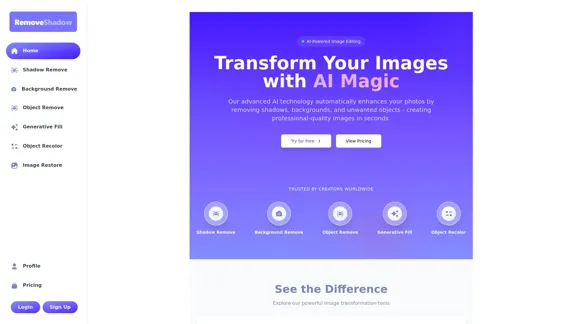
Transform your images with AI-powered technology. Remove shadows, backgrounds, and unwanted objects to create professional-quality photos in seconds.
0
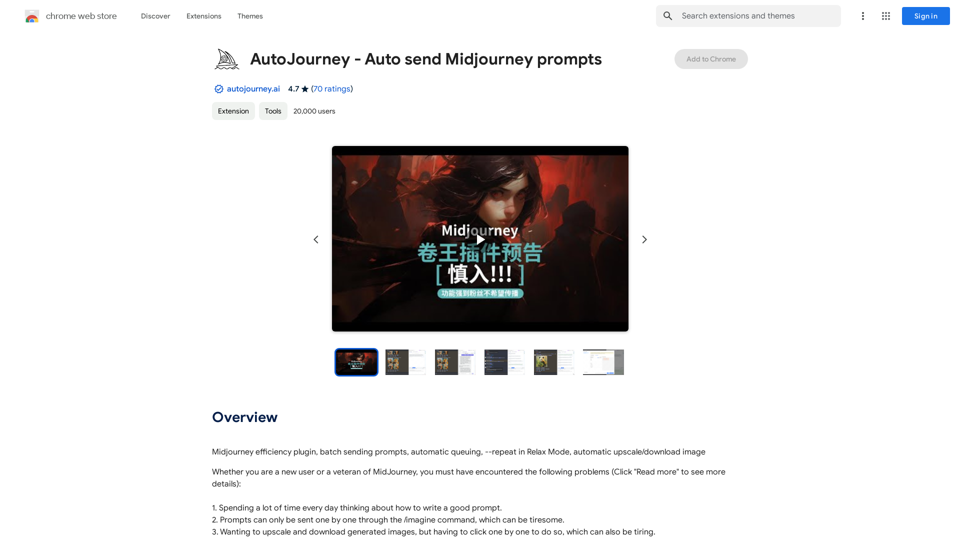
AutoJourney - Automatically Send Midjourney Prompts
AutoJourney - Automatically Send Midjourney PromptsMidjourney Efficiency Plugin: Batch Sending Prompts, Automatic Queuing, Repeat in Relax Mode, and Automatic Upscale/Download Image
193.90 M
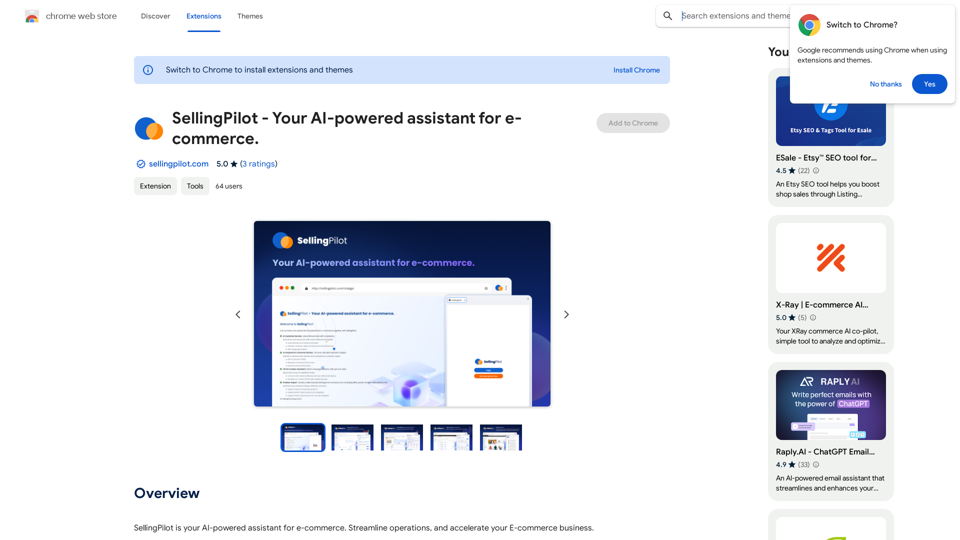
SellingPilot - Your AI-powered assistant for e-commerce.
SellingPilot - Your AI-powered assistant for e-commerce.SellingPilot is your AI-powered assistant for e-commerce. It helps you streamline your operations and accelerate your e-commerce business.
193.90 M
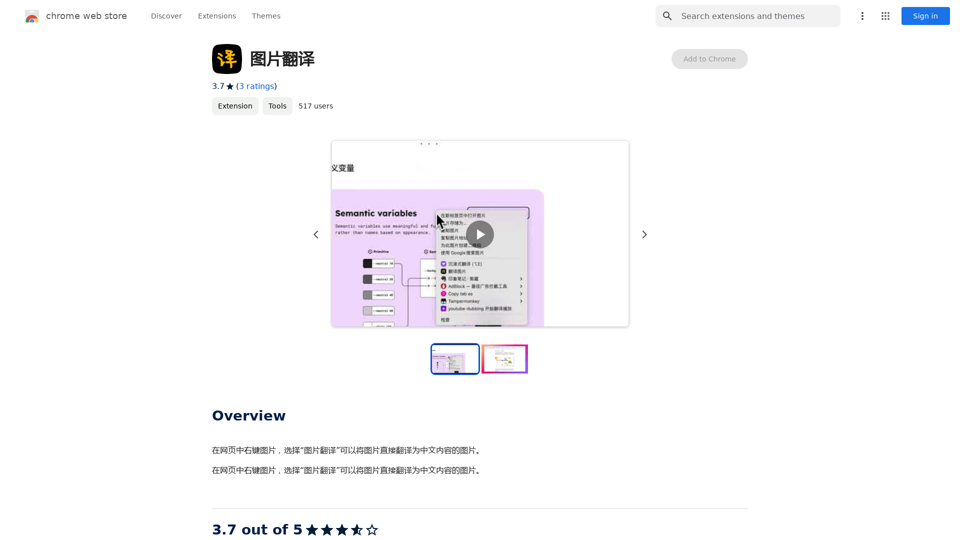
Right-click on an image on a webpage and select "Image Translation" to translate the image directly into Chinese content.
193.90 M
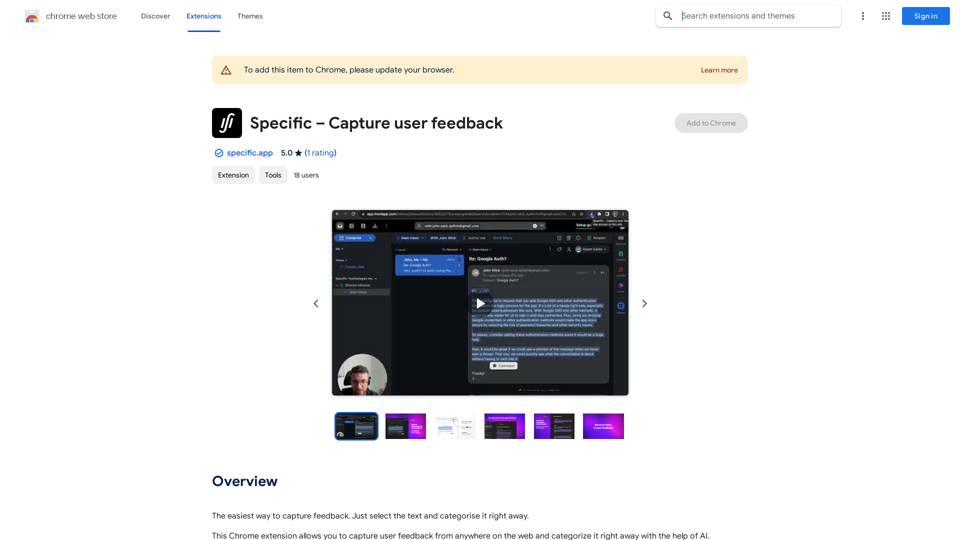
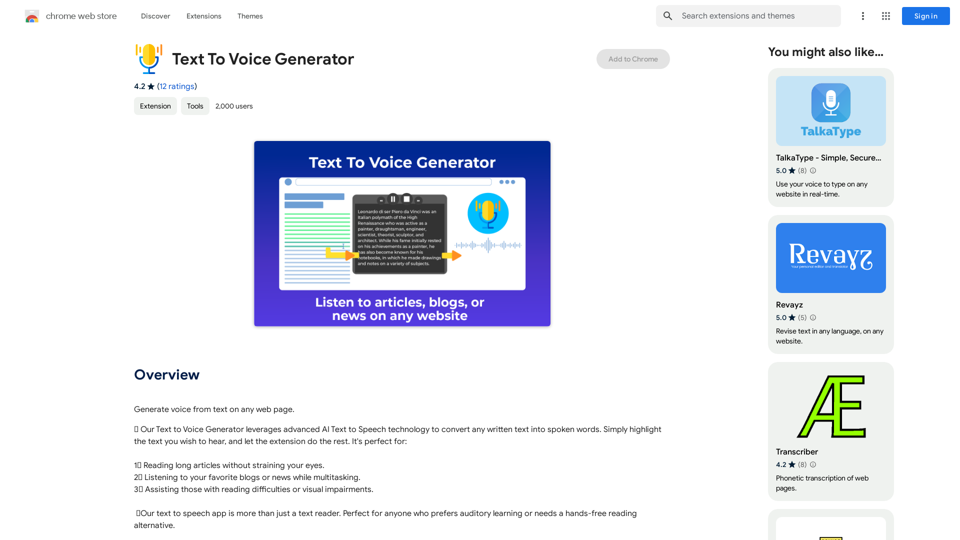
Text to Voice Generator ========================== A text-to-voice generator, also known as a text-to-speech (TTS) system, is a software that converts written text into a spoken voice output. This technology has been widely used in various applications, including virtual assistants, audiobooks, and language learning platforms. How it Works --------------- The process of generating voice from text involves several steps: 1. Text Analysis: The input text is analyzed to identify the language, syntax, and semantics. 2. Phonetic Transcription: The text is converted into a phonetic transcription, which represents the sounds of the spoken language. 3. Prosody Generation: The phonetic transcription is then used to generate the prosody, or rhythm and intonation, of the spoken voice. 4. Waveform Generation: The prosody and phonetic transcription are combined to generate the audio waveform, which is the final spoken voice output. Types of Text-to-Voice Generators ----------------------------------- There are two main types of text-to-voice generators: Rule-Based Systems These systems use a set of predefined rules to generate the spoken voice output. They are often limited in their ability to produce natural-sounding voices and may sound robotic. Machine Learning-Based Systems These systems use machine learning algorithms to learn from large datasets of spoken voices and generate more natural-sounding voices. They are often more advanced and can produce high-quality voice outputs. Applications of Text-to-Voice Generators ----------------------------------------- Text-to-voice generators have a wide range of applications, including: Virtual Assistants Virtual assistants, such as Siri and Alexa, use text-to-voice generators to respond to user queries. Audiobooks Text-to-voice generators can be used to create audiobooks from written texts, making it easier for people to access written content. Language Learning Language learning platforms use text-to-voice generators to provide pronunciation guidance and practice exercises for learners. Accessibility Text-to-voice generators can be used to assist people with disabilities, such as visual impairments, by providing an auditory interface to written content.
Text to Voice Generator ========================== A text-to-voice generator, also known as a text-to-speech (TTS) system, is a software that converts written text into a spoken voice output. This technology has been widely used in various applications, including virtual assistants, audiobooks, and language learning platforms. How it Works --------------- The process of generating voice from text involves several steps: 1. Text Analysis: The input text is analyzed to identify the language, syntax, and semantics. 2. Phonetic Transcription: The text is converted into a phonetic transcription, which represents the sounds of the spoken language. 3. Prosody Generation: The phonetic transcription is then used to generate the prosody, or rhythm and intonation, of the spoken voice. 4. Waveform Generation: The prosody and phonetic transcription are combined to generate the audio waveform, which is the final spoken voice output. Types of Text-to-Voice Generators ----------------------------------- There are two main types of text-to-voice generators: Rule-Based Systems These systems use a set of predefined rules to generate the spoken voice output. They are often limited in their ability to produce natural-sounding voices and may sound robotic. Machine Learning-Based Systems These systems use machine learning algorithms to learn from large datasets of spoken voices and generate more natural-sounding voices. They are often more advanced and can produce high-quality voice outputs. Applications of Text-to-Voice Generators ----------------------------------------- Text-to-voice generators have a wide range of applications, including: Virtual Assistants Virtual assistants, such as Siri and Alexa, use text-to-voice generators to respond to user queries. Audiobooks Text-to-voice generators can be used to create audiobooks from written texts, making it easier for people to access written content. Language Learning Language learning platforms use text-to-voice generators to provide pronunciation guidance and practice exercises for learners. Accessibility Text-to-voice generators can be used to assist people with disabilities, such as visual impairments, by providing an auditory interface to written content.Generate Voice from Text on Any Web Page With the advancement of technology, it is now possible to generate voice from text on any web page. This feature is particularly useful for people who prefer listening to content rather than reading it. Here's how you can do it: #Method 1: Using Browser Extension You can use a browser extension like Read Aloud or SpeakIt! to generate voice from text on any web page. These extensions are available for both Google Chrome and Mozilla Firefox browsers. #Method 2: Using Online Tools There are several online tools available that can convert text to speech. Some popular tools include NaturalReader, Voice Dream Reader, and Google Text-to-Speech. You can copy and paste the text from any web page into these tools to generate voice. #Method 3: Using Screen Reader If you are using a Windows operating system, you can use the built-in Narrator screen reader to generate voice from text on any web page. For Mac users, you can use VoiceOver. By using any of these methods, you can easily generate voice from text on any web page and enjoy a more convenient and accessible reading experience.
193.90 M