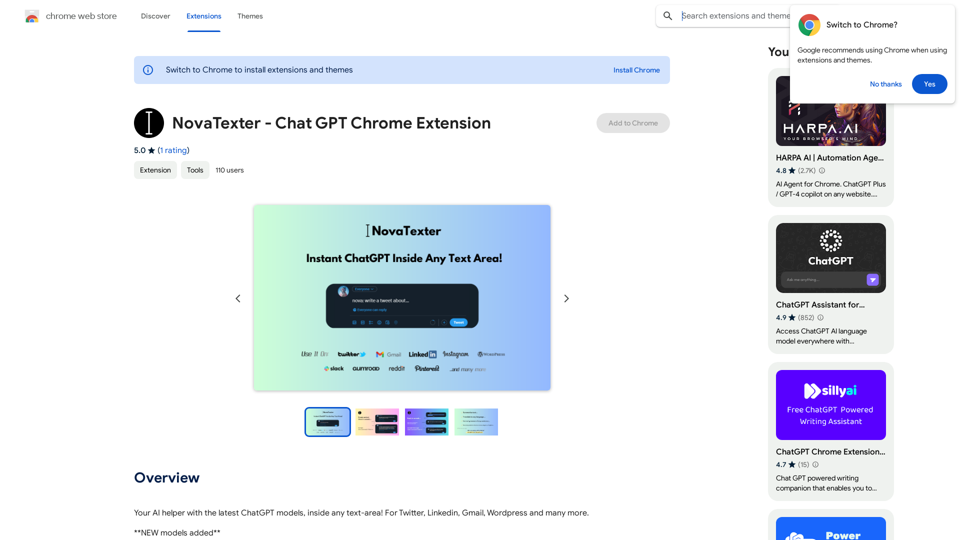
NovaTexter is a Chrome extension that harnesses the power of ChatGPT to revolutionize online communication. It enables users to generate content ideas, craft personalized responses, and perform various writing tasks with unprecedented speed and efficiency. This AI-powered tool is designed to boost productivity and enhance writing skills across multiple platforms and genres.
NovaTexter - Chat GPT Chrome Extension
Your AI assistant powered by the latest ChatGPT models, right inside any text box! For Twitter, LinkedIn, Gmail, WordPress, and many other platforms.
Introduction
Feature
AI-Powered Content Generation
NovaTexter utilizes ChatGPT to help users create content 10 times faster than traditional methods. This feature is particularly useful for generating ideas, writing prompts, and developing creative content.
Personalized Email and Chat Responses
The extension assists in crafting quick and tailored responses for emails and chat messages, saving time and improving communication efficiency.
Grammar and Spell-Checking
NovaTexter includes automated grammar and spell-checking capabilities, reducing the time spent on proofreading and editing.
Multi-Purpose Writing Assistance
The tool supports various writing tasks, including:
- Creating marketing copy
- Enhancing storytelling with character and plot development
- Translating text into multiple languages
- Generating social media content
Versatile Prompt System
Users can access a wide range of writing functions by using the "nova:" command, followed by specific instructions. This system allows for flexible and diverse content creation.
Model Selection
NovaTexter offers the ability to choose from the latest ChatGPT models, ensuring users have access to the most up-to-date AI capabilities.
Affordable Licensing
For just $5, users can purchase a license at www.novatexter.com to unlock all features of the extension.
FAQ
How do I get started with NovaTexter?
To begin using NovaTexter:
- Purchase a license from www.novatexter.com
- Install the Chrome extension
- Enter your license key to unlock full functionality
- Input your OpenAI API key
- Select your preferred ChatGPT model
- Refresh the page and start using NovaTexter on websites
What are the main benefits of using NovaTexter?
NovaTexter offers several advantages:
- Rapid content idea generation
- Fast and personalized email/chat responses
- Time-saving grammar and spell-checking
- Versatile writing assistance for various tasks
Can I use NovaTexter on multiple devices?
Yes, a single NovaTexter license allows usage on multiple devices, providing flexibility for users who work across different platforms.
Related Websites
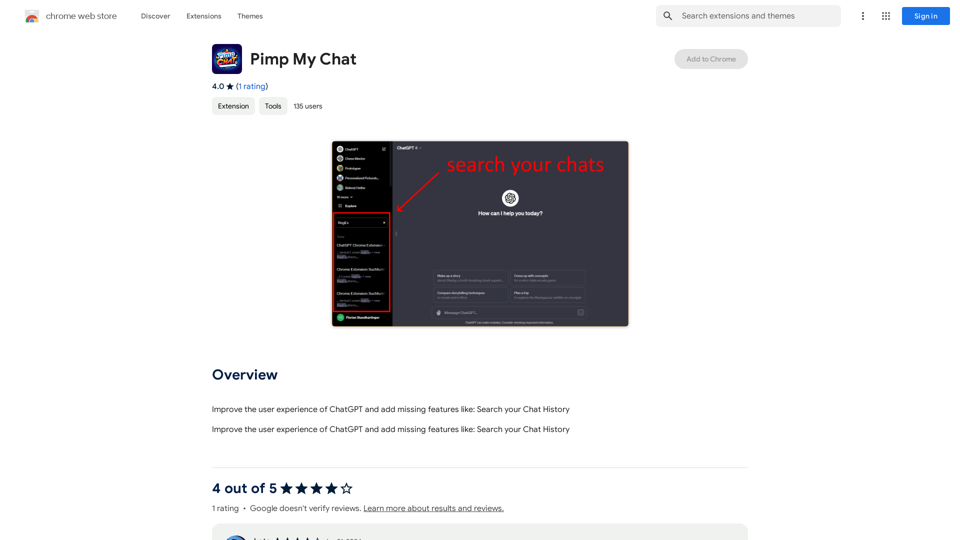
ChatGPT Improvements: Enhanced User Experience: * Seamless Chat History Search: Easily find past conversations and specific messages within your chat history. New Features: * Search your Chat History: A dedicated search bar allows you to quickly locate past interactions, saving time and effort.
193.90 M

Genspark Genspark is a technology company that provides AI-powered education and talent development solutions.
Genspark Genspark is a technology company that provides AI-powered education and talent development solutions.GenSpark GenSpark is a training program that focuses on providing skills and knowledge to individuals in the field of software development, data science, and other related technologies. The program aims to bridge the gap between the skills possessed by the students and the requirements of the industry.
8.76 M
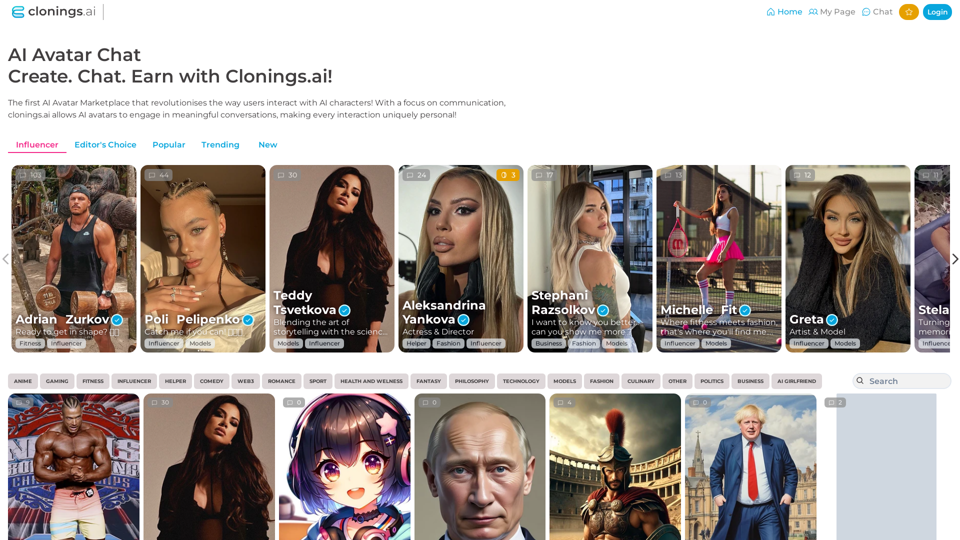
Join http://Clonings.ai to create and interact with your own custom AI character. This innovative platform combines chat with personality. Connect, talk, and explore a one-of-a-kind chatbot experience designed just for you. Perfect for fans and influencers!
0
AI Math GPT Solver Powered by GPT-4: Free Online | Math Bot
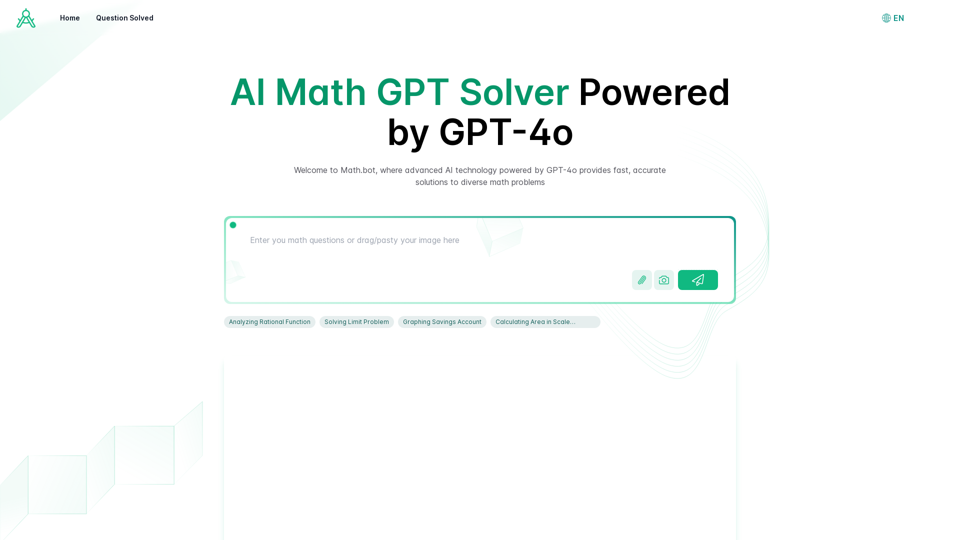
AI Math GPT Solver Powered by GPT-4: Free Online | Math BotUnlock math solutions instantly with our free AI-powered Math Solver. Get step-by-step guidance on equations, word problems, and more, anytime, anywhere with GPT-4o technology
0
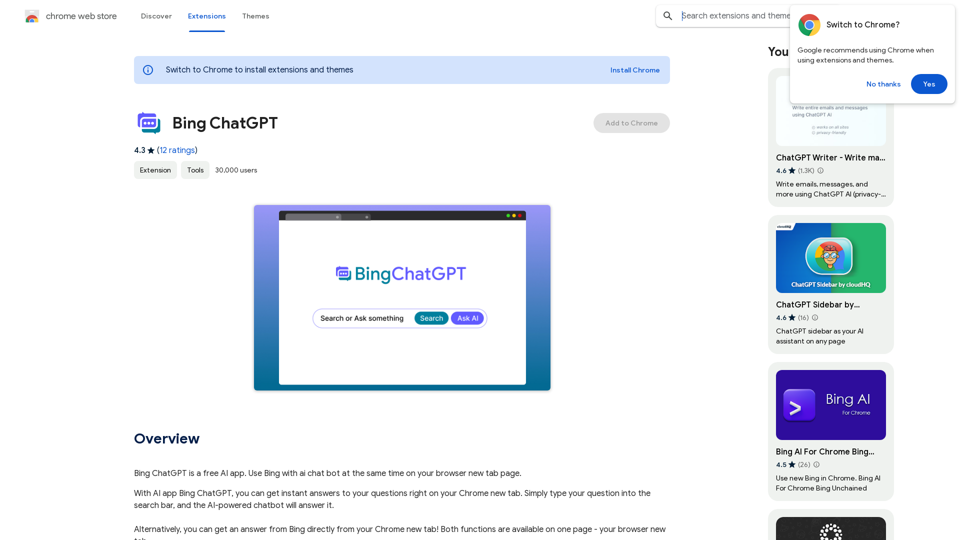
Bing ChatGPT Bing ChatGPT is a conversational AI powered by Microsoft Bing and OpenAI's ChatGPT technology. It's a chatbot that allows users to have natural conversations, ask questions, and get accurate answers.
Bing ChatGPT Bing ChatGPT is a conversational AI powered by Microsoft Bing and OpenAI's ChatGPT technology. It's a chatbot that allows users to have natural conversations, ask questions, and get accurate answers.Bing ChatGPT is a free AI app. Use Bing with an AI chatbot simultaneously on your browser's new tab page.
193.90 M
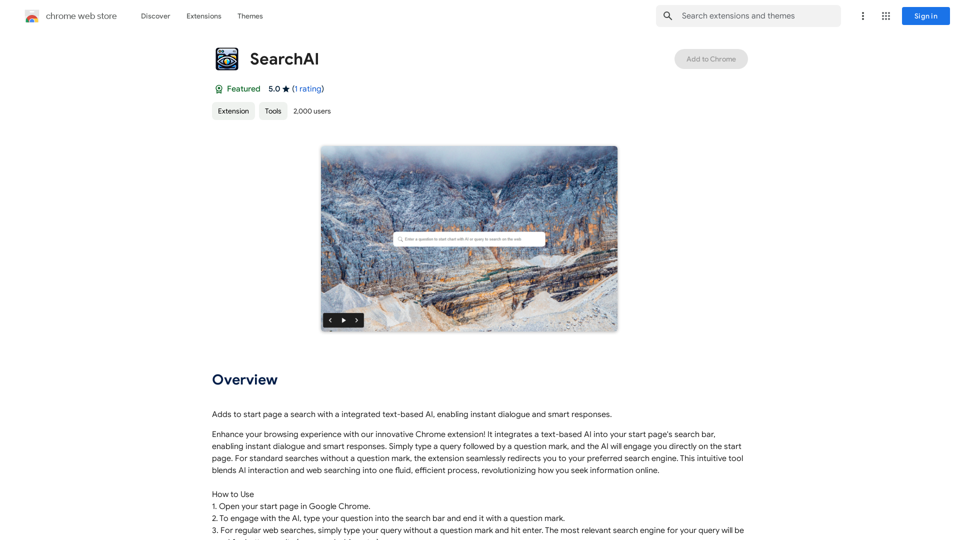
Adds a search function to the start page that incorporates a text-based AI, allowing for instant dialogue and intelligent responses.
193.90 M
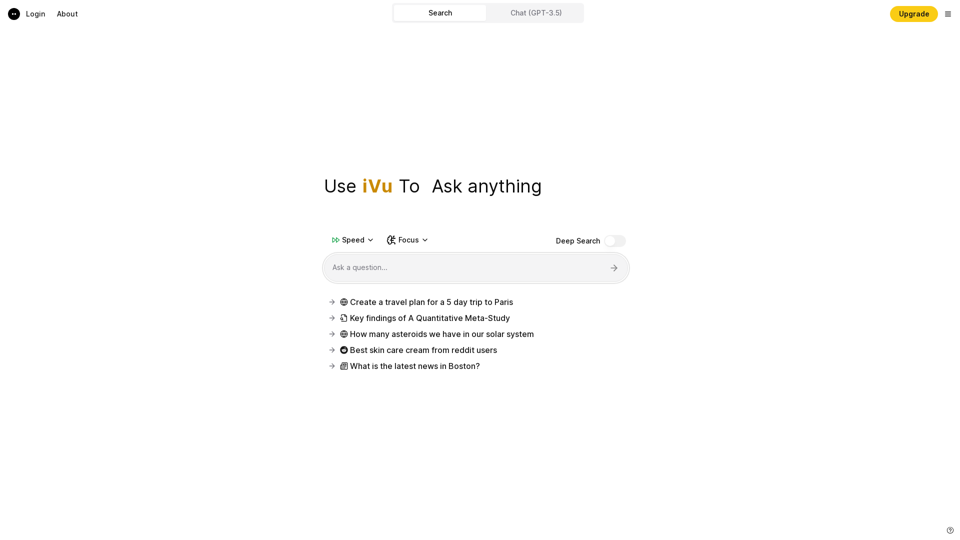
iVu.AI - Intelligent Search Engine Powered by Artificial Intelligence - iVu.AI
iVu.AI - Intelligent Search Engine Powered by Artificial Intelligence - iVu.AIAn AI-powered search engine
0
WriteFastAI-ChatGPT on Demand, on Any Website This is a powerful idea! Imagine being able to seamlessly integrate the capabilities of both FastAI and ChatGPT directly into any website. Here's a breakdown of what this could mean: * On-Demand AI Assistance: Users could access powerful AI tools like text generation, summarization, question answering, and more, right from the website they're already using. * Personalized Experiences: Websites could leverage AI to tailor content and interactions to individual user preferences, creating a more engaging and relevant experience. * Increased Efficiency: Businesses could automate tasks, generate reports, and analyze data faster and more accurately with the help of AI. Making it a Reality: This vision requires a combination of: * API Integration: FastAI and ChatGPT both offer APIs that allow developers to integrate their functionalities into applications. * Web Development Expertise: Developers would need to build the necessary infrastructure to connect the APIs to the website and handle user interactions. * Data Management: Websites would need to manage and secure the data used by the AI models. Potential Applications: The possibilities are endless! Here are just a few examples: * E-commerce: AI-powered chatbots could provide personalized product recommendations and customer support. * Education: Websites could offer interactive learning experiences with AI-powered tutors and personalized feedback. * News and Media: AI could be used to generate summaries of articles, create personalized news feeds, and even write original content. Let me know if you'd like to explore any of these applications in more detail!
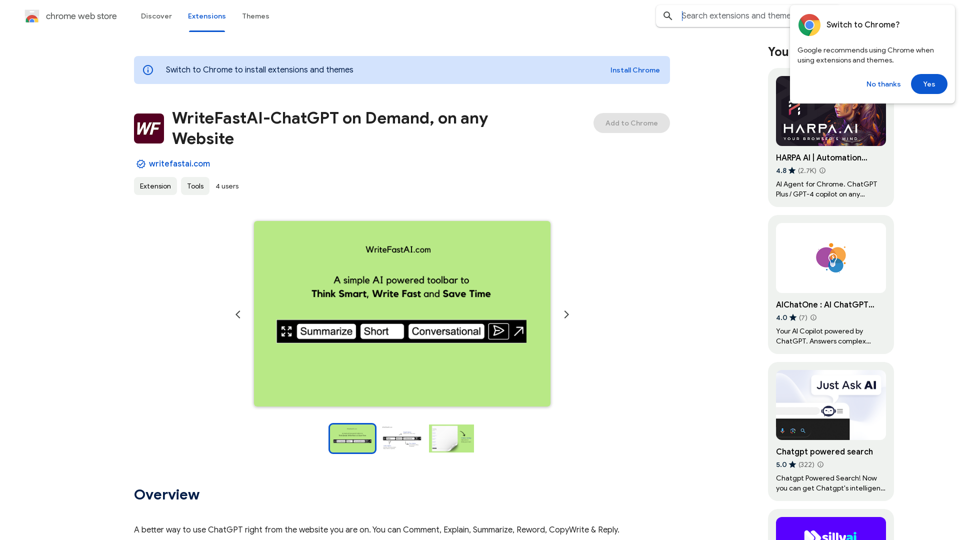
WriteFastAI-ChatGPT on Demand, on Any Website This is a powerful idea! Imagine being able to seamlessly integrate the capabilities of both FastAI and ChatGPT directly into any website. Here's a breakdown of what this could mean: * On-Demand AI Assistance: Users could access powerful AI tools like text generation, summarization, question answering, and more, right from the website they're already using. * Personalized Experiences: Websites could leverage AI to tailor content and interactions to individual user preferences, creating a more engaging and relevant experience. * Increased Efficiency: Businesses could automate tasks, generate reports, and analyze data faster and more accurately with the help of AI. Making it a Reality: This vision requires a combination of: * API Integration: FastAI and ChatGPT both offer APIs that allow developers to integrate their functionalities into applications. * Web Development Expertise: Developers would need to build the necessary infrastructure to connect the APIs to the website and handle user interactions. * Data Management: Websites would need to manage and secure the data used by the AI models. Potential Applications: The possibilities are endless! Here are just a few examples: * E-commerce: AI-powered chatbots could provide personalized product recommendations and customer support. * Education: Websites could offer interactive learning experiences with AI-powered tutors and personalized feedback. * News and Media: AI could be used to generate summaries of articles, create personalized news feeds, and even write original content. Let me know if you'd like to explore any of these applications in more detail!A better way to use ChatGPT right from the website you are on. You can comment, explain, summarize, reword, copywrite, and reply.
193.90 M