Genspark is a comprehensive AI platform offering access to a wide range of AI technologies for various applications. It provides users with Sparkpages, innovative webpages featuring built-in AI copilots for interactive chatting and querying. The platform hosts over 1000 AI tools across 200+ categories, making it a versatile solution for text generation, image understanding, and document analysis.
Genspark Genspark is a technology company that provides AI-powered education and talent development solutions.
GenSpark
GenSpark is a training program that focuses on providing skills and knowledge to individuals in the field of software development, data science, and other related technologies. The program aims to bridge the gap between the skills possessed by the students and the requirements of the industry.

Introduction
Feature
Extensive AI Collection
- Over 1000 AI tools
- 200+ categories
- Nearly 200,000 AI models available
User-Friendly Discovery
- Easy-to-use interface for discovering AI tools
- Free AI tool submission
Flexible Usage Options
- Free usage limits for all users
- Subscription plans for extended access and benefits
Text-to-Image Generation
- Create images using AI technology
- Shared credits system with other AI tools
Privacy Protection
- User data not used for training purposes
- Option to delete account and remove all data
Versatile Applications
- Support for work, study, and everyday life tasks
- No subscription required for most AI models
FAQ
How do I get started with Genspark?
Sign up for a free account and start exploring the vast array of AI tools available on the platform.
What are the benefits of subscribing to Genspark?
Subscribing grants additional benefits such as:
- Extended access beyond free usage limits
- Access to premium AI tools
- Priority customer support
Is Genspark secure?
Yes, Genspark implements robust security measures to protect user data and takes privacy seriously.
Can I use Genspark for personal projects?
Absolutely. Genspark is designed for both personal and professional use, allowing you to utilize AI tools for various tasks and projects.
How can I maximize my use of Genspark's AI services?
- Explore the wide range of free AI tools available
- Utilize daily free uses to support various tasks
- Consider subscribing for heavy reliance on Genspark's AI services
When should I consider a Genspark subscription?
If free AI tools don't meet your needs and you heavily rely on Genspark's services, subscribing to affordable products is recommended for extended access and benefits.
Related Websites
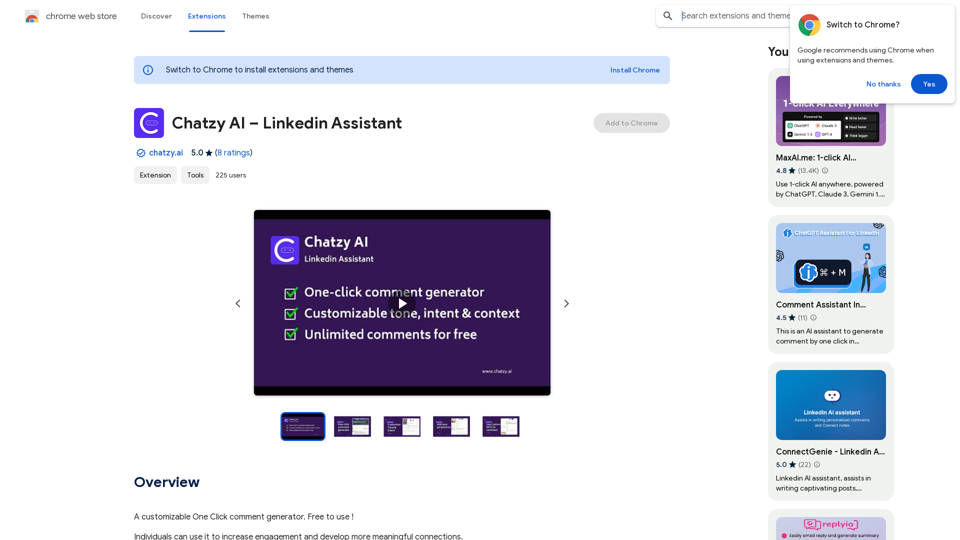
Chatzy AI – LinkedIn Assistant This is a powerful AI assistant designed to help you with your LinkedIn activities. Here's what it can do: * Craft compelling LinkedIn posts: Generate engaging content for your profile, updates, and articles. * Write personalized connection requests: Make a great first impression with tailored messages that stand out. * Summarize lengthy articles: Quickly grasp the key points of industry news and insights. * Optimize your LinkedIn profile: Get suggestions for improving your profile to attract more connections and opportunities. * Answer your LinkedIn messages: Save time by having Chatzy AI respond to common inquiries. Boost your LinkedIn presence and productivity with Chatzy AI!
Chatzy AI – LinkedIn Assistant This is a powerful AI assistant designed to help you with your LinkedIn activities. Here's what it can do: * Craft compelling LinkedIn posts: Generate engaging content for your profile, updates, and articles. * Write personalized connection requests: Make a great first impression with tailored messages that stand out. * Summarize lengthy articles: Quickly grasp the key points of industry news and insights. * Optimize your LinkedIn profile: Get suggestions for improving your profile to attract more connections and opportunities. * Answer your LinkedIn messages: Save time by having Chatzy AI respond to common inquiries. Boost your LinkedIn presence and productivity with Chatzy AI!A customizable One Click comment generator. Free to use!
193.90 M

Lingban AI Assistant - GPT Chat, Web Translation, Bilingual Comparison, Intelligent Writing, AI Full-Network Search, AI Article Reading, Real-Time Internet Connection
Lingban AI Assistant - GPT Chat, Web Translation, Bilingual Comparison, Intelligent Writing, AI Full-Network Search, AI Article Reading, Real-Time Internet ConnectionLingban AI Assistant is your personal AI assistant on any webpage. It can help you translate various webpages, provide bilingual comparisons, offer creative inspiration, and answer your questions in chat conversations.
193.90 M
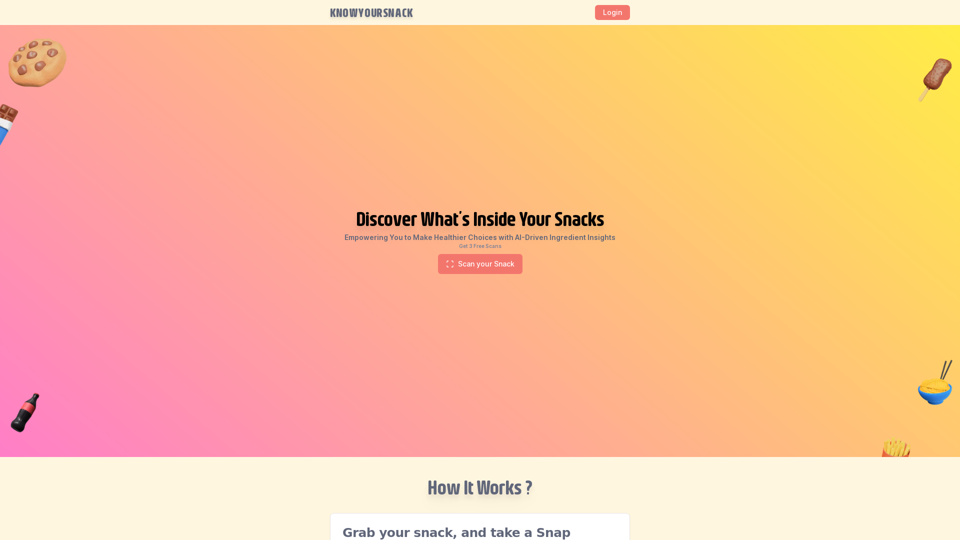
Knowyoursnack - Discover What’s Inside Your Snacks
Knowyoursnack - Discover What’s Inside Your SnacksKnowYourSnack is your personal guide to understanding snack ingredients. Simply snap a photo of the ingredients list on any snack package, and our AI-powered app will identify harmful substances, provide detailed information, and help you make healthier choices.
0
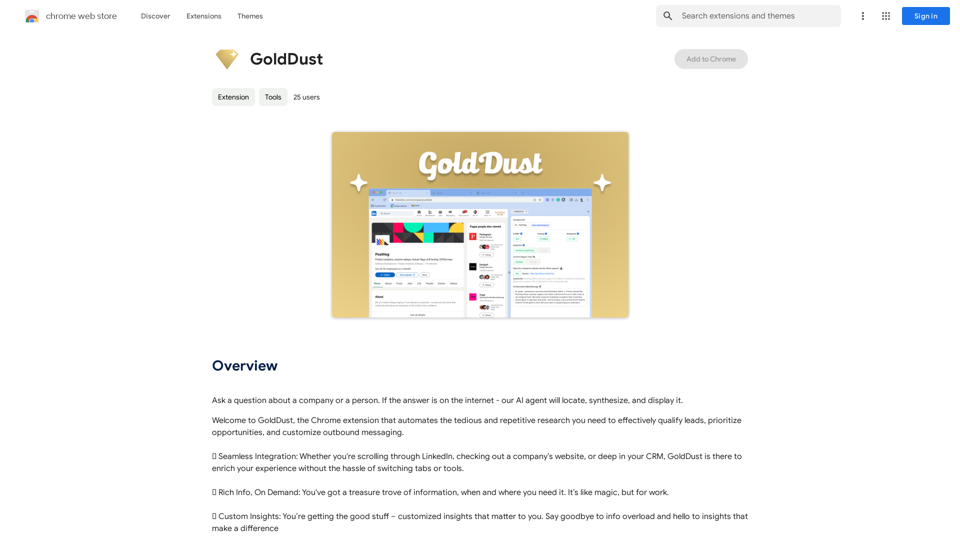
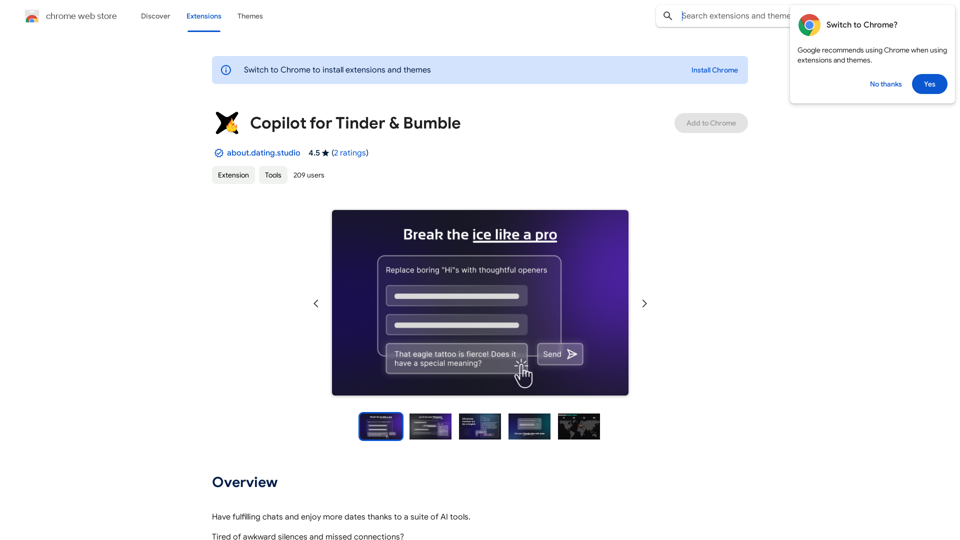
Copilot for Tinder & Bumble Tired of swiping endlessly? Let Copilot handle your dating app game! * Craft irresistible bios: Copilot helps you write witty and engaging bios that highlight your best qualities. * Spark conversations: Struggling to come up with opening lines? Copilot suggests clever and personalized messages to break the ice. * Navigate tricky situations: Copilot offers advice and guidance on handling awkward moments or difficult conversations. * Boost your matches: With Copilot's help, you'll stand out from the crowd and attract more matches. * Save time and energy: Let Copilot do the heavy lifting so you can focus on enjoying the dating experience. Start swiping smarter, not harder. Get Copilot today!
Copilot for Tinder & Bumble Tired of swiping endlessly? Let Copilot handle your dating app game! * Craft irresistible bios: Copilot helps you write witty and engaging bios that highlight your best qualities. * Spark conversations: Struggling to come up with opening lines? Copilot suggests clever and personalized messages to break the ice. * Navigate tricky situations: Copilot offers advice and guidance on handling awkward moments or difficult conversations. * Boost your matches: With Copilot's help, you'll stand out from the crowd and attract more matches. * Save time and energy: Let Copilot do the heavy lifting so you can focus on enjoying the dating experience. Start swiping smarter, not harder. Get Copilot today!Have meaningful conversations and go on more dates with the help of a collection of AI tools.
193.90 M
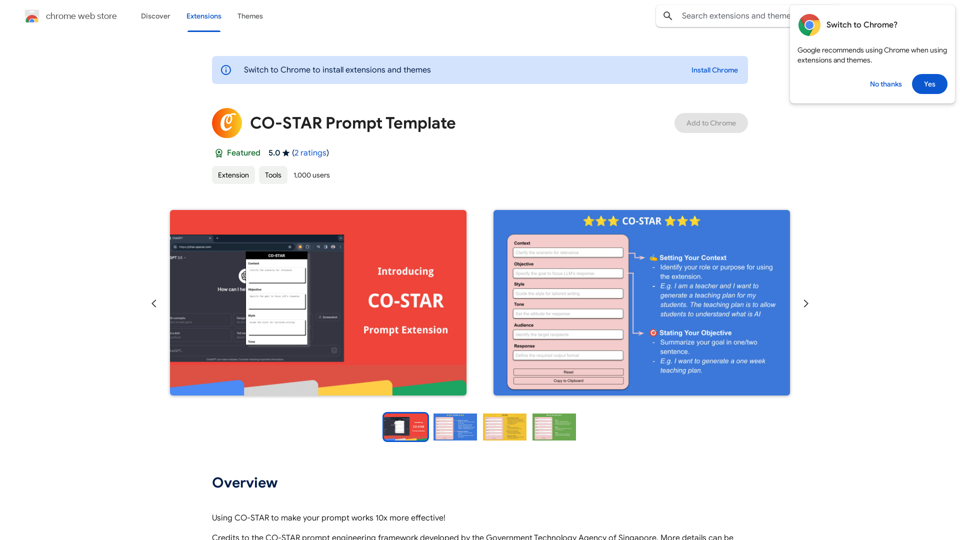
CO-STAR Prompt Template ========================== Task Description Describe the task you want the AI to perform. Be specific and concise. Input Prompt Provide the input prompt that the AI will receive. This can be a question, a statement, or a scenario. Desired Response Describe the desired response from the AI. What type of answer or output are you expecting? Constraints List any constraints or rules that the AI should follow when generating a response. This can include tone, style, or specific keywords to include or avoid. Evaluation Metrics Describe how you will evaluate the AI's response. What metrics or criteria will you use to determine the quality of the response? Example Output Provide an example of what a good response from the AI might look like. This can help clarify the task and provide a target for the AI to aim for.
CO-STAR Prompt Template ========================== Task Description Describe the task you want the AI to perform. Be specific and concise. Input Prompt Provide the input prompt that the AI will receive. This can be a question, a statement, or a scenario. Desired Response Describe the desired response from the AI. What type of answer or output are you expecting? Constraints List any constraints or rules that the AI should follow when generating a response. This can include tone, style, or specific keywords to include or avoid. Evaluation Metrics Describe how you will evaluate the AI's response. What metrics or criteria will you use to determine the quality of the response? Example Output Provide an example of what a good response from the AI might look like. This can help clarify the task and provide a target for the AI to aim for.Using CO-STAR to Make Your Prompt 10 Times More Effective!
193.90 M
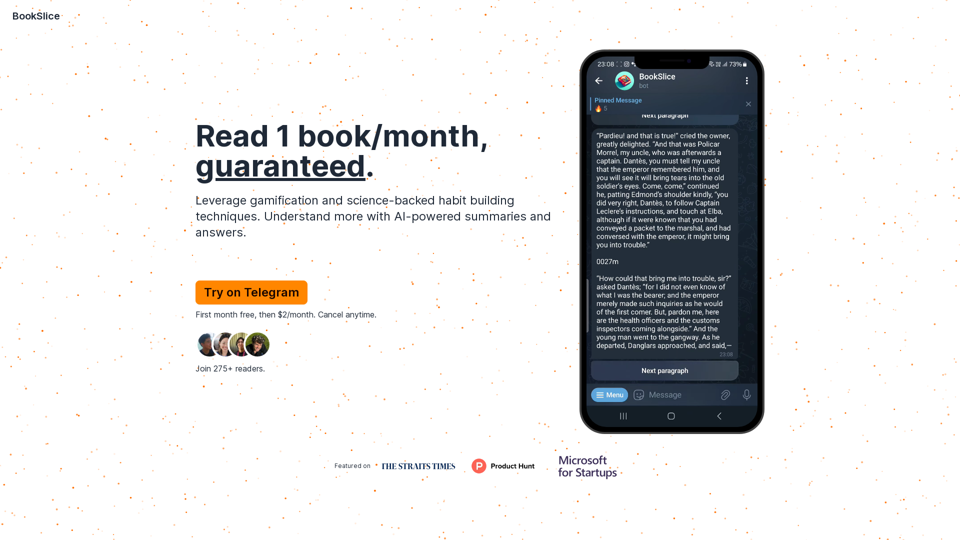
BookSlice - A fun, game-like way to read books for people with busy schedules.
BookSlice - A fun, game-like way to read books for people with busy schedules.Read one book per month, guaranteed, using science-backed techniques.
318