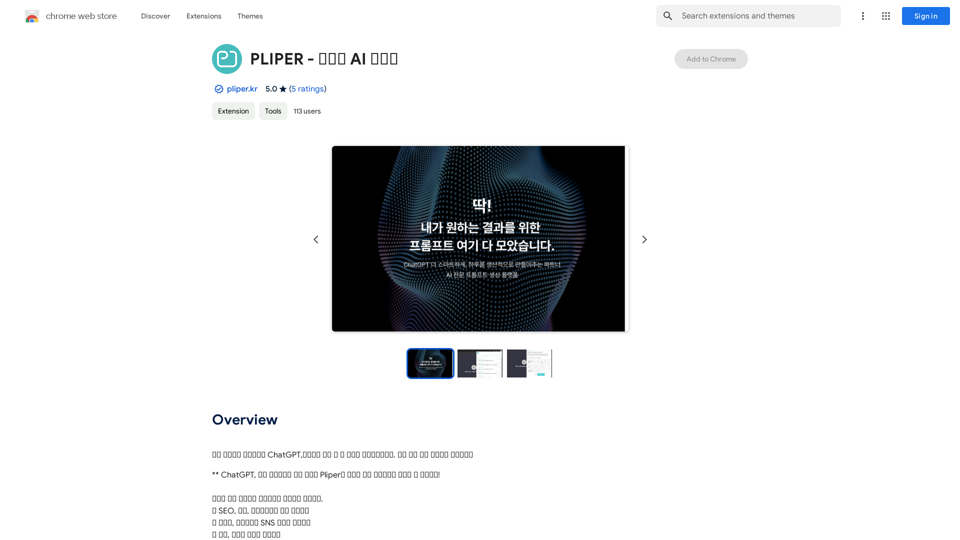
PLIPER is an AI-powered platform offering access to a wide range of AI technologies. It provides tools like ChatGPT, GPT-4o for text generation and image understanding, and Dalle3 for image creation. The platform boasts a collection of over 1000 AI tools across 200+ categories, making it easy for users to discover and utilize various AI technologies for their needs.
PLIPER - Your AI Partner
Here are some commonly used prompts that you can use directly in ChatGPT and LLaMA to boost your productivity today.
Let's make today productive!
Introduction
Feature
Extensive AI Tool Collection
PLIPER hosts more than 1000 AI tools across 200+ categories, providing users with a comprehensive selection of AI technologies for various applications.
Easy AI Tool Discovery
The platform is designed to help users easily find and access the AI tools they need, streamlining the process of incorporating AI into their workflows.
Free AI Tool Submission
PLIPER allows users to submit AI tools for free, fostering a community-driven approach to expanding the platform's offerings.
Free Daily Usage of GPT-4o
Every user can access GPT-4o for free up to 20 times a day, providing ample opportunity to leverage advanced AI capabilities.
Image Generation with Dalle3
Users can create images using Dalle3's text-to-image generation feature, sharing credits with GPT-4o for a seamless creative experience.
Vast GPT Model Library
PLIPER offers nearly 200,000 GPT models for a wide variety of applications in work, study, and everyday life, accessible without a ChatGPT Plus subscription.
Privacy Protection
PLIPER prioritizes user privacy, ensuring that user data is not used for training purposes and offering the option to delete accounts and associated data at any time.
Subscription Options
For users requiring extended access beyond the free usage limits, PLIPER offers affordable subscription plans.
FAQ
What is PLIPER?
PLIPER is an AI-powered platform that provides access to a vast array of AI technologies for various needs, including ChatGPT, GPT-4o for text generation and image understanding, and Dalle3 for image creation.
How do I use PLIPER?
Every user can utilize GPT-4o for free up to 20 times a day on PLIPER. Subscribing to the platform grants additional benefits and extended access beyond the free usage limits.
Can I generate images using PLIPER?
Yes, with Dalle3's text-to-image generation capability, users can create images, sharing credits with GPT-4o for a seamless creative experience.
How many GPTs are available on PLIPER?
PLIPER offers nearly 200,000 GPT models for a wide variety of applications in work, study, and everyday life. These GPTs can be used freely without a ChatGPT Plus subscription.
Will my information be used for training data?
PLIPER highly values user privacy, and your data will not be used for any training purposes. Users can delete their accounts at any time, and all associated data will be removed.
When would I need a PLIPER subscription?
If the 20 free GPT-4o conversations per day do not meet your needs and you heavily rely on GPT-4o, PLIPER offers affordable subscription options for extended access.
Related Websites
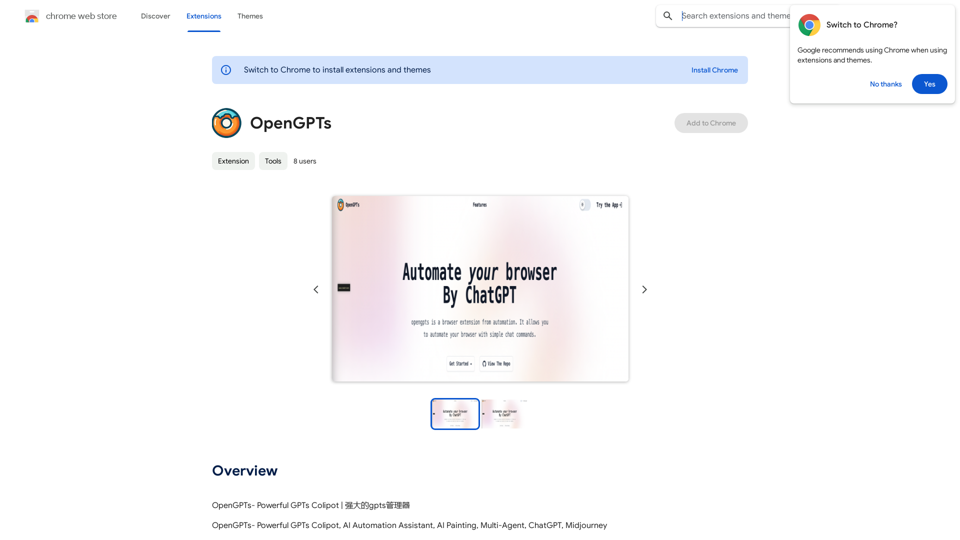
TubeSumma lets you quickly summarize YouTube videos, grabbing the main points without having to watch the entire thing.
193.90 M
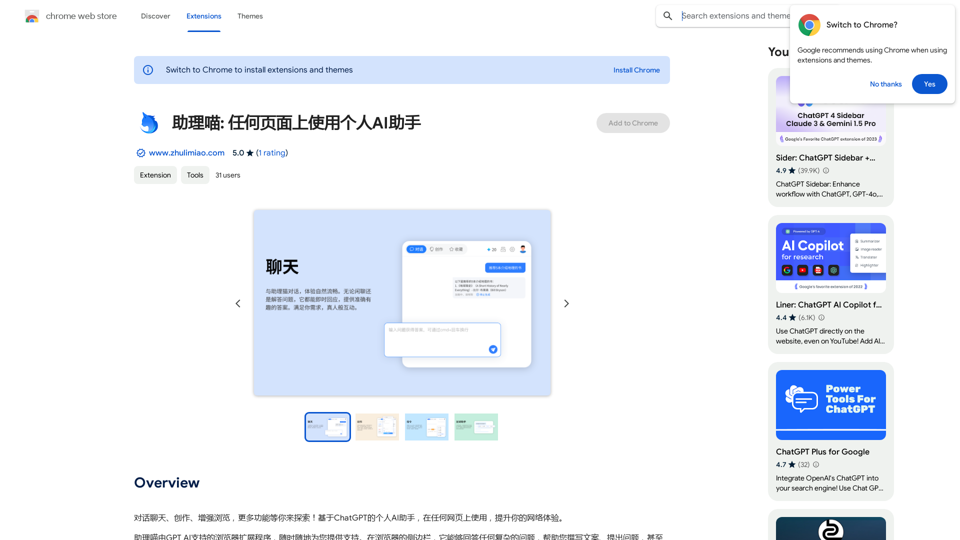
Assistant Meow: Any page using a personal AI assistant
Assistant Meow: Any page using a personal AI assistantChat, create, and enhance your browsing experience - there's more to discover! This personal AI assistant, powered by ChatGPT, works on any webpage to boost your online experience.
193.90 M
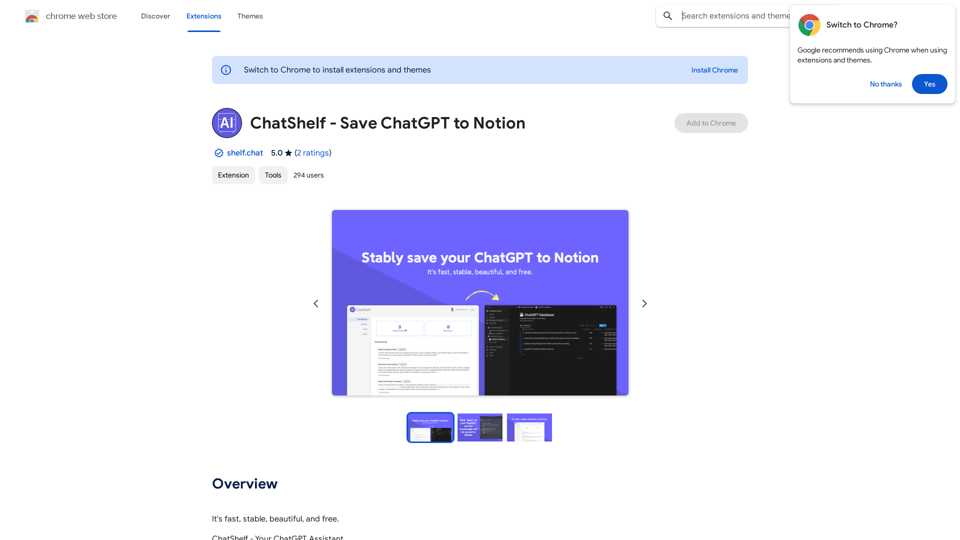
ChatShelf - Save ChatGPT to Notion ChatShelf is a tool that lets you save your ChatGPT conversations directly into Notion. It's a simple way to keep track of your AI interactions and use them later. Just copy the link to your ChatGPT conversation and paste it into ChatShelf. It will then extract the conversation and create a Notion page for you.
ChatShelf - Save ChatGPT to Notion ChatShelf is a tool that lets you save your ChatGPT conversations directly into Notion. It's a simple way to keep track of your AI interactions and use them later. Just copy the link to your ChatGPT conversation and paste it into ChatShelf. It will then extract the conversation and create a Notion page for you.It's fast, stable, beautiful, and free.
193.90 M
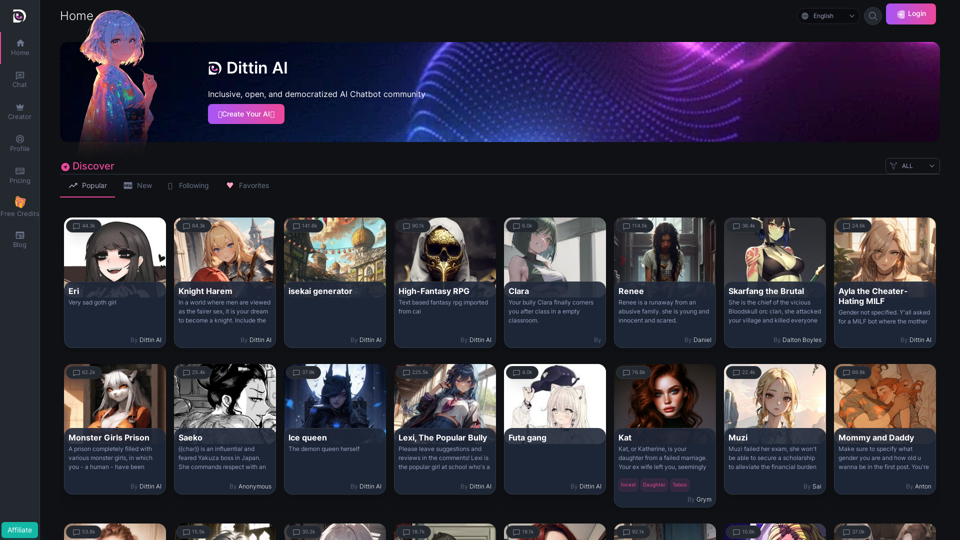
Home - Dittin AI - An Inclusive, Open, and Democratized AI Chatbot Community
Home - Dittin AI - An Inclusive, Open, and Democratized AI Chatbot CommunityDittin AI is a free, open, and inclusive AI Chatbot community that allows you to create any beloved character you desire, or share the AI Chatbots you have created with the community and enjoy immersive AI role-playing.
0
ChatTTS is a voice generation model on GitHub at 2noise/chattts. Chat TTS is specifically designed for conversational scenarios. It is ideal for applications such as dialogue tasks for large language model assistants, as well as conversational audio and video introductions. The model supports both Chinese and English, demonstrating high quality and naturalness in speech synthesis. This level of performance is achieved through training on approximately 100,000 hours of Chinese and English data. Additionally, the project team plans to open-source a basic model trained with 40,000 hours of data, which will aid the academic and developer communities in further research and development.
23.26 K