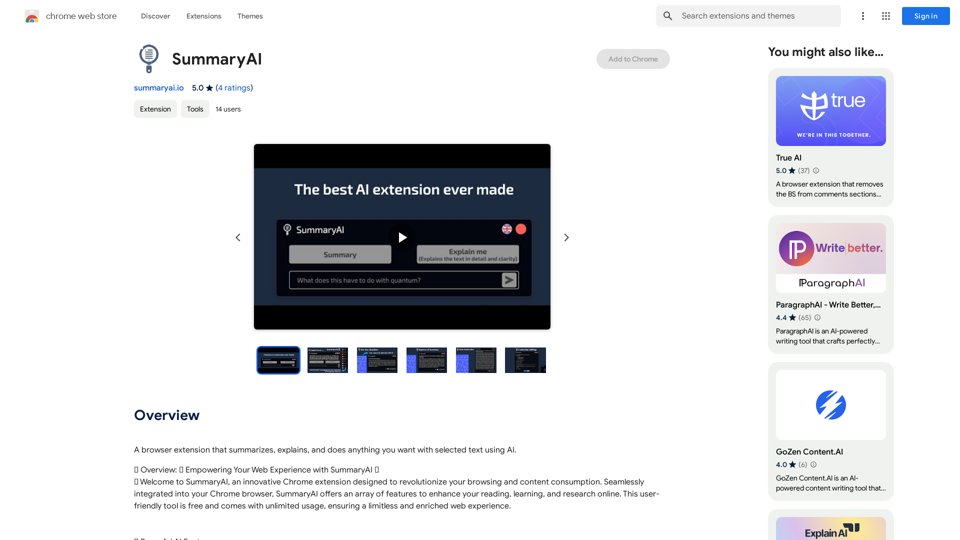
SummaryAI is a versatile browser extension designed to enhance your web browsing experience. It offers AI-powered features for improved reading, learning, and online research. With unlimited usage and support for multiple languages, SummaryAI is an invaluable tool for users seeking to optimize their online interactions and information processing.
SummaryAI This is a large language model, trained by Google DeepMind, designed to generate concise and informative summaries of text.
A browser extension that summarizes, explains, and lets you do anything you want with selected text using artificial intelligence.
Introduction
Feature
Effortless Activation and Intuitive Interface
- Operates seamlessly on new Chrome tabs
- Compatible with all websites
- Minimalistic, draggable rectangle as main window
- Easy-to-use settings, language selection, and close button
Multilingual Support
- Choose from 9 languages:
- English, Chinese, German, French, Spanish
- Turkish, Japanese, Korean, Polish
- Tailored output based on language preference
Quick Access Methods
- Click SummaryAI icon next to selected text
- Right-click and choose "open with SummaryAI" from context menu
Core Functionalities
-
Summary
- Provides concise summaries of selected texts
- Maintains key points and essence
-
Explain Me
- Offers detailed explanations
- Enhances understanding and readability
-
Query Input
- Ask questions about selected text
- Receive insightful AI-generated responses
Additional Features
- Re-generate option for refined results
- History Access for past summaries, explanations, and queries
- Customizable settings (pop-up options, text preview preferences)
Pricing
- Free and unrestricted
- Unlimited usage
- Full access to all features
FAQ
Is SummaryAI compatible with all websites?
Yes, SummaryAI works seamlessly across all sites in your Chrome browser.
Can I customize the extension's behavior?
Absolutely. You have full control with settings like pop-up options and text preview preferences.
Does SummaryAI support multiple languages?
Yes, SummaryAI supports several languages, including English, Chinese, German, French, Spanish, Turkish, Japanese, Korean, and Polish, enhancing your global web experience.
How do I access SummaryAI's features?
You can access SummaryAI by clicking its icon next to selected text or by right-clicking and choosing "open with SummaryAI" from the context menu.
Is there a limit to how much I can use SummaryAI?
No, SummaryAI offers unlimited usage and access to all its features without any restrictions.
Related Websites


With just one URL link, you can quickly generate videos in multiple styles using AI. It supports secondary editing and ensures controllable results.
193.90 M
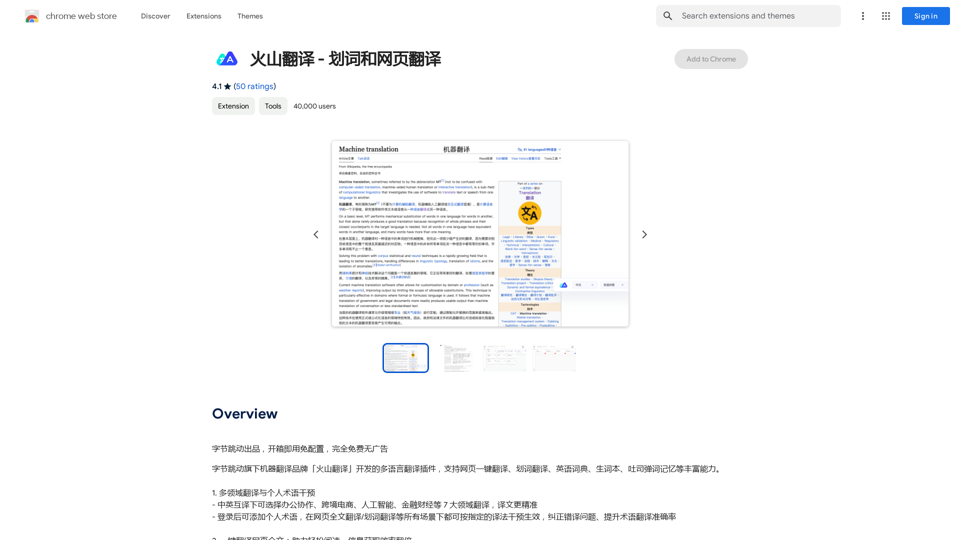
Volcano Translation - Screenshot and Webpage Translation
Volcano Translation - Screenshot and Webpage TranslationByteDance production, out of the box, no configuration required, completely free and ad-free.
193.90 M
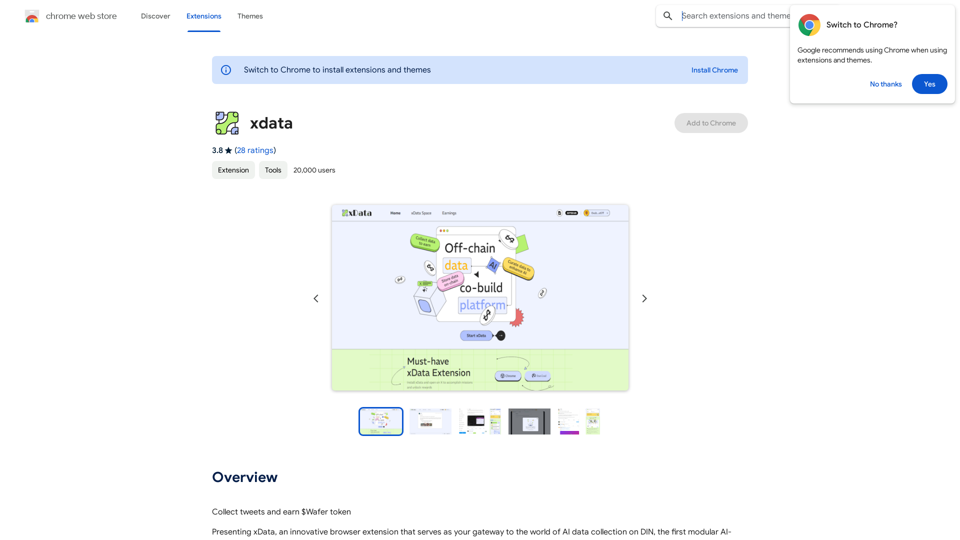
xdata xdata is a type of data that is used to extend or augment the functionality of a program or system. It is often used to provide additional information or context that is not available through traditional data sources. xdata can take many forms, including sensor data, log files, and social media posts. It is often unstructured or semi-structured, making it difficult to analyze and process using traditional data tools and techniques. However, xdata can provide valuable insights and competitive advantages when properly analyzed and utilized.
xdata xdata is a type of data that is used to extend or augment the functionality of a program or system. It is often used to provide additional information or context that is not available through traditional data sources. xdata can take many forms, including sensor data, log files, and social media posts. It is often unstructured or semi-structured, making it difficult to analyze and process using traditional data tools and techniques. However, xdata can provide valuable insights and competitive advantages when properly analyzed and utilized.Collect tweets and earn $Wafer tokens
193.90 M
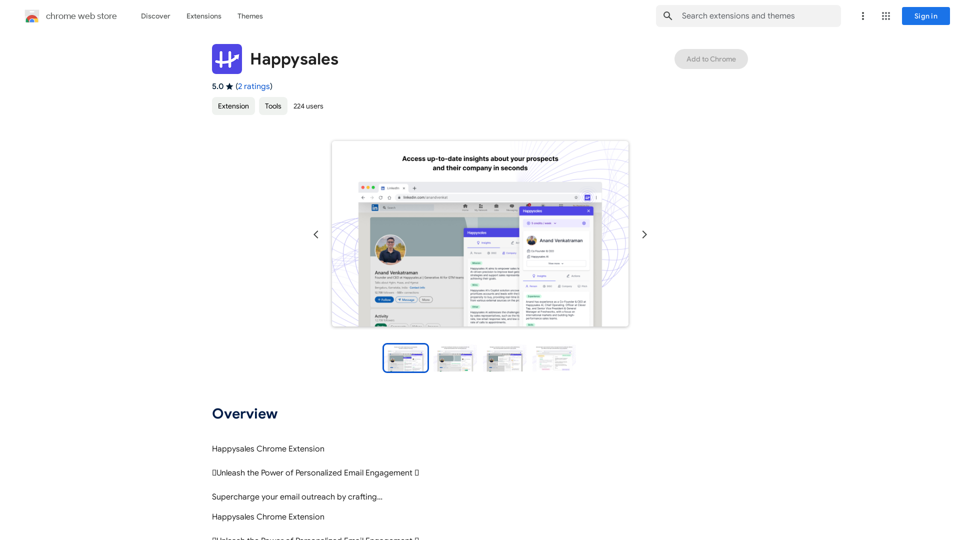
Happysales Chrome Extension 🔥 Unleash the Power of Personalized Email Engagement 🔥 Supercharge your email outreach by crafting...
193.90 M