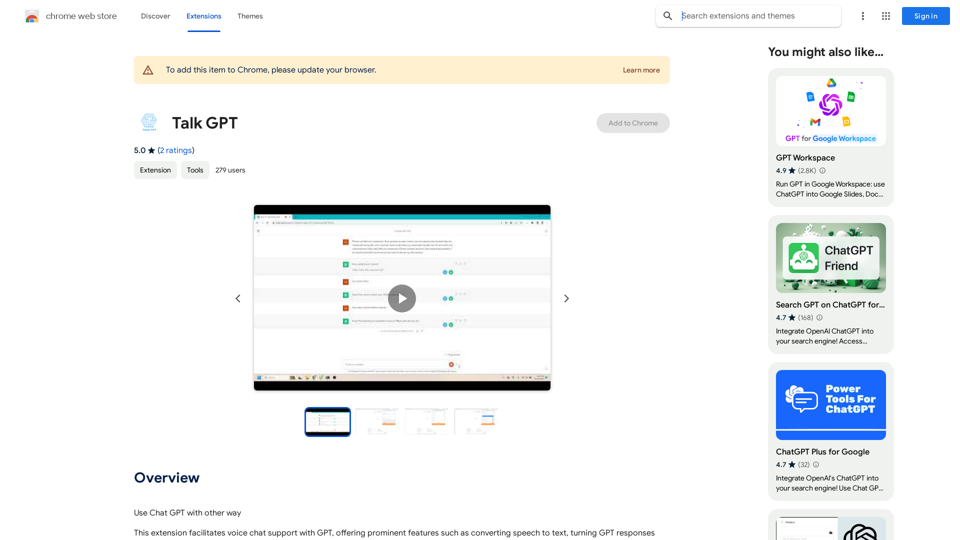
Talk GPT is a Chrome extension that enhances the Chat GPT experience by introducing voice chat capabilities. It offers features such as speech-to-text conversion, text-to-speech for GPT responses, sentence rephrasing suggestions, and the ability to create conversational scripts. This tool aims to make interactions with GPT more natural and focused, while also serving as a platform for improving communication skills.
Talk GPT
Use ChatGPT in a different way.
Introduction
Feature
Voice Interaction with GPT
Talk GPT enables users to communicate with GPT using voice commands, converting speech to text for input and GPT responses to speech for output.
Sentence Enhancement
The extension suggests better-phrased sentences, helping users improve their language skills and communication effectiveness.
Conversational Script Creation
Users can generate conversational scripts with GPT, useful for various applications such as practice dialogues or content creation.
Customizable Voice Settings
Talk GPT allows users to adjust speaking speed and voice, providing a personalized experience tailored to individual preferences.
Seamless Integration
The extension integrates smoothly with the Chrome browser, accessible via the toolbar for easy activation and use.
Multi-app Compatibility
Talk GPT can be used in conjunction with other apps and services that support voice chat, expanding its utility beyond the browser.
FAQ
Is Talk GPT free to use?
Yes, Talk GPT is a free Chrome extension. Users can access and utilize all its features without any additional costs.
How do I start using Talk GPT?
To begin using Talk GPT:
- Install the extension from the Chrome Web Store
- Click on the extension icon in the Chrome browser toolbar
- Access the features and customize settings as needed
Can I customize the voice output?
Yes, Talk GPT offers customization options for:
- Speaking speed
- Voice selection
These settings can be adjusted to suit your personal preferences and needs.
What are some practical applications of Talk GPT?
Talk GPT can be used for:
- Improving communication skills through practice conversations
- Creating conversational scripts for various purposes
- Enhancing language learning by hearing correct pronunciations
- Assisting with hands-free interaction with GPT
Related Websites
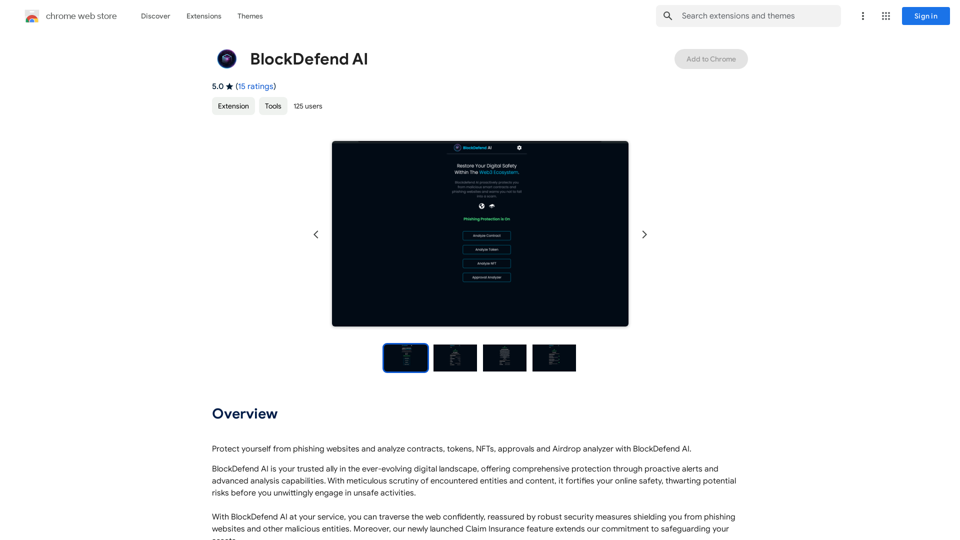
Protect yourself from phishing websites and analyze contracts, tokens, NFTs, approvals, and airdrops with BlockDefend AI.
193.90 M
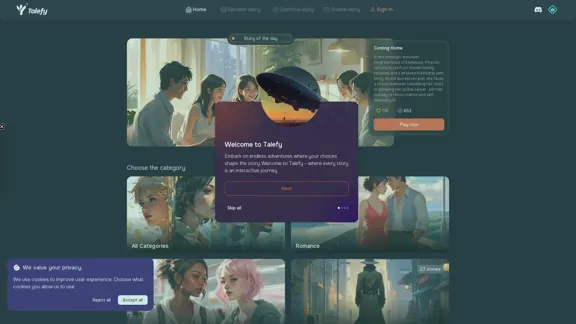
Unleash your imagination with Talefy, the AI-powered story generator. Explore interactive tales across various genres, unbounded by choices.
209.20 K
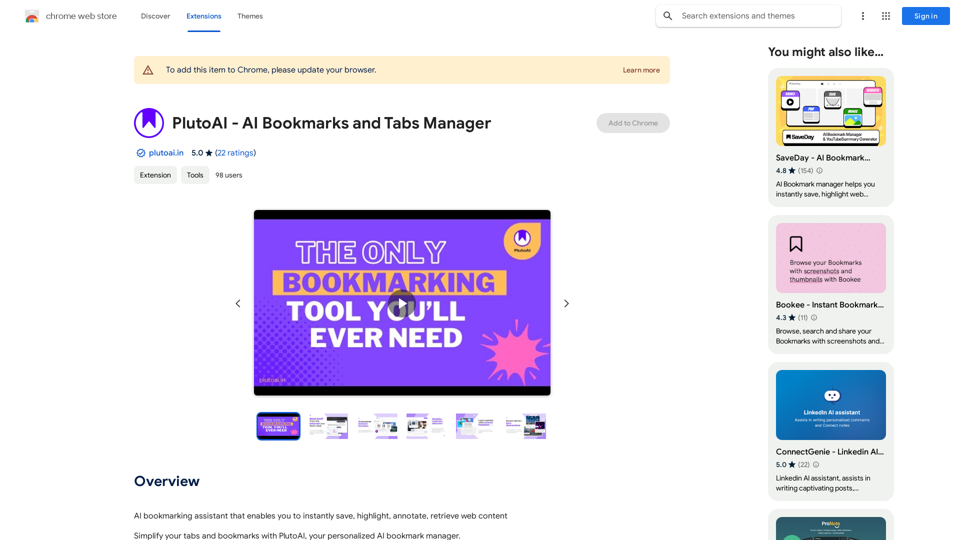
An AI-powered bookmarking assistant that lets you quickly save, highlight, add notes to, and find web pages.
193.90 M
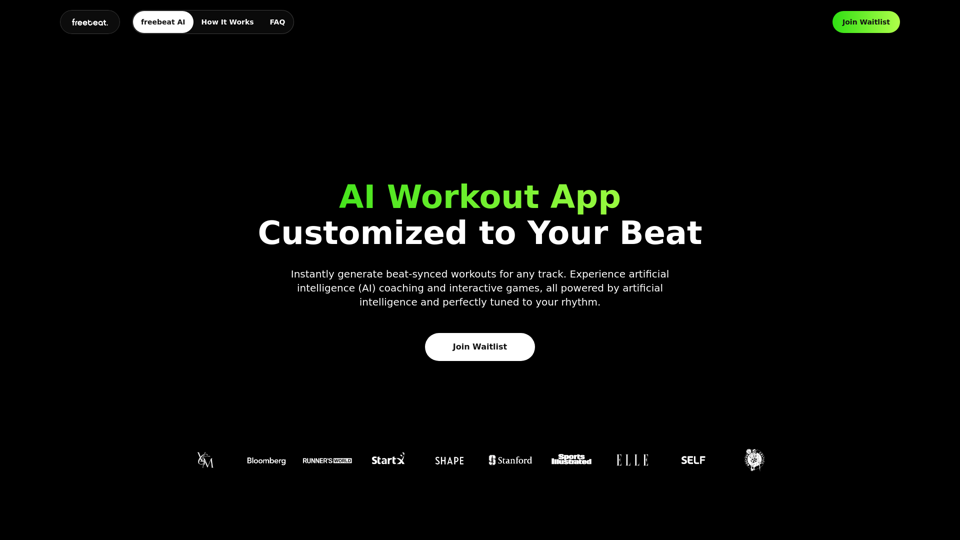
Freebeat AI Workout App, AI Coach & Planner | Fitness AI
Freebeat AI Workout App, AI Coach & Planner | Fitness AIEnhance your workout and sports routine with the best artificial intelligence workout app that syncs your workouts to music, offers real-time AI coaching. Receive advanced AI coaching and tracking from an AI workout planner. Explore fitness AI with the freebeat AI workout app!
273.37 K