Transcript Helper for Chorus.ai is a browser extension designed to enhance the functionality of Chorus.ai transcripts. It allows users to easily identify and copy transcripts from the Chorus.ai web app, facilitating seamless integration with AI tools like Claude and ChatGPT. This extension prioritizes user privacy and offers a free, user-friendly solution for managing and utilizing meeting transcripts.
Transcript Helper for Chorus.ai This is a tool designed to help you work with transcripts generated by Chorus.ai. Let me know what you need help with! For example, you can ask me to: * Summarize a transcript: Give me a transcript and I'll provide a concise summary of the main points. * Find specific information: Tell me what you're looking for (e.g., "find all mentions of product X") and I'll search the transcript for relevant text. * Identify key speakers: I can analyze the transcript and tell you who the main speakers are. * Generate action items: Based on the transcript, I can help you identify tasks that need to be completed. * Translate the transcript: I can translate the transcript into another language. What can I do for you today?
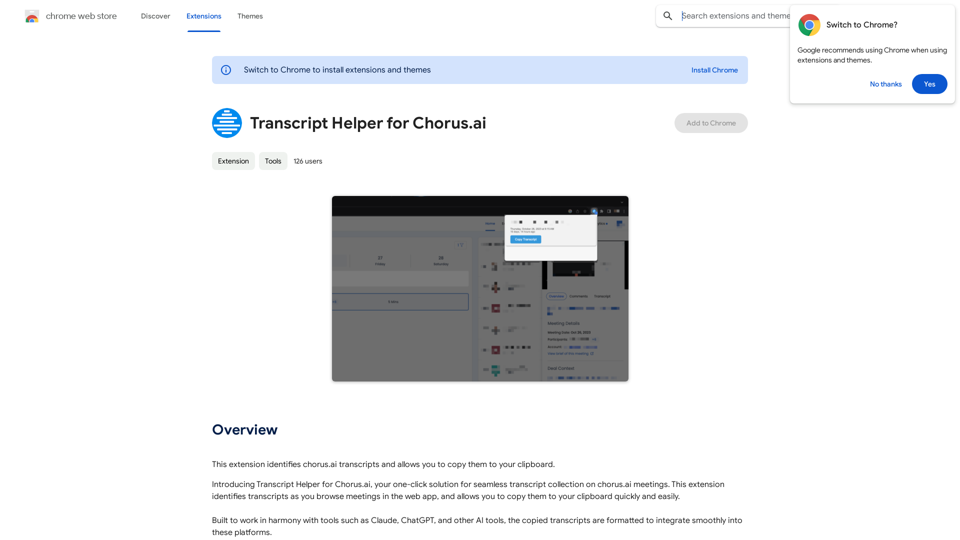
This extension finds chorus.ai transcripts and lets you copy them to your clipboard.
Introduction
Feature
Transcript Identification
The extension automatically identifies transcripts as users browse meetings in the Chorus.ai web app, streamlining the process of locating relevant content.
Easy Clipboard Copy
Users can quickly and easily copy identified transcripts to their clipboard, enabling efficient transfer of information.
AI Tool Integration
Transcripts are formatted to integrate smoothly with popular AI tools such as Claude, ChatGPT, and others, enhancing productivity and workflow.
Privacy-Focused Design
All data collected by the extension remains on the user's computer, ensuring a high level of privacy and data security.
Free to Use
The Transcript Helper for Chorus.ai is completely free to install and use, making it accessible to all Chorus.ai users.
Simple Installation and Usage
Users can easily install the extension from the Chrome Web Store and start using it immediately with the Chorus.ai web app.
FAQ
Is Transcript Helper for Chorus.ai free to use?
Yes, the extension is free to install and use for all users.
Does Transcript Helper for Chorus.ai collect user data?
No, the extension prioritizes user privacy. All data collected stays on your computer and is not shared externally.
Can Transcript Helper be used with other AI tools?
Yes, the extension is designed to work in harmony with various AI tools such as Claude, ChatGPT, and others, allowing for seamless integration of copied transcripts.
How do I install and use Transcript Helper for Chorus.ai?
- Install the extension from the Chrome Web Store
- Browse meetings in the Chorus.ai web app
- The extension will automatically identify transcripts
- Use the extension's features to copy transcripts to your clipboard as needed
What are the main benefits of using this extension?
- Seamless integration with AI tools
- Easy-to-use interface
- Privacy-focused design
- Time-saving transcript identification and copying features
Related Websites
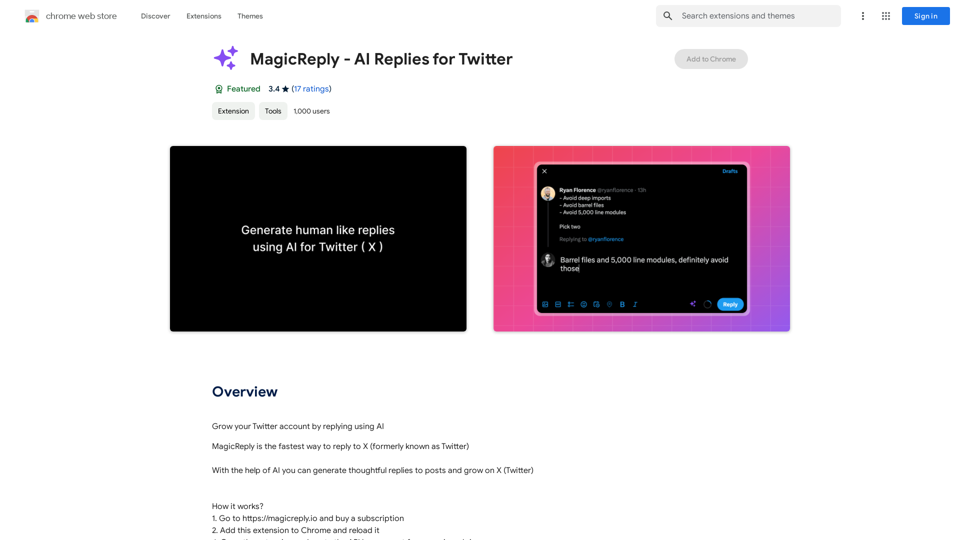
Grow Your Twitter Account by Replying Using AI Are you tired of manually responding to tweets and struggling to grow your Twitter account? Do you want to increase your online presence and engage with your audience more efficiently? Look no further! This article will show you how to grow your Twitter account by replying using AI. What is AI-powered Twitter reply? AI-powered Twitter reply is a technology that uses artificial intelligence to automatically respond to tweets. This innovative tool analyzes the content of incoming tweets and generates a relevant response based on the context. With AI-powered Twitter reply, you can save time and effort while increasing your online engagement. Benefits of using AI-powered Twitter reply 1. Increased efficiency Manually responding to tweets can be time-consuming, especially if you have a large following. AI-powered Twitter reply automates the process, allowing you to focus on other important tasks. 2. Improved engagement AI-powered Twitter reply helps you respond to tweets quickly, which increases the chances of starting a conversation and building relationships with your followers. 3. Personalized responses AI-powered Twitter reply can be customized to fit your brand's voice and tone, ensuring that your responses are personalized and consistent. 4. Scalability As your Twitter account grows, AI-powered Twitter reply can handle a large volume of tweets, ensuring that you never miss a response. How to use AI-powered Twitter reply 1. Choose an AI-powered Twitter reply tool There are several AI-powered Twitter reply tools available, such as [Tool 1], [Tool 2], and [Tool 3]. Research and choose the one that best fits your needs. 2. Set up your AI-powered Twitter reply Once you've chosen a tool, set it up by connecting your Twitter account and customizing your responses. 3. Monitor and adjust Monitor your AI-powered Twitter reply's performance and adjust the settings as needed to ensure that your responses are relevant and engaging. Conclusion Growing your Twitter account requires consistent engagement and timely responses. AI-powered Twitter reply is a game-changer that can help you achieve this goal. By automating your responses, you can increase efficiency, improve engagement, and personalize your interactions. Try AI-powered Twitter reply today and watch your Twitter account thrive!
193.90 M
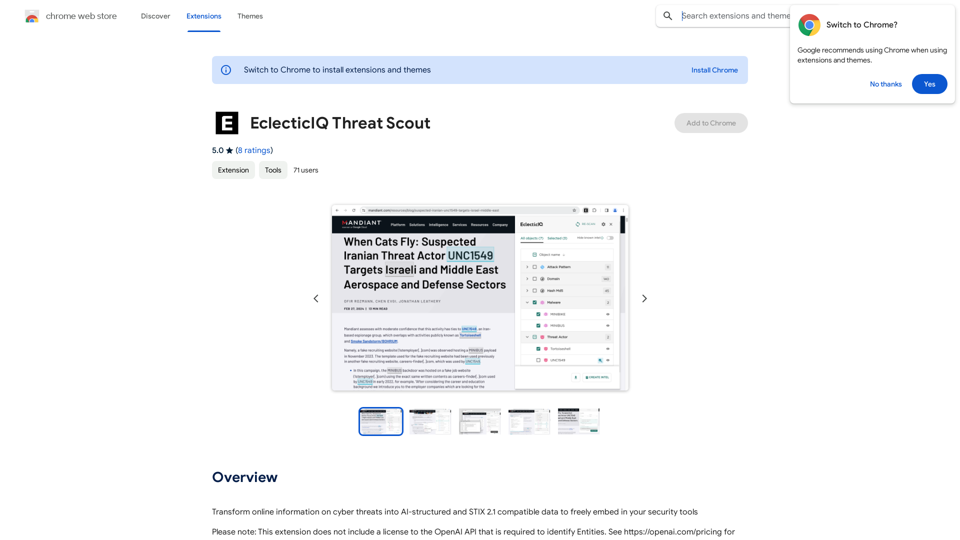
Turn information about online dangers into data that artificial intelligence can understand and use. This data will follow the STIX 2.1 standard, so you can easily include it in your security programs.
193.90 M
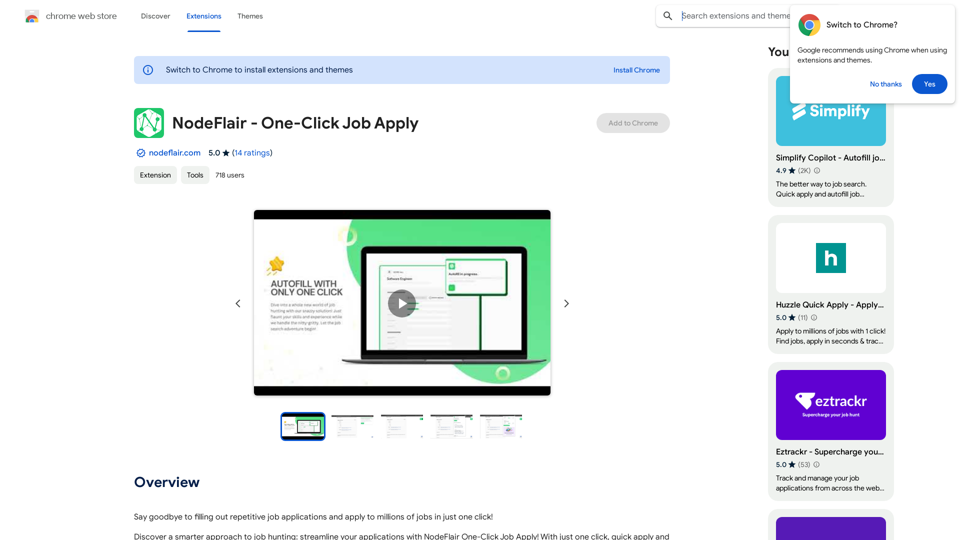
Say goodbye to filling out repetitive job applications and apply to millions of jobs with just one click!
193.90 M
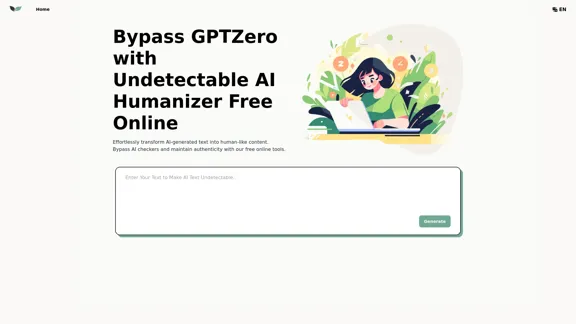
UndetectableGPT.ai: Bypass GPTZero with Undetectable AI Humanizer Free Online
UndetectableGPT.ai: Bypass GPTZero with Undetectable AI Humanizer Free OnlineTransform AI-generated content with our undetectable AI humanizer and rewriter. Make AI text undetectable and bypass AI checkers like GPTZero and ZeroGPT using undetectable AI free online tools. Perfect for creating undetecable GPT content.
1.66 K
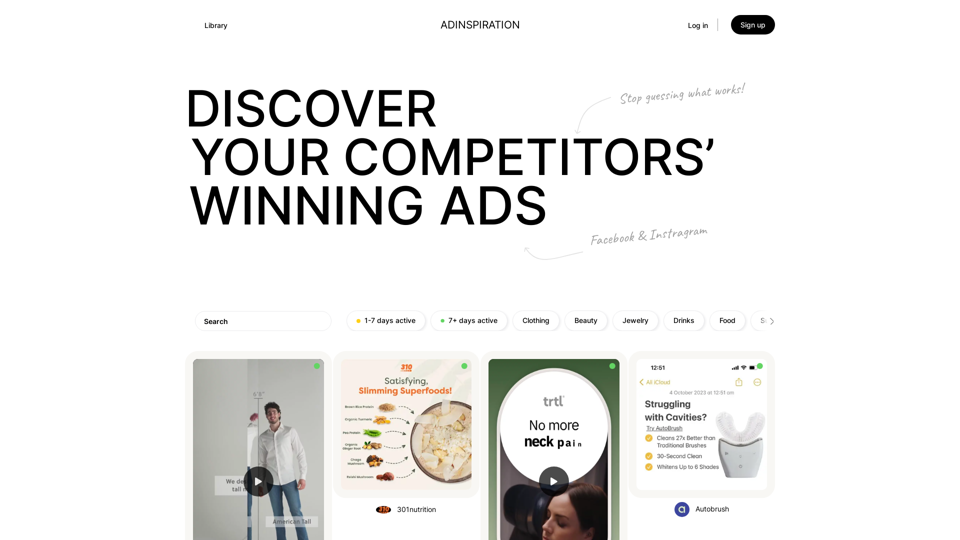
Adinspiration | Discover your Competitors' Winning Ads from Facebook Ad Library
Adinspiration | Discover your Competitors' Winning Ads from Facebook Ad LibraryBoost your Return on Ad Spend (ROAS) with proven Ad Inspiration and winning Facebook & Instagram ad creatives from top brands and your Competitors. Meta Ad library with superpowers
0