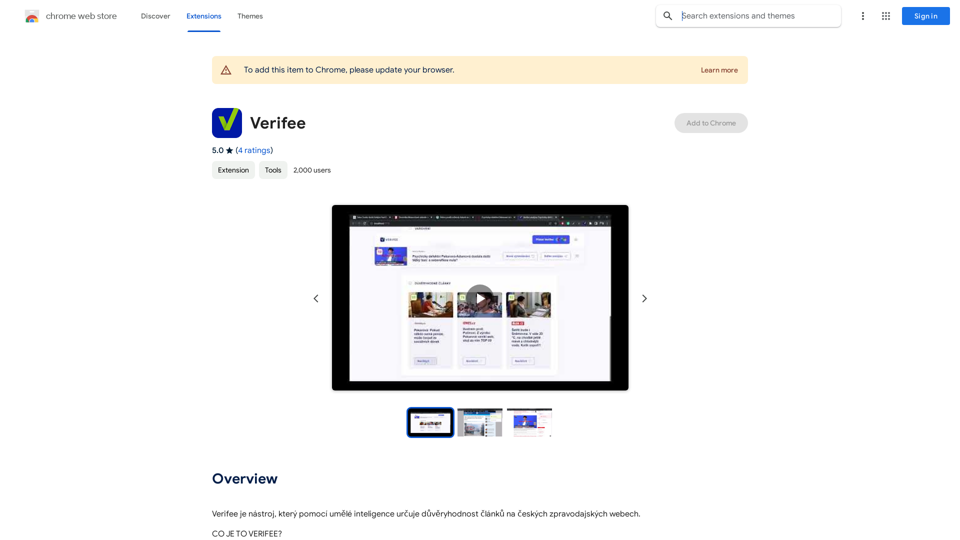
Verifee is an AI-powered tool designed to assess the credibility of articles on Czech news websites. It helps readers navigate the vast sea of online information by providing warnings for articles written in styles typical of unreliable media sources. Verifee aims to promote critical thinking and informed decision-making among its users.
Verify
Verify is a tool that uses artificial intelligence to determine the trustworthiness of articles on Czech news websites.
Introduction
Feature
Browser Extension and Web Application
Verifee offers two convenient ways to use its services:
- Browser extension: Always available, automatically displays warning icons next to news articles
- Web application: Allows analysis of any article without installation
Credibility Scoring System
- Assigns a credibility score to each analyzed article
- Provides immediate indication of content reliability
- Helps users quickly identify potentially unreliable information
Detailed Analysis Results
- Offers in-depth analysis of articles
- Enables users to critically evaluate content
- Supports informed decision-making
Non-Intrusive Design
- Operates quietly in the background
- Only displays notifications for low credibility scores
- Ensures a smooth browsing experience
AI-Powered Analysis
- Utilizes artificial intelligence to examine article language and style
- Compares content against a database of known unreliable media
- Generates credibility scores based on comprehensive analysis
Privacy-Focused
- Does not collect or use user data for training purposes
- Designed with transparency and user privacy in mind
Flexible Usage Options
- Basic features available for free
- Subscription option for advanced features and additional data
FAQ
How does Verifee work?
Verifee employs artificial intelligence to analyze the language and style of articles, comparing them to a database of known unreliable media. It then assigns a credibility score based on this analysis, which is displayed next to the article. For low credibility scores, Verifee shows a warning icon and provides a detailed analysis of the article.
How can I maximize my use of Verifee?
To get the most out of Verifee:
- Install it as a browser extension for constant availability
- Regularly analyze articles to stay informed about source credibility
- Use the detailed analysis results to critically evaluate articles and make informed decisions
Is my information used for training data?
No, Verifee does not collect or use your data for training purposes. The tool is designed to be transparent and respects user privacy.
When would I need a subscription to Verifee?
A subscription may be necessary if you:
- Rely heavily on Verifee
- Need access to more advanced features
- Require additional data
However, basic features are available for free, allowing you to start using the tool without a subscription.
Related Websites
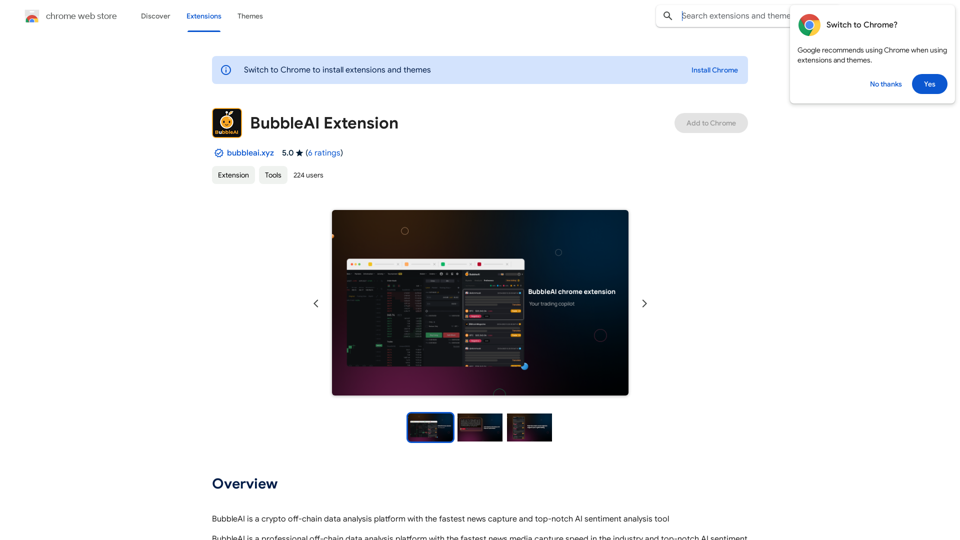
BubbleAI is a cryptocurrency off-chain data analysis platform with the fastest news capture and a top-notch AI sentiment analysis tool.
193.90 M
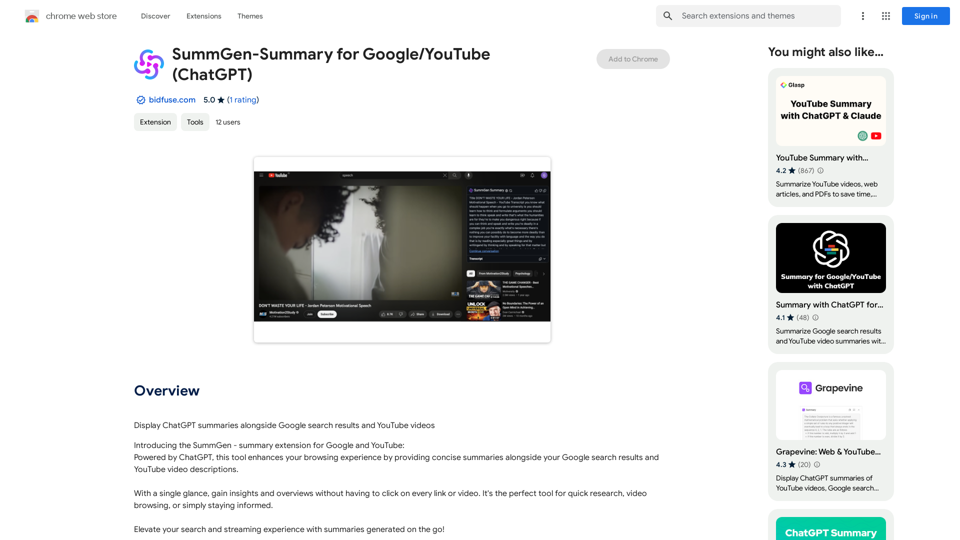
SummGen-Summary for Google/YouTube (ChatGPT) This is a summary of the capabilities and potential uses of SummGen, a text summarization model, specifically in the context of Google and YouTube. * What is SummGen? SummGen is a powerful text summarization model developed by Google DeepMind. It excels at condensing large amounts of text into concise and informative summaries. * How can SummGen be used with Google Search? Imagine searching Google for a complex topic. SummGen could analyze the top search results and generate a brief, clear summary of the key information, saving you time and effort. * Applications for YouTube: * Video Summaries: SummGen could automatically generate summaries of YouTube videos, making it easier for viewers to quickly understand the content. * Closed Captions: SummGen could enhance closed captions by providing more accurate and concise summaries of the spoken words. * Content Discovery: YouTube could use SummGen to create summaries of trending videos, helping users discover new content based on their interests. * Benefits: * Efficiency: SummGen saves time by providing concise summaries of large amounts of text. * Accessibility: Summaries can make information more accessible to people with visual or cognitive impairments. * Improved Understanding: Summaries can help users grasp complex topics more easily. SummGen has the potential to revolutionize how we interact with information on Google and YouTube, making it more efficient, accessible, and understandable.
SummGen-Summary for Google/YouTube (ChatGPT) This is a summary of the capabilities and potential uses of SummGen, a text summarization model, specifically in the context of Google and YouTube. * What is SummGen? SummGen is a powerful text summarization model developed by Google DeepMind. It excels at condensing large amounts of text into concise and informative summaries. * How can SummGen be used with Google Search? Imagine searching Google for a complex topic. SummGen could analyze the top search results and generate a brief, clear summary of the key information, saving you time and effort. * Applications for YouTube: * Video Summaries: SummGen could automatically generate summaries of YouTube videos, making it easier for viewers to quickly understand the content. * Closed Captions: SummGen could enhance closed captions by providing more accurate and concise summaries of the spoken words. * Content Discovery: YouTube could use SummGen to create summaries of trending videos, helping users discover new content based on their interests. * Benefits: * Efficiency: SummGen saves time by providing concise summaries of large amounts of text. * Accessibility: Summaries can make information more accessible to people with visual or cognitive impairments. * Improved Understanding: Summaries can help users grasp complex topics more easily. SummGen has the potential to revolutionize how we interact with information on Google and YouTube, making it more efficient, accessible, and understandable.Display ChatGPT Summaries Alongside Google Search Results and YouTube Videos This feature would allow users to see concise summaries generated by ChatGPT directly integrated with their Google search results and YouTube video pages. Imagine searching for a topic on Google and seeing a ChatGPT-generated summary at the top of the results, providing a quick overview of the key points. Or, watching a YouTube video and having a ChatGPT summary appear below, highlighting the main takeaways. This integration could significantly enhance the user experience by: * Saving time: Quickly grasp the essence of information without having to read through lengthy articles or watch entire videos. * Improving comprehension: ChatGPT summaries can rephrase complex information in a more accessible way. * Encouraging exploration: Summaries can spark curiosity and lead users to explore related content further.
193.90 M
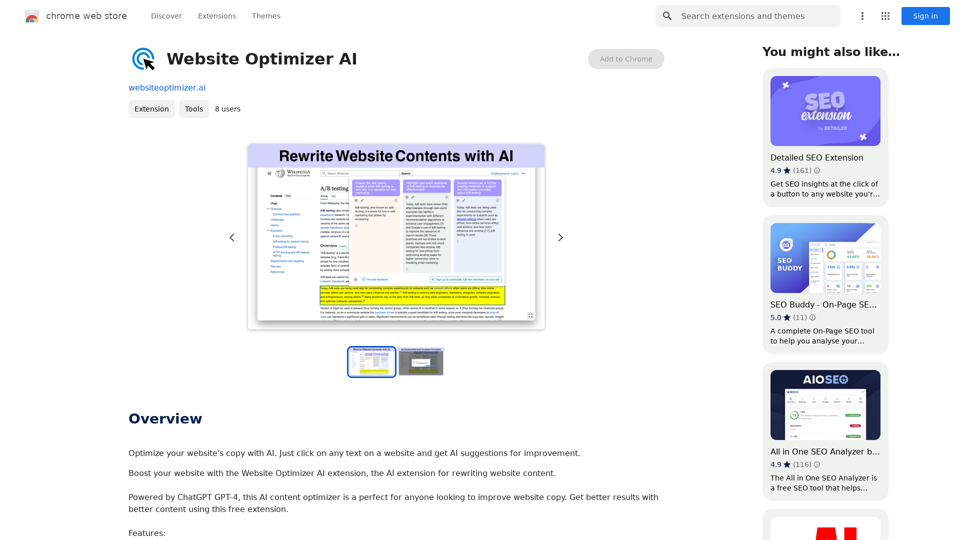
Improve your website's text with AI. Simply click on any text on a website and receive AI-powered suggestions for making it better.
193.90 M
Knowz AI Search Engine: A New Era of Online Searching Experience
Knowz AI Search Engine: A New Era of Online Searching ExperienceDiscover the power of Knowz, a free AI search designed to deliver fast, accurate, and clutter-free answers, revolutionizing your online searches.
270
![AIScraper
This is a Python library for scraping data from websites that use the Amazon Interactive Search (AIS) API.
Features:
* Easy to use: Simply provide a search query and the library will return a list of product results.
* Flexible: You can customize your scraping by specifying filters, such as price range, brand, and category.
* Efficient: The library uses asynchronous requests to speed up the scraping process.
* Reliable: The library is designed to handle rate limits and other website restrictions.
Installation:
```bash
pip install aiscraper
```
Usage:
```python
from aiscraper import AIScraper
Create an instance of the AIScraper class
scraper = AIScraper()
Perform a search for "laptops"
results = scraper.search("laptops")
Print the product titles
for result in results:
print(result["title"])
```
Documentation:
https://github.com/aiscraper/aiscraper](https://static.right-ai.com/tools/2024/7/4/chromewebstore-google-com-detail-aiscraper-mfjniiodgjhlmleaakofgijfccdgppbc-thumbnail-1720072105.png "AIScraper
This is a Python library for scraping data from websites that use the Amazon Interactive Search (AIS) API.
Features:
* Easy to use: Simply provide a search query and the library will return a list of product results.
* Flexible: You can customize your scraping by specifying filters, such as price range, brand, and category.
* Efficient: The library uses asynchronous requests to speed up the scraping process.
* Reliable: The library is designed to handle rate limits and other website restrictions.
Installation:
```bash
pip install aiscraper
```
Usage:
```python
from aiscraper import AIScraper
Create an instance of the AIScraper class
scraper = AIScraper()
Perform a search for \"laptops\"
results = scraper.search(\"laptops\")
Print the product titles
for result in results:
print(result[\"title\"])
```
Documentation:
https://github.com/aiscraper/aiscraper")
AIScraper This is a Python library for scraping data from websites that use the Amazon Interactive Search (AIS) API. Features: * Easy to use: Simply provide a search query and the library will return a list of product results. * Flexible: You can customize your scraping by specifying filters, such as price range, brand, and category. * Efficient: The library uses asynchronous requests to speed up the scraping process. * Reliable: The library is designed to handle rate limits and other website restrictions. Installation: ```bash pip install aiscraper ``` Usage: ```python from aiscraper import AIScraper Create an instance of the AIScraper class scraper = AIScraper() Perform a search for "laptops" results = scraper.search("laptops") Print the product titles for result in results: print(result["title"]) ``` Documentation: https://github.com/aiscraper/aiscraper
AIScraper This is a Python library for scraping data from websites that use the Amazon Interactive Search (AIS) API. Features: * Easy to use: Simply provide a search query and the library will return a list of product results. * Flexible: You can customize your scraping by specifying filters, such as price range, brand, and category. * Efficient: The library uses asynchronous requests to speed up the scraping process. * Reliable: The library is designed to handle rate limits and other website restrictions. Installation: ```bash pip install aiscraper ``` Usage: ```python from aiscraper import AIScraper Create an instance of the AIScraper class scraper = AIScraper() Perform a search for "laptops" results = scraper.search("laptops") Print the product titles for result in results: print(result["title"]) ``` Documentation: https://github.com/aiscraper/aiscraperWeb scraper, powered by AI! Collect structured data from web pages in just a few clicks! What's new 🔹Simplified data collection…
193.90 M