WebBites is a browser extension designed to revolutionize bookmark management using AI technology. It offers a comprehensive suite of features to enhance the way users save, organize, and interact with their favorite websites. From page previews to smart search capabilities, WebBites aims to streamline the bookmarking process and provide a personalized experience for each user.
WebBites - Browser Extension
WebBites - Save and manage all your bookmarks with AI.
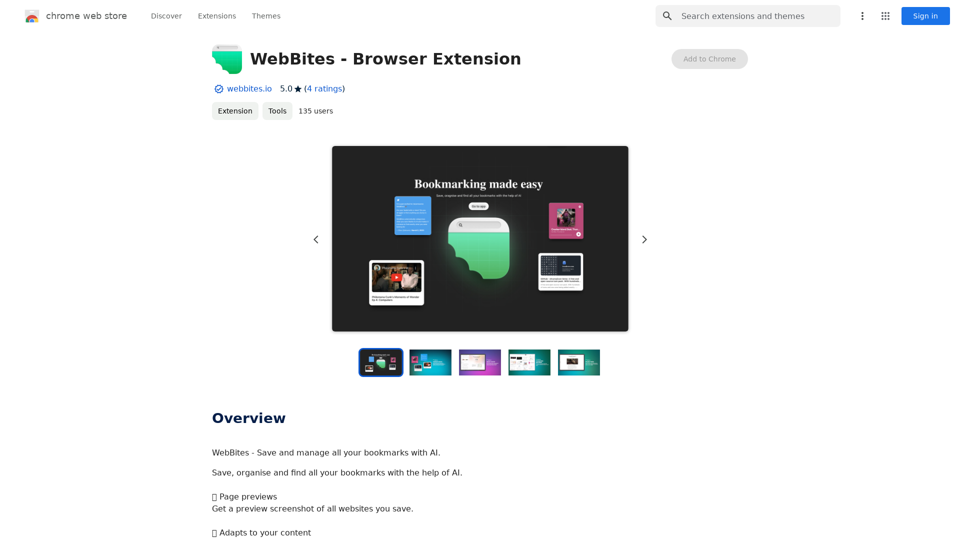
Introduction
Feature
💻 Page Previews
Generate preview screenshots of saved websites for quick visual identification.
📺 Content Adaptation
Intelligently adapts to the type of content being saved, offering a tailored experience.
📰 Reader Mode
Eliminates clutter and advertisements, saving websites in a clean, text-only format.
🎧 Audio Conversion
Utilizes advanced AI to convert articles and websites into audio format for convenient listening.
📸 Full-page Screenshots
Captures entire web pages, ensuring content remains accessible even if the original site is removed.
📝 Annotation Tools
Allows users to add notes and annotations directly on saved website screenshots.
📟 Automated Metadata Generation
Automatically categorizes saved pages with tags, keywords, and colors for efficient organization.
🔎 Smart Search Functionality
Enables comprehensive search across full-text content, tags, keywords, comments, and even color schemes.
FAQ
Is WebBites free to use?
WebBites offers a free version with limited features, as well as a paid subscription that provides additional functionality and benefits.
What advantages does a WebBites subscription offer?
Subscribing to WebBites grants users extended access beyond free usage limits and unlocks additional features for an enhanced bookmarking experience.
How can I start using WebBites?
WebBites is accessible to all users for saving and managing bookmarks. Simply install the browser extension to begin organizing your digital content more efficiently.
Related Websites
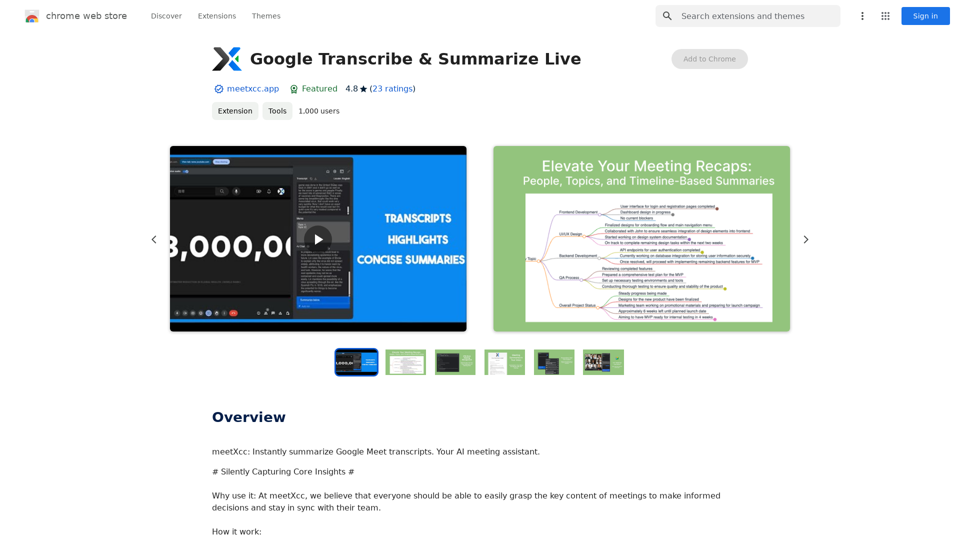
Google Transcribe & Summarize Live Automatically transcribe and summarize live audio and video streams in real-time using Google's AI technology.
Google Transcribe & Summarize Live Automatically transcribe and summarize live audio and video streams in real-time using Google's AI technology.meetXcc: Instantly summarize Google Meet transcripts. Your AI meeting assistant.
193.90 M
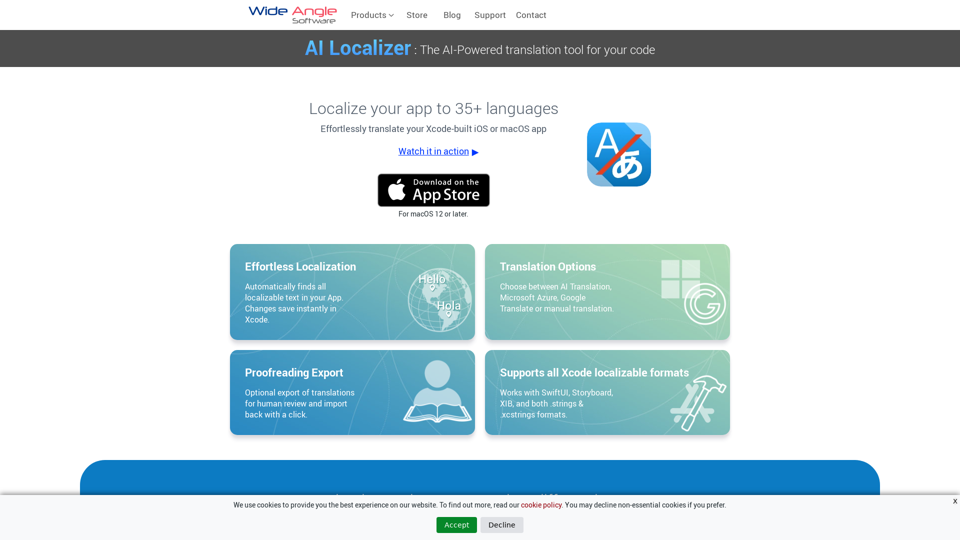
Seamlessly add localized translations to your Xcode projects. Add up to 37 languages to your app automatically, using the power of AI.
210.21 K
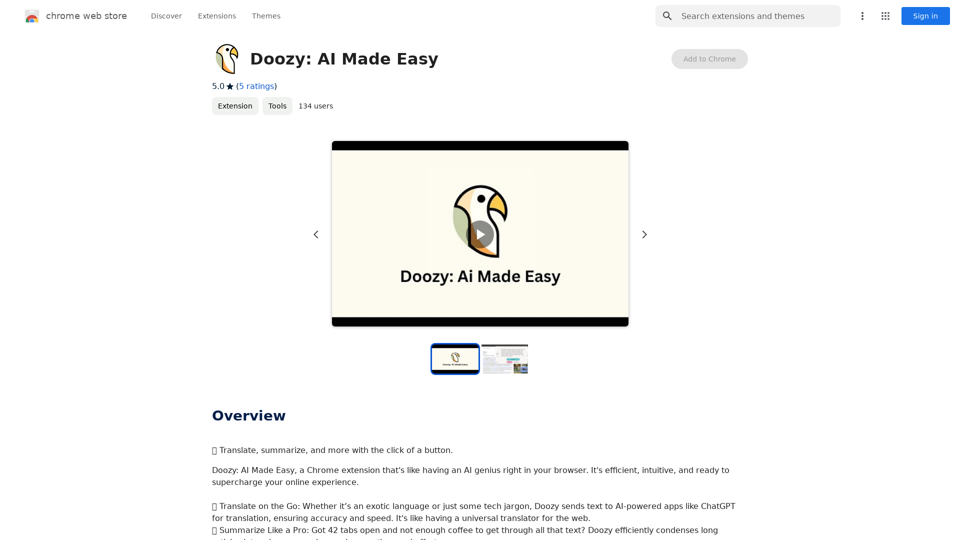
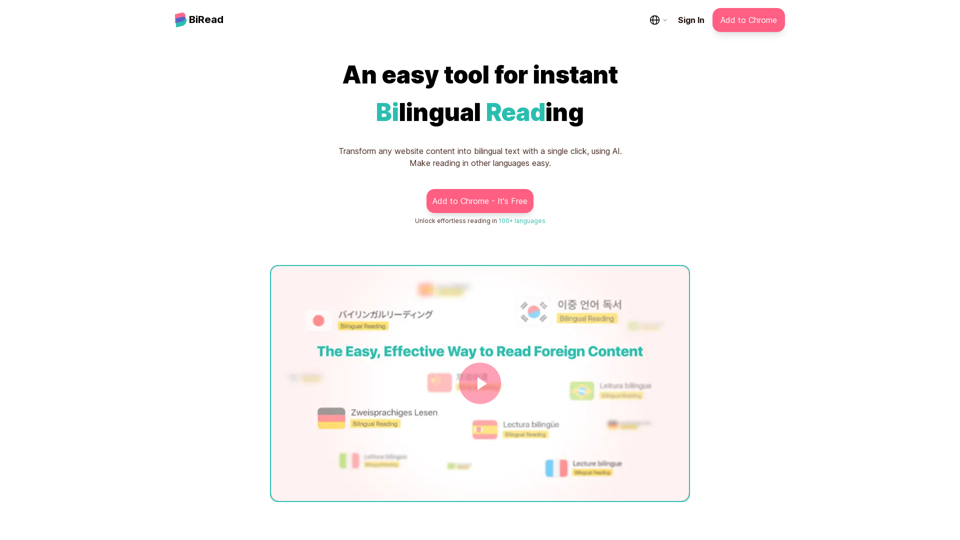
BiRead - A Simple Tool for Instant Bilingual Reading
BiRead - A Simple Tool for Instant Bilingual ReadingTransform any website content into bilingual text with a single click, using AI. Make reading in other languages easy.
10.98 K
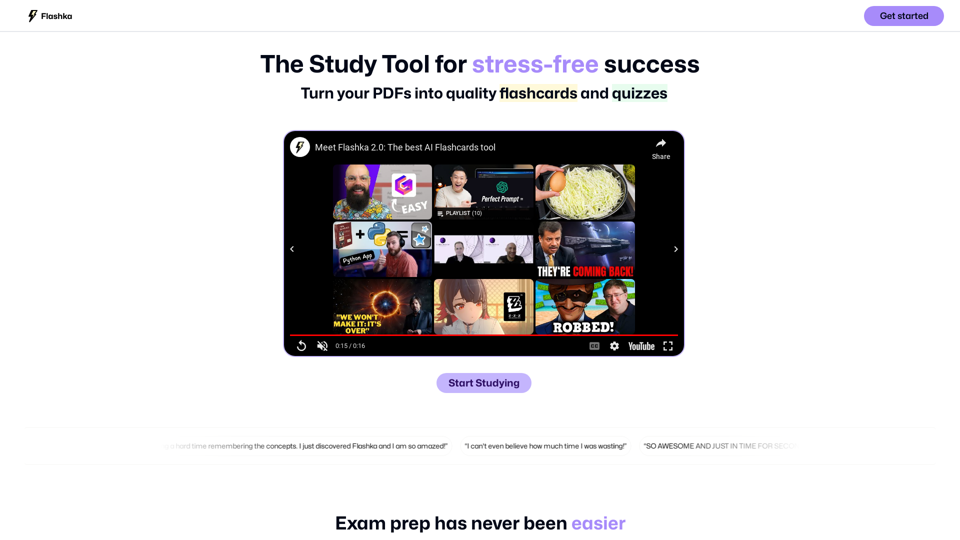
Flashka helps you learn by automatically generating flashcards and aiding you in the learning process.
287.56 K
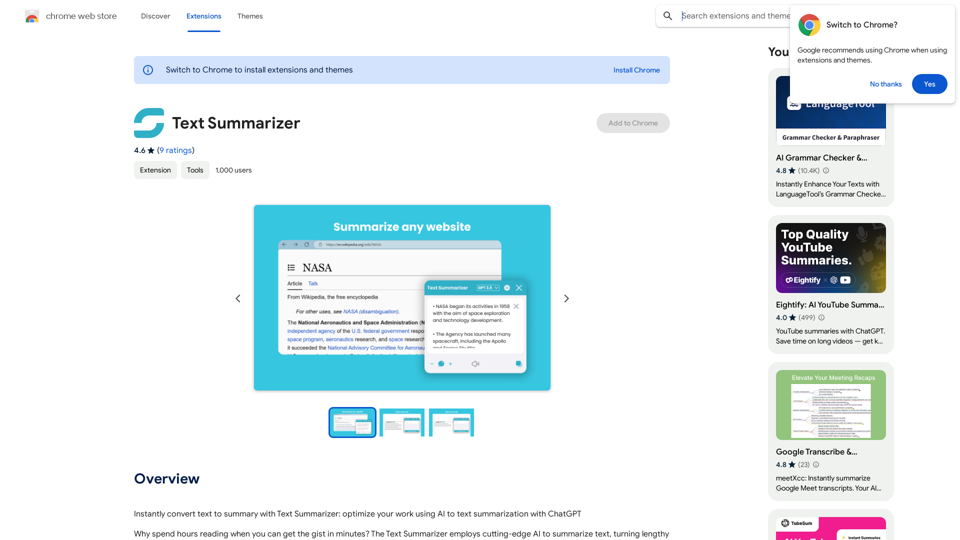
Text Summarizer This is a tool that can condense large amounts of text into shorter, more manageable summaries.
Text Summarizer This is a tool that can condense large amounts of text into shorter, more manageable summaries.Instantly summarize text with Text Summarizer: optimize your work using AI-powered text summarization with ChatGPT.
193.90 M
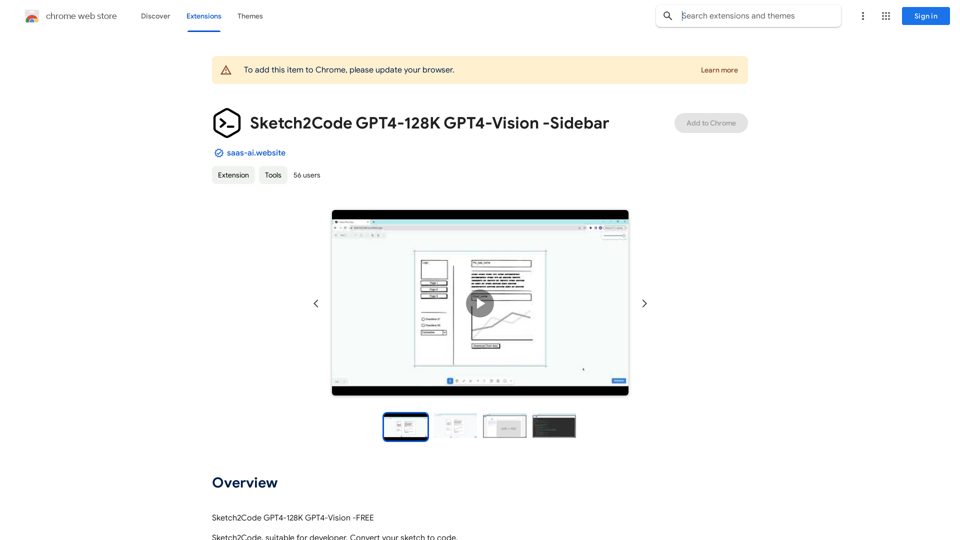
Sketch2Code GPT4-128K GPT4-Vision - Sidebar This is a simple sidebar for a Sketch2Code application powered by GPT4-128K and GPT4-Vision. It likely contains: * Upload Sketch: A button or area to upload an image sketch. * Code Generation Options: Settings to choose the programming language, desired code complexity, or other generation parameters. * Output Code: A display area to show the generated code. * Clear Output: A button to clear the generated code. Let me know if you'd like me to elaborate on any specific aspect of the sidebar!
Sketch2Code GPT4-128K GPT4-Vision - Sidebar This is a simple sidebar for a Sketch2Code application powered by GPT4-128K and GPT4-Vision. It likely contains: * Upload Sketch: A button or area to upload an image sketch. * Code Generation Options: Settings to choose the programming language, desired code complexity, or other generation parameters. * Output Code: A display area to show the generated code. * Clear Output: A button to clear the generated code. Let me know if you'd like me to elaborate on any specific aspect of the sidebar!Sketch2Code GPT4-128K GPT4-Vision - FREE
193.90 M