gptXcc is an innovative AI-powered platform that revolutionizes the way users interact with YouTube content. By leveraging advanced AI technologies, gptXcc transforms lengthy videos into concise, easy-to-understand mind maps. This tool enables efficient learning and quick comprehension of complex information, making it an invaluable resource for students, professionals, and anyone seeking to optimize their online learning experience.
Youtube Video Summarizer with Mind Map
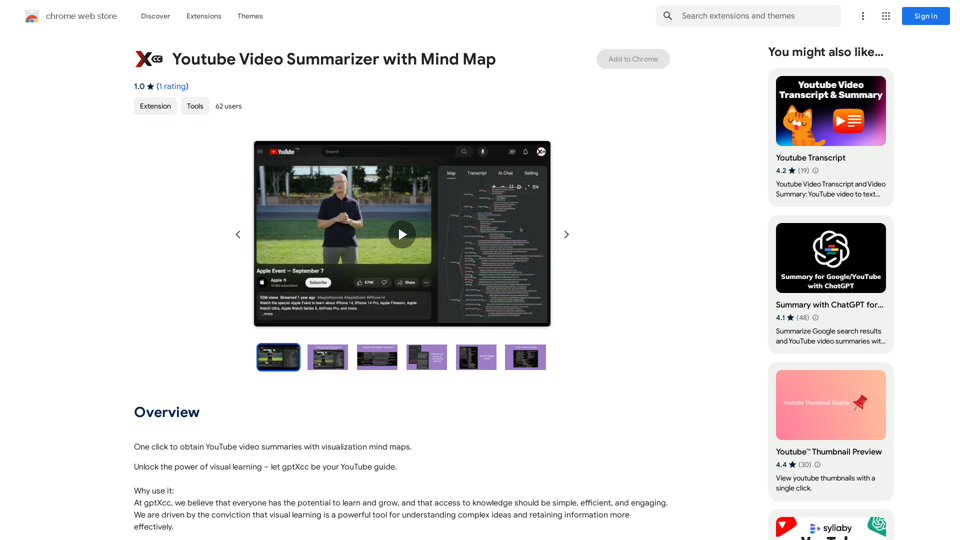
Get YouTube video summaries with visualization mind maps in just one click.
Introduction
Feature
Seamless YouTube Integration
gptXcc integrates effortlessly with YouTube, allowing users to generate mind maps from videos with just a single click. This feature streamlines the process of content summarization and enhances the overall user experience.
Rapid Mind Map Generation
Using cutting-edge AI technology, gptXcc can auto-generate comprehensive mind maps in a mere 15 seconds. This quick turnaround time ensures that users can access summarized content almost instantly.
Comprehensive Content Representation
The platform provides a clear and organized representation of video content, including:
- Structure
- Topics
- People mentioned
- Timeline
This detailed breakdown allows users to grasp the essence of the video quickly and efficiently.
Time-Efficient Learning
By condensing lengthy videos into easily digestible mind maps, gptXcc enables users to absorb essential information in a fraction of the time it would take to watch the entire video.
Free Access
gptXcc is offered as a free extension, with no subscription fees required. This makes it accessible to a wide range of users, regardless of their budget constraints.
Cross-Browser Compatibility
The tool is compatible with all major web browsers, including:
- Google Chrome
- Mozilla Firefox
- Microsoft Edge
This ensures that users can access gptXcc's features regardless of their preferred browsing platform.
FAQ
How does gptXcc work?
gptXcc utilizes advanced AI technology to analyze YouTube videos and generate mind maps. The process involves:
- Single-click activation from the YouTube page
- AI-powered content analysis
- Automatic generation of a structured mind map within 15 seconds
- Clear representation of the video's content, including structure, topics, people, and timeline
Can I customize the mind maps generated by gptXcc?
Yes, gptXcc allows users to customize the generated mind maps by adjusting settings and preferences to suit their individual needs.
Does gptXcc work for all YouTube videos?
While gptXcc is designed to work with most YouTube videos, some content may not be accessible due to copyright restrictions. However, the tool is compatible with a vast majority of available videos on the platform.
Related Websites

Minimize Climate Risk | Maximize Future Opportunities | ClimateAi
Minimize Climate Risk | Maximize Future Opportunities | ClimateAiBuild climate resilience with accurate insights and actionable recommendations that will give you a competitive edge.
10.69 K
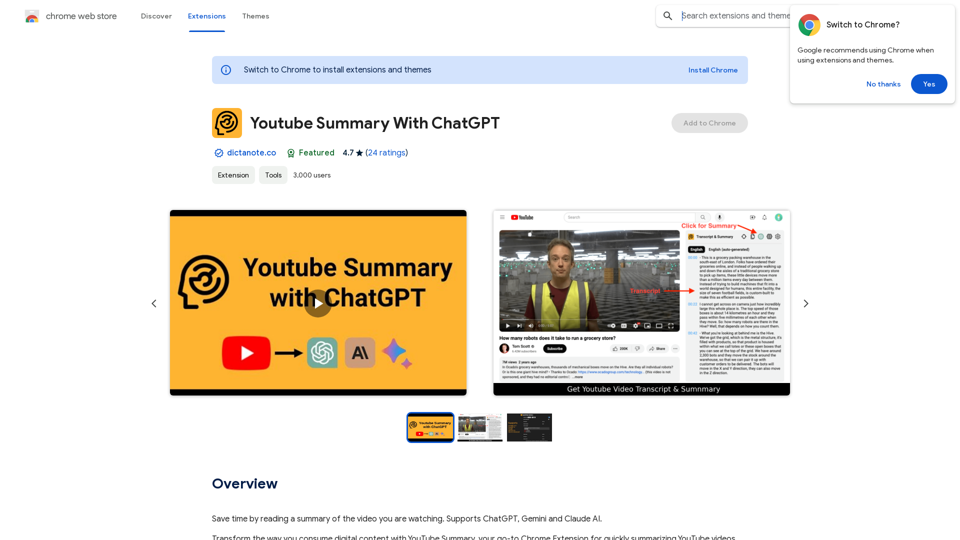
Save time by reading a summary of the video you are watching. Supports ChatGPT, Gemini, and Claude AI.
193.90 M
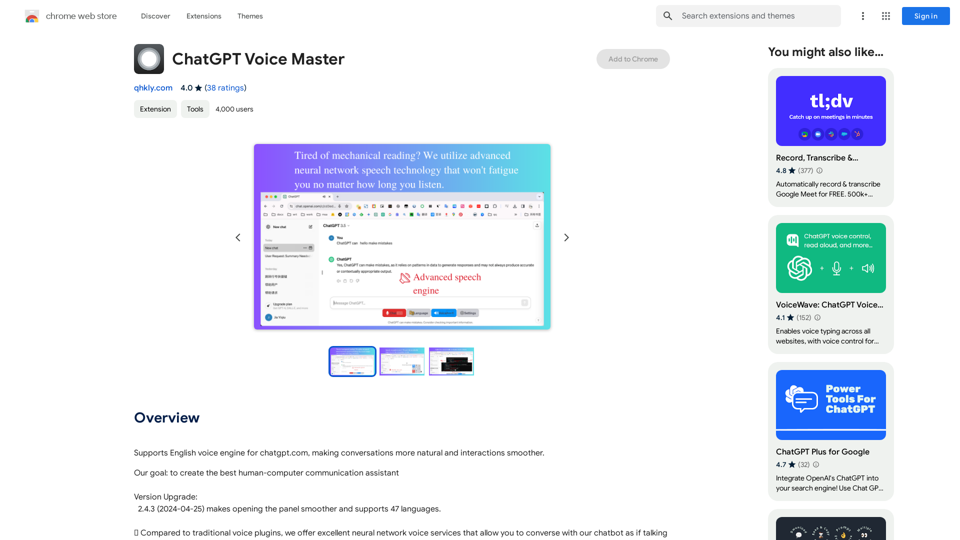
Supports English voice engine for chatgpt.com, making conversations more natural and interactions smoother.
193.90 M
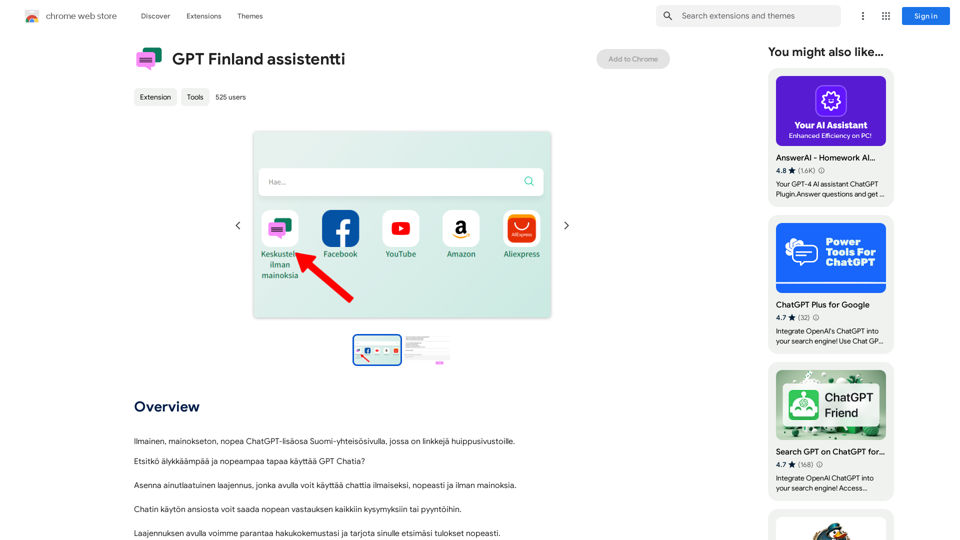
Free, ad-free, fast ChatGPT add-on on the Finnish community page, which has links to top-notch websites.
193.90 M
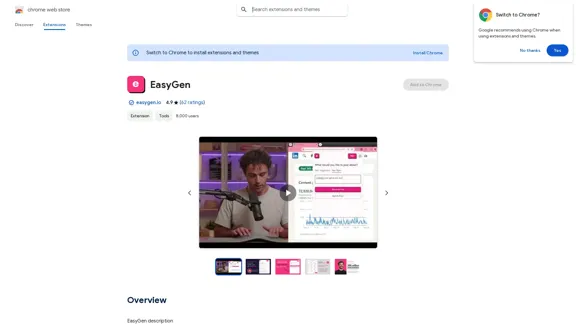
EasyGen is a powerful and user-friendly text generation tool that leverages advanced language models to create high-quality content across various domains. It offers a seamless interface for users to input prompts and generate coherent, contextually relevant text for a wide range of applications, including creative writing, content marketing, and academic research. Key features of EasyGen include: 1. Multiple language model options 2. Customizable generation parameters 3. Fine-tuning capabilities for specific use cases 4. Integration with popular writing and productivity tools 5. Real-time collaboration features EasyGen aims to streamline the content creation process, helping users save time and effort while maintaining high standards of quality and creativity. Whether you're a professional writer, marketer, or researcher, EasyGen provides the tools and flexibility needed to enhance your productivity and unlock new possibilities in text generation.
193.90 M
ChatTTS is a voice generation model on GitHub at 2noise/chattts. Chat TTS is specifically designed for conversational scenarios. It is ideal for applications such as dialogue tasks for large language model assistants, as well as conversational audio and video introductions. The model supports both Chinese and English, demonstrating high quality and naturalness in speech synthesis. This level of performance is achieved through training on approximately 100,000 hours of Chinese and English data. Additionally, the project team plans to open-source a basic model trained with 40,000 hours of data, which will aid the academic and developer communities in further research and development.
23.26 K
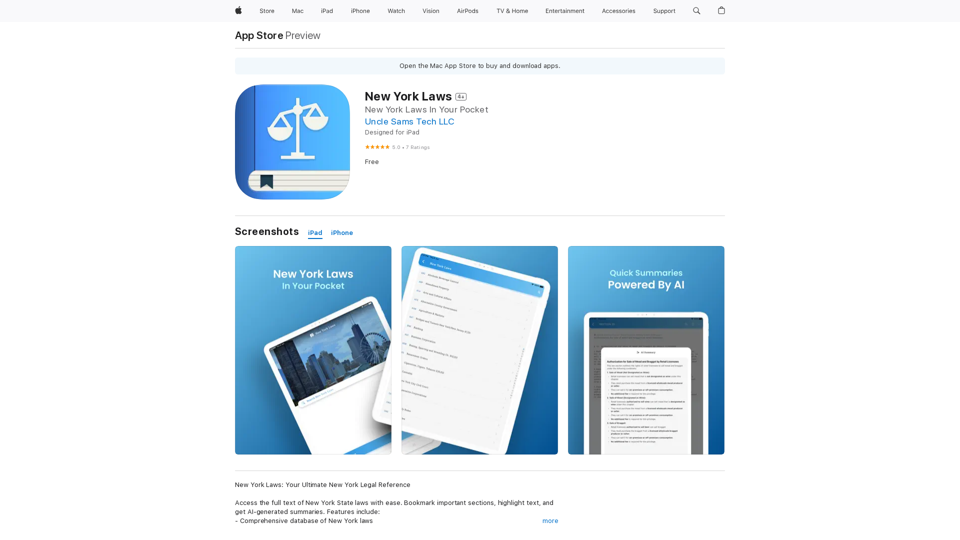
Access the full text of New York State laws with ease. Bookmark important sections, highlight text, and get AI-generated summaries. Features include: - Comprehensive search functionality to quickly find specific laws and regulations - Customizable bookmarks to mark important sections for future reference - Highlighting tool to emphasize key points and phrases - AI-powered summaries to provide a concise overview of complex laws
124.77 M