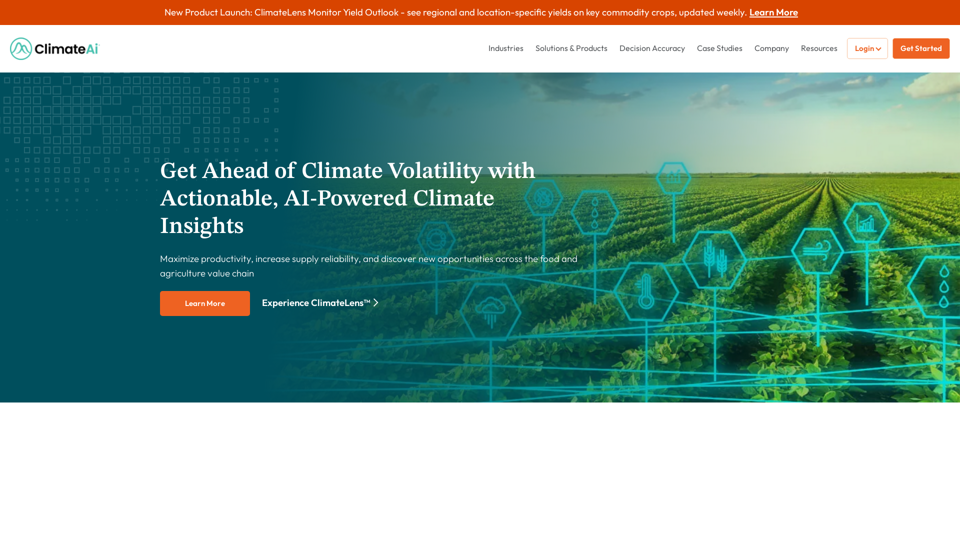
ClimateAi is an AI-powered climate resilience platform that helps businesses in the food and agriculture value chain minimize climate risk and maximize opportunities. It uses AI and patented models to analyze climate and weather data, providing actionable insights for informed decision-making across various industries.
Minimize Climate Risk | Maximize Future Opportunities | ClimateAi
Build climate resilience with accurate insights and actionable recommendations that will give you a competitive edge.
Introduction
Feature
ClimateLens Monitor
Real-time climate insights for informed business decisions on operations, supply chain, and investments.
ClimateLens Adapt
Provides insights on climate risk, vulnerability, and resilience to help businesses adapt to climate change.
ClimateLens Monitor Yield Outlook
Weekly updates on regional and location-specific yields for key commodity crops, aiding supply chain and operational decisions.
AI-Powered Analysis
Utilizes AI and patented models to analyze climate and weather data from multiple sources.
Industry-Specific Solutions
Serves various industries including agribusiness, food and beverage, and finance.
Decision Accuracy
Provides accurate and reliable climate insights for informed business decisions.
Case Studies
Offers real-world examples demonstrating the platform's effectiveness across industries.
FAQ
How does ClimateAi work?
ClimateAi combines AI and patented models to analyze climate and weather data from multiple sources, providing actionable insights for informed business decisions.
What industries does ClimateAi serve?
ClimateAi serves a wide range of industries, including:
- Agribusiness
- Food and beverage
- Finance
- And more
How can I get started with ClimateAi?
To get started:
- Schedule a discovery call
- Learn how the platform can help your business
- Explore ways to minimize climate risk and maximize future opportunities
What are the benefits of using ClimateAi?
Benefits include:
- Improved decision accuracy
- Access to real-time climate insights
- Adaptation strategies for climate change
- Industry-specific solutions
- Proven effectiveness through case studies
Related Websites
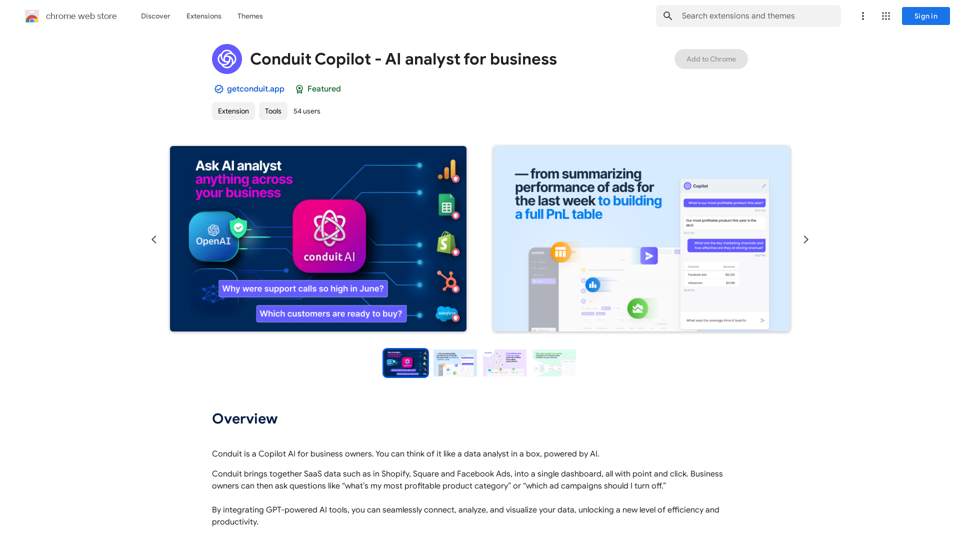
Conduit is a Copilot AI for business owners. Think of it like a data analyst in a box, powered by AI.
193.90 M

Adds a right-click menu to images, allowing users to easily add keywords to stock photos on websites like Alamy and Getty.
193.90 M
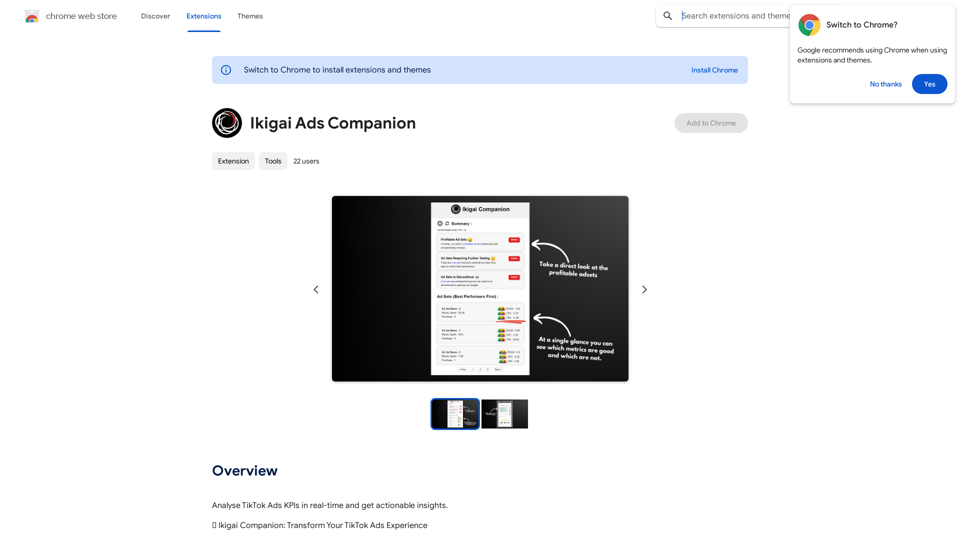
AiJobster - Job Search in AI Companies and Remote AI Jobs
AiJobster - Job Search in AI Companies and Remote AI JobsAiJobster - Your premier platform for job search in AI companies and remote jobs across top AI-driven organizations. Discover your future in tech today!
694
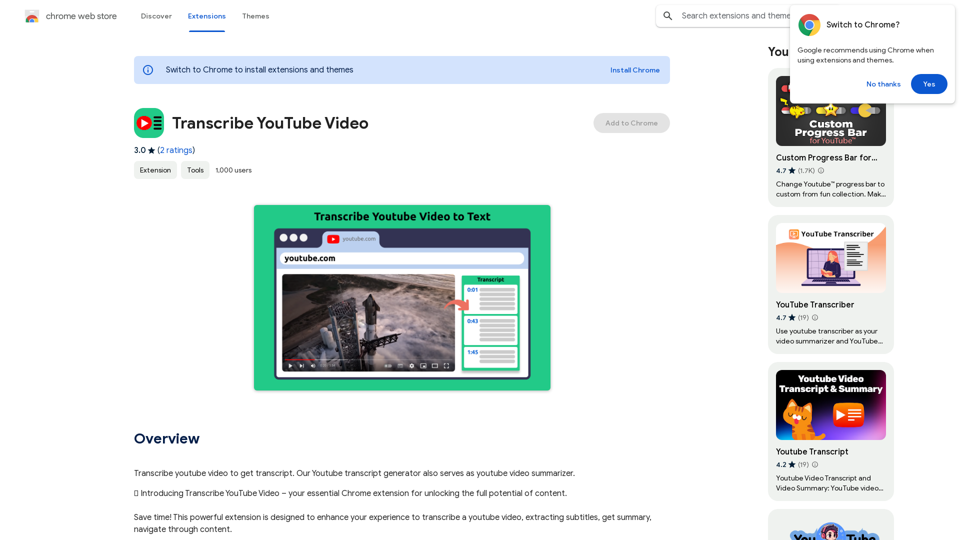
Please provide me with the YouTube video link so I can transcribe it for you.
Please provide me with the YouTube video link so I can transcribe it for you.Transcribe a YouTube video to get a transcript. Our YouTube transcript generator also acts as a YouTube video summarizer.
193.90 M