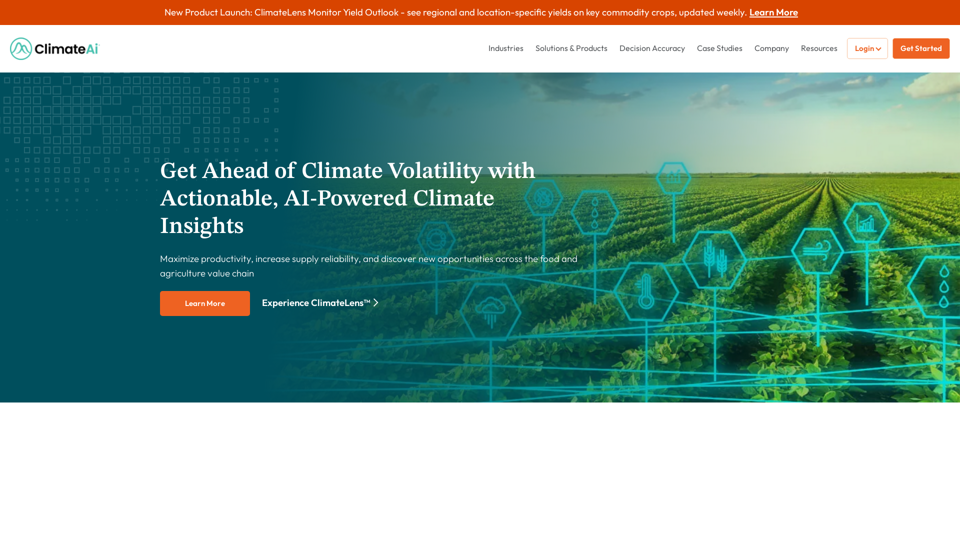
ClimateAi is an AI-powered climate resilience platform that helps businesses in the food and agriculture value chain minimize climate risk and maximize opportunities. It uses AI and patented models to analyze climate and weather data, providing actionable insights for informed decision-making across various industries.
Minimize Climate Risk | Maximize Future Opportunities | ClimateAi
Build climate resilience with accurate insights and actionable recommendations that will give you a competitive edge.
Introduction
Feature
ClimateLens Monitor
Real-time climate insights for informed business decisions on operations, supply chain, and investments.
ClimateLens Adapt
Provides insights on climate risk, vulnerability, and resilience to help businesses adapt to climate change.
ClimateLens Monitor Yield Outlook
Weekly updates on regional and location-specific yields for key commodity crops, aiding supply chain and operational decisions.
AI-Powered Analysis
Utilizes AI and patented models to analyze climate and weather data from multiple sources.
Industry-Specific Solutions
Serves various industries including agribusiness, food and beverage, and finance.
Decision Accuracy
Provides accurate and reliable climate insights for informed business decisions.
Case Studies
Offers real-world examples demonstrating the platform's effectiveness across industries.
FAQ
How does ClimateAi work?
ClimateAi combines AI and patented models to analyze climate and weather data from multiple sources, providing actionable insights for informed business decisions.
What industries does ClimateAi serve?
ClimateAi serves a wide range of industries, including:
- Agribusiness
- Food and beverage
- Finance
- And more
How can I get started with ClimateAi?
To get started:
- Schedule a discovery call
- Learn how the platform can help your business
- Explore ways to minimize climate risk and maximize future opportunities
What are the benefits of using ClimateAi?
Benefits include:
- Improved decision accuracy
- Access to real-time climate insights
- Adaptation strategies for climate change
- Industry-specific solutions
- Proven effectiveness through case studies
Related Websites
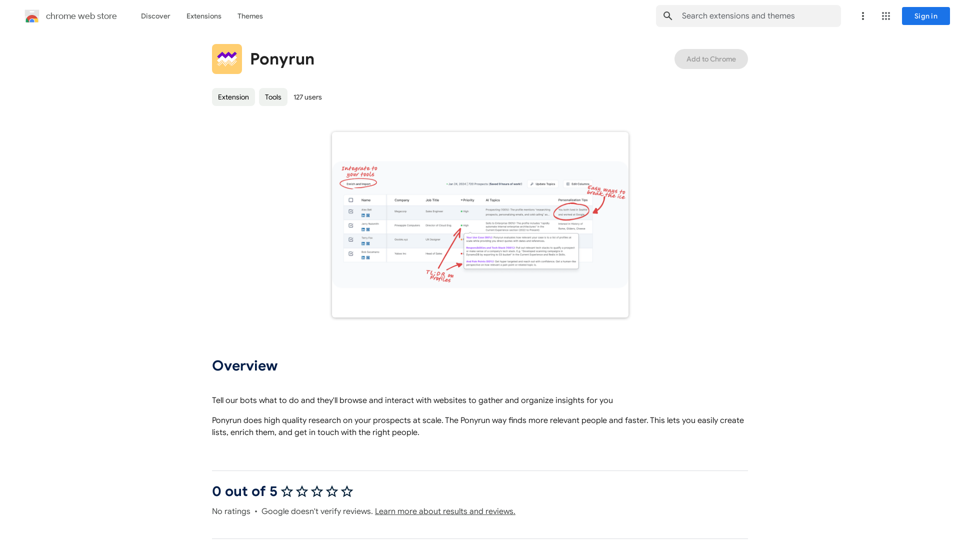
Give our bots instructions, and they will explore and engage with websites to collect and arrange useful information for you.
193.90 M
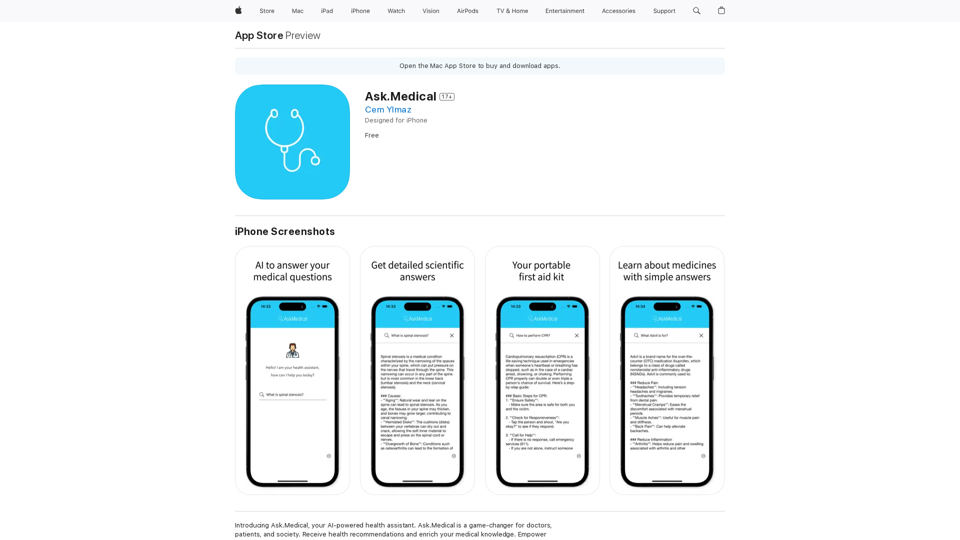
Introducing Ask.Medical, your AI-powered health assistant. Ask.Medical is a game-changer for doctors, patients, and society. Receive health recommendations and personalized guidance from a trusted and knowledgeable ally.
124.77 M

With just one URL link, you can quickly generate videos in multiple styles using AI. It supports secondary editing and ensures controllable results.
193.90 M
The Empress Tarot Card: Symbolism, Interpretations, and Significance The Empress is the third card in the Major Arcana of the tarot deck. This powerful and nurturing figure represents feminine energy, abundance, creativity, and fertility. Here's a comprehensive look at the Empress card: Symbolism: 1. The Empress herself: A regal woman seated on a throne, often depicted as pregnant or holding a scepter. 2. Crown: Usually adorned with 12 stars, representing the zodiac and her connection to the celestial realm. 3. Venus symbol: Often visible on her shield or clothing, emphasizing love and beauty. 4. Lush surroundings: Abundant nature, trees, and flowing water symbolize fertility and growth. 5. Wheat or grain: Represents the harvest and abundance. 6. Cushions and comfort: Signify luxury, comfort, and nurturing. Interpretations: Upright: 1. Fertility and creation 2. Nurturing and motherhood 3. Abundance and prosperity 4. Beauty and sensuality 5. Connection with nature 6. Creativity and artistic expression 7. Feminine power and energy Reversed: 1. Creative block or stagnation 2. Neglect of self-care or others 3. Codependency or overprotectiveness 4. Lack of growth or progress 5. Infertility or reproductive issues 6. Materialism or vanity 7. Disconnection from nature or intuition Significance in Tarot Readings: 1. Personal Growth: The Empress encourages embracing one's nurturing side and creative potential. 2. Relationships: Indicates a time of love, care, and emotional fulfillment in partnerships. 3. Career: Suggests a period of growth, abundance, and creative breakthroughs in professional endeavors. 4. Health: Often associated with pregnancy, fertility, and overall well-being. 5. Spirituality: Represents a connection to the divine feminine and the nurturing aspects of the universe. 6. Finances: Indicates a time of material abundance and prosperity. 7. Decision Making: Encourages trusting intuition and embracing a nurturing approach to problem-solving. The Empress in Combinations: - With The Emperor: Balance of masculine and feminine energies, strong partnerships. - With The High Priestess: Powerful feminine wisdom and intuition. - With The Star: Hope, inspiration, and creative renewal. - With Pentacle cards: Material abundance and financial growth. The Empress is a card of creation, nurturing, and abundance. When it appears in a reading, it often signals a time of growth, fertility (literal or metaphorical), and the blossoming of creative or nurturing energies. It reminds the querent to connect with their feminine side, regardless of gender, and to embrace the abundance that surrounds them.
0