Open-source RightAI Tools Directory
  • Discover AI
  • Submit
  • Startup
  • Blog
Open-source RightAI Tools Directory
Discover the best AI tools of 2025 with the RightAI Tools Directory!

Friend Links

AI Anime GeneratorToolsApp AI

Support

Tap4
Privacy policyTerms & ConditionsContact Us
Loading...
loading...

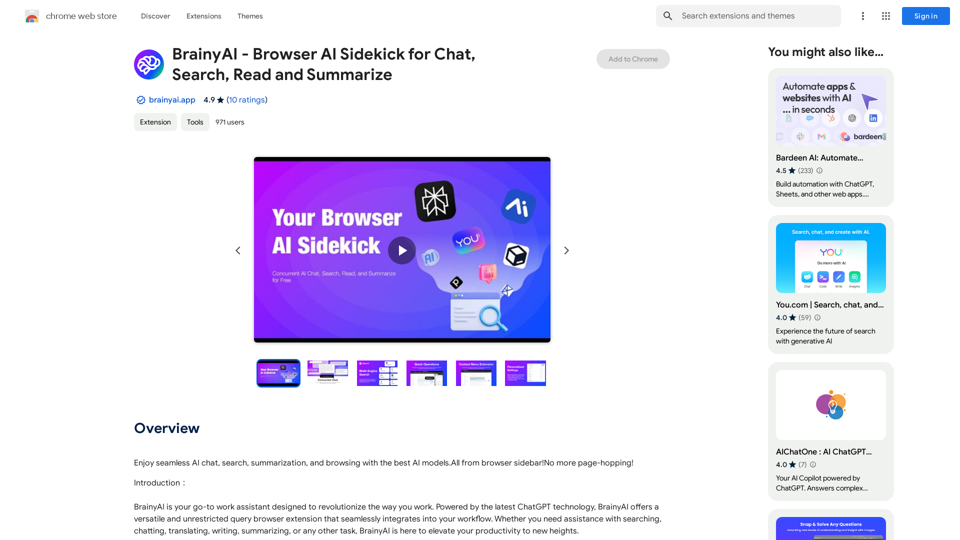
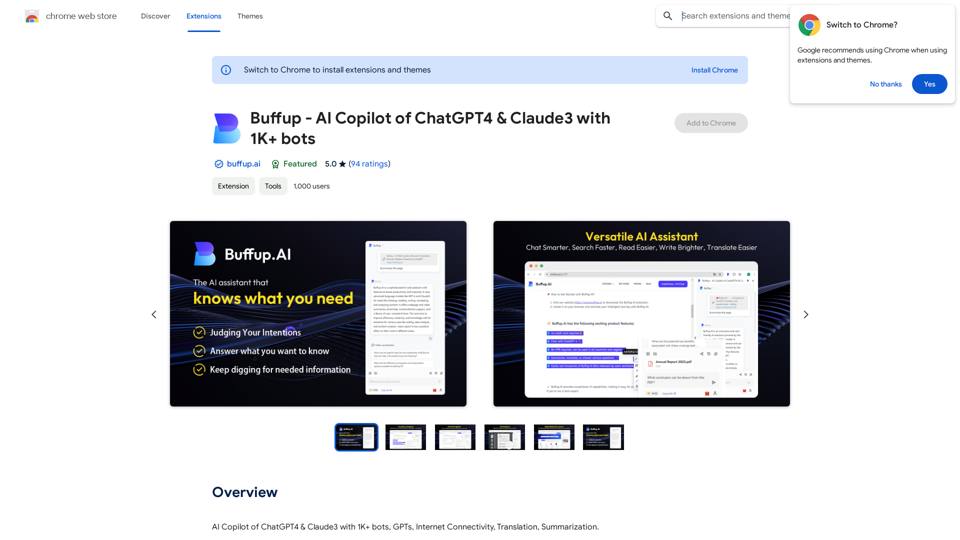
BrainyAI - Browser AI Sidekick for Chat, Search, Read, and Summarize

Enjoy seamless AI chat, search, summarization, and browsing with the best AI models. All from your browser sidebar! No more page-hopping!
Visit Website
BrainyAI - Browser AI Sidekick for Chat, Search, Read, and Summarize
Visit Website

Introduction

BrainyAI is a powerful browser AI sidekick that enhances your browsing experience with seamless AI chat, search, summarization, and browsing capabilities. Utilizing the latest ChatGPT technology, this versatile browser extension integrates into your workflow through a convenient sidebar, offering unrestricted queries and delivering relevant, insightful results.

Feature

Multi-Engine Smart Search

BrainyAI leverages multiple AI-powered search engines to provide tailored results based on your specific search requirements. Users can choose from various search options to find the most relevant and insightful information.

Customizable Shortcuts

Enhance your work efficiency with one-click processing of selected text on web pages. BrainyAI offers explanations, translations, and rephrasing options, streamlining your browsing experience.

Interactive AI Conversations

Engage in real-time discussions with BrainyAI to receive instant, accurate responses to your questions. This feature also serves as a source of inspiration, stimulating creative thinking and problem-solving.

Continuous Updates and Enhancements

BrainyAI evolves with regular updates, introducing new features and improvements based on user feedback. This ensures an ever-improving user experience and keeps the extension at the forefront of AI technology.

Privacy Protection

BrainyAI prioritizes user privacy with a transparent policy and secure data handling. The opt-in anonymous data collection feature gives users full control over their personal information.

FAQ

Is BrainyAI free to use?

Yes, BrainyAI is a completely free browser extension. There are no subscription fees or hidden costs associated with using its features.

How do I start using BrainyAI?

To begin using BrainyAI, simply install the browser extension and follow the setup prompts. Once installed, you can access AI chat, search, summarization, and browsing capabilities directly from your browser sidebar.

Is my data secure when using BrainyAI?

BrainyAI follows a transparent privacy policy to ensure the security of your data. The extension offers opt-in anonymous data collection, giving you full control over your personal information.

Latest Traffic Insights

  • Monthly Visits

    193.90 M

  • Bounce Rate

    56.27%

  • Pages Per Visit

    2.71

  • Time on Site(s)

    115.91

  • Global Rank

    -

  • Country Rank

    -

Recent Visits

Traffic Sources

  • Social Media:
    0.48%
  • Paid Referrals:
    0.55%
  • Email:
    0.15%
  • Referrals:
    12.81%
  • Search Engines:
    16.21%
  • Direct:
    69.81%
More Data

Related Websites

Online Voice Generator for Free ❤️
View Detail

Online Voice Generator for Free ❤️

Online Voice Generator for Free ❤️

Online Voice Generator for Free with over 600 voices. Generate realistic voices on our website quickly and download it as MP3.

5.84 K
Coursera Summary with ChatGPT and Take Notes
=====================================================

What is Coursera?

Coursera is an online learning platform that partners with top universities and organizations to offer courses and degree programs in a wide range of fields.

What is ChatGPT?

ChatGPT is a conversational AI tool that can understand and respond to human input in a human-like way. It can be used to generate text, answer questions, and even create content.

How to Use ChatGPT for Coursera Summary?

You can use ChatGPT to summarize Coursera courses by:

* Providing the course material or lecture notes to ChatGPT
* Asking ChatGPT to summarize the key points or main ideas
* Reviewing and editing the summary generated by ChatGPT

Benefits of Using ChatGPT for Coursera Summary

Using ChatGPT for Coursera summary can help you:

* Save time by automating the summarization process
* Improve understanding and retention of course material
* Focus on key concepts and ideas
* Enhance learning experience

How to Take Notes with ChatGPT?

You can use ChatGPT to take notes by:

* Providing the course material or lecture notes to ChatGPT
* Asking ChatGPT to generate notes or key points
* Reviewing and editing the notes generated by ChatGPT
* Organizing and structuring the notes for easy reference

Benefits of Using ChatGPT for Taking Notes

Using ChatGPT for taking notes can help you:

* Save time by automating the note-taking process
* Improve organization and structure of notes
* Enhance understanding and retention of course material
* Focus on key concepts and ideas
View Detail

Coursera Summary with ChatGPT and Take Notes ===================================================== What is Coursera? Coursera is an online learning platform that partners with top universities and organizations to offer courses and degree programs in a wide range of fields. What is ChatGPT? ChatGPT is a conversational AI tool that can understand and respond to human input in a human-like way. It can be used to generate text, answer questions, and even create content. How to Use ChatGPT for Coursera Summary? You can use ChatGPT to summarize Coursera courses by: * Providing the course material or lecture notes to ChatGPT * Asking ChatGPT to summarize the key points or main ideas * Reviewing and editing the summary generated by ChatGPT Benefits of Using ChatGPT for Coursera Summary Using ChatGPT for Coursera summary can help you: * Save time by automating the summarization process * Improve understanding and retention of course material * Focus on key concepts and ideas * Enhance learning experience How to Take Notes with ChatGPT? You can use ChatGPT to take notes by: * Providing the course material or lecture notes to ChatGPT * Asking ChatGPT to generate notes or key points * Reviewing and editing the notes generated by ChatGPT * Organizing and structuring the notes for easy reference Benefits of Using ChatGPT for Taking Notes Using ChatGPT for taking notes can help you: * Save time by automating the note-taking process * Improve organization and structure of notes * Enhance understanding and retention of course material * Focus on key concepts and ideas

Coursera Summary with ChatGPT and Take Notes ===================================================== What is Coursera? Coursera is an online learning platform that partners with top universities and organizations to offer courses and degree programs in a wide range of fields. What is ChatGPT? ChatGPT is a conversational AI tool that can understand and respond to human input in a human-like way. It can be used to generate text, answer questions, and even create content. How to Use ChatGPT for Coursera Summary? You can use ChatGPT to summarize Coursera courses by: * Providing the course material or lecture notes to ChatGPT * Asking ChatGPT to summarize the key points or main ideas * Reviewing and editing the summary generated by ChatGPT Benefits of Using ChatGPT for Coursera Summary Using ChatGPT for Coursera summary can help you: * Save time by automating the summarization process * Improve understanding and retention of course material * Focus on key concepts and ideas * Enhance learning experience How to Take Notes with ChatGPT? You can use ChatGPT to take notes by: * Providing the course material or lecture notes to ChatGPT * Asking ChatGPT to generate notes or key points * Reviewing and editing the notes generated by ChatGPT * Organizing and structuring the notes for easy reference Benefits of Using ChatGPT for Taking Notes Using ChatGPT for taking notes can help you: * Save time by automating the note-taking process * Improve organization and structure of notes * Enhance understanding and retention of course material * Focus on key concepts and ideas

Automate Your Learning: Coursera Videos Transcript and Summary with ChatGPT ============================================================ Are you tired of manually taking notes while watching Coursera videos? Do you wish you had a summary of the video to review later? Look no further! With the power of ChatGPT, you can now generate transcripts and summaries of Coursera videos with ease. How it Works --------------- 1. Transcribe the Video: Use a transcription tool to convert the audio from the Coursera video into text. 2. Feed it to ChatGPT: Input the transcript into ChatGPT, and it will generate a concise summary of the video. 3. Review and Refine: Review the summary, refine it as needed, and you're good to go! Benefits ------------ * Save Time: No more manual note-taking or re-watching videos to understand the content. * Improve Retention: A summary of the video helps you retain information better and review it quickly. * Enhance Learning: Focus on understanding the concepts rather than taking notes. Get Started -------------- Try it out today and take your learning to the next level!

193.90 M
YouTube Video Summarizer
View Detail

YouTube Video Summarizer

YouTube Video Summarizer

Effortlessly summarize YouTube videos with 'YouTube Video Summarizer', your AI video-to-text converter and Chat GPT tool

193.90 M
ChatDev IDE: Building Your AI Agent
View Detail

ChatDev IDE: Building Your AI Agent

ChatDev IDE: Building Your AI Agent

Personalize your AI Town and build your GPTs with PromptIDE.

193.90 M
Copysense AI

Copysense AI is an innovative artificial intelligence technology designed to detect and prevent copyright infringement.
View Detail

Copysense AI Copysense AI is an innovative artificial intelligence technology designed to detect and prevent copyright infringement.

Copysense AI Copysense AI is an innovative artificial intelligence technology designed to detect and prevent copyright infringement.

Copysense AI is the Generative AI platform for crafting factually accurate, on-brand content with real-time data, generating images, voiceovers, and content from YouTube and URLs.

0
BrainBuddy: AI Assistant with ChatGPT & Bard
View Detail

BrainBuddy: AI Assistant with ChatGPT & Bard

BrainBuddy: AI Assistant with ChatGPT & Bard

BrainBuddy is an All-in-one AI-powered Sidebar Assistant, with ChatGPT, Bard, & more! ⚡

193.90 M
Integrating Copilot (Bing Chat)
View Detail

Integrating Copilot (Bing Chat)

Integrating Copilot (Bing Chat)

🗨️ Microsoft Copilot provides answers alongside Google search results.

193.90 M
⚡️ Invertigo: Read More, Read Faster
View Detail

⚡️ Invertigo: Read More, Read Faster

⚡️ Invertigo: Read More, Read Faster

Read smarter, retain more. Go beyond skimming: Supercharge your web reading.

193.90 M