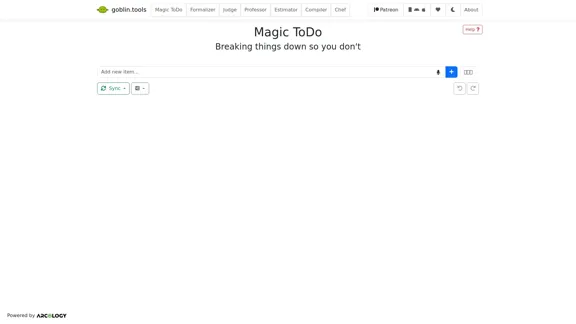
Magic ToDo is a versatile task management tool that combines standard to-do list functionality with AI-powered features. It offers users an innovative way to break down tasks, categorize them automatically, and manage their workload efficiently. The tool is designed to help users tackle complex tasks by providing automated step-by-step breakdowns and offering various organizational features.
Magic ToDo - GoblinTools
Magic ToDo is a versatile task management tool that combines standard to-do list functionality with AI-powered features.
Introduction
Feature
-
AI-Powered Task Breakdown
- Utilizes a "magic" button to automatically generate steps for accomplishing tasks
- Adjustable "spiciness" level to indicate task complexity and stress level
- More steps are generated for spicier (more complex) tasks
-
Automatic Categorization
- Assigns emojis to top-level tasks for easy categorization
- Allows filtering of tasks by category using the filter button
-
Task Management Tools
- Edit, remove, add subtask, and estimate features available for each item
- Drag-and-drop functionality for reordering tasks
-
List-wide Actions
- Synchronization between devices (experimental feature)
- Export options (file save, clipboard copy, print, Todoist template, iCal file)
- Undo and redo functionality
- Bulk actions (estimate all tasks, mark all as not completed, clear estimates/completed tasks/entire list)
-
User Interface
- Clean and intuitive design
- Easy access to common tools and actions
- Visual representation of task categories and completion status
-
Cross-Platform Availability
- Available as a web app
- Android and Apple app store versions (paid, supporting free web version)
-
Data Privacy
- Optional cloud synchronization with encrypted data storage
- No account required, uses unique username and password for sync
How to Use?
-
Utilize the spiciness level: Adjust the 🌶️ spiciness level to get more detailed breakdowns for complex tasks.
-
Leverage automatic categorization: Use the emoji categories to quickly identify and filter tasks by type.
-
Regularly sync and backup: If using the experimental sync feature, make sure to backup your data regularly using the export options.
-
Customize your workflow: Experiment with the various tools and features to find the best way to manage your tasks.
-
Use bulk actions: Save time by using bulk actions for routine list maintenance, such as clearing completed tasks or resetting estimates.
FAQ
How does the spiciness level affect task breakdown?
The spiciness level gives the AI a hint about how complex or stressful you find the task. Higher spiciness levels prompt the system to break the task down into more steps, providing a more detailed guide for completion.
Is cloud synchronization secure?
Yes, the cloud synchronization feature encrypts your data on your device using your unique username and password. This means that even the administrators cannot see or decrypt your task list without your credentials.
Can I use Magic ToDo across multiple devices?
Yes, Magic ToDo is available as a web app and on both Android and Apple app stores. You can also use the experimental cloud synchronization feature to keep your tasks updated across all your devices.
How can I support the development of Magic ToDo?
You can support Magic ToDo by purchasing the app from the Android or Apple app stores. These purchases help keep the website completely free and ad-free for all users.
Evaluation
-
Magic ToDo offers a unique blend of traditional task management and AI-powered assistance, making it stand out in the crowded to-do list app market. The automatic task breakdown feature is particularly innovative and could be extremely helpful for users who struggle with task planning.
-
The automatic categorization and filtering system is a strong point, allowing users to quickly organize and find tasks without manual input. This can save significant time and mental effort in managing large task lists.
-
The experimental cloud synchronization feature shows promise, especially with its focus on privacy through local encryption. However, its experimental nature may deter some users who require guaranteed reliability for their task management.
-
The variety of export options is commendable, allowing for easy integration with other tools and systems. This flexibility enhances the tool's usefulness in diverse workflows and environments.
-
While the tool offers many features, there might be a learning curve for new users to fully utilize all its capabilities. More guided onboarding or tutorials could help users maximize the tool's potential.
-
The freemium model, with a free web version supported by paid mobile apps, is a fair approach. However, some users might prefer a unified experience across all platforms.
-
Areas for improvement could include more advanced collaboration features for team task management and integration with popular productivity ecosystems like Google Workspace or Microsoft 365.
Related Websites

Lookie is the Global standard YouTube AI. Boost your learning with Lookie, the ultimate YouTube summarizer! Instantly transform long videos into concise, easy-to-digest summaries. Make YouTube your personal knowledge space with Lookie's AI-driven insights, available in 200 languages.
0
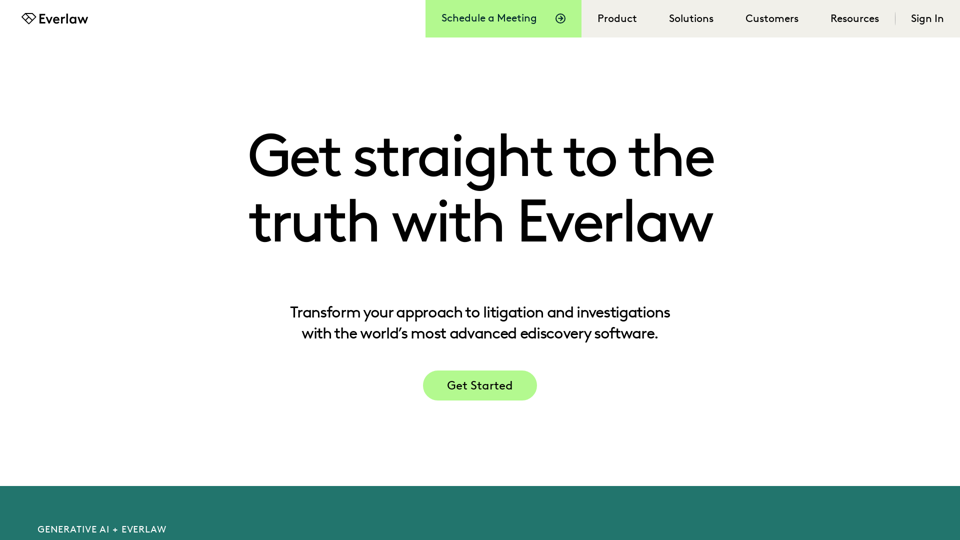
Everlaw Cloud-Native Ediscovery Software | Electronic Discovery | Cloud-Native Ediscovery Software | Everlaw
Everlaw Cloud-Native Ediscovery Software | Electronic Discovery | Cloud-Native Ediscovery Software | EverlawTransform your approach to litigation and investigations with the world's most advanced e-discovery software.
139.03 K
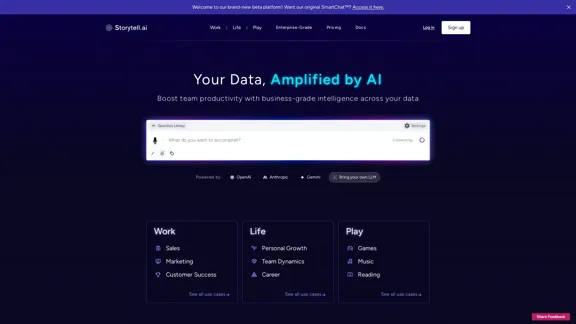
Enhance team efficiency with enterprise-level intelligence throughout your data. Empower employees to generate superior ideas and achieve quicker outcomes using top-tier AI models. Implement data security measures and LLM routing for businesses to maintain control.
55.32 K

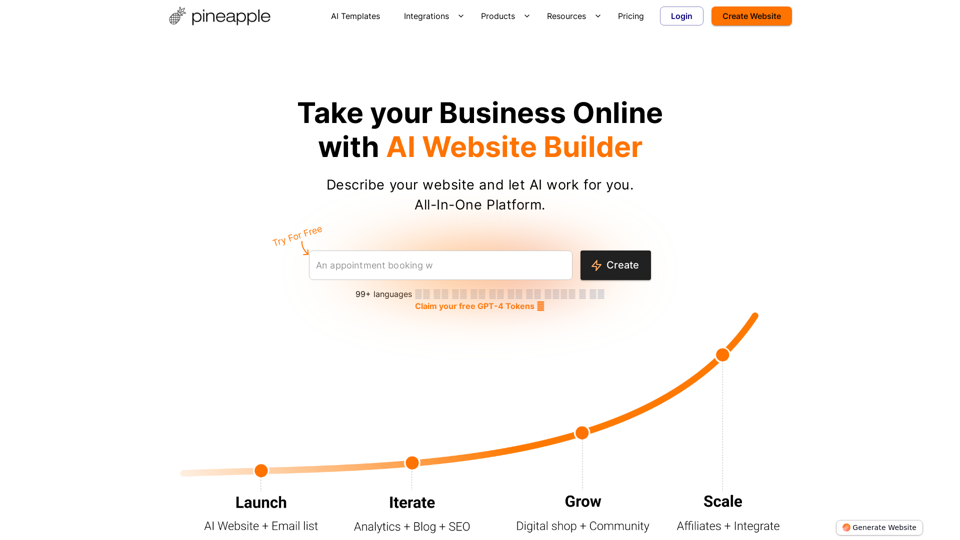
Pineapple Builder - AI Website Builder for Businesses
Pineapple Builder - AI Website Builder for BusinessesDon't have the time or resources to build a website? With AI-driven tools, you can create a stunning website for your business with just one click! Our AI-Powered solutions include blog platforms, newsletter forms, payment processing and more - everything you need to take your business from idea to reality.
47.27 K
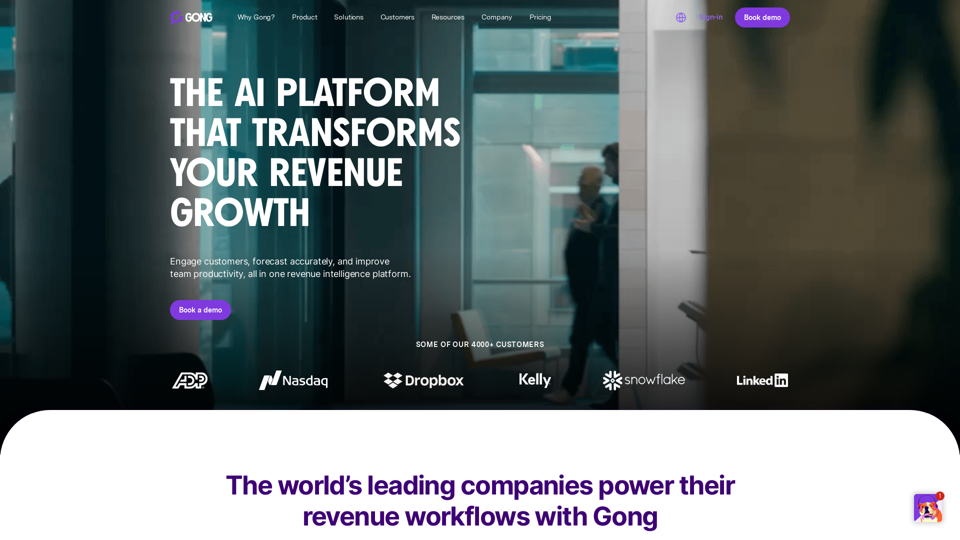
Gong captures customer interactions and then delivers insights at scale, enabling teams to make decisions based on data rather than opinions.
1.95 M