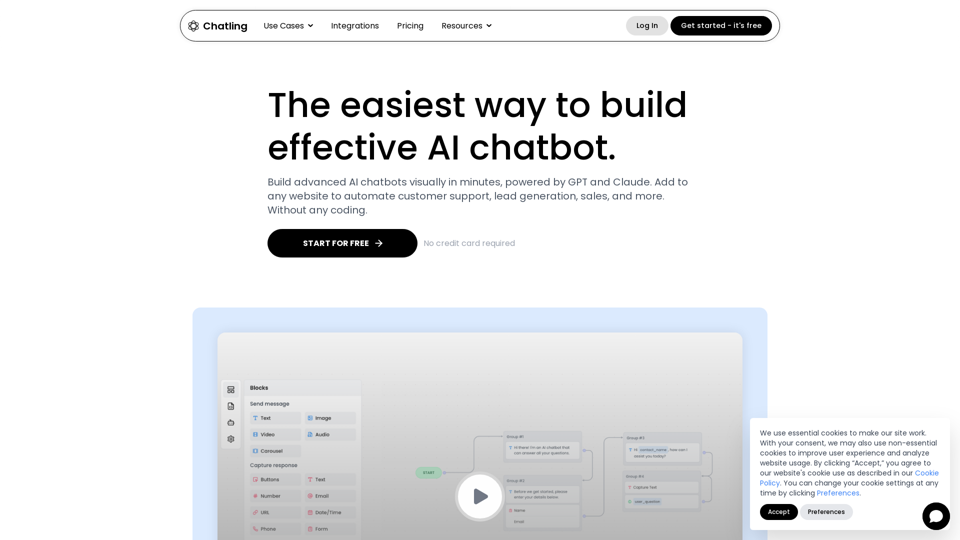
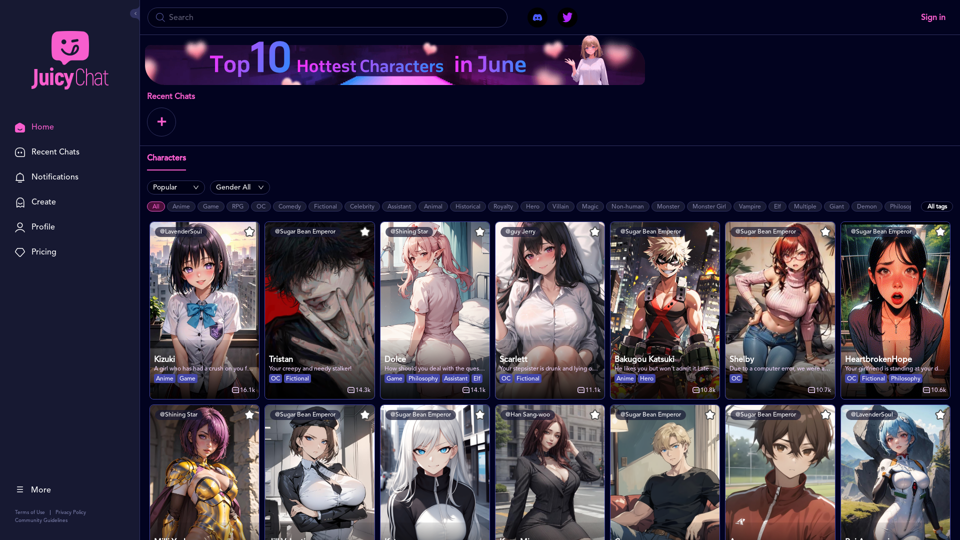
JuicyChat is an innovative AI-powered chat platform that offers users the opportunity to interact with a diverse array of AI characters. Each character possesses unique personalities, traits, and storylines, allowing users to immerse themselves in various scenarios ranging from romantic relationships to fantasy adventures. The platform provides a highly engaging and customizable experience, enabling users to explore different narratives and create their own stories.
JuicyChat.Ai - Spicy NSFW Character AI Chat - AI Girlfriend
JuicyChat.ai - Immerse yourself in provocative NSFW character AI conversations and indulge in the excitement of unrestricted, personal interactions with your AI partner.
Introduction
Feature
Vast Character Library
JuicyChat boasts an extensive collection of AI characters, each with distinct profiles and storylines. Users can browse through this diverse library, selecting characters that pique their interest for engaging conversations.
Customization Options
The platform offers robust customization features, allowing users to:
- Select preferred characters for interaction
- Create custom scenarios and storylines
- Tailor the experience to personal preferences
Real-time AI Conversations
JuicyChat's advanced AI technology facilitates real-time conversations with characters, enhancing the realism and engagement of the user experience.
Multi-platform Accessibility
Users can access JuicyChat on both desktop and mobile devices, ensuring flexibility and convenience in usage.
Flexible Pricing Plans
JuicyChat offers various pricing options to accommodate different user needs:
- Free trials
- Premium subscriptions
- Plans tailored to different budgets and preferences
FAQ
Is JuicyChat suitable for all ages?
JuicyChat is designed for users aged 18 and above. Some content may not be appropriate for younger audiences.
Can users create their own custom characters?
Yes, JuicyChat provides customization options that include the ability to create personalized characters.
How can users maximize their JuicyChat experience?
To get the most out of JuicyChat:
- Experiment with various characters and storylines
- Utilize customization options to tailor the experience
- Be open to trying new scenarios and taking risks for added enjoyment
Is JuicyChat available on mobile devices?
Yes, JuicyChat is accessible on both desktop and mobile platforms, allowing users to engage with the service from any location.
Related Websites
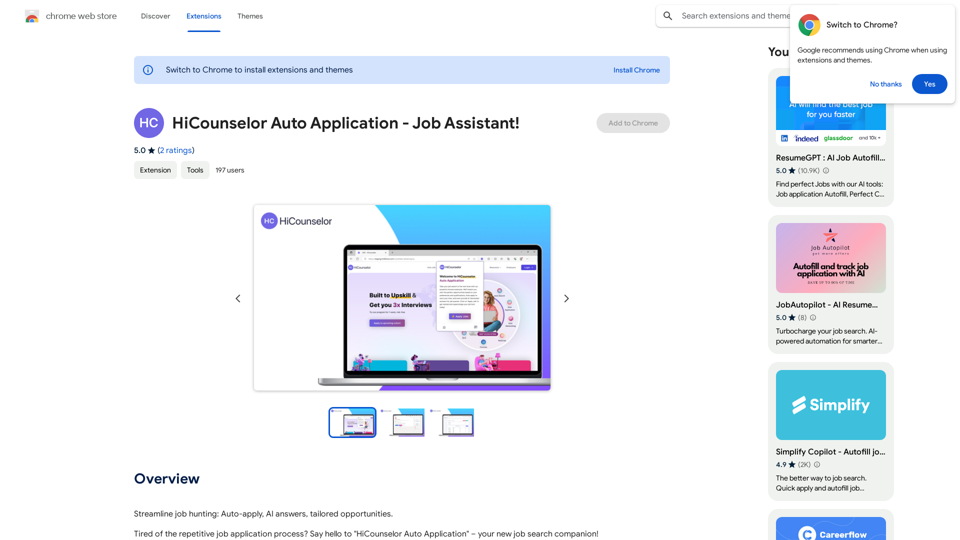
Find your dream job faster: Apply automatically, get AI-powered answers, and discover personalized opportunities.
193.90 M
WriteFastAI-ChatGPT on Demand, on Any Website This is a powerful idea! Imagine being able to seamlessly integrate the capabilities of both FastAI and ChatGPT directly into any website. Here's a breakdown of what this could mean: * On-Demand AI Assistance: Users could access powerful AI tools like text generation, summarization, question answering, and more, right from the website they're already using. * Personalized Experiences: Websites could leverage AI to tailor content and interactions to individual user preferences, creating a more engaging and relevant experience. * Increased Efficiency: Businesses could automate tasks, generate reports, and analyze data faster and more accurately with the help of AI. Making it a Reality: This vision requires a combination of: * API Integration: FastAI and ChatGPT both offer APIs that allow developers to integrate their functionalities into applications. * Web Development Expertise: Developers would need to build the necessary infrastructure to connect the APIs to the website and handle user interactions. * Data Management: Websites would need to manage and secure the data used by the AI models. Potential Applications: The possibilities are endless! Here are just a few examples: * E-commerce: AI-powered chatbots could provide personalized product recommendations and customer support. * Education: Websites could offer interactive learning experiences with AI-powered tutors and personalized feedback. * News and Media: AI could be used to generate summaries of articles, create personalized news feeds, and even write original content. Let me know if you'd like to explore any of these applications in more detail!
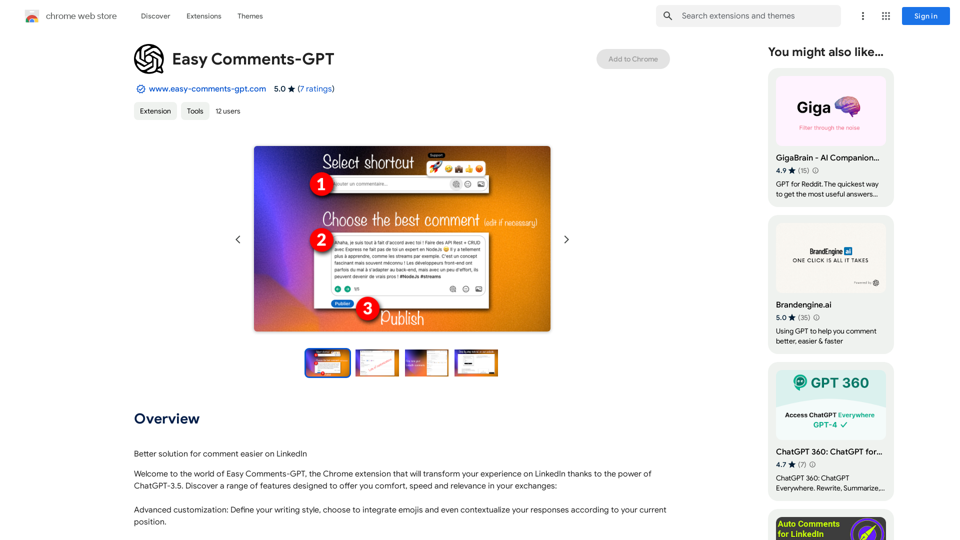
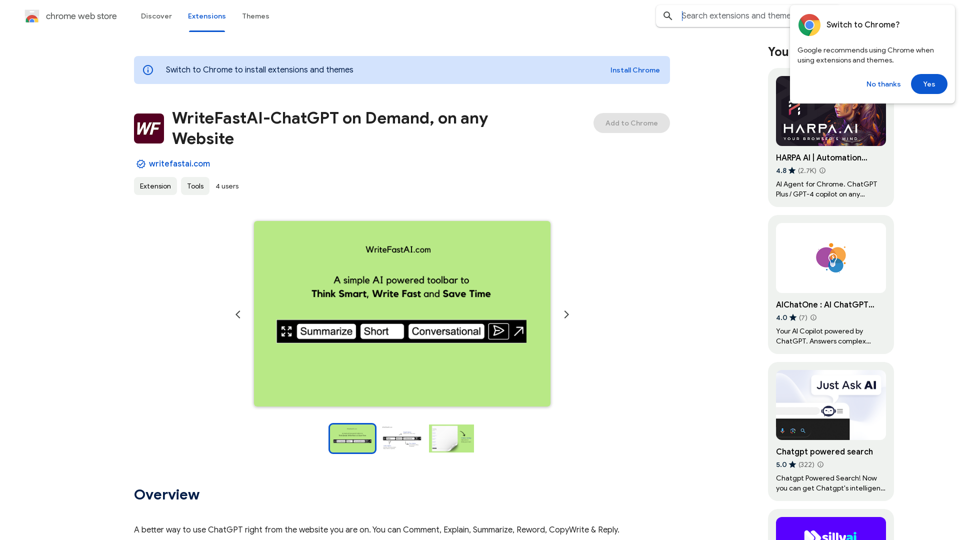
WriteFastAI-ChatGPT on Demand, on Any Website This is a powerful idea! Imagine being able to seamlessly integrate the capabilities of both FastAI and ChatGPT directly into any website. Here's a breakdown of what this could mean: * On-Demand AI Assistance: Users could access powerful AI tools like text generation, summarization, question answering, and more, right from the website they're already using. * Personalized Experiences: Websites could leverage AI to tailor content and interactions to individual user preferences, creating a more engaging and relevant experience. * Increased Efficiency: Businesses could automate tasks, generate reports, and analyze data faster and more accurately with the help of AI. Making it a Reality: This vision requires a combination of: * API Integration: FastAI and ChatGPT both offer APIs that allow developers to integrate their functionalities into applications. * Web Development Expertise: Developers would need to build the necessary infrastructure to connect the APIs to the website and handle user interactions. * Data Management: Websites would need to manage and secure the data used by the AI models. Potential Applications: The possibilities are endless! Here are just a few examples: * E-commerce: AI-powered chatbots could provide personalized product recommendations and customer support. * Education: Websites could offer interactive learning experiences with AI-powered tutors and personalized feedback. * News and Media: AI could be used to generate summaries of articles, create personalized news feeds, and even write original content. Let me know if you'd like to explore any of these applications in more detail!A better way to use ChatGPT right from the website you are on. You can comment, explain, summarize, reword, copywrite, and reply.
193.90 M
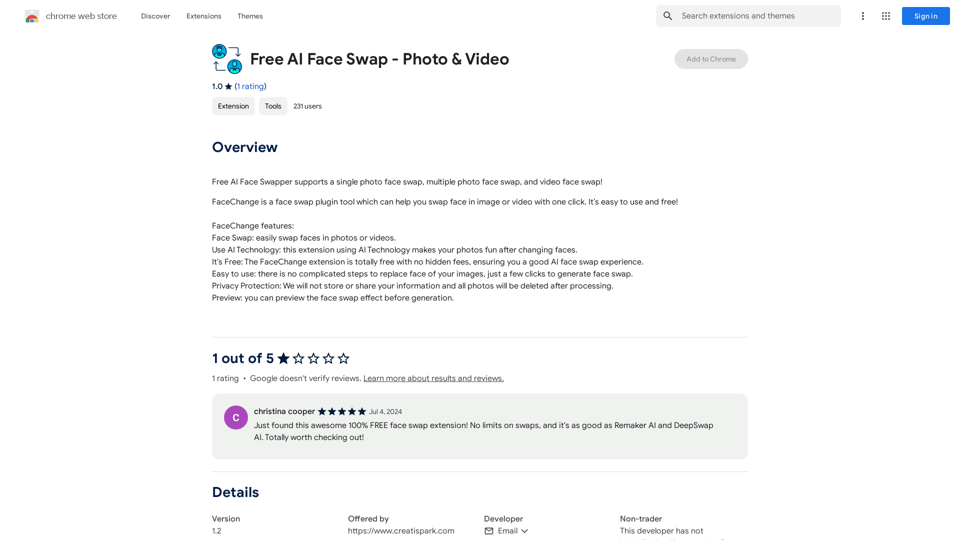
Free AI Face Swapper supports single photo face swaps, multiple photo face swaps, and video face swaps!
193.90 M