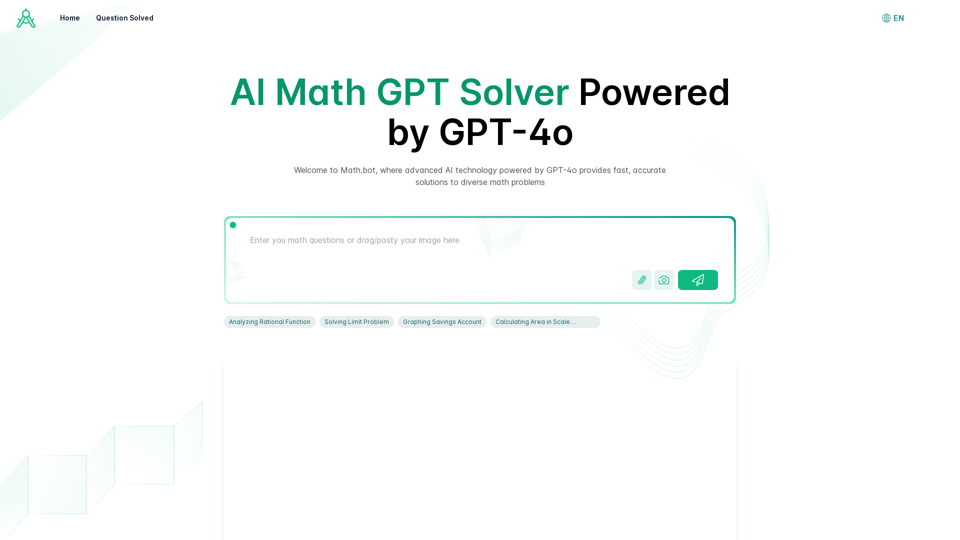
AI Math GPT Solver is a free online platform that leverages advanced AI technology to provide quick and accurate solutions for various mathematical problems. Powered by GPT-4o, this user-friendly service covers a wide range of mathematical subjects, including algebra, calculus, and geometry. It is accessible through both web and mobile applications, making it a versatile tool for students, educators, and math enthusiasts alike.
AI Math GPT Solver Powered by GPT-4: Free Online | Math Bot
Unlock math solutions instantly with our free AI-powered Math Solver. Get step-by-step guidance on equations, word problems, and more, anytime, anywhere with GPT-4o technology
Introduction
Feature
Free Online GPT-4o Math Solver
AI Math GPT Solver offers a comprehensive solution for mathematical problems across various subjects, including algebra, calculus, and geometry, all powered by the advanced GPT-4o AI technology.
Step-by-Step Guidance
The platform provides detailed, step-by-step explanations for solving equations and word problems, enhancing understanding of the underlying methodologies.
Photo Math Solver
Users can upload images of handwritten or printed math problems for instant solutions, streamlining the problem-solving process.
Interactive ChatGPT Math Solver
An engaging, dynamic problem-solving experience is offered through the interactive ChatGPT math solver feature.
Unlimited Free Usage
The platform is free to use with no daily limit on the number of math problems that can be solved.
Multi-Platform Accessibility
AI Math GPT Solver is available via web and mobile apps, ensuring convenient access across different devices.
FAQ
What types of math problems can AI Math GPT Solver handle?
AI Math GPT Solver can handle a wide range of mathematical problems, including those in algebra, calculus, and geometry.
Is AI Math GPT Solver really free to use?
Yes, AI Math GPT Solver is free to use, with no limits on the number of math problems you can solve each day.
How accurate are the solutions provided by AI Math GPT Solver?
The solutions provided are highly accurate, thanks to the advanced GPT-4o AI technology powering the platform.
Can I use AI Math GPT Solver on my mobile device?
Yes, AI Math GPT Solver is accessible via both web and mobile applications for convenient use on various devices.
How does the photo math solver work?
The photo math solver allows you to upload an image of a handwritten or printed math problem, which the AI then processes to provide an immediate solution.
How does AI Math GPT Solver help with math word problems?
AI Math GPT Solver provides step-by-step guidance for solving word problems, helping users understand the methodology behind each solution.
Is there a subscription option for additional benefits?
While the platform is free to use, there is an option to subscribe for additional benefits and extended access beyond the free usage limits.
Related Websites
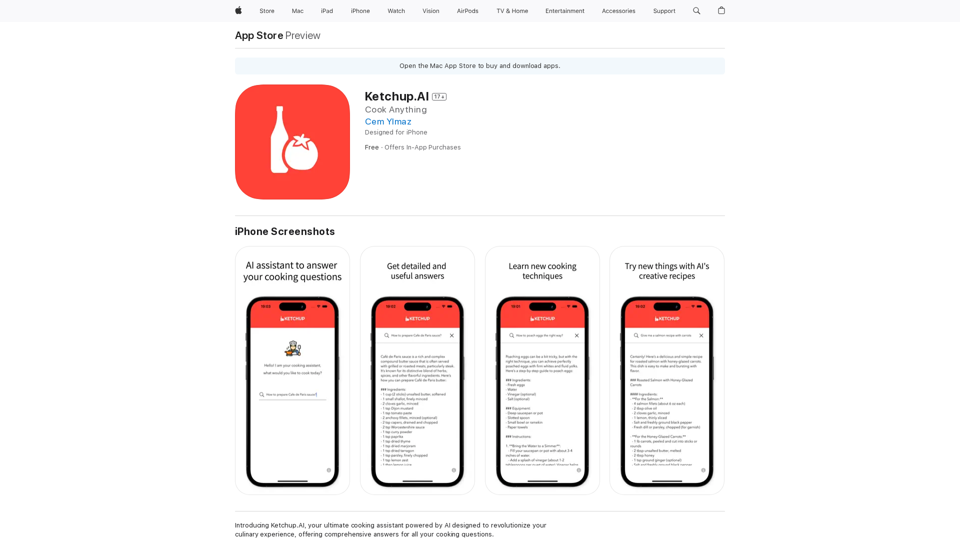
Introducing Ketchup.AI, your ultimate cooking assistant powered by AI, designed to revolutionize your culinary experience, offering comprehensive answers for all your cooking needs.
124.77 M
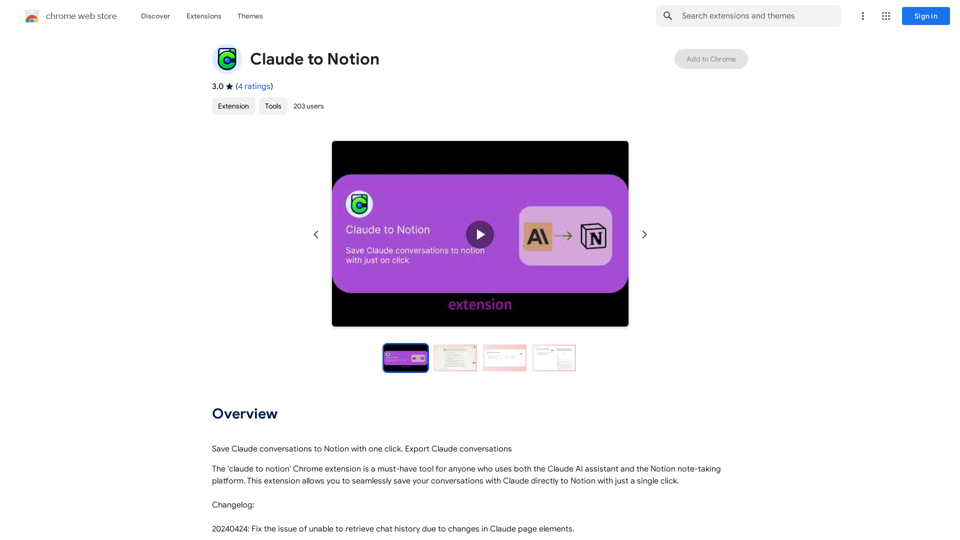
Claude to Notion This is a guide on how to connect Claude, an AI assistant, with Notion, a note-taking and workspace app. Why connect Claude and Notion? * Boost your productivity: Use Claude to generate content, summarize information, and automate tasks directly within Notion. * Enhance your research: Ask Claude questions about your Notion notes and get insightful answers. * Unlock new creative possibilities: Leverage Claude's generative capabilities to brainstorm ideas, write stories, or compose emails within your Notion workspace. How to connect Claude and Notion: 1. API Keys: Obtain an API key for both Claude and Notion. 2. Integration Tool: Explore integration tools like Zapier or Integromat to connect Claude and Notion. These platforms allow you to create workflows that trigger actions in one app based on events in the other. 3. Custom Development: For advanced users, you can develop your own custom integration using the Claude and Notion APIs. This gives you the most flexibility but requires coding knowledge. Example Use Cases: * Meeting Summarization: After a meeting, paste the transcript into Notion and use Claude to generate a concise summary. * Content Creation: Use Claude to write blog posts, articles, or social media captions directly within your Notion pages. * Idea Generation: Brainstorm new ideas for projects or tasks by prompting Claude with specific questions within your Notion workspace. Remember to review the documentation and terms of service for both Claude and Notion to ensure proper usage and security.
Claude to Notion This is a guide on how to connect Claude, an AI assistant, with Notion, a note-taking and workspace app. Why connect Claude and Notion? * Boost your productivity: Use Claude to generate content, summarize information, and automate tasks directly within Notion. * Enhance your research: Ask Claude questions about your Notion notes and get insightful answers. * Unlock new creative possibilities: Leverage Claude's generative capabilities to brainstorm ideas, write stories, or compose emails within your Notion workspace. How to connect Claude and Notion: 1. API Keys: Obtain an API key for both Claude and Notion. 2. Integration Tool: Explore integration tools like Zapier or Integromat to connect Claude and Notion. These platforms allow you to create workflows that trigger actions in one app based on events in the other. 3. Custom Development: For advanced users, you can develop your own custom integration using the Claude and Notion APIs. This gives you the most flexibility but requires coding knowledge. Example Use Cases: * Meeting Summarization: After a meeting, paste the transcript into Notion and use Claude to generate a concise summary. * Content Creation: Use Claude to write blog posts, articles, or social media captions directly within your Notion pages. * Idea Generation: Brainstorm new ideas for projects or tasks by prompting Claude with specific questions within your Notion workspace. Remember to review the documentation and terms of service for both Claude and Notion to ensure proper usage and security.Save Claude conversations to Notion with one click. Export Claude conversations.
193.90 M
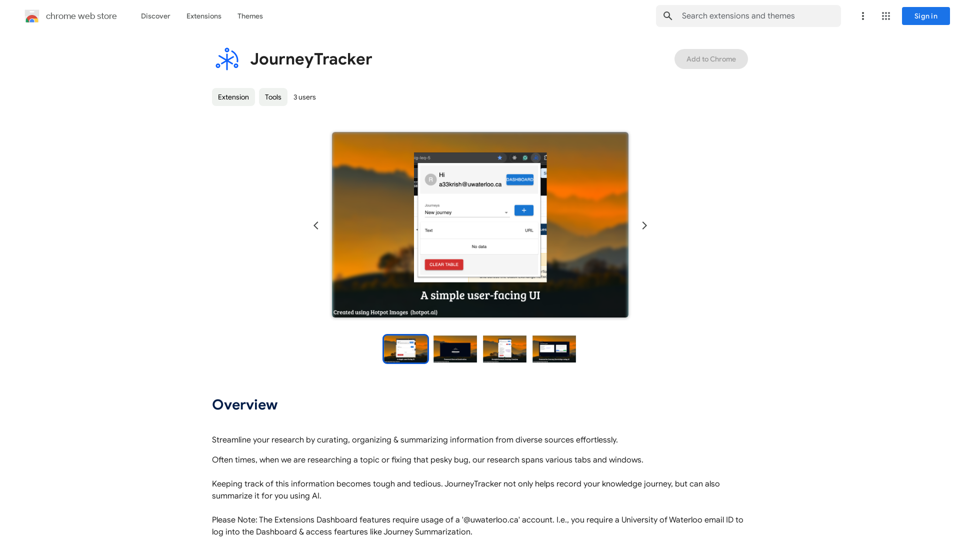
Make your research easier by collecting, organizing, and summarizing information from many different sources with no hassle.
193.90 M
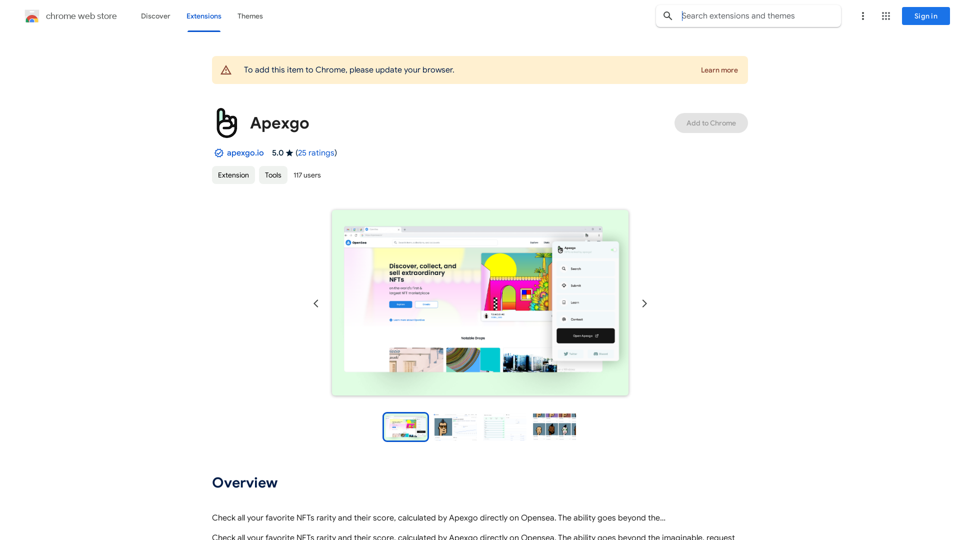
Check the rarity and score of all your favorite NFTs, calculated directly by Apexgo on Opensea. This feature goes beyond the...
193.90 M
Discover SkillSpot.ai, an AI-driven recruitment solution transforming the hiring landscape. Experience AI-guided job listings, intelligent AI Powered candidate screening, and detailed virtual interviews. Embrace efficiency and precision in talent acquisition with our advanced AI tools. Book a demo today!
1.24 K
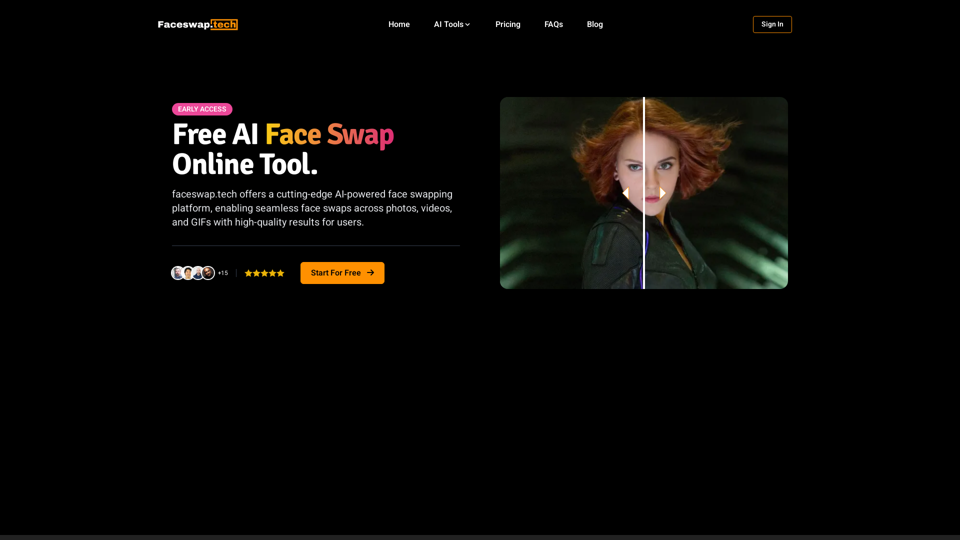
Free AI Face Swap Online Tool for Videos, GIFs and Photos | Faceswap.tech
Free AI Face Swap Online Tool for Videos, GIFs and Photos | Faceswap.techTry our free online face swap tool to swap faces in photos, videos, and GIFs. Easy, fast, and powered by AI for amazing results. Swap faces now!
1.81 K