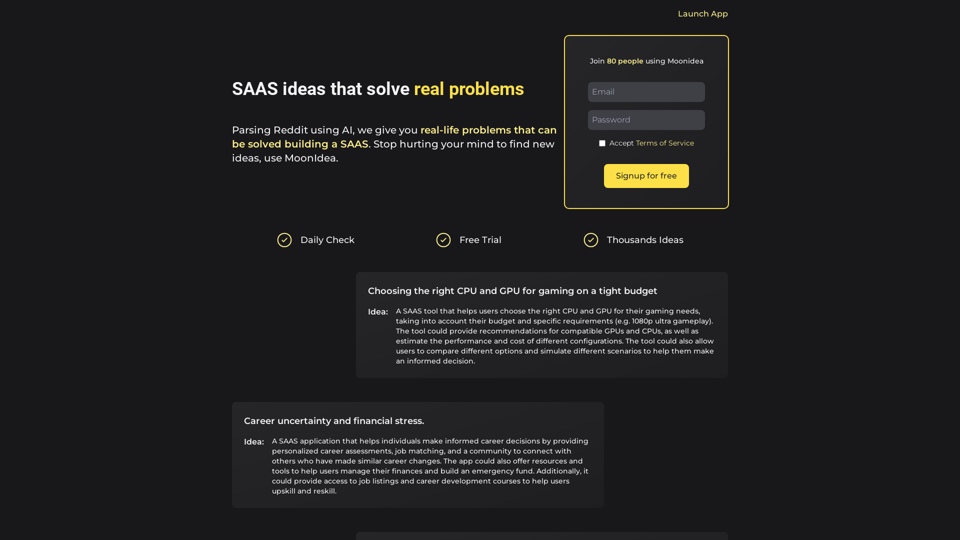
Moonidea is an AI-powered SAAS idea generation platform that leverages Reddit threads to identify real-world problems solvable through SAAS solutions. It aims to simplify the process of finding new ideas, enabling users to focus on building successful SAAS businesses.
Moonidea AI-powered SaaS idea generation using Reddit threads.
Moonidea is an AI-powered software-as-a-service (SaaS) idea generation platform. It uses Reddit discussions to find real-world problems that could be solved by creating a new SaaS product.
Introduction
Feature
AI-Powered Reddit Analysis
Moonidea analyzes over 1000 subreddits daily, identifying user issues that can be addressed by building a SAAS. This feature ensures a constant stream of fresh, relevant ideas.
Idea Filtering and Grouping
The platform groups similar SAAS ideas together and filters out the most valuable ones, helping users focus on high-potential concepts.
Flexible Pricing Plans
Moonidea offers a free trial and three pricing tiers to accommodate different needs and budgets:
| Plan | Price | Features |
|---|---|---|
| Free | $0/month | 10 subreddits, monthly update |
| Standard | $5/month | 100 subreddits, monthly update, search and filter |
| Pro | $12/month | 500 subreddits, weekly update, search and filter |
| Enterprise | Custom | Contact for custom pricing and features |
Search and Filter Functionality
Users can quickly find relevant ideas using Moonidea's search and filter features, available in the Standard and Pro plans.
Easy Sign-Up Process
Getting started with Moonidea is simple: sign up for a free trial, choose a pricing plan, and begin generating SAAS ideas using the AI-powered platform.
FAQ
How does Moonidea work?
Moonidea utilizes AI-powered technology to analyze Reddit threads and identify real-life problems that can be solved by building a SAAS. It processes this information to generate valuable SAAS ideas for users.
What are the pricing plans available?
Moonidea offers three main pricing plans:
- Free: $0/month
- Standard: $5/month
- Pro: $12/month Additionally, there's an Enterprise option with custom pricing and features for larger organizations or specific needs.
How do I get started with Moonidea?
To begin using Moonidea, simply sign up for a free trial on their website. This allows you to explore the platform's features and start generating SAAS ideas using their AI-powered system.
Related Websites
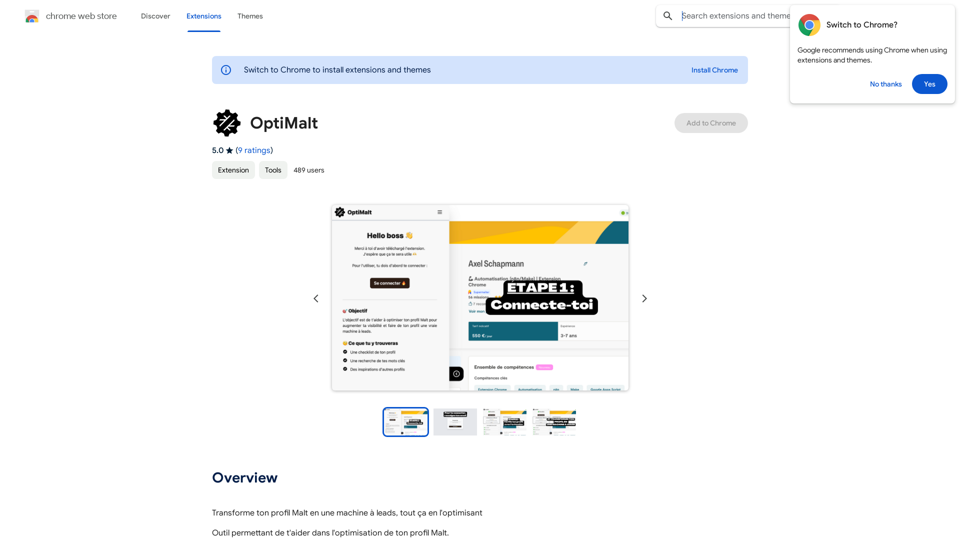
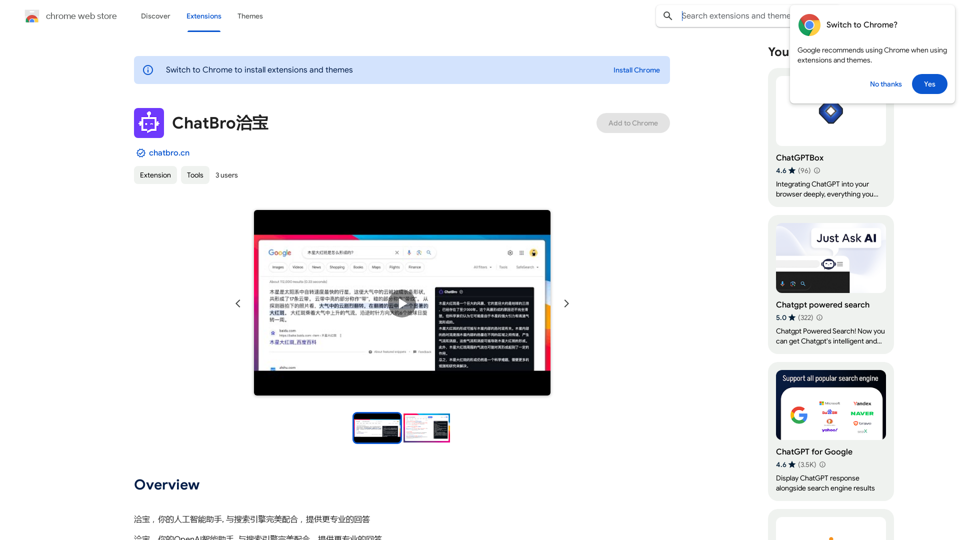
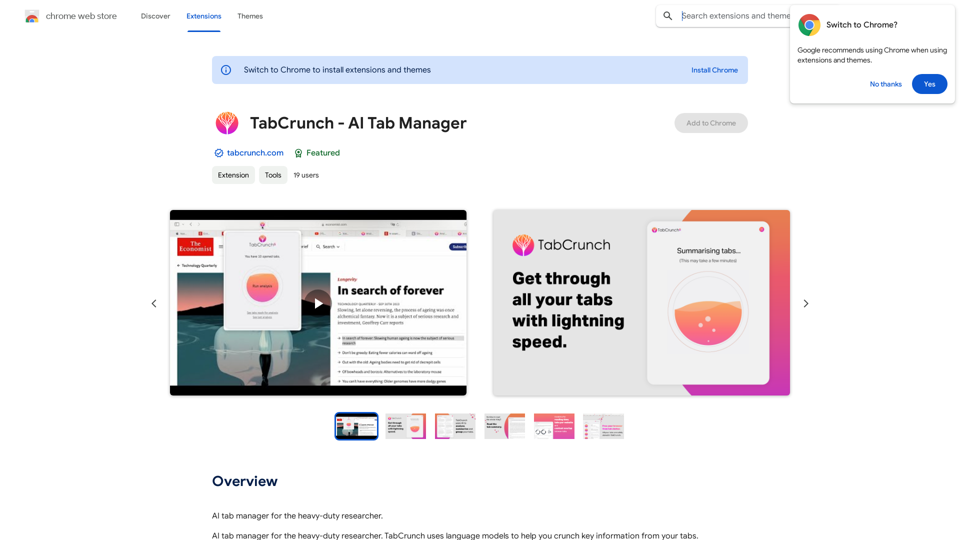
ChatBao, your AI assistant, works perfectly with search engines to provide more professional answers.
193.90 M
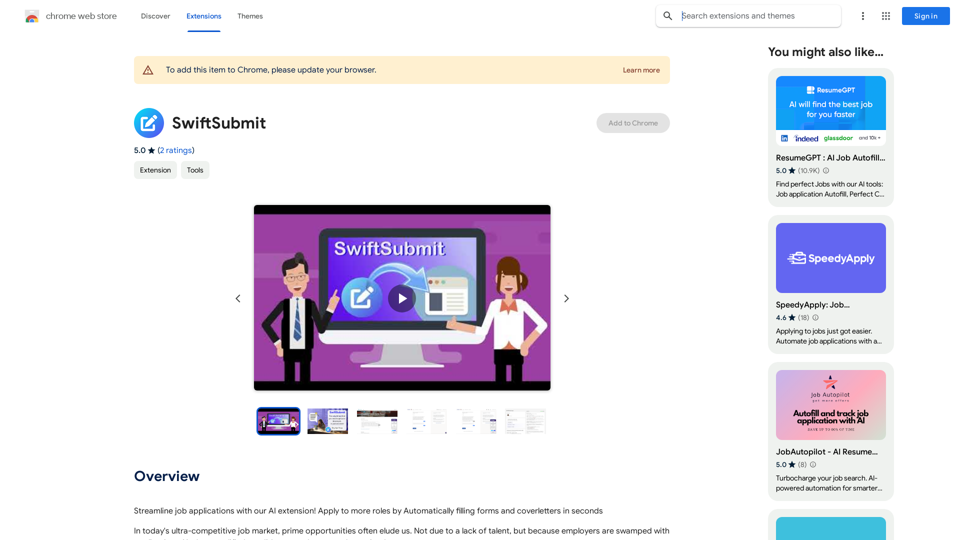
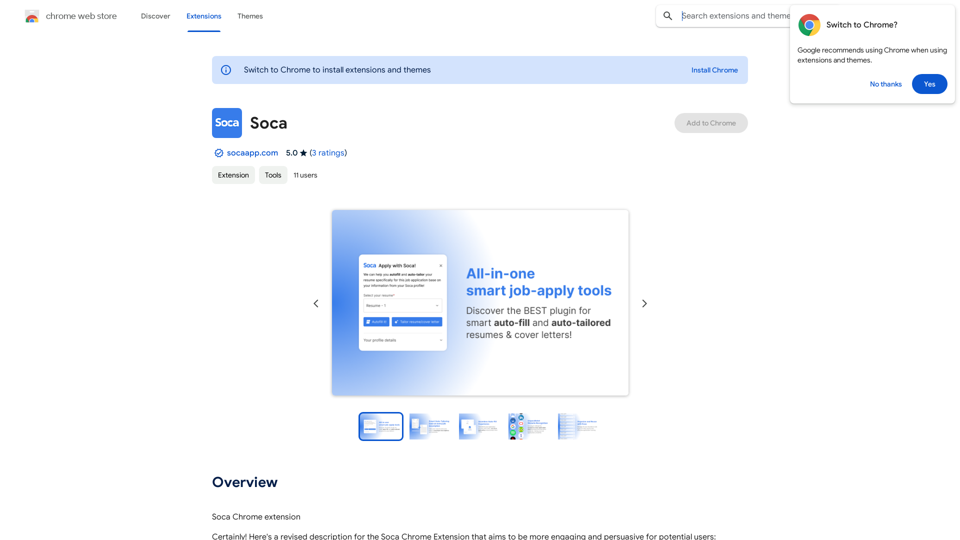
Streamline job applications with our AI extension! Apply to more roles by automatically filling out forms and cover letters in seconds.
193.90 M
Alchemy for ChatGPT Introduction Alchemy is a powerful framework for building and deploying large language models (LLMs) like ChatGPT. It provides a comprehensive set of tools and resources to streamline the entire LLM development lifecycle, from training to deployment and monitoring. Key Features * Modular Design: Alchemy is built with a modular architecture, allowing developers to easily customize and extend its functionality. * Fine-Tuning Capabilities: Alchemy offers robust fine-tuning capabilities, enabling users to adapt pre-trained LLMs to specific tasks and domains. * Deployment Flexibility: Alchemy supports deployment across various platforms, including cloud, on-premise, and edge devices. * Monitoring and Evaluation: Alchemy provides tools for monitoring LLM performance and evaluating their effectiveness. Benefits * Accelerated Development: Alchemy's modularity and pre-built components significantly reduce development time and effort. * Improved Accuracy: Fine-tuning capabilities allow for higher accuracy and performance on specific tasks. * Scalability and Reliability: Alchemy's deployment flexibility ensures scalability and reliability for diverse applications. * Cost-Effectiveness: Alchemy's efficient resource utilization and streamlined workflows contribute to cost savings. Use Cases Alchemy can be used in a wide range of applications, including: * Chatbots and Conversational AI: * Text Generation and Summarization: * Code Generation and Debugging: * Data Analysis and Insights: * Personalized Learning and Education: Conclusion Alchemy is a powerful and versatile framework that empowers developers to build, deploy, and manage LLMs effectively. Its comprehensive features, benefits, and diverse use cases make it an ideal choice for organizations looking to leverage the transformative potential of LLMs.
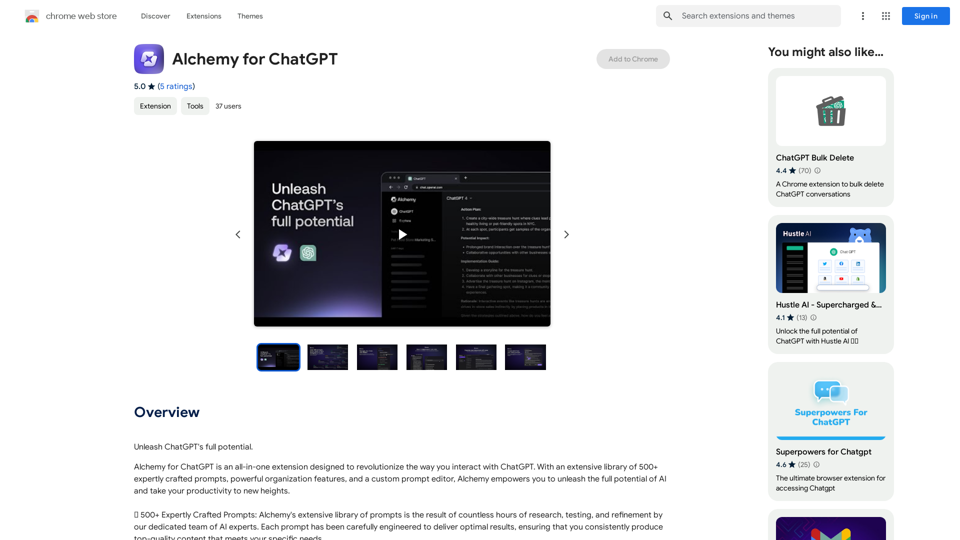
Alchemy for ChatGPT Introduction Alchemy is a powerful framework for building and deploying large language models (LLMs) like ChatGPT. It provides a comprehensive set of tools and resources to streamline the entire LLM development lifecycle, from training to deployment and monitoring. Key Features * Modular Design: Alchemy is built with a modular architecture, allowing developers to easily customize and extend its functionality. * Fine-Tuning Capabilities: Alchemy offers robust fine-tuning capabilities, enabling users to adapt pre-trained LLMs to specific tasks and domains. * Deployment Flexibility: Alchemy supports deployment across various platforms, including cloud, on-premise, and edge devices. * Monitoring and Evaluation: Alchemy provides tools for monitoring LLM performance and evaluating their effectiveness. Benefits * Accelerated Development: Alchemy's modularity and pre-built components significantly reduce development time and effort. * Improved Accuracy: Fine-tuning capabilities allow for higher accuracy and performance on specific tasks. * Scalability and Reliability: Alchemy's deployment flexibility ensures scalability and reliability for diverse applications. * Cost-Effectiveness: Alchemy's efficient resource utilization and streamlined workflows contribute to cost savings. Use Cases Alchemy can be used in a wide range of applications, including: * Chatbots and Conversational AI: * Text Generation and Summarization: * Code Generation and Debugging: * Data Analysis and Insights: * Personalized Learning and Education: Conclusion Alchemy is a powerful and versatile framework that empowers developers to build, deploy, and manage LLMs effectively. Its comprehensive features, benefits, and diverse use cases make it an ideal choice for organizations looking to leverage the transformative potential of LLMs.Unlock the full capabilities of ChatGPT.
193.90 M
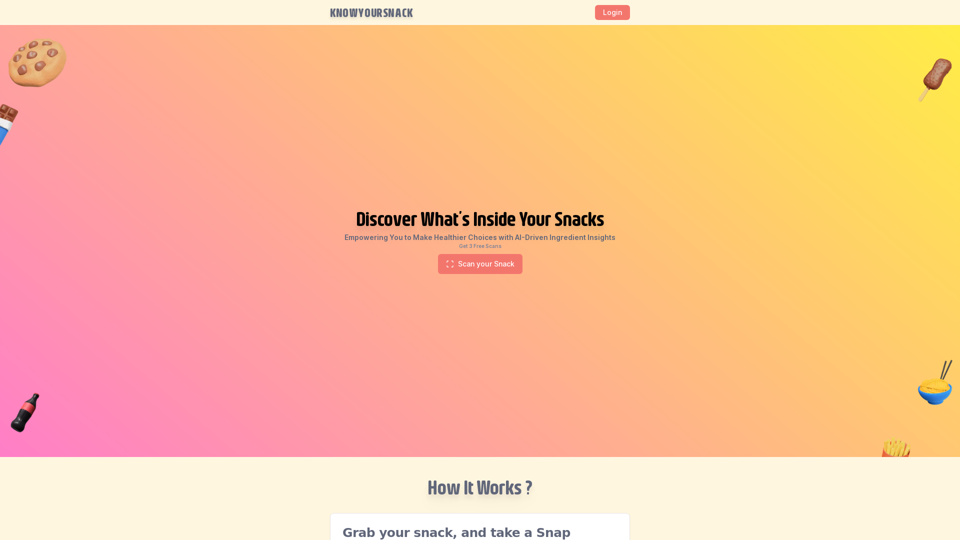
Knowyoursnack - Discover What’s Inside Your Snacks
Knowyoursnack - Discover What’s Inside Your SnacksKnowYourSnack is your personal guide to understanding snack ingredients. Simply snap a photo of the ingredients list on any snack package, and our AI-powered app will identify harmful substances, provide detailed information, and help you make healthier choices.
0
Track your emails in real-time with TraceMail and get instant notifications when someone opens them.
193.90 M