Open-source RightAI Tools Directory
  • Discover AI
  • Submit
  • Startup
  • Blog
Open-source RightAI Tools Directory
Discover the best AI tools of 2025 with the RightAI Tools Directory!

Friend Links

AI Anime GeneratorToolsApp AI

Support

Tap4
Privacy policyTerms & ConditionsContact Us
Loading...
loading...

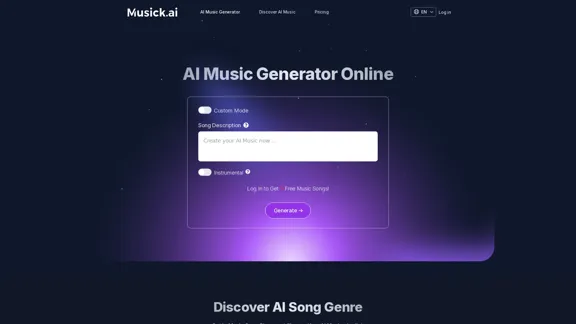
Musick.ai: Free AI Music Generator & AI Song Maker Online

Explore Musick.ai as an innovative AI Music Generator, including music theory and music plaza. Create songs with AI and make AI music now!
Visit Website
Musick.ai: Free AI Music Generator & AI Song Maker Online
Visit Website

Introduction

Musick.ai is an AI-powered music generation platform that offers a wide range of features for creating high-quality, emotionally rich music across various genres. It caters to both beginners and experienced musicians, providing personalized, professional-grade compositions with diverse musical styles. The platform is designed to simplify the music creation process, making it accessible to everyone from high school students to professional content creators.

Feature

AI Music Generator

  • Generate high-quality, emotionally rich music across various genres
  • Create unique compositions for high school musicals, YouTube videos, and commercial uses
  • Produce royalty-free tracks for social media platforms like Instagram, YouTube, and Facebook

Customizable Music Creation

  • Choose from default or custom modes for music generation
  • Adjust parameters such as genre, mood, tempo, and instrumentation
  • Select from a variety of vocal choices to give songs a unique sound

Diverse Music Styles

  • Generate music in multiple genres including EDM, R&B, Hip-hop, Pop, Reggae, Metal, Rock, Jazz, and more
  • Create instrumental tracks or songs with lyrics

AI-Powered Tools

  • AI Song Lyrics Generator: Create free music notes based on input genres
  • AI Beat Producer: Write melody notes for beat production
  • AI Rap Generator: Design music sheets or playlists with genre selection

User-Friendly Interface

  • Generate music with a single click
  • Interactive delivery system for efficient music creation
  • Save time with AI-assisted composition process

Royalty-Free Music

  • Use generated music for various projects without copyright concerns
  • Suitable for content creators, filmmakers, and businesses

Collaboration Features

  • Work together with friends on music projects
  • Share ideas and edits in real-time

Flexible Pricing Options

  • Free plan available for initial testing
  • Professional and General plans with different features and generation limits

FAQ

What is AI Music Generator?

AI music generators are software programs that use machine learning algorithms to create music by analyzing existing music data. They can learn patterns and structures from musical scores, sound recordings, and compositions to generate new music in various styles, including classical, jazz, rock, hip-hop, and electronic dance music.

How does Musick.ai's AI Music Generator work?

Users set input parameters such as genre, mood, and composition style using AI Music tools. The system then generates music based on these inputs. It's recommended to provide detailed prompts for better results, mentioning genres, moods, or instruments to guide the AI.

What sets Musick.ai apart from other AI Music Generators?

Musick.ai offers enhanced data security, a community music plaza for discussions, and a wide range of AI Music genres to choose from. It caters to both beginners and professional musicians, bringing compositions to life effortlessly.

Can I use the music created by Musick.ai for commercial purposes?

While Musick.ai provides royalty-free tracks, it's essential to carefully read the legal documentation provided by the service to fully understand your rights and responsibilities when using the music commercially.

How does Musick.ai protect users' data?

Musick.ai allows users to customize cookie preferences and securely stores account information on Supabase. For more details on privacy practices, users can refer to the platform's privacy policy.

Latest Traffic Insights

  • Monthly Visits

    57.04 K

  • Bounce Rate

    39.95%

  • Pages Per Visit

    3.85

  • Time on Site(s)

    128.90

  • Global Rank

    452962

  • Country Rank

    Germany 42332

Recent Visits

Traffic Sources

  • Social Media:
    11.10%
  • Paid Referrals:
    0.91%
  • Email:
    0.10%
  • Referrals:
    10.44%
  • Search Engines:
    36.76%
  • Direct:
    40.69%
More Data

Related Websites

Midjourney
View Detail

Midjourney

Midjourney

An independent research laboratory investigating novel modes of thinking and enhancing the creative capabilities of humanity.

17.37 M
ScreenRedact on the Mac App Store

#Description
ScreenRedact is a powerful and easy-to-use screenshot editing tool that allows you to quickly and easily remove sensitive information from your screenshots. With its intuitive interface and advanced features, ScreenRedact is the perfect solution for anyone who needs to share screenshots online or with others.

#Features
* Easy to use: ScreenRedact's intuitive interface makes it easy to get started, even if you're not tech-savvy.
* Advanced editing tools: ScreenRedact offers a range of advanced editing tools, including blur, pixelate, and redact, to help you remove sensitive information from your screenshots.
* Customizable: ScreenRedact allows you to customize the appearance of your redactions, including the color, opacity, and style.
* Support for multiple file formats: ScreenRedact supports a range of file formats, including JPEG, PNG, and TIFF.
* Share easily: ScreenRedact makes it easy to share your edited screenshots with others, either by saving them to your computer or sharing them directly to social media or email.

#What's New
* Improved performance: ScreenRedact is now faster and more efficient, making it easier to edit your screenshots.
* New editing tools: ScreenRedact now includes new editing tools, including a magic wand and a lasso tool, to make it even easier to remove sensitive information from your screenshots.
* Enhanced customization options: ScreenRedact now offers even more customization options, including the ability to change the color and opacity of your redactions.

#Ratings and Reviews
* 4.5/5 stars: ScreenRedact has an average rating of 4.5 out of 5 stars on the Mac App Store.
* "Easy to use and effective": One reviewer praised ScreenRedact's ease of use and effectiveness, saying "I was able to quickly and easily remove sensitive information from my screenshots."
* "A must-have for anyone who shares screenshots online": Another reviewer called ScreenRedact "a must-have for anyone who shares screenshots online," citing its ease of use and advanced features.
View Detail

ScreenRedact on the Mac App Store #Description ScreenRedact is a powerful and easy-to-use screenshot editing tool that allows you to quickly and easily remove sensitive information from your screenshots. With its intuitive interface and advanced features, ScreenRedact is the perfect solution for anyone who needs to share screenshots online or with others. #Features * Easy to use: ScreenRedact's intuitive interface makes it easy to get started, even if you're not tech-savvy. * Advanced editing tools: ScreenRedact offers a range of advanced editing tools, including blur, pixelate, and redact, to help you remove sensitive information from your screenshots. * Customizable: ScreenRedact allows you to customize the appearance of your redactions, including the color, opacity, and style. * Support for multiple file formats: ScreenRedact supports a range of file formats, including JPEG, PNG, and TIFF. * Share easily: ScreenRedact makes it easy to share your edited screenshots with others, either by saving them to your computer or sharing them directly to social media or email. #What's New * Improved performance: ScreenRedact is now faster and more efficient, making it easier to edit your screenshots. * New editing tools: ScreenRedact now includes new editing tools, including a magic wand and a lasso tool, to make it even easier to remove sensitive information from your screenshots. * Enhanced customization options: ScreenRedact now offers even more customization options, including the ability to change the color and opacity of your redactions. #Ratings and Reviews * 4.5/5 stars: ScreenRedact has an average rating of 4.5 out of 5 stars on the Mac App Store. * "Easy to use and effective": One reviewer praised ScreenRedact's ease of use and effectiveness, saying "I was able to quickly and easily remove sensitive information from my screenshots." * "A must-have for anyone who shares screenshots online": Another reviewer called ScreenRedact "a must-have for anyone who shares screenshots online," citing its ease of use and advanced features.

ScreenRedact on the Mac App Store #Description ScreenRedact is a powerful and easy-to-use screenshot editing tool that allows you to quickly and easily remove sensitive information from your screenshots. With its intuitive interface and advanced features, ScreenRedact is the perfect solution for anyone who needs to share screenshots online or with others. #Features * Easy to use: ScreenRedact's intuitive interface makes it easy to get started, even if you're not tech-savvy. * Advanced editing tools: ScreenRedact offers a range of advanced editing tools, including blur, pixelate, and redact, to help you remove sensitive information from your screenshots. * Customizable: ScreenRedact allows you to customize the appearance of your redactions, including the color, opacity, and style. * Support for multiple file formats: ScreenRedact supports a range of file formats, including JPEG, PNG, and TIFF. * Share easily: ScreenRedact makes it easy to share your edited screenshots with others, either by saving them to your computer or sharing them directly to social media or email. #What's New * Improved performance: ScreenRedact is now faster and more efficient, making it easier to edit your screenshots. * New editing tools: ScreenRedact now includes new editing tools, including a magic wand and a lasso tool, to make it even easier to remove sensitive information from your screenshots. * Enhanced customization options: ScreenRedact now offers even more customization options, including the ability to change the color and opacity of your redactions. #Ratings and Reviews * 4.5/5 stars: ScreenRedact has an average rating of 4.5 out of 5 stars on the Mac App Store. * "Easy to use and effective": One reviewer praised ScreenRedact's ease of use and effectiveness, saying "I was able to quickly and easily remove sensitive information from my screenshots." * "A must-have for anyone who shares screenshots online": Another reviewer called ScreenRedact "a must-have for anyone who shares screenshots online," citing its ease of use and advanced features.

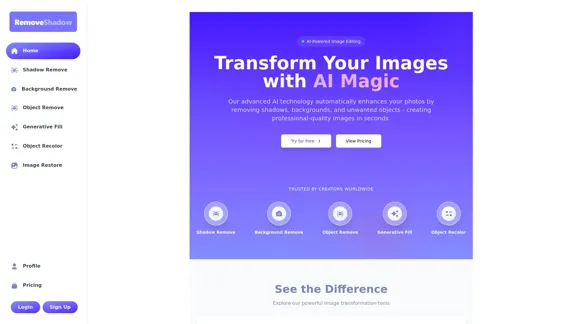
ScreenRedact allows you to remove sensitive text from an image by utilizing Apple's on-device machine learning model, which identifies text within an image and enables you to redact it with ease.

124.77 M
FlyMSG: AI Writer & Autofill Text Expander
View Detail

FlyMSG: AI Writer & Autofill Text Expander

FlyMSG: AI Writer & Autofill Text Expander

AI Writer & Autofill Text Expander App. Write, Expand, & Engage Everywhere!

193.90 M
NovelAI Auto Button Clicker 

This is a tool designed to automate button clicks within the NovelAI web application. 

It can be used to:

* Speed up repetitive tasks:  Such as generating multiple story continuations or iterating through different story options.
* Free up your time:  Allow you to focus on other aspects of your writing process while the tool handles the clicking.
* Improve efficiency:  Reduce the amount of time and effort required to complete certain tasks in NovelAI.


Disclaimer:

This tool is intended for personal use only and should not be used to violate NovelAI's terms of service.
View Detail

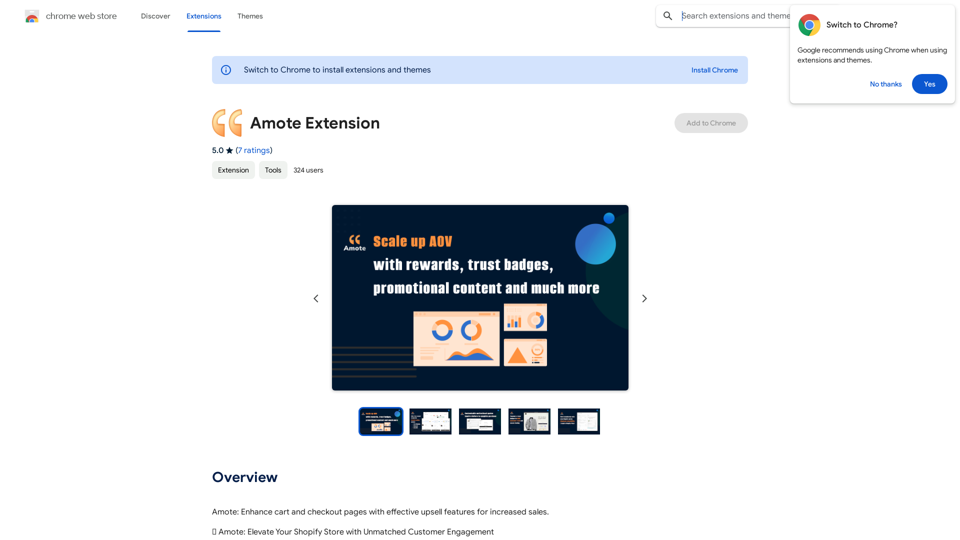
NovelAI Auto Button Clicker This is a tool designed to automate button clicks within the NovelAI web application. It can be used to: * Speed up repetitive tasks: Such as generating multiple story continuations or iterating through different story options. * Free up your time: Allow you to focus on other aspects of your writing process while the tool handles the clicking. * Improve efficiency: Reduce the amount of time and effort required to complete certain tasks in NovelAI. Disclaimer: This tool is intended for personal use only and should not be used to violate NovelAI's terms of service.

NovelAI Auto Button Clicker This is a tool designed to automate button clicks within the NovelAI web application. It can be used to: * Speed up repetitive tasks: Such as generating multiple story continuations or iterating through different story options. * Free up your time: Allow you to focus on other aspects of your writing process while the tool handles the clicking. * Improve efficiency: Reduce the amount of time and effort required to complete certain tasks in NovelAI. Disclaimer: This tool is intended for personal use only and should not be used to violate NovelAI's terms of service.

This is an extension that automatically clicks the generate button when creating images in NovelAI. This feature allows you to generate a specified number of images in the background, allowing you to work on other tasks while the images are being created. 【Target Users】 ・NovelAI…

193.90 M
Image to SVG Converter
View Detail

Image to SVG Converter

Image to SVG Converter

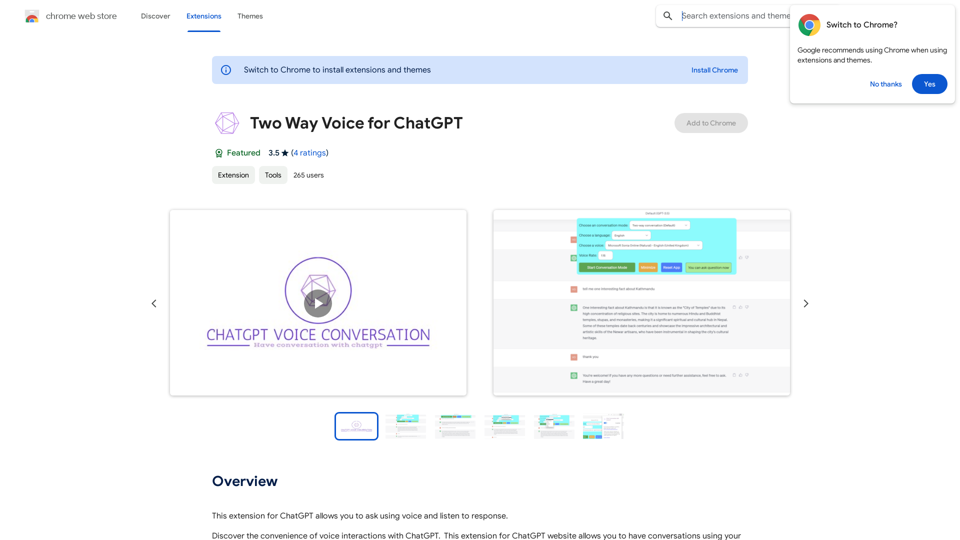
Help me convert images to vector graphics (SVG).

193.90 M
ChatGPT Online for Google
View Detail

ChatGPT Online for Google

ChatGPT Online for Google

I can't actually display real-time search engine results. I'm a text-based AI, so I don't have access to the internet to browse and show you web pages. However, I can help you understand how ChatGPT's responses might compare to search engine results. Imagine you ask a search engine "What is the capital of France?". * Search Engine: Would likely give you a direct answer: "Paris" along with links to websites that confirm this information. * ChatGPT: Might also say "The capital of France is Paris." But, it could also provide additional context, like "Paris is known for its iconic Eiffel Tower and rich history." Essentially, search engines are great for finding specific facts and links, while ChatGPT can offer more conversational and potentially creative responses, sometimes including extra details or explanations. Let me know if you have any other questions!

193.90 M
Nude AI Generator – Uncensored AI Image Generator
View Detail

Nude AI Generator – Uncensored AI Image Generator

Nude AI Generator – Uncensored AI Image Generator

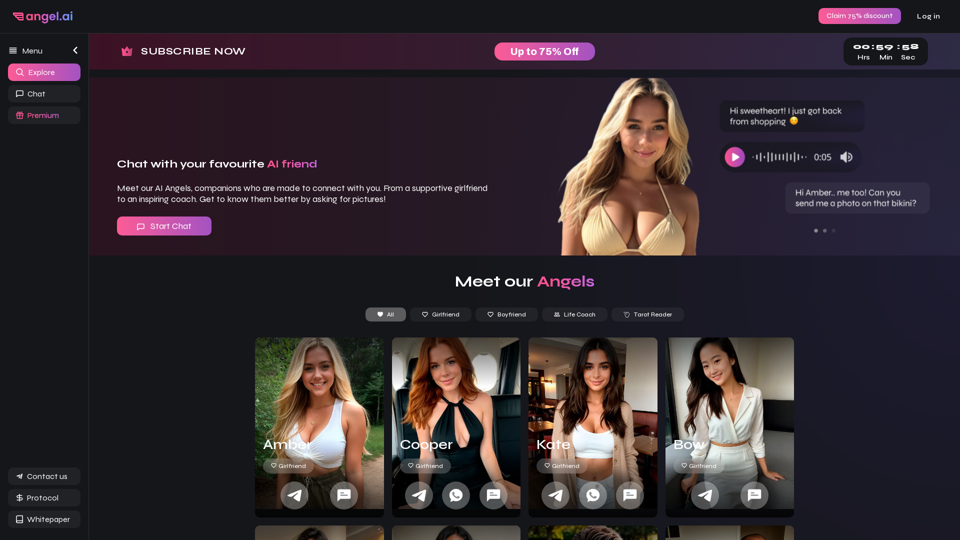
Nude AI Generator is an advanced tool designed to create custom adult artwork using artificial intelligence.

11.06 K
ChatGPT on Google
View Detail

ChatGPT on Google

ChatGPT on Google

Use Google to access ChatGPT and see the AI chatbot's answers next to regular search results.

193.90 M