Open-source RightAI Tools Directory
  • Discover AI
  • Submit
  • Startup
  • Blog
Open-source RightAI Tools Directory
Discover the best AI tools of 2025 with the RightAI Tools Directory!

Friend Links

AI Anime GeneratorToolsApp AI

Support

Tap4
Privacy policyTerms & ConditionsContact Us
Loading...
loading...

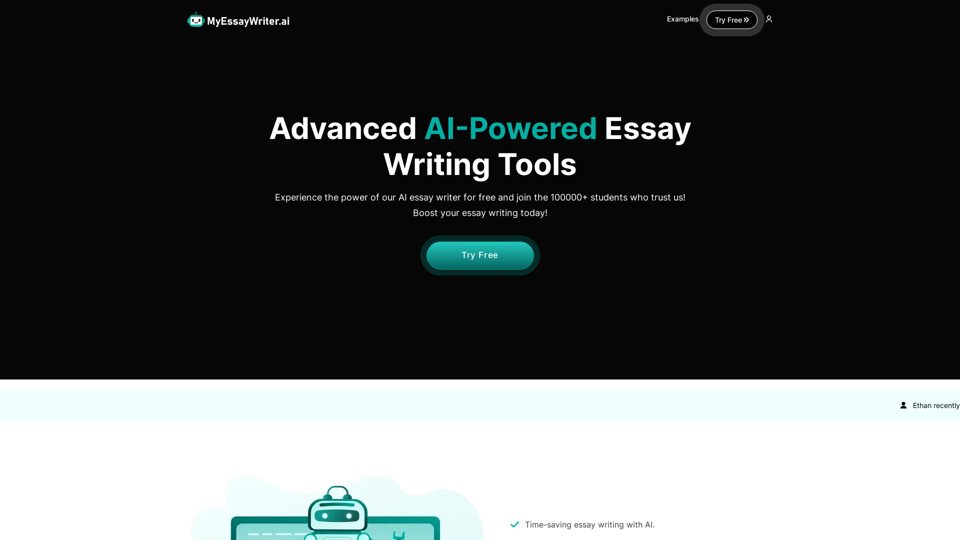
AI Essay Writer & Free AI Writing Tools | Essay Generator

Enhance your essay writing skills with our AI Essay Writer. Begin creating essays today using our AI Essay Writing Tools | No Registration Needed
Visit Website
AI Essay Writer & Free AI Writing Tools | Essay Generator
Visit Website

Introduction

MyEssayWriter.ai is an advanced AI-powered essay writing tool designed to assist students in generating high-quality essays quickly and easily. Utilizing sophisticated natural language processing and machine learning algorithms, it produces original, plagiarism-free content on any given topic. The platform offers various features to streamline the essay writing process, improve writing skills, and provide quality examples for students.

Feature

AI Essay Writer

Generates unique and high-quality essay content on any given topic, saving time and effort for students.

AI Essay Outliner

Creates well-structured essay outlines to help organize ideas and improve the overall structure of the essay.

Multiple Essay Types

Supports various essay types including argumentative, persuasive, and descriptive, catering to different academic requirements.

Time-Saving Automation

Automates the essay writing process, allowing students to focus on other important tasks or studies.

Writing Skills Improvement

Provides quality examples that help students improve their writing skills and learn proper essay structure.

User-Friendly Interface

Offers an easy-to-use interface for seamless essay generation, making it accessible to all users.

Flexible Pricing Options

PlanPriceFeatures
Free$0- 1500 words (6 pages) quota<br>- Access to all tools<br>- No credit card needed
Basic$9.99/month- Up to 1500 words per essay<br>- Access to all features<br>- AI Essay Writer & Outliner
Pro$14.99/month- Unlimited essays<br>- Access to all features<br>- 50% off custom orders<br>- 500 plagiarism check credits
Advanced$99.99/year- Unlimited essays<br>- Access to all current & future tools<br>- 50% off custom orders<br>- 500 plagiarism check credits

Citation and Referencing Support

Generates properly formatted citations and bibliographies based on user preferences.

FAQ

Is the content generated by MyEssayWriter.ai plagiarism-free?

Yes, the AI generates original content for each essay request, ensuring plagiarism-free results.

Can I use MyEssayWriter.ai for academic purposes?

The tool is meant for educational and reference purposes only. It is not recommended to submit AI-generated essays as your own work.

How many essays can I generate with the free plan?

The free plan allows you to generate up to 1500 words (approximately 6 pages) of content.

Does MyEssayWriter.ai support citation and referencing?

Yes, the tool can generate properly formatted citations and bibliographies based on your preferences.

Can MyEssayWriter.ai help with research papers and other types of academic writing?

Yes, the tool supports various types of academic writing including research papers, articles, and reports.

Latest Traffic Insights

  • Monthly Visits

    121.36 K

  • Bounce Rate

    42.32%

  • Pages Per Visit

    2.35

  • Time on Site(s)

    35.12

  • Global Rank

    298921

  • Country Rank

    United States 210098

Recent Visits

Traffic Sources

  • Social Media:
    1.47%
  • Paid Referrals:
    0.61%
  • Email:
    0.12%
  • Referrals:
    6.22%
  • Search Engines:
    57.27%
  • Direct:
    34.22%
More Data

Related Websites

MagicMax - Job Application Copilot
View Detail

MagicMax - Job Application Copilot

MagicMax - Job Application Copilot

Automate your job applications with our 1-Click Autofill Solution. Just upload your resume. Powered by ChatGPT-4.

193.90 M
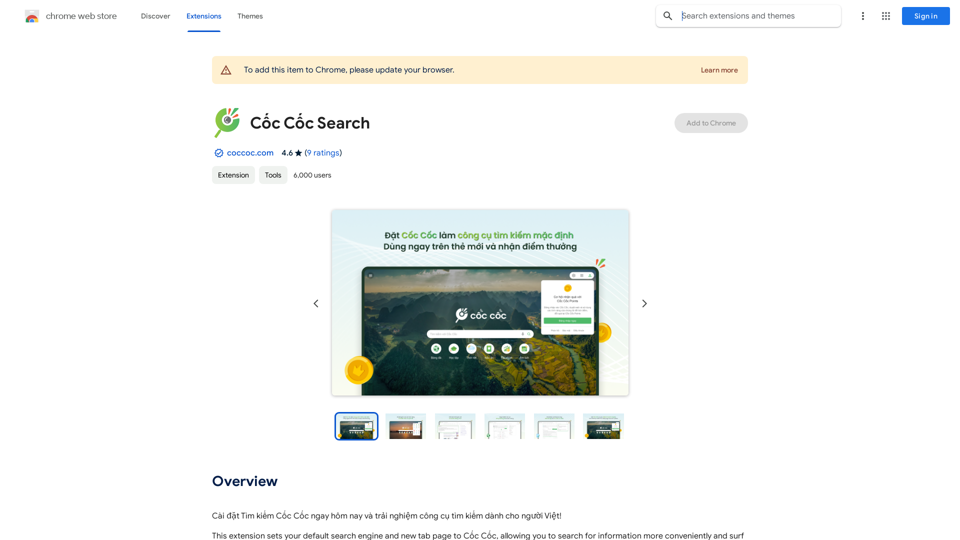
Converting JPG Images to Text

Converting a JPG image to text is a process known as Optical Character Recognition (OCR). This technology enables you to extract text from images, scanned documents, and photos. Here's how to do it:

Method 1: Online OCR Tools

You can use online OCR tools to convert JPG images to text. Here are the steps:

1. Upload your JPG image: Go to an online OCR tool website, such as Online OCR Tools or OCR.space, and upload your JPG image.
2. Select the language: Choose the language of the text in your image.
3. Click on "Convert": The tool will convert the image to text.
4. Download the text: You can download the extracted text as a Word document, PDF, or plain text file.

Method 2: Google Drive

You can also use Google Drive to convert JPG images to text. Here's how:

1. Upload your JPG image: Upload your JPG image to Google Drive.
2. Right-click on the image: Right-click on the uploaded image and select "Open with" > "Google Docs".
3. The image will be converted: Google Docs will automatically convert the image to text.
4. Edit and download: You can edit the extracted text and download it as a Word document or PDF.

Method 3: Adobe Acrobat

If you have Adobe Acrobat installed on your computer, you can use it to convert JPG images to text. Here's how:

1. Open Adobe Acrobat: Open Adobe Acrobat on your computer.
2. Create a new document: Create a new document and click on "Tools" > "Recognize Text".
3. Select the image: Select the JPG image you want to convert.
4. Click on "Recognize": Adobe Acrobat will convert the image to text.
5. Edit and save: You can edit the extracted text and save it as a Word document or PDF.

These are the three methods to convert JPG images to text. Choose the method that works best for you!
View Detail

Converting JPG Images to Text Converting a JPG image to text is a process known as Optical Character Recognition (OCR). This technology enables you to extract text from images, scanned documents, and photos. Here's how to do it: Method 1: Online OCR Tools You can use online OCR tools to convert JPG images to text. Here are the steps: 1. Upload your JPG image: Go to an online OCR tool website, such as Online OCR Tools or OCR.space, and upload your JPG image. 2. Select the language: Choose the language of the text in your image. 3. Click on "Convert": The tool will convert the image to text. 4. Download the text: You can download the extracted text as a Word document, PDF, or plain text file. Method 2: Google Drive You can also use Google Drive to convert JPG images to text. Here's how: 1. Upload your JPG image: Upload your JPG image to Google Drive. 2. Right-click on the image: Right-click on the uploaded image and select "Open with" > "Google Docs". 3. The image will be converted: Google Docs will automatically convert the image to text. 4. Edit and download: You can edit the extracted text and download it as a Word document or PDF. Method 3: Adobe Acrobat If you have Adobe Acrobat installed on your computer, you can use it to convert JPG images to text. Here's how: 1. Open Adobe Acrobat: Open Adobe Acrobat on your computer. 2. Create a new document: Create a new document and click on "Tools" > "Recognize Text". 3. Select the image: Select the JPG image you want to convert. 4. Click on "Recognize": Adobe Acrobat will convert the image to text. 5. Edit and save: You can edit the extracted text and save it as a Word document or PDF. These are the three methods to convert JPG images to text. Choose the method that works best for you!

Converting JPG Images to Text Converting a JPG image to text is a process known as Optical Character Recognition (OCR). This technology enables you to extract text from images, scanned documents, and photos. Here's how to do it: Method 1: Online OCR Tools You can use online OCR tools to convert JPG images to text. Here are the steps: 1. Upload your JPG image: Go to an online OCR tool website, such as Online OCR Tools or OCR.space, and upload your JPG image. 2. Select the language: Choose the language of the text in your image. 3. Click on "Convert": The tool will convert the image to text. 4. Download the text: You can download the extracted text as a Word document, PDF, or plain text file. Method 2: Google Drive You can also use Google Drive to convert JPG images to text. Here's how: 1. Upload your JPG image: Upload your JPG image to Google Drive. 2. Right-click on the image: Right-click on the uploaded image and select "Open with" > "Google Docs". 3. The image will be converted: Google Docs will automatically convert the image to text. 4. Edit and download: You can edit the extracted text and download it as a Word document or PDF. Method 3: Adobe Acrobat If you have Adobe Acrobat installed on your computer, you can use it to convert JPG images to text. Here's how: 1. Open Adobe Acrobat: Open Adobe Acrobat on your computer. 2. Create a new document: Create a new document and click on "Tools" > "Recognize Text". 3. Select the image: Select the JPG image you want to convert. 4. Click on "Recognize": Adobe Acrobat will convert the image to text. 5. Edit and save: You can edit the extracted text and save it as a Word document or PDF. These are the three methods to convert JPG images to text. Choose the method that works best for you!

It is an online tool that uses Optical Character Recognition (OCR) to make it possible to extract text from images in JPG format.

193.90 M
ProspectPro - B2B Lead Generation
View Detail

ProspectPro - B2B Lead Generation

ProspectPro - B2B Lead Generation

Find new B2B prospects in no time.

193.90 M
ChatBot AI - ChatGPT & Claude & Bard & BingOverviewChatBot AI
View Detail

ChatBot AI - ChatGPT & Claude & Bard & BingOverviewChatBot AI

ChatBot AI - ChatGPT & Claude & Bard & BingOverviewChatBot AI

ChatBot is a copilot that uses ChatGPT, Bing, Claude, Bard, and more to answer questions like translations, emails, Q&As, and more.

193.90 M
MagicReply - AI Replies for Twitter
View Detail

MagicReply - AI Replies for Twitter

MagicReply - AI Replies for Twitter

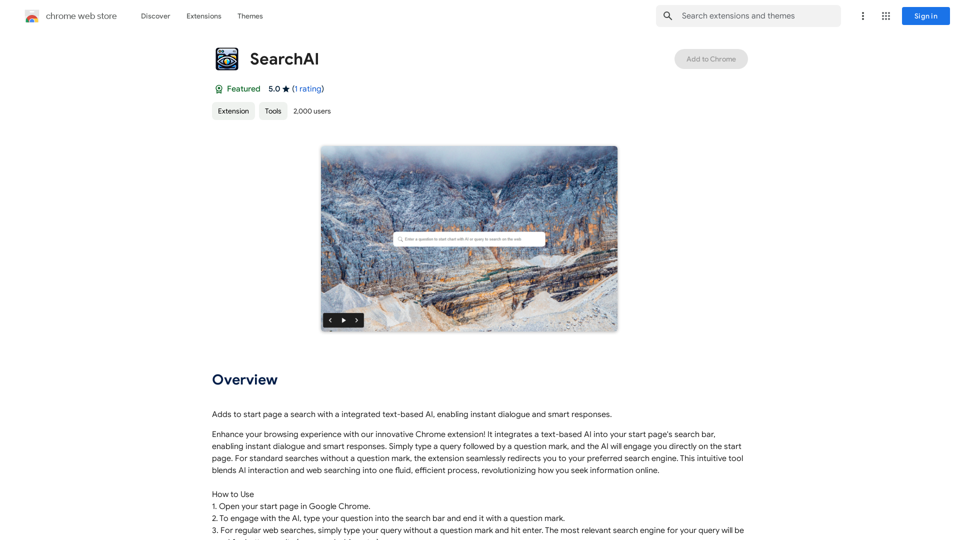
Grow Your Twitter Account by Replying Using AI Are you tired of manually responding to tweets and struggling to grow your Twitter account? Do you want to increase your online presence and engage with your audience more efficiently? Look no further! This article will show you how to grow your Twitter account by replying using AI. What is AI-powered Twitter reply? AI-powered Twitter reply is a technology that uses artificial intelligence to automatically respond to tweets. This innovative tool analyzes the content of incoming tweets and generates a relevant response based on the context. With AI-powered Twitter reply, you can save time and effort while increasing your online engagement. Benefits of using AI-powered Twitter reply 1. Increased efficiency Manually responding to tweets can be time-consuming, especially if you have a large following. AI-powered Twitter reply automates the process, allowing you to focus on other important tasks. 2. Improved engagement AI-powered Twitter reply helps you respond to tweets quickly, which increases the chances of starting a conversation and building relationships with your followers. 3. Personalized responses AI-powered Twitter reply can be customized to fit your brand's voice and tone, ensuring that your responses are personalized and consistent. 4. Scalability As your Twitter account grows, AI-powered Twitter reply can handle a large volume of tweets, ensuring that you never miss a response. How to use AI-powered Twitter reply 1. Choose an AI-powered Twitter reply tool There are several AI-powered Twitter reply tools available, such as [Tool 1], [Tool 2], and [Tool 3]. Research and choose the one that best fits your needs. 2. Set up your AI-powered Twitter reply Once you've chosen a tool, set it up by connecting your Twitter account and customizing your responses. 3. Monitor and adjust Monitor your AI-powered Twitter reply's performance and adjust the settings as needed to ensure that your responses are relevant and engaging. Conclusion Growing your Twitter account requires consistent engagement and timely responses. AI-powered Twitter reply is a game-changer that can help you achieve this goal. By automating your responses, you can increase efficiency, improve engagement, and personalize your interactions. Try AI-powered Twitter reply today and watch your Twitter account thrive!

193.90 M
Orchid: AI Clinical Notes
View Detail

Orchid: AI Clinical Notes

Orchid: AI Clinical Notes

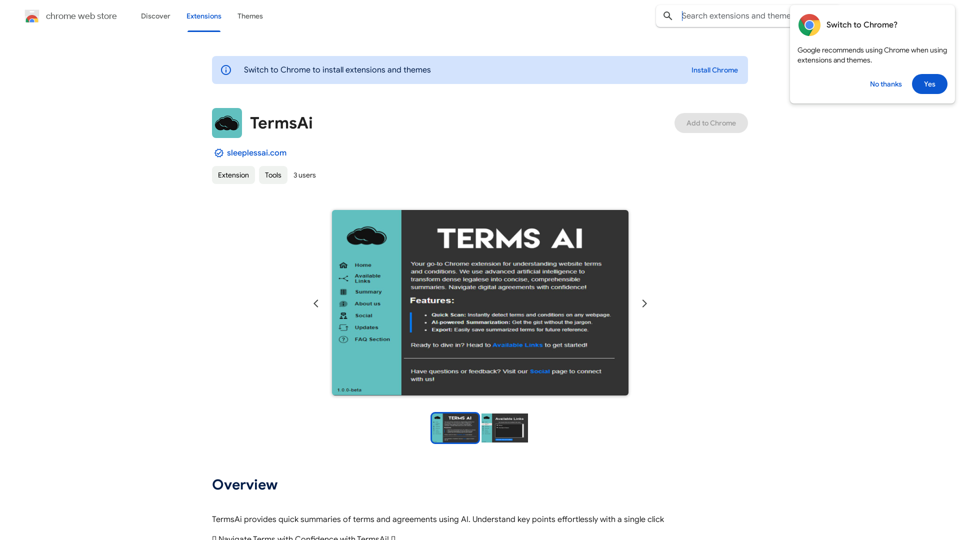
Automatically create clinical notes and generate AI-powered progress notes in any electronic health record (EHR) system.

193.90 M
Website Optimizer AI
View Detail

Website Optimizer AI

Website Optimizer AI

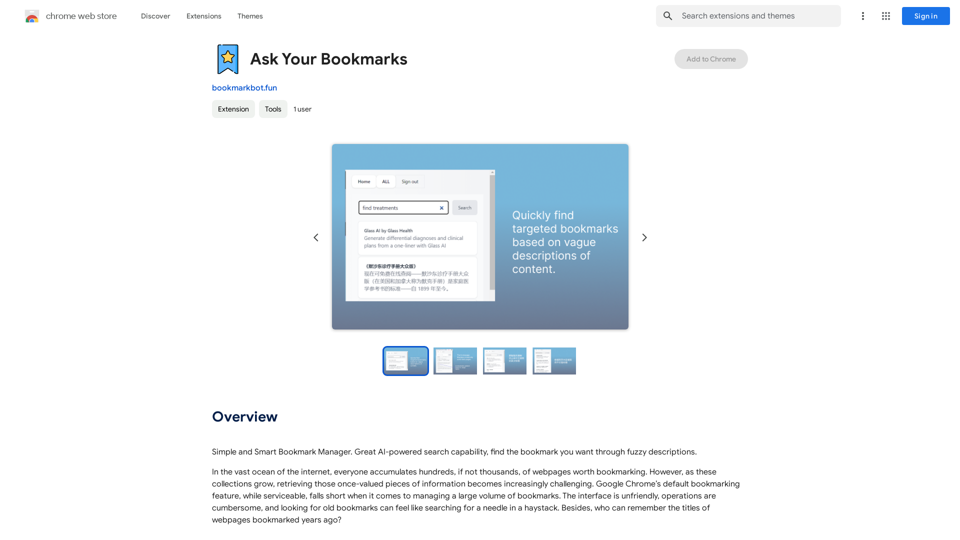
Improve your website's text with AI. Simply click on any text on a website and receive AI-powered suggestions for making it better.

193.90 M
Hexofy Scraper - Free Web Scraping + AI
View Detail

Hexofy Scraper - Free Web Scraping + AI

Hexofy Scraper - Free Web Scraping + AI

1-Click Data Capture & Web Scraping Tool Enhanced with AI

193.90 M