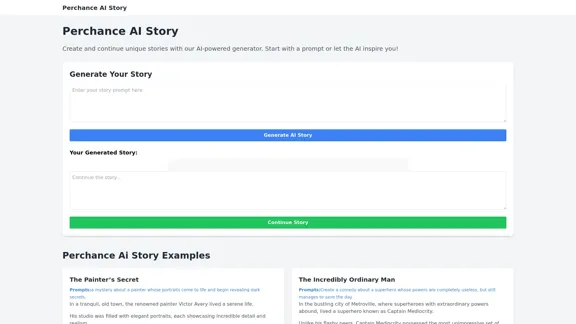
Perchance AI Story is an innovative AI-powered story generator that allows users to create and continue unique narratives. This tool offers a seamless way for both aspiring writers and creative enthusiasts to explore storytelling with the assistance of artificial intelligence.
Perchance AI Story
Perchance AI Story is a website that supports multiple languages and can continue to write stories.
Introduction
Feature
-
AI-Powered Story Generation
- Users can start with a prompt or let the AI inspire them
- Generates unique stories based on user input or random prompts
-
Story Continuation
- Option to continue the generated story, allowing for extended narratives
- Enables users to build upon the AI-generated content
-
Diverse Story Prompts
- Offers a wide range of creative prompts across various genres
- Examples include love stories, horror tales, comedies, and fantasies
-
Genre Flexibility
- Supports multiple genres including mystery, comedy, romance, and sci-fi
- Allows users to experiment with different storytelling styles
-
Interactive User Interface
- Simple and intuitive design for easy story generation
- Clear buttons for generating and continuing stories
-
Example Stories
- Provides sample stories to showcase the AI's capabilities
- Demonstrates the tool's versatility in creating engaging narratives
FAQ
How does Perchance AI Story work?
Perchance AI Story uses artificial intelligence to generate unique stories based on user prompts or randomly generated ideas. Users can input their own story concepts or use the provided prompts, and the AI will create a narrative accordingly.
Can I continue a story after it's been generated?
Yes, Perchance AI Story offers a "Continue Story" feature that allows users to extend the generated narrative. This enables you to build upon the initial AI-created content and develop the story further.
What types of stories can I create with Perchance AI Story?
The tool supports a wide range of genres and styles, including mystery, comedy, romance, horror, fantasy, and science fiction. Users can create diverse stories from love tales between seasons to adventures of time-traveling pirates.
Is Perchance AI Story suitable for professional writers?
While Perchance AI Story can be a valuable tool for inspiration and overcoming writer's block, it's primarily designed for creative exploration and fun. Professional writers might find it useful for generating ideas, but the tool is not intended to replace human creativity and writing skills.
Evaluation
-
Perchance AI Story offers an engaging and accessible platform for creative writing, making it easy for users to generate unique stories across various genres. Its user-friendly interface and diverse prompt options cater to both novice and experienced storytellers.
-
The ability to continue stories is a standout feature, allowing users to build upon the AI-generated content and potentially create more complex narratives. This interactivity enhances the user experience and encourages creativity.
-
While the tool demonstrates impressive versatility in generating stories across different genres, the quality and coherence of the generated content may vary. Users should be prepared to edit and refine the AI-generated stories for more polished results.
-
The provided example stories and prompts serve as good starting points and showcase the tool's capabilities. However, more advanced writers might find the generated content somewhat simplistic or lacking in depth.
-
As an AI-powered tool, Perchance AI Story could benefit from more advanced features such as character development options, plot structure guidance, or theme exploration to provide a more comprehensive storytelling experience.
-
Overall, Perchance AI Story is a fun and innovative tool for sparking creativity and exploring storytelling possibilities. It's particularly valuable for overcoming writer's block or generating quick story ideas, but should be viewed as a complementary tool rather than a replacement for human creativity in writing.
Related Websites
AutoCrawl - Download Amazon Designs This is a tool to help you download designs from Amazon product pages. Here's how it works: 1. Paste the Amazon product URL: Put the link to the Amazon product page you want to download designs from. 2. Select the design type: Choose the type of design you want to download (e.g., images, logos, patterns). 3. Click "Download": The tool will automatically extract and download the selected designs. Features: * Easy to use: Just paste the URL and click a button. * Multiple design types: Download images, logos, patterns, and more. * Fast and efficient: Quickly download multiple designs at once. Disclaimer: * Use this tool responsibly and ethically. * Respect copyright laws and only download designs for personal use.
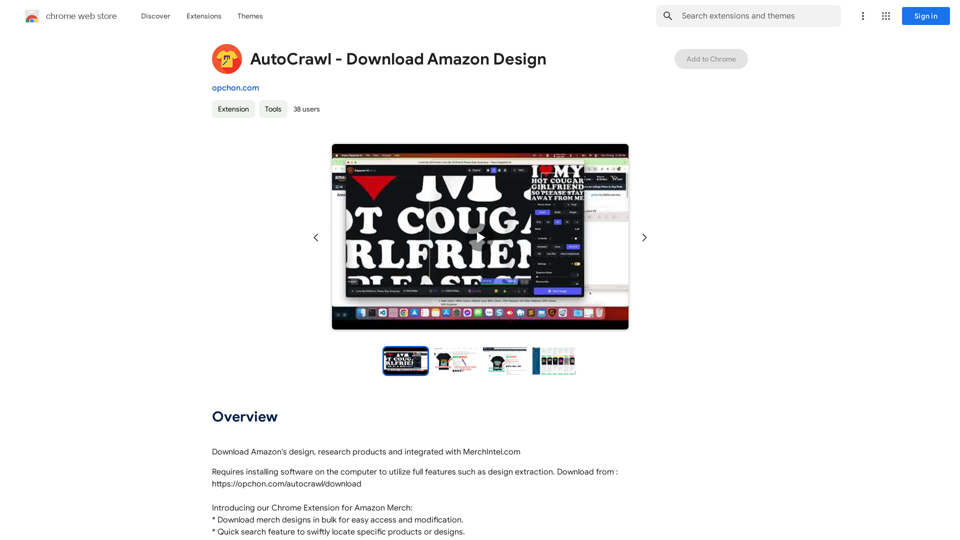
AutoCrawl - Download Amazon Designs This is a tool to help you download designs from Amazon product pages. Here's how it works: 1. Paste the Amazon product URL: Put the link to the Amazon product page you want to download designs from. 2. Select the design type: Choose the type of design you want to download (e.g., images, logos, patterns). 3. Click "Download": The tool will automatically extract and download the selected designs. Features: * Easy to use: Just paste the URL and click a button. * Multiple design types: Download images, logos, patterns, and more. * Fast and efficient: Quickly download multiple designs at once. Disclaimer: * Use this tool responsibly and ethically. * Respect copyright laws and only download designs for personal use.Download Amazon's design templates, research products, and integrate them with MerchIntel.com.
193.90 M
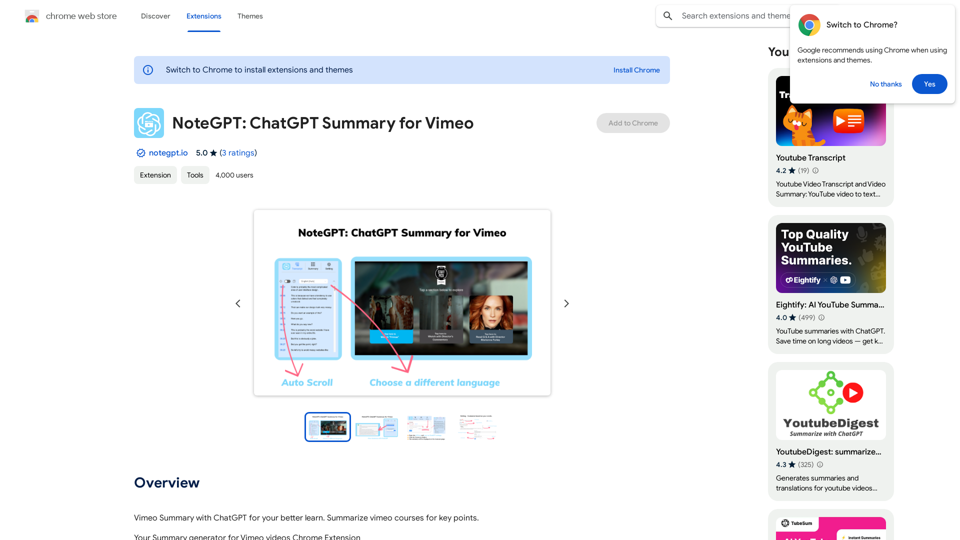
NoteGPT: ChatGPT Summary for Vimeo =============== What is NoteGPT? NoteGPT is an AI-powered note-taking tool that utilizes the capabilities of ChatGPT to assist users in summarizing and organizing their video content on Vimeo. Key Features * Automatic Summarization: NoteGPT can automatically generate a concise summary of Vimeo videos, saving users time and effort. * Customizable Notes: Users can add their own notes and tags to the generated summary, making it easy to review and reference later. * Organization: NoteGPT allows users to organize their video content by categorizing and tagging their notes, making it simple to find specific information. Benefits * Time-Saving: NoteGPT's automatic summarization feature saves users time and effort, allowing them to focus on more important tasks. * Improved Productivity: With NoteGPT, users can quickly review and reference their video content, improving their overall productivity. * Enhanced Learning: NoteGPT's customizable notes and organization features enable users to engage more effectively with their video content, leading to enhanced learning and retention. Use Cases * Education: NoteGPT is ideal for students and educators who need to review and summarize video lectures and online courses. * Business: NoteGPT can be used by professionals to summarize and organize video content for meetings, training sessions, and presentations. * Personal Development: Individuals can use NoteGPT to summarize and review video content for personal development, such as language learning or skill-building.
NoteGPT: ChatGPT Summary for Vimeo =============== What is NoteGPT? NoteGPT is an AI-powered note-taking tool that utilizes the capabilities of ChatGPT to assist users in summarizing and organizing their video content on Vimeo. Key Features * Automatic Summarization: NoteGPT can automatically generate a concise summary of Vimeo videos, saving users time and effort. * Customizable Notes: Users can add their own notes and tags to the generated summary, making it easy to review and reference later. * Organization: NoteGPT allows users to organize their video content by categorizing and tagging their notes, making it simple to find specific information. Benefits * Time-Saving: NoteGPT's automatic summarization feature saves users time and effort, allowing them to focus on more important tasks. * Improved Productivity: With NoteGPT, users can quickly review and reference their video content, improving their overall productivity. * Enhanced Learning: NoteGPT's customizable notes and organization features enable users to engage more effectively with their video content, leading to enhanced learning and retention. Use Cases * Education: NoteGPT is ideal for students and educators who need to review and summarize video lectures and online courses. * Business: NoteGPT can be used by professionals to summarize and organize video content for meetings, training sessions, and presentations. * Personal Development: Individuals can use NoteGPT to summarize and review video content for personal development, such as language learning or skill-building.Vimeo Summary with ChatGPT for Better Learning ===================================================== What is Vimeo? --------------- Vimeo is a video-hosting platform that allows users to upload, share, and view videos. It is popular among creative professionals, businesses, and individuals who want to showcase their videos in a high-quality format. How Can ChatGPT Help with Vimeo Courses? ----------------------------------------- ChatGPT is an AI-powered language model that can assist with summarizing Vimeo courses by: * Identifying key points: ChatGPT can analyze the video content and extract the most important information, making it easier to understand and retain. * Generating summaries: ChatGPT can create concise summaries of the video courses, saving time and effort. * Improving learning: By providing a clear and concise summary, ChatGPT can help learners focus on the essential concepts and improve their understanding of the material. Benefits of Using ChatGPT for Vimeo Courses --------------------------------------------- * Time-saving: ChatGPT can quickly summarize long video courses, saving learners time and effort. * Improved comprehension: ChatGPT's summaries can help learners understand complex concepts more easily. * Enhanced retention: By providing a concise summary, ChatGPT can help learners retain information better. How to Use ChatGPT for Vimeo Courses ----------------------------------------- 1. Upload the video course: Upload the Vimeo course to ChatGPT. 2. Analyze the content: ChatGPT will analyze the video content and extract key points. 3. Generate a summary: ChatGPT will create a concise summary of the video course. 4. Review and learn: Review the summary and use it to learn and retain the information. Conclusion ---------- ChatGPT can be a valuable tool for summarizing Vimeo courses, making it easier to learn and retain information. By using ChatGPT, learners can save time, improve comprehension, and enhance retention.
193.90 M
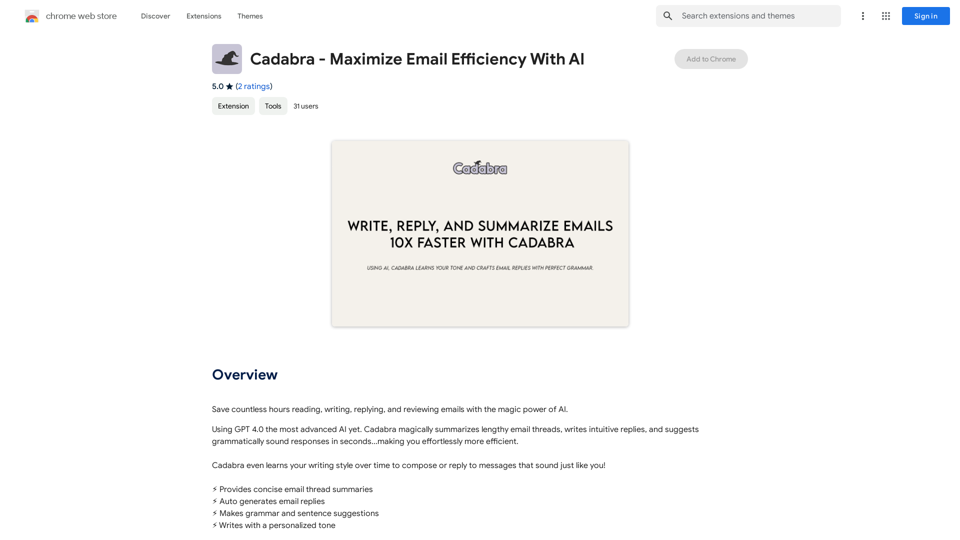
Save countless hours reading, writing, replying to, and reviewing emails with the power of AI.
193.90 M
Claude to Notion This is a guide on how to connect Claude, an AI assistant, with Notion, a note-taking and workspace app. Why connect Claude and Notion? * Boost your productivity: Use Claude to generate content, summarize information, and automate tasks directly within Notion. * Enhance your research: Ask Claude questions about your Notion notes and get insightful answers. * Unlock new creative possibilities: Leverage Claude's generative capabilities to brainstorm ideas, write stories, or compose emails within your Notion workspace. How to connect Claude and Notion: 1. API Keys: Obtain an API key for both Claude and Notion. 2. Integration Tool: Explore integration tools like Zapier or Integromat to connect Claude and Notion. These platforms allow you to create workflows that trigger actions in one app based on events in the other. 3. Custom Development: For advanced users, you can develop your own custom integration using the Claude and Notion APIs. This gives you the most flexibility but requires coding knowledge. Example Use Cases: * Meeting Summarization: After a meeting, paste the transcript into Notion and use Claude to generate a concise summary. * Content Creation: Use Claude to write blog posts, articles, or social media captions directly within your Notion pages. * Idea Generation: Brainstorm new ideas for projects or tasks by prompting Claude with specific questions within your Notion workspace. Remember to review the documentation and terms of service for both Claude and Notion to ensure proper usage and security.
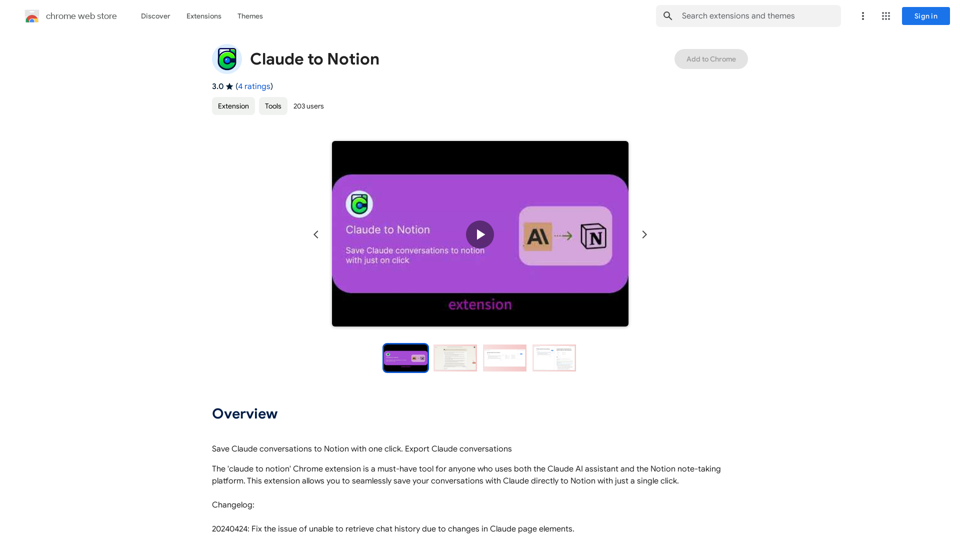
Claude to Notion This is a guide on how to connect Claude, an AI assistant, with Notion, a note-taking and workspace app. Why connect Claude and Notion? * Boost your productivity: Use Claude to generate content, summarize information, and automate tasks directly within Notion. * Enhance your research: Ask Claude questions about your Notion notes and get insightful answers. * Unlock new creative possibilities: Leverage Claude's generative capabilities to brainstorm ideas, write stories, or compose emails within your Notion workspace. How to connect Claude and Notion: 1. API Keys: Obtain an API key for both Claude and Notion. 2. Integration Tool: Explore integration tools like Zapier or Integromat to connect Claude and Notion. These platforms allow you to create workflows that trigger actions in one app based on events in the other. 3. Custom Development: For advanced users, you can develop your own custom integration using the Claude and Notion APIs. This gives you the most flexibility but requires coding knowledge. Example Use Cases: * Meeting Summarization: After a meeting, paste the transcript into Notion and use Claude to generate a concise summary. * Content Creation: Use Claude to write blog posts, articles, or social media captions directly within your Notion pages. * Idea Generation: Brainstorm new ideas for projects or tasks by prompting Claude with specific questions within your Notion workspace. Remember to review the documentation and terms of service for both Claude and Notion to ensure proper usage and security.Save Claude conversations to Notion with one click. Export Claude conversations.
193.90 M