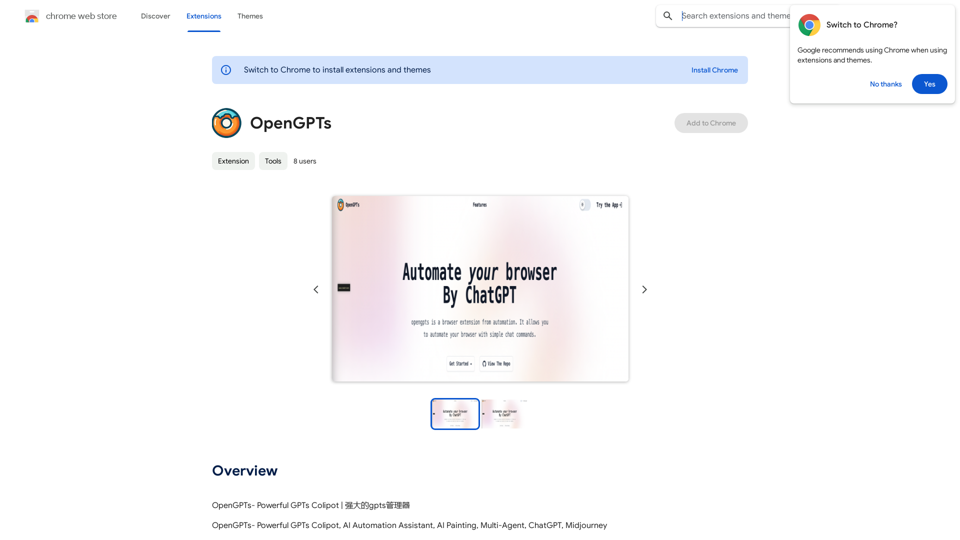
Scribus is an advanced AI-driven content creation platform designed to enhance writing efficiency and creativity. It offers tools for essay writing, idea exploration, and structured outlines, making it suitable for both academic and personal writing. Users can write in their preferred language while maintaining their unique style, ensuring polished and consistent results.
Scribus
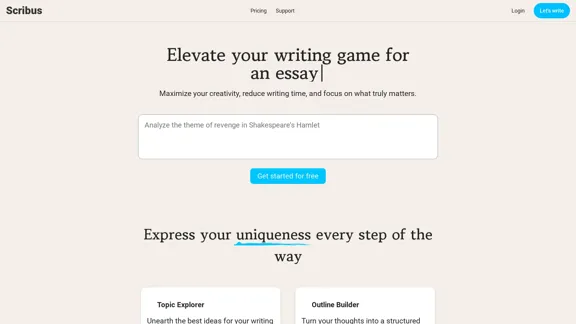
Smarter writing companion for an essay
Introduction
Feature
-
Topic Explorer
Unearth the best ideas for your writing through AI-powered suggestions, helping you find inspiration and direction.
-
Outline Builder
Turn your thoughts into a structured outline with AI assistance, making it easier to organize your writing.
-
Paper Assistant
Create complete academic papers effortlessly using the intelligent assistant, streamlining the writing process.
-
AI Co-Writer
Collaborate with AI to craft your text, receiving insights and improvements along the way for enhanced quality.
-
Language Support
Write in your preferred language, allowing Scribus to handle the rest and deliver polished results.
-
Tone and Style Control
Choose from various tones and styles, including formal, informative, persuasive, and more, to match your writing needs.
How to Use?
- Start by signing up for a free account on the Scribus website.
- Use the Topic Explorer to brainstorm ideas relevant to your writing project.
- Utilize the Outline Builder to create a structured plan for your essay or paper.
- Collaborate with the AI Co-Writer to refine your text and enhance clarity.
- Experiment with different tones and styles to find the best fit for your writing.
- Review the AI-generated suggestions and make adjustments to maintain your personal writing style.
FAQ
Is it possible to maintain my personal writing style?
Yes, Scribus allows you to write in your unique style while providing AI assistance to enhance your text.
Why choose Scribus over other writing tools?
Scribus offers tailored features specifically designed for essay writing and academic papers, providing a more focused approach compared to general writing tools.
What’s the process for writing an essay?
You can start by brainstorming ideas using the Topic Explorer, then create an outline, and finally draft your essay with the help of the AI Co-Writer.
Can AI assist in writing academic papers?
Absolutely, Scribus is designed to help users create complete academic papers with ease.
How can I lengthen my essay?
You can use the AI Co-Writer to expand on ideas and add more content as needed.
How do I write an ideal essay?
Utilize the Outline Builder to structure your essay, and collaborate with the AI for insights and improvements.
Price
- Free plan: $0/month
- Basic plan: $9.99/month
- Standard plan: $19.99/month
- Professional plan: $49.99/month
The price is for reference only, please refer to the latest official data for actual information.
Evaluation
- Scribus effectively enhances writing efficiency, making it easier for users to generate structured content quickly.
- The AI Co-Writer feature provides valuable insights, improving the overall quality of the text.
- However, users may find limitations in fully capturing their unique voice if overly reliant on AI suggestions.
- The pricing structure offers flexibility, but some users may prefer more features in the free plan.
- Overall, Scribus is a powerful tool for enhancing writing, but users should balance AI assistance with their personal input to maintain authenticity.
Related Websites
Translation Methods: Comparative Translation & Immersive AI Translation
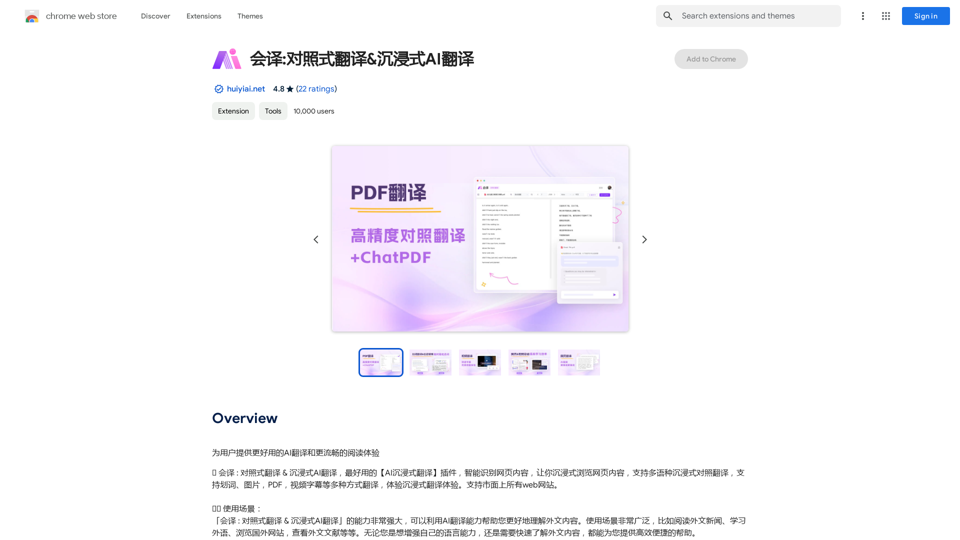
Translation Methods: Comparative Translation & Immersive AI TranslationProvide users with better AI translation and a more fluent reading experience.
193.90 M
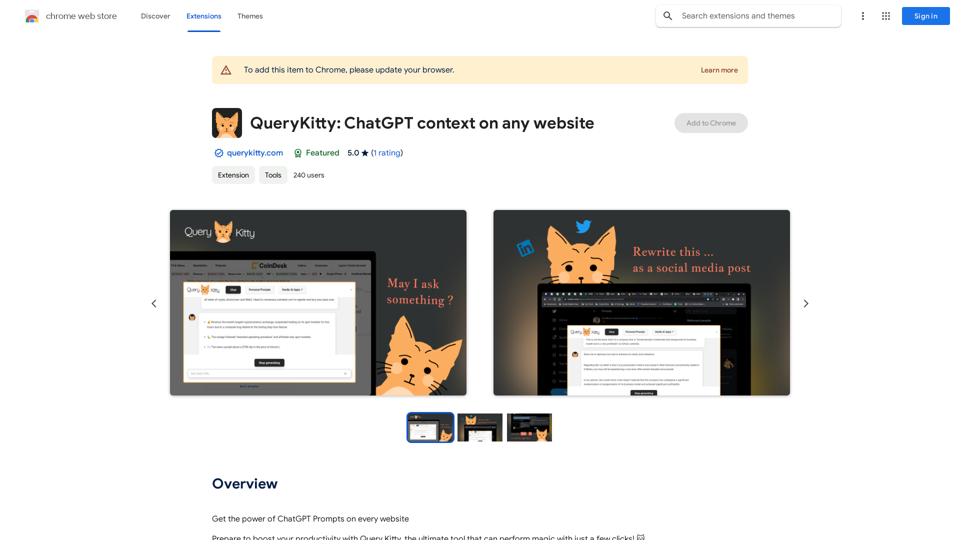
Unlock the Power of ChatGPT Prompts on Any Website Are you tired of switching between multiple tabs to find the perfect prompt for your ChatGPT conversations? Imagine having the power to generate prompts on any website, at any time, with just a few clicks. #Introducing the ChatGPT Prompt Extension Our innovative browser extension brings the magic of ChatGPT prompts directly to your fingertips. With this game-changing tool, you can: * Generate prompts on any webpage: Highlight a sentence, phrase, or paragraph, and our AI will suggest relevant prompts to spark insightful conversations. * Explore new topics and ideas: Get instant access to a vast library of prompts, carefully curated to inspire creativity and foster meaningful discussions. * Enhance your research and learning: Use our prompts to delve deeper into topics, uncover new perspectives, and gain a deeper understanding of complex subjects. #How it Works 1. Install the extension: Add our browser extension to your favorite browser. 2. Highlight and generate: Highlight any text on a webpage, and our AI will suggest relevant prompts. 3. Explore and refine: Browse through the suggested prompts, refine them to your liking, and start conversing with ChatGPT. #Unlock the Full Potential of ChatGPT Don't let the limitations of traditional prompt searching hold you back. With our ChatGPT Prompt Extension, you'll unlock a world of possibilities, including: * Faster research and learning: Get instant access to relevant prompts, saving you time and effort. * Improved conversation quality: Engage in more meaningful and insightful conversations with ChatGPT. * Enhanced creativity and productivity: Spark new ideas and explore fresh perspectives with our AI-generated prompts. #Try it Today! Install our ChatGPT Prompt Extension now and discover the power of AI-driven prompts on any website.
193.90 M
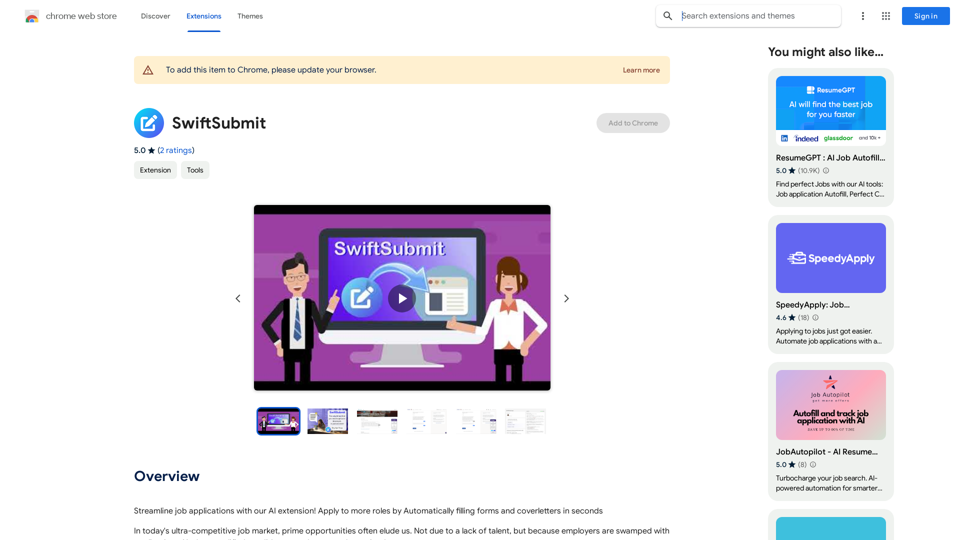
Streamline job applications with our AI extension! Apply to more roles by automatically filling out forms and cover letters in seconds.
193.90 M
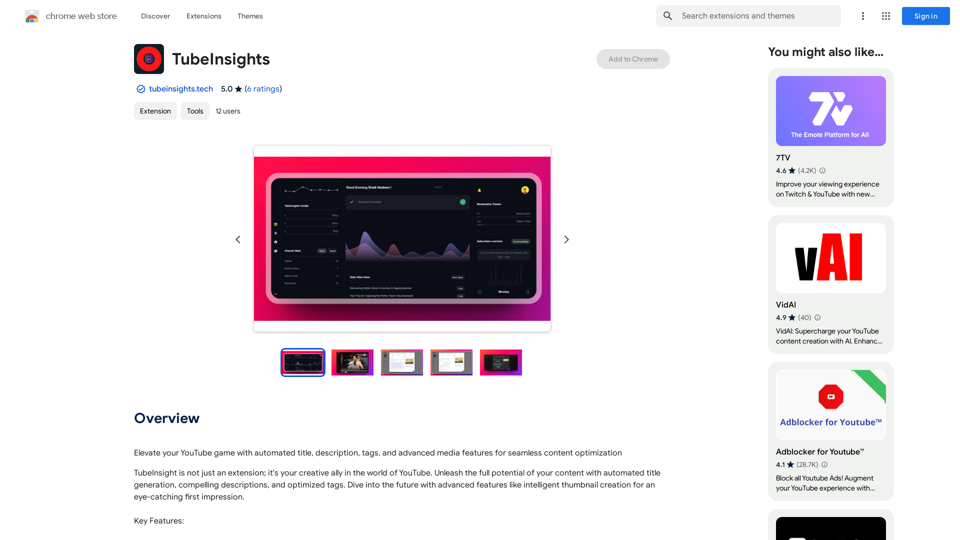
Boost your YouTube channel with automatic titles, descriptions, tags, and powerful media tools for effortless content improvement.
193.90 M
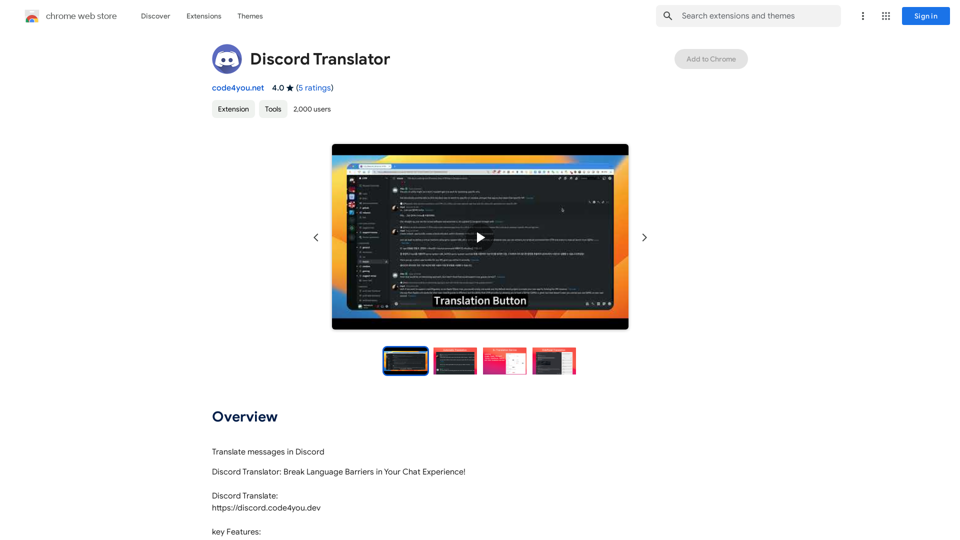
Translate Messages in Discord ============================= What is the "Translate" feature in Discord? The "Translate" feature in Discord allows users to translate messages in real-time, making it easier for people who speak different languages to communicate with each other. How to use the "Translate" feature in Discord? #1. Enable the "Translate" feature To enable the "Translate" feature, you need to go to the "User Settings" and click on the "Language" tab. Then, toggle the switch next to "Translator" to the "On" position. #2. Set your preferred language After enabling the "Translate" feature, you need to set your preferred language. You can do this by clicking on the "Language" dropdown menu and selecting your preferred language from the list. #3. Translate messages Once you've set your preferred language, you can start translating messages. To translate a message, simply hover over the message and click on the "Translate" button that appears. #4. View translated messages After clicking the "Translate" button, the message will be translated into your preferred language. You can view the translated message below the original message. Benefits of the "Translate" feature in Discord The "Translate" feature in Discord has several benefits, including: * Improved communication: The "Translate" feature helps to break down language barriers, making it easier for people who speak different languages to communicate with each other. * Increased accessibility: The "Translate" feature makes Discord more accessible to people who may not speak the dominant language of a server or community. * Enhanced collaboration: The "Translate" feature enables people to collaborate more effectively, even if they speak different languages.
193.90 M
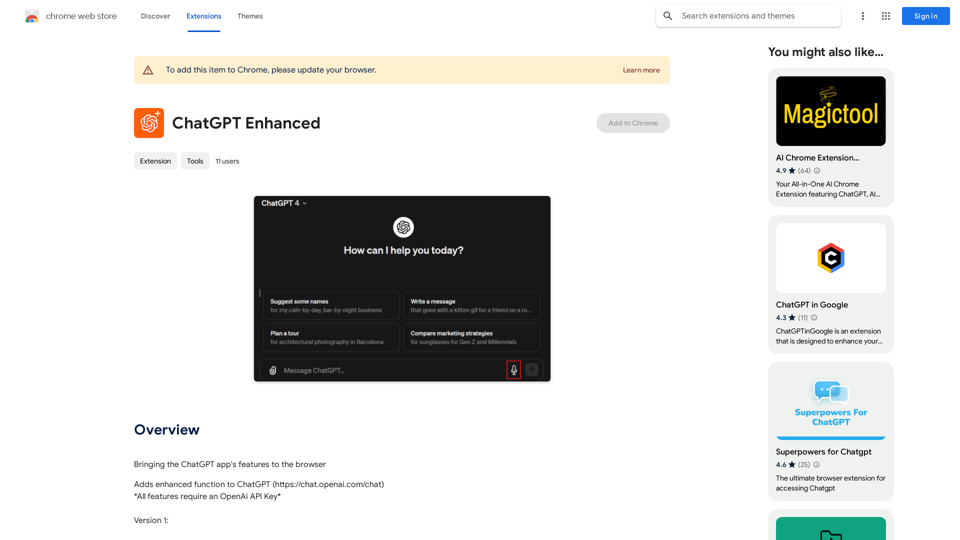
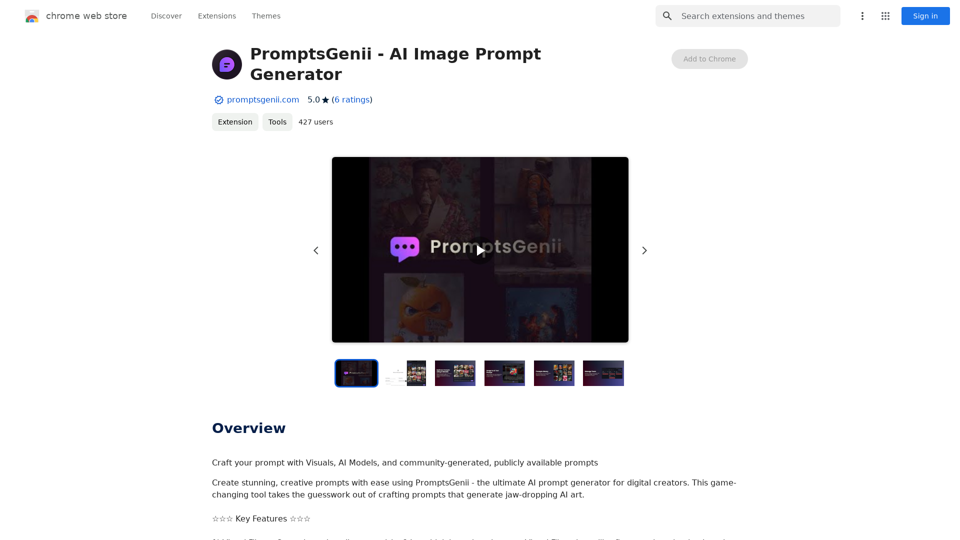
Let's Get Creative! 🎨🧠💬 Imagine this: * A bustling cityscape at night, bathed in neon lights. 🌃✨ * A majestic dragon soaring through a storm-ridden sky. 🐉⛈️ * A whimsical forest filled with talking animals and glowing mushrooms. 🍄🐿️ Now, let's bring these visions to life using: * Powerful AI image generation models like DALL-E 2 or Midjourney. 🤖🖼️ * Community-generated prompts from platforms like Reddit or GitHub. 🗣️💡 Here are some examples to spark your imagination: * "A cyberpunk cityscape with flying cars and holographic advertisements, rendered in the style of Blade Runner." 🌃🚗 * "A majestic dragon with emerald scales and sapphire eyes, perched atop a mountain peak, surrounded by swirling clouds." 🐉⛰️ * "A whimsical forest clearing with glowing mushrooms, a babbling brook, and a friendly talking squirrel." 🍄🐿️ Let's collaborate and explore the endless possibilities of AI-powered creativity! 🚀✨
193.90 M