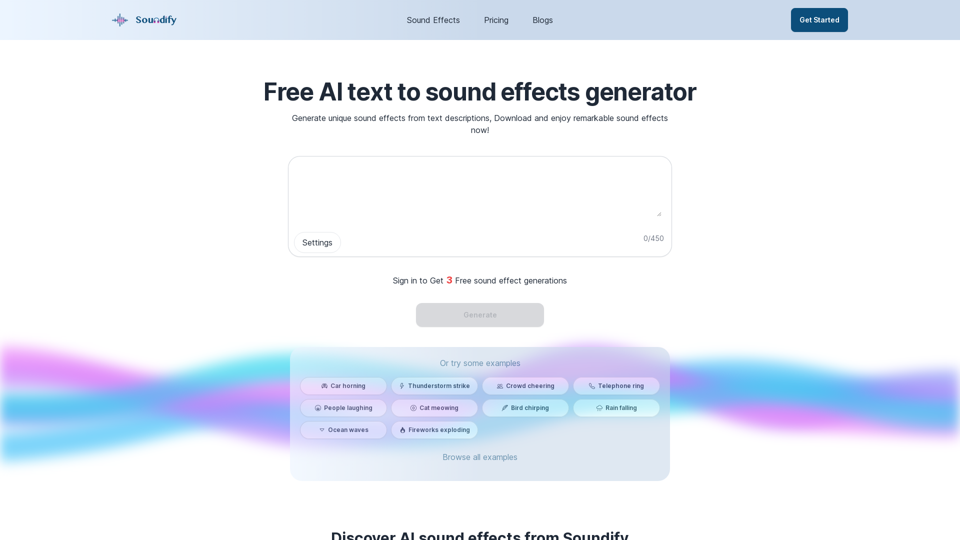
Soundify is an innovative AI-powered sound effects generator designed to create custom audio for various projects. It simplifies the process of finding or creating perfect sound effects by allowing users to input text descriptions, which the AI then transforms into unique audio clips. This tool caters to a wide range of needs, from background music and ambient sounds to specific special effects, making it invaluable for content creators, filmmakers, game developers, and audio enthusiasts.
Best AI Sound Effects Generator | Soundify.
Discover the best AI sound effects generator for free. Generate unique sound effects for your videos and memes effortlessly with our AI tools!
Introduction
Feature
Text-to-Sound Generation
Soundify utilizes advanced AI technology to interpret text descriptions and generate corresponding sound effects. Users can simply type in their desired audio characteristics, and the AI will create a unique sound clip based on the input.
Customizable Audio Length
Users have the flexibility to adjust the duration of their generated sound effects, ensuring the audio fits perfectly with their project requirements.
Pre-defined Prompts
For quick inspiration or ease of use, Soundify offers a selection of pre-defined prompts that users can choose from to generate sound effects.
Sound Effect Library
Soundify provides a comprehensive library of pre-generated AI sound effects. This feature allows users to browse, get inspired, or directly download ready-made sound effects for their projects.
Real-time Generation
The AI generates sound effects in real-time, allowing users to hear the audio clip immediately after creation, facilitating quick iterations and adjustments.
Social Media Sharing
Users can easily share their created sound effects on popular social media platforms like Facebook, Twitter, and Instagram, enhancing collaboration and showcasing their work.
Royalty-Free Content
All sound effects generated by Soundify are royalty-free, giving users the freedom to use the audio in their projects without copyright concerns.
FAQ
How does Soundify work?
Soundify uses AI technology trained on diverse sound datasets to analyze text prompts and generate corresponding sound effects. The AI interprets the description and creates a unique audio clip that matches the user's requirements.
What types of projects can benefit from Soundify?
Soundify can be useful for a wide range of projects, including:
- Film and video production
- Game development
- Podcast creation
- Social media content
- Music production
- Virtual reality experiences
- Audiobook production
What are the pricing options for Soundify?
Soundify offers a tiered pricing structure:
| Plan | Features | Price |
|---|---|---|
| Free | Limited number of generations | $0 |
| Paid | More generations, premium features | Varies |
Specific pricing details for paid plans are not provided in the given information.
How do I download the generated sound effects?
To download a generated sound effect:
- Ensure you are logged into your Soundify account
- Locate the audio player for your generated sound
- Click the download button on the audio player
Are there any limitations on how I can use the generated sound effects?
No, there are no limitations on the use of sound effects generated by Soundify. All audio clips are royalty-free, meaning you can use them in any project without worrying about copyright issues or additional fees.
Related Websites
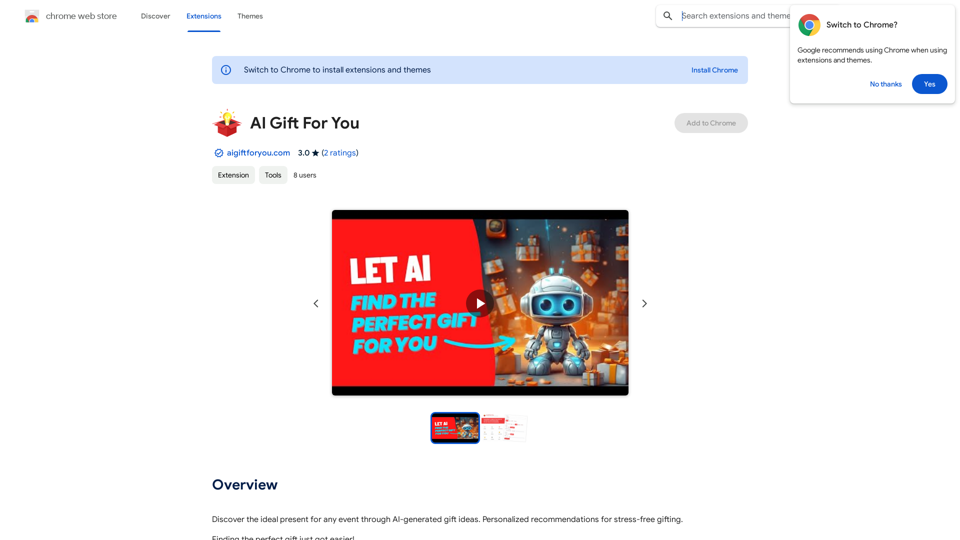
Find the perfect gift for any occasion with AI-powered gift suggestions. Get personalized recommendations for easy and stress-free gift giving.
193.90 M
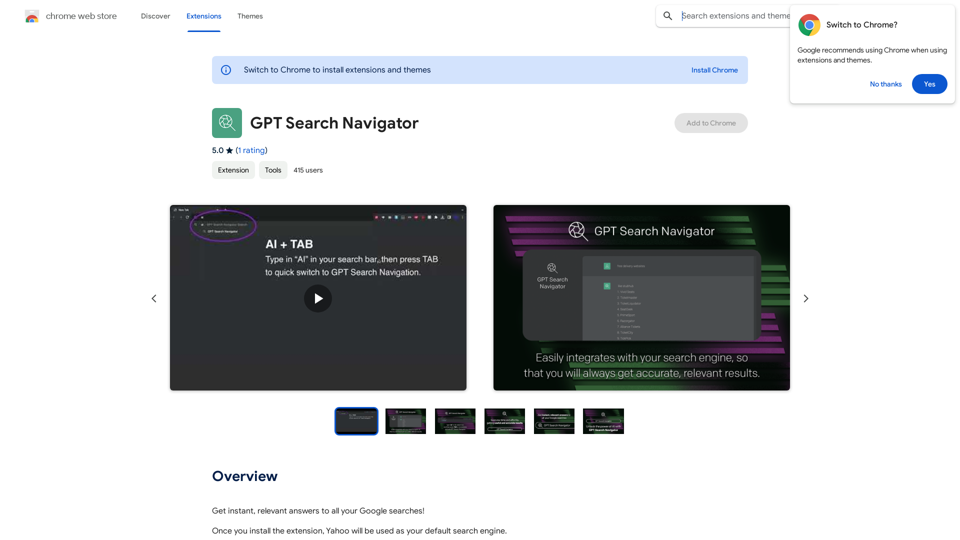
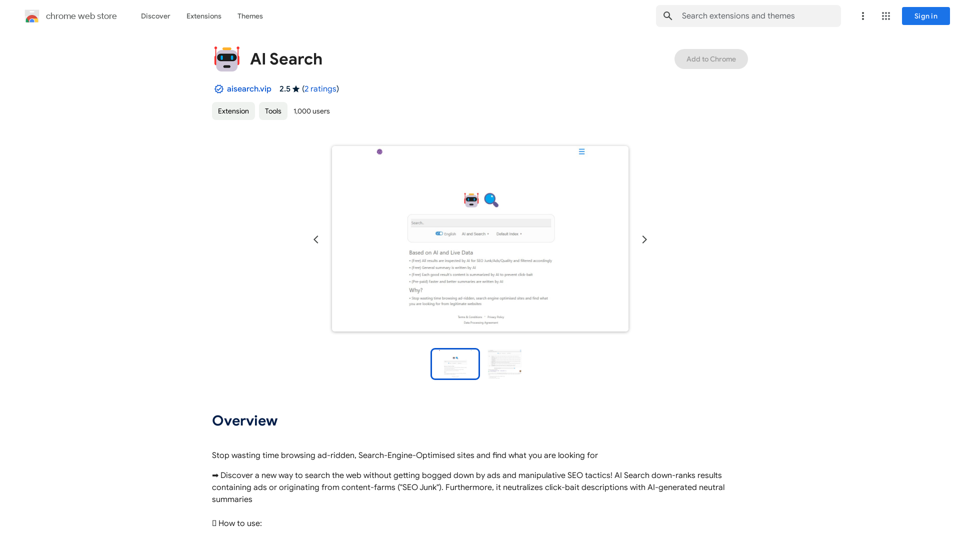
Stop wasting time browsing ad-ridden, Search-Engine-Optimised sites and find what you are looking for
193.90 M

AG Intelligent Assistant - GPT Chat, Drawing, Vision, Networking
AG Intelligent Assistant - GPT Chat, Drawing, Vision, NetworkingDriven by models such as GPT-4 Turbo and GPT-4 O, this private AI work assistant supports a wide range of functions, including GPT networking, PDF analysis, GPT-4 Vision, SD drawing, and DALL·E 3 drawing, making it your most powerful AI work assistant!
193.90 M
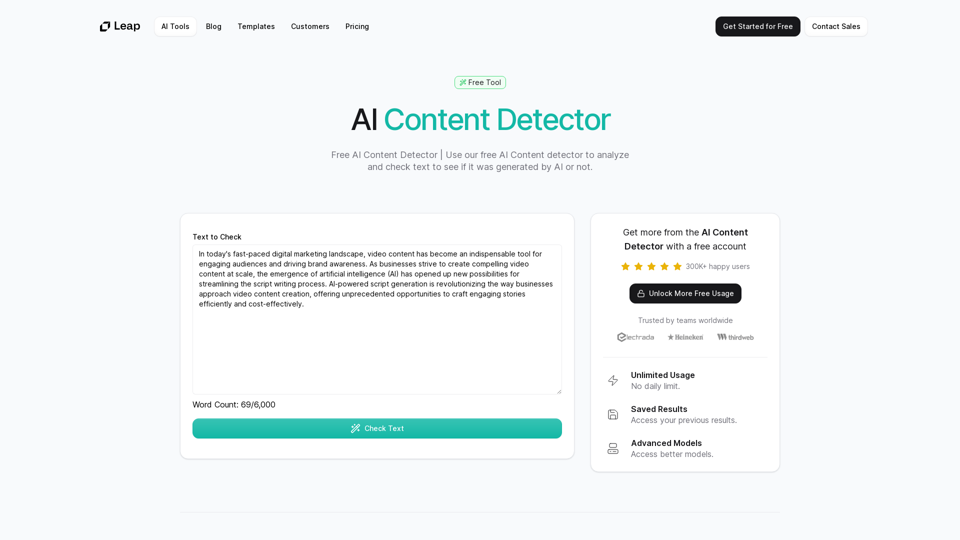
AI Content Detector | GPT-4o, Anthropic, & ChatGPT This AI content detector is designed to identify text generated by popular AI models, including GPT-4o, Anthropic, and ChatGPT.
AI Content Detector | GPT-4o, Anthropic, & ChatGPT This AI content detector is designed to identify text generated by popular AI models, including GPT-4o, Anthropic, and ChatGPT.Free AI Content Detector | 使用我们的免费AI内容检测器来分析和检查文本,以查看它是否由AI生成。
97.78 K