SuperAgent 是一個由人工智能驅動的瀏覽器擴展程序,旨在提高網頁瀏覽效率。它提供了一套全面的功能,包括高級搜索功能、翻譯服務、內容摘要,以及訪問各種人工智能驅動的工具和模型。這個擴展程序旨在簡化用戶在不同語言和內容類型中的網頁導航和信息處理。
超級助理
基於文心一言的超級助理,提供隨身攜帶式大模型服務,可解析複雜問題、執行快捷指令、輔助知識應用,无所不知、无所不能、无所不在。
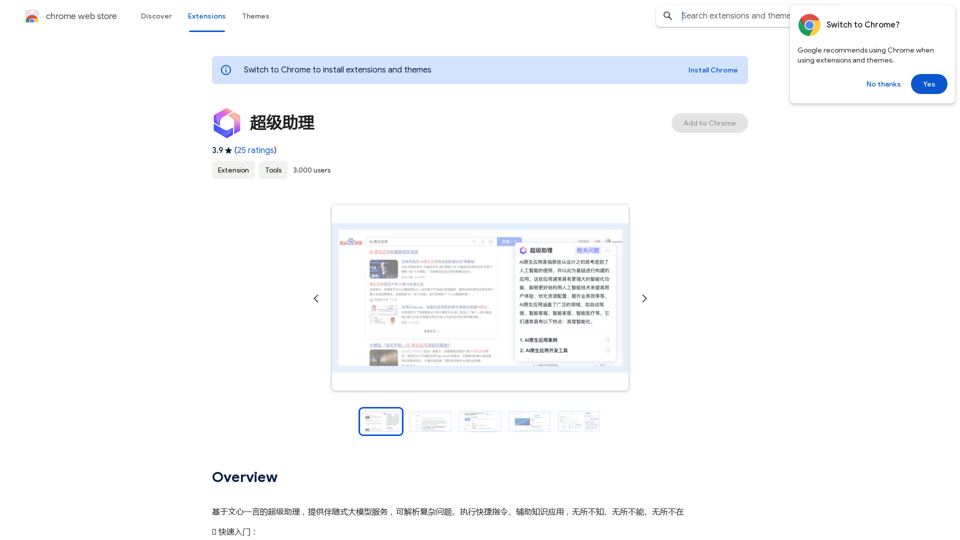
介紹
功能
增強搜索功能
SuperAgent 利用人工智能技術改進搜索結果,提供更準確的答案並建議相關問題。這項功能幫助用戶快速有效地找到相關信息。
多語言翻譯
該擴展程序提供多種語言的網頁、PDF 和電子書翻譯功能。這項功能打破了語言障礙,使用戶能夠訪問和理解來自世界各地的內容。
內容摘要
SuperAgent 可以總結冗長的網頁、文章和文檔。這項功能使用戶能夠快速掌握大量內容的要點,節省時間並提高理解能力。
人工智能驅動的工具
該擴展程序提供了多種人工智能驅動的工具,包括:
- OCR(光學字符識別)技術
- PDF 沉浸式閱讀
- 其他先進的人工智能驅動功能
簡易安裝和訪問
用戶可以輕鬆地將 SuperAgent 添加到他們的 Chrome 瀏覽器中,並通過工具欄圖標訪問其功能。該擴展程序需要使用百度賬號或百度雲賬號登錄進行身份驗證。
常見問題
SuperAgent 與文心一言有什麼關係?
SuperAgent 是基於文心一言的人工智能模型構建的,提供類似的功能和能力。它利用這種成熟的人工智能技術的力量來提供其一系列服務。
SuperAgent 未來會支持更多模型嗎?
是的,SuperAgent 致力於持續改進。開發團隊計劃在未來的更新中探索和整合更多的人工智能模型和功能,擴展該擴展程序的能力。
用戶如何獲得支持或提供反饋?
用戶可以通過 [email protected] 聯繫 SuperAgent 團隊,提出任何問題、反饋或支持需求。該團隊歡迎用戶的意見,以幫助改進擴展程序並確保用戶充分利用 SuperAgent 的功能。
相關網站
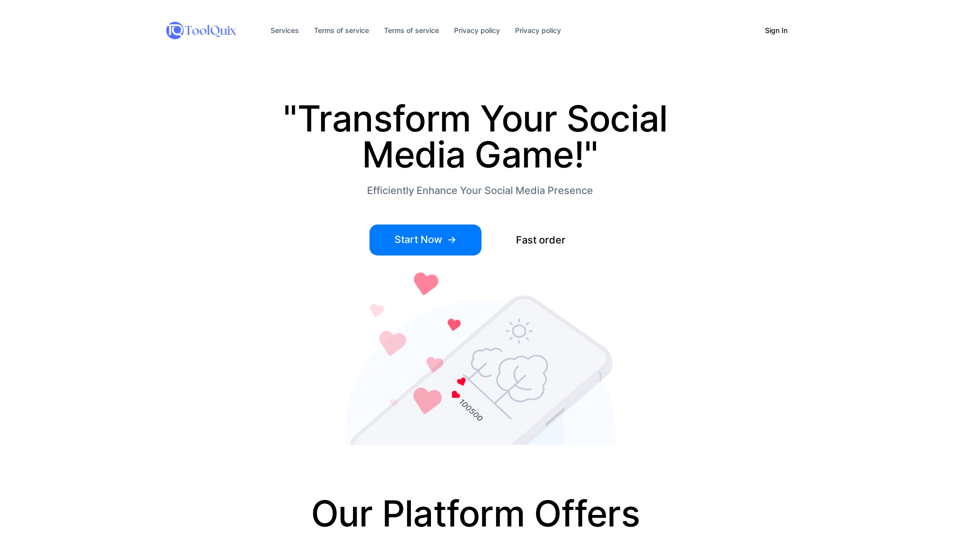
Toolquix: 使用我們綜合的 SMM 面板,提高您的社交媒體形象。訪問 Instagram、Facebook、Twitter、YouTube、TikTok 和 Telegram 的讚、粉絲、分享等更多內容。成千上萬人信任我們,提供快速、可靠、高品質的社交媒體服務。
0
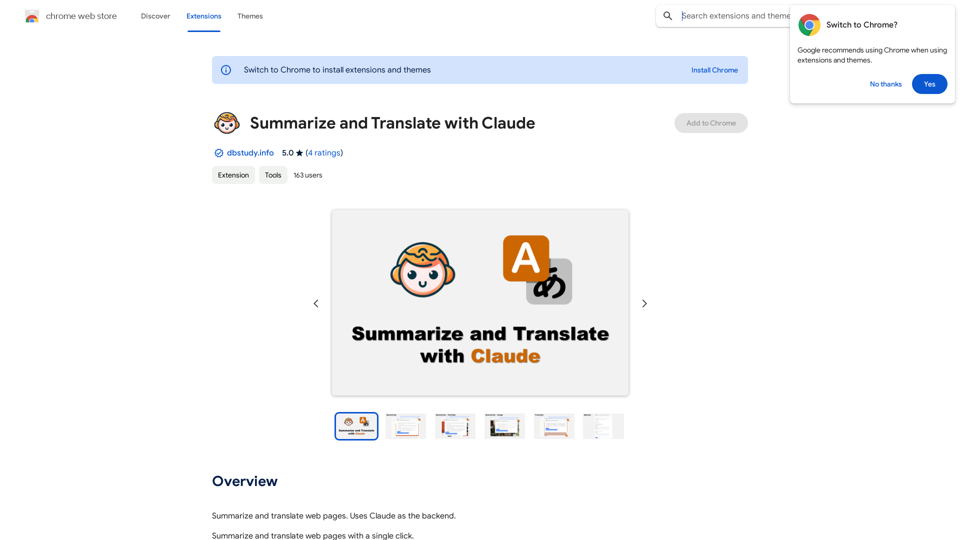
Please provide me with the text you'd like me to summarize and translate. I'm ready! 😊
Please provide me with the text you'd like me to summarize and translate. I'm ready! 😊Claude 協助網頁摘要及翻譯 使用 Claude 作為後端,可以幫您: * 摘要網頁內容: 簡潔地概括網頁的主要資訊。 * 翻譯網頁: 將網頁內容翻譯成您想要的語言。
193.90 M