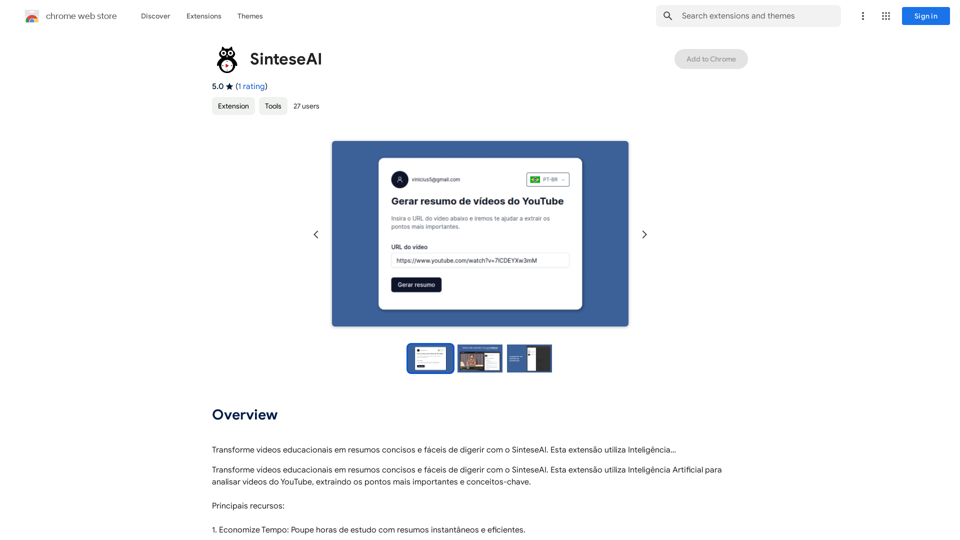
SinteseAI 是一個 Chrome 擴充功能,利用人工智能將教育性 YouTube 影片轉化為簡潔的摘要。這個工具幫助用戶節省學習時間、簡化記憶過程,並無縫整合到他們的線上學習工作流程中。SinteseAI 擁有來自 27 位用戶的平均 5 星評分,提供免費和訂閱制選項以滿足不同用戶的需求。
SinteseAI
使用 SinteseAI 將教育影片轉化為簡潔易懂的摘要。此擴充功能利用人工智能…
介紹
功能
節省時間
利用 AI 技術生成即時高效的摘要,節省數小時的學習時間。
簡化記憶
通過提取教育影片中的關鍵概念和重要信息,簡化記憶過程。
完美整合
作為 Chrome 擴充功能,無縫整合到您的線上學習工作流程中,提升學習體驗。
AI 驅動的影片分析
利用先進的人工智能分析 YouTube 影片,提取最關鍵的要點和概念。
可定制摘要
根據特定主題或概念定制摘要,實現個性化學習體驗。
隱私保護
SinteseAI 重視用戶隱私,不會將您的數據用於訓練目的。用戶可以隨時刪除帳戶,移除所有相關數據。
免費和高級選項
享受 SinteseAI 的每日免費使用,同時提供價格合理的訂閱產品以增加使用量。
常見問題
SinteseAI 如何運作?
SinteseAI 使用人工智能分析 YouTube 影片,提取最重要的要點和關鍵概念,創建簡潔的摘要。
SinteseAI 是免費使用的嗎?
是的,SinteseAI 提供每日免費使用,但對可生成的摘要數量有限制。對於需要更廣泛使用的用戶,提供訂閱選項。
我可以定制我的摘要嗎?
是的,SinteseAI 允許用戶根據特定需求定制摘要,專注於感興趣的特定主題或概念。
SinteseAI 每天提供多少次免費使用?
SinteseAI 每天提供 20 次免費使用,讓用戶可以探索其 AI 驅動的工具用於各種任務。
如果我需要超過每日免費使用次數,該怎麼辦?
如果您發現 20 次每日免費使用不足以滿足您的需求,SinteseAI 提供價格合理的訂閱選項以供更廣泛使用。
相關網站
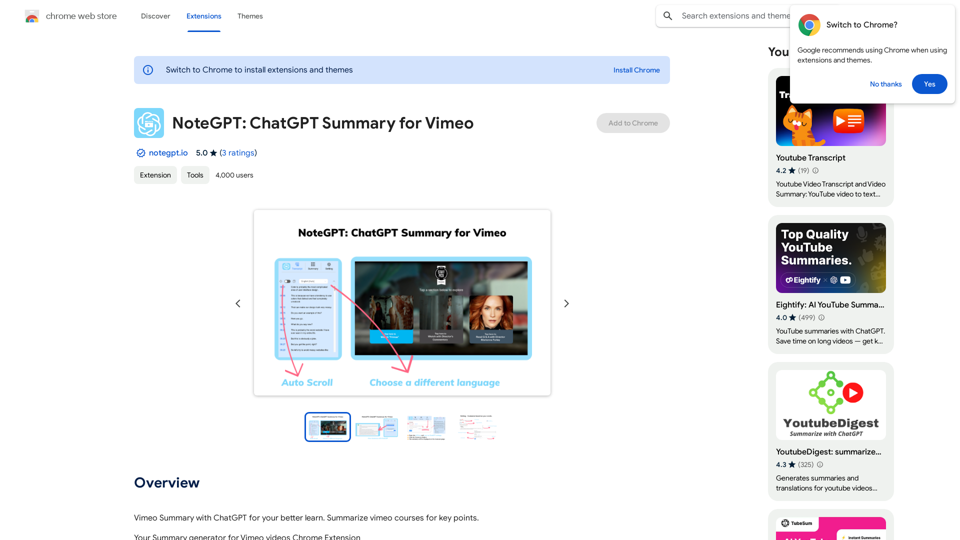
NoteGPT: Vimeo NoteGPT 是一個基於人工智慧的聊天機器人,它可以幫助用戶生成 Vimeo 影片的摘要。
NoteGPT: Vimeo NoteGPT 是一個基於人工智慧的聊天機器人,它可以幫助用戶生成 Vimeo 影片的摘要。Vimeo Summary with ChatGPT for your better learn Vimeo 使用 ChatGPT 總結 Vimeo 課程的要點。 What is Vimeo? Vimeo 是一個視頻分享平台,允許用戶上傳、分享和觀看高品質的視頻內容。 Key Features of Vimeo * 高品質的視頻播放 * 強大的視頻編輯工具 * 自定義的播放器和品牌化選項 * 進階的分析和 Insights 工具 * 安全的視頻存儲和保護 How to Use Vimeo for Learning * 上傳和分享課程視頻 * 使用 Vimeo 的編輯工具進行視頻剪輯和編輯 * 創建自定義的播放器和品牌化選項 * 使用 Vimeo 的分析工具追蹤學習進度 * 與他人分享和討論課程內容 Benefits of Using Vimeo for Learning * 提高學習效率和效果 * 提供高品質的視頻內容 * 方便學習和討論 * 提高學習者的參與度和互動性
193.90 M