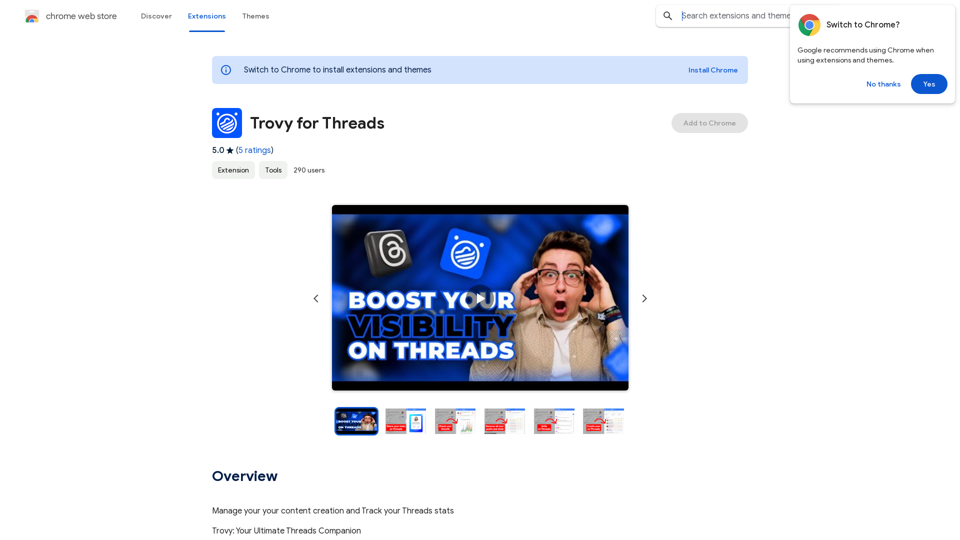
Trovy for Threads 是一個 Chrome 擴展程式,旨在增強您在 Threads 社交網絡上的體驗。它提供了一套全面的工具來管理、分析和改善您的數位互動。透過書籤、即時個人資料統計和 AI 驅動的貼文生成等功能,Trovy 與 Threads 無縫整合,幫助用戶追蹤成長、管理內容並創建引人注目的貼文。
Trovy for Threads * 輕鬆管理你的 Threads 訂閱 * 追蹤你感興趣的主題和創作者 * 輕鬆地與其他用戶互動 * 建立你的 Threads 社群 * 探索 Threads 的新功能和趨勢
管理您的內容創作並追蹤您的 Threads 統計數據
介紹
功能
為貼文和創作者加書籤
輕鬆保存喜愛的貼文和個人資料以便快速訪問,確保您與鼓舞人心的內容和創作者保持聯繫。
即時個人資料統計
只需一鍵即可獲得您社交互動的詳細摘要,包括總貼文數、讚數和回覆數。
優雅整合
Trovy 與 Threads 界面無縫融合,為平台提供非侵入式且自然的擴展。
社交成長追蹤
透過追蹤粉絲增長和互動水平,監控您在 Threads 上不斷增長的影響力。
內容管理
輕鬆組織和規劃您的 Threads 內容,以維持一致且有影響力的線上形象。
AI 驅動的貼文生成
釋放創意潛能,Trovy 的 AI 工具旨在幫助製作引人注目的內容並提供靈感。
輕鬆安裝
簡單的 Chrome 瀏覽器安裝過程,直觀地整合到您的 Threads 個人資料中。
常見問題
Trovy for Threads 是什麼?
Trovy for Threads 是一個 Chrome 擴展程式,透過提供管理、分析和改善數位互動的工具來增強您在 Threads 社交網絡上的存在感。
Trovy for Threads 的費用是多少?
Trovy for Threads 是一個免費的 Chrome 擴展程式,可以免費下載和使用,無需任何費用或訂閱。
使用 Trovy for Threads 的主要好處是什麼?
好處包括:
- 增強社交媒體體驗
- 簡化內容創作和管理
- AI 驅動的貼文生成
- 輕鬆安裝和整合
- 免費使用
我如何最大化使用 Trovy for Threads?
要最大化 Trovy 的潛力:
- 利用內容創作和統計追蹤功能
- 監控社交互動和成長
- 使用 AI 驅動的貼文生成
- 與 Chrome 瀏覽器無縫安裝和整合
相關網站

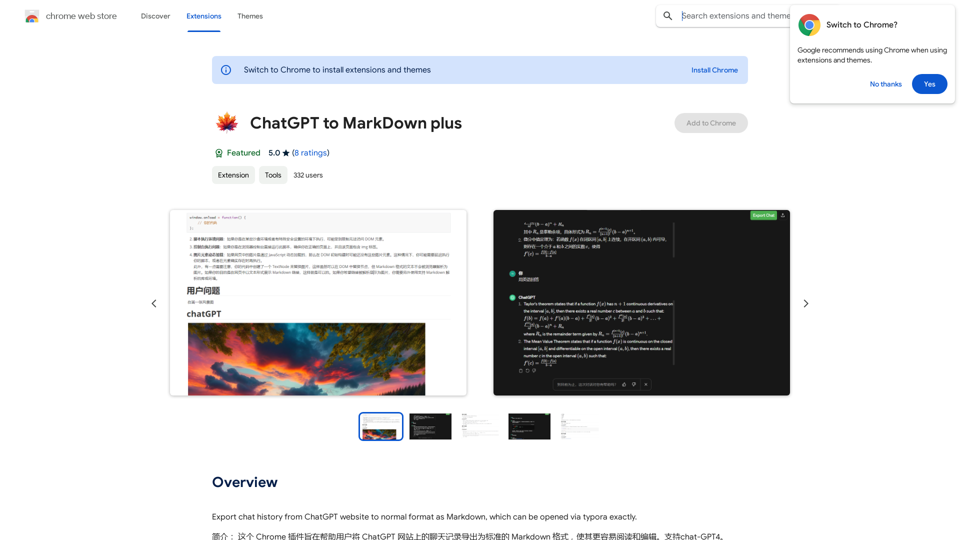
```markdown ChatGPT Chat History You: Export chat history from ChatGPT website to normal format as Markdown, which can be opened via typora exactly. ChatGPT: ```markdown ChatGPT Chat History You: Export chat history from ChatGPT website to normal format as Markdown, which can be opened via typora exactly. ChatGPT: I can help you with that! Unfortunately, there's no direct way to export your chat history from the ChatGPT website in a format that's perfectly compatible with Typora. The website doesn't offer a dedicated download feature for chat logs. However, you can manually copy and paste your conversation into a Markdown file. Here's how: 1. Go to the ChatGPT website and log in to your account. 2. Navigate to the conversation you want to export. 3. Select all the text in the conversation window. 4. Copy the selected text (Ctrl+C or Cmd+C). 5. Open a new Markdown file in Typora. 6. Paste the copied text into the Typora file (Ctrl+V or Cmd+V). Keep in mind that this method might not preserve all formatting elements perfectly, especially if your conversation includes special characters or code blocks. ```
193.90 M