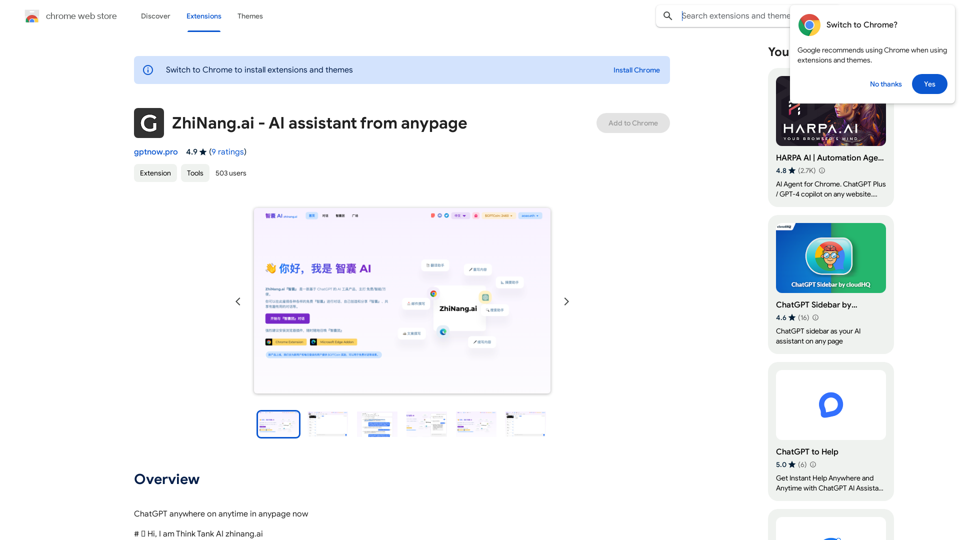
ZhiNang.ai 是一個免費、智能且用戶友好的基於 ChatGPT 的 AI 工具。它為用戶提供各種"腦庫"進行對話,允許創建和分享自定義"腦庫",並促進社區內有趣和有用對話的分享。
ZhiNang.ai - 來自任何頁面的 AI 助理
ChatGPT 無時無刻,隨處可用。
介紹
功能
AI 驅動的"腦庫"
ZhiNang.ai 引入了"腦庫"的概念 - 具有內置知識和技能的 AI 機器人。這些腦庫可以:
- 快速回答特定問題
- 完成特定任務
- 引導用戶完成某些流程
免費 ChatGPT 整合
- 無需 API 密鑰或付款
- 可通過網站或瀏覽器插件訪問
- 對話消耗 $GPTCoin(應用內信用)
$GPTCoin 系統
- 每次對話消耗一個 $GPTCoin
- 免費獲取方法:
- 註冊
- 邀請他人
- 每日登錄
- 可選擇直接購買 $GPTCoin
網站功能
-
對話界面:
- 與各種智庫開始對話
- 快速切換智庫
-
智庫瀏覽:
- 訪問內置系統智庫
- 社區創建的智庫
- 熱門智庫
-
用戶創建的智庫:
- 創建個人智庫
- 可選擇與他人分享
-
社區廣場:
- 分享有趣的對話
- 瀏覽社區分享的對話
瀏覽器插件功能
- 在網上任何地方召喚 AI 協助
- 文本選擇觸發相關智庫
- 在任何輸入框直接繼續
- 搜索引擎整合(Google/Bing/百度)
- 輕鬆分享對話
社區建設
- 早期用戶激勵機制
- 潛在未來盈利機會
常見問題
什麼是 ZhiNang.ai?
ZhiNang.ai 是一個基於 ChatGPT 的免費 AI 工具,提供各種"腦庫"進行對話,允許用戶創建和分享自己的"腦庫",並促進社區內有趣對話的分享。
什麼是"腦庫"?
ZhiNang.ai 中的"腦庫"是一個具有內置知識和技能的 AI 機器人,能夠回答特定問題、完成任務並引導用戶完成某些流程。
如何使用 ZhiNang.ai?
您可以在 PC 或移動設備上訪問 https://zhinang.ai,開始與各種智庫對話,並根據需要快速切換。
如何獲得 $GPTCoin?
您可以通過註冊、邀請他人和每日登錄免費獲得 $GPTCoin。或者,您可以直接通過平台購買 $GPTCoin。
我可以創建自己的智庫嗎?
是的,ZhiNang.ai 允許用戶創建自己的智庫,供個人使用或與社區中的其他人分享。
相關網站
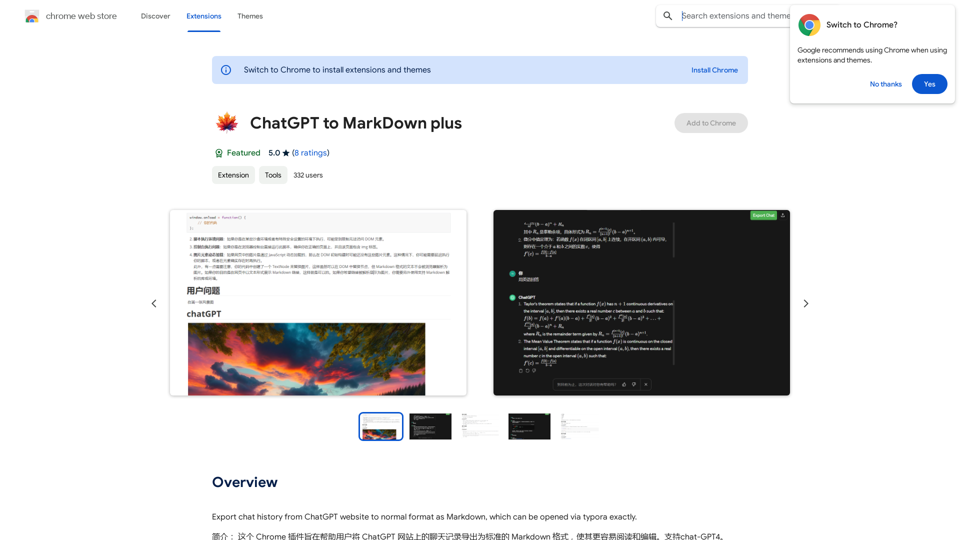
```markdown ChatGPT Chat History You: Export chat history from ChatGPT website to normal format as Markdown, which can be opened via typora exactly. ChatGPT: ```markdown ChatGPT Chat History You: Export chat history from ChatGPT website to normal format as Markdown, which can be opened via typora exactly. ChatGPT: I can help you with that! Unfortunately, there's no direct way to export your chat history from the ChatGPT website in a format that's perfectly compatible with Typora. The website doesn't offer a dedicated download feature for chat logs. However, you can manually copy and paste your conversation into a Markdown file. Here's how: 1. Go to the ChatGPT website and log in to your account. 2. Navigate to the conversation you want to export. 3. Select all the text in the conversation window. 4. Copy the selected text (Ctrl+C or Cmd+C). 5. Open a new Markdown file in Typora. 6. Paste the copied text into the Typora file (Ctrl+V or Cmd+V). Keep in mind that this method might not preserve all formatting elements perfectly, especially if your conversation includes special characters or code blocks. ```
193.90 M