AiJobSaga is an innovative AI-powered platform designed to help job seekers create personalized applications and gain valuable insights for landing their dream jobs. By leveraging cutting-edge AI technology, AiJobSaga assists users in standing out in the competitive job market and increasing their chances of success.
AiJobSaga
Craft personalized applications & gain AI-powered insights to land your dream job with AIJobSaga.
Introduction
Feature
Personalized Messages
AiJobSaga's AI-powered message creation feature enables users to craft standout job applications that capture hiring managers' attention. This tool helps users create tailored messages highlighting their skills and experiences, boosting their chances of getting noticed.
AI-Generated Insights
The platform provides data-driven recommendations to optimize users' resumes and cover letters. This feature helps identify areas for improvement and guides users in making informed decisions to enhance their job applications.
87% Job Fit Score
AiJobSaga's advanced algorithm calculates a job fit score of 87%, indicating how well users' skills match specific job postings. This feature assists users in identifying the most suitable job opportunities and tailoring their applications accordingly.
Easy-to-Use Interface
AiJobSaga offers a user-friendly interface with a simple sign-up process. Users can quickly access all features and start optimizing their job search immediately.
AI-Powered Interview Simulator
The platform includes an AI-powered interview simulator to help users practice and improve their interview skills.
FAQ
Is AiJobSaga free to use?
AiJobSaga offers a free trial period, after which users can subscribe to access all the features and tools.
How does AiJobSaga's AI technology work?
AiJobSaga's AI technology uses advanced algorithms to analyze job postings and provide personalized recommendations to users.
Can I cancel my subscription at any time?
Yes, users can cancel their subscription at any time and receive a full refund.
Related Websites
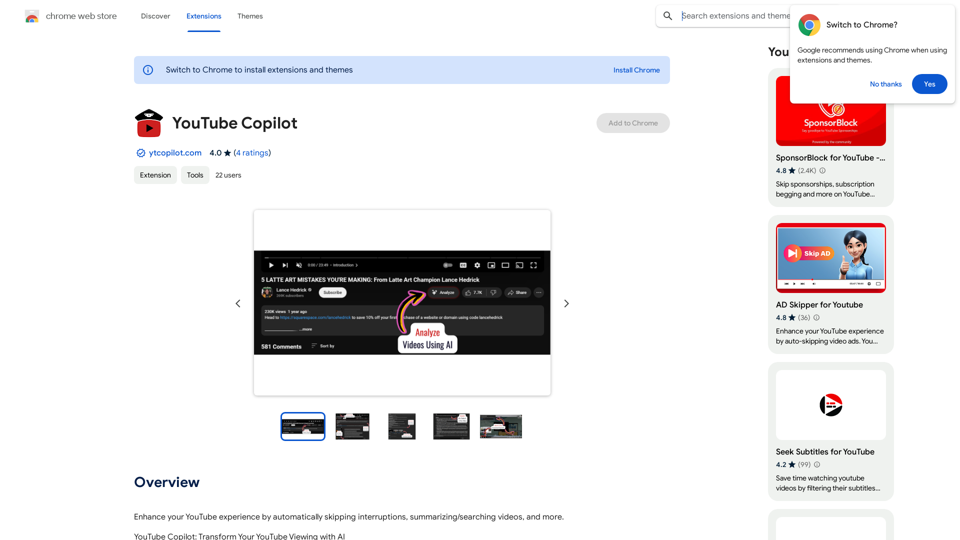
Improve your YouTube viewing by automatically skipping ads, summarizing videos, and searching within them.
193.90 M
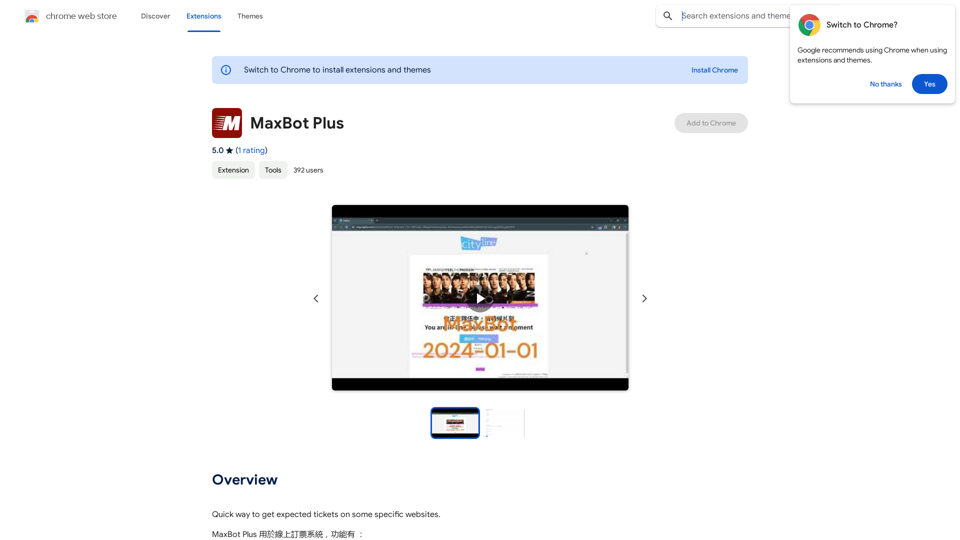
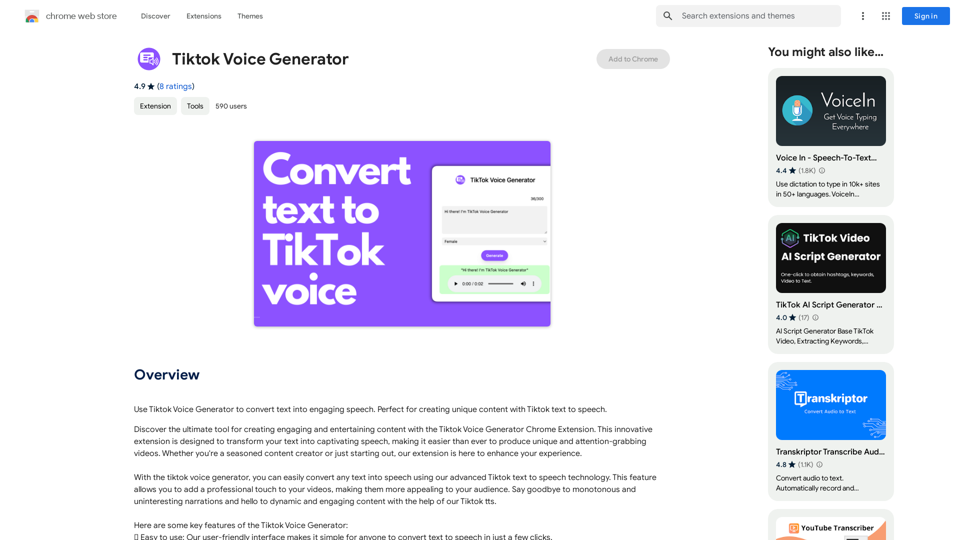
TikTok Voice Generator ========================== The TikTok voice generator is a popular feature on the social media platform that allows users to create and share videos with unique and entertaining voiceovers. This feature has become a sensation among TikTok users, with many using it to add humor, creativity, and personality to their videos. How Does it Work? -------------------- The TikTok voice generator uses advanced AI technology to convert written text into a spoken voice. Users can type in the text they want to convert, and the generator will produce a natural-sounding voiceover in a matter of seconds. The voice generator offers a range of voices, accents, and languages to choose from, allowing users to customize their voiceovers to fit their style and preferences. Features and Benefits ------------------------- Variety of Voices The TikTok voice generator offers a vast library of voices, including male and female voices, different accents, and languages. This allows users to experiment with different voices and find the one that best suits their content. Easy to Use The voice generator is incredibly easy to use. Users simply need to type in the text they want to convert, select the voice they want to use, and the generator will do the rest. Add Humor and Creativity The TikTok voice generator is a great way to add humor and creativity to videos. Users can use the generator to create funny voiceovers, parody songs, or even create their own characters. Increase Engagement Videos with voiceovers generated by the TikTok voice generator tend to perform better in terms of engagement. The unique and entertaining voiceovers can help capture viewers' attention and increase the chances of going viral. Conclusion ---------- The TikTok voice generator is a powerful tool that can help users take their content to the next level. With its advanced AI technology, ease of use, and variety of voices, it's no wonder why it has become a favorite among TikTok users. Whether you're looking to add humor, creativity, or personality to your videos, the TikTok voice generator is definitely worth trying out.
TikTok Voice Generator ========================== The TikTok voice generator is a popular feature on the social media platform that allows users to create and share videos with unique and entertaining voiceovers. This feature has become a sensation among TikTok users, with many using it to add humor, creativity, and personality to their videos. How Does it Work? -------------------- The TikTok voice generator uses advanced AI technology to convert written text into a spoken voice. Users can type in the text they want to convert, and the generator will produce a natural-sounding voiceover in a matter of seconds. The voice generator offers a range of voices, accents, and languages to choose from, allowing users to customize their voiceovers to fit their style and preferences. Features and Benefits ------------------------- Variety of Voices The TikTok voice generator offers a vast library of voices, including male and female voices, different accents, and languages. This allows users to experiment with different voices and find the one that best suits their content. Easy to Use The voice generator is incredibly easy to use. Users simply need to type in the text they want to convert, select the voice they want to use, and the generator will do the rest. Add Humor and Creativity The TikTok voice generator is a great way to add humor and creativity to videos. Users can use the generator to create funny voiceovers, parody songs, or even create their own characters. Increase Engagement Videos with voiceovers generated by the TikTok voice generator tend to perform better in terms of engagement. The unique and entertaining voiceovers can help capture viewers' attention and increase the chances of going viral. Conclusion ---------- The TikTok voice generator is a powerful tool that can help users take their content to the next level. With its advanced AI technology, ease of use, and variety of voices, it's no wonder why it has become a favorite among TikTok users. Whether you're looking to add humor, creativity, or personality to your videos, the TikTok voice generator is definitely worth trying out.Use the Tiktok Voice Generator to convert text into engaging speech. Perfect for creating unique content with Tiktok text to speech.
193.90 M
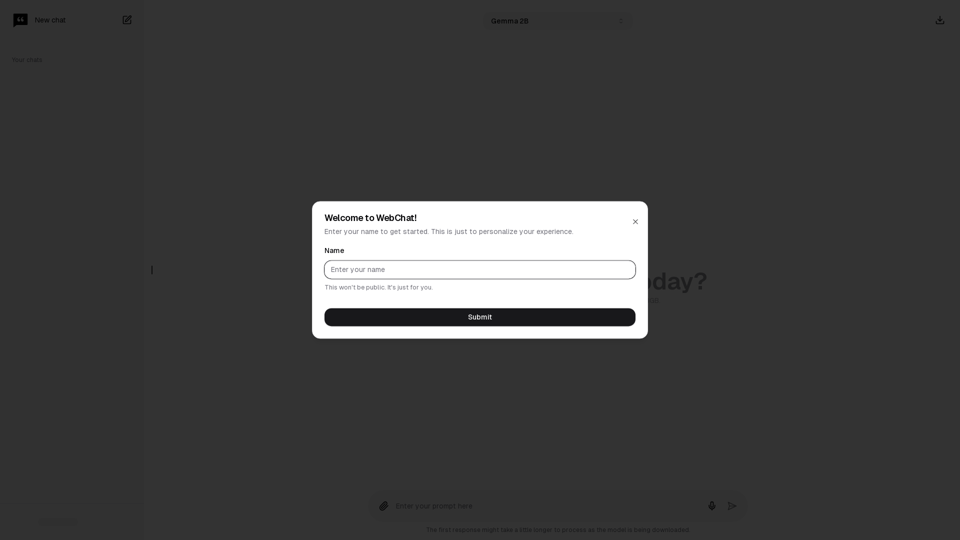
Chat with Web-LLM Models in the Browser You can interact with Web-LLM models directly in your web browser without requiring any additional setup or installation. This allows you to easily experiment with and explore the capabilities of these models. Getting Started To get started, simply open a web browser and navigate to the Web-LLM model's website or platform. Once you're on the website, you can usually find a chat interface or text input field where you can enter your prompts or questions. How it Works When you enter a prompt or question, the Web-LLM model processes your input and generates a response. This response is then displayed in the chat interface or output field, allowing you to read and interact with the model's output. Benefits The benefits of chatting with Web-LLM models in the browser include: * Convenience: No need to install any software or set up any development environments. * Accessibility: Anyone with a web browser can interact with the model, regardless of their technical expertise. * Ease of use: The chat interface provides a user-friendly way to interact with the model, making it easy to experiment and explore its capabilities. Use Cases Some potential use cases for chatting with Web-LLM models in the browser include: * Research and development: Quickly experiment with different models and prompts to explore their capabilities and limitations. * Education and learning: Use the chat interface to teach students about AI and language models, or to provide interactive learning experiences. * Creative writing and ideation: Use the model as a tool to generate ideas, write stories, or create poetry. Overall, chatting with Web-LLM models in the browser provides a convenient and accessible way to interact with these powerful language models, and can be a valuable tool for a wide range of applications.
2.59 K
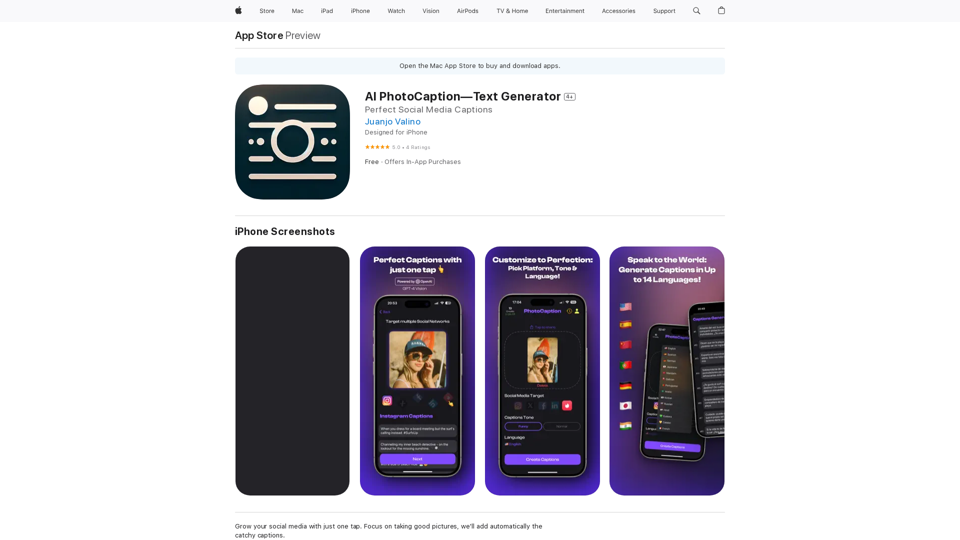
AI Photo Caption - Text Generator on the App Store
AI Photo Caption - Text Generator on the App StoreWelcome to PhotoCaption AI – where your photos speak a thousand words in multiple languages! Do you often find yourself struggling to come up with the perfect caption for your amazing photos?
654.73 K
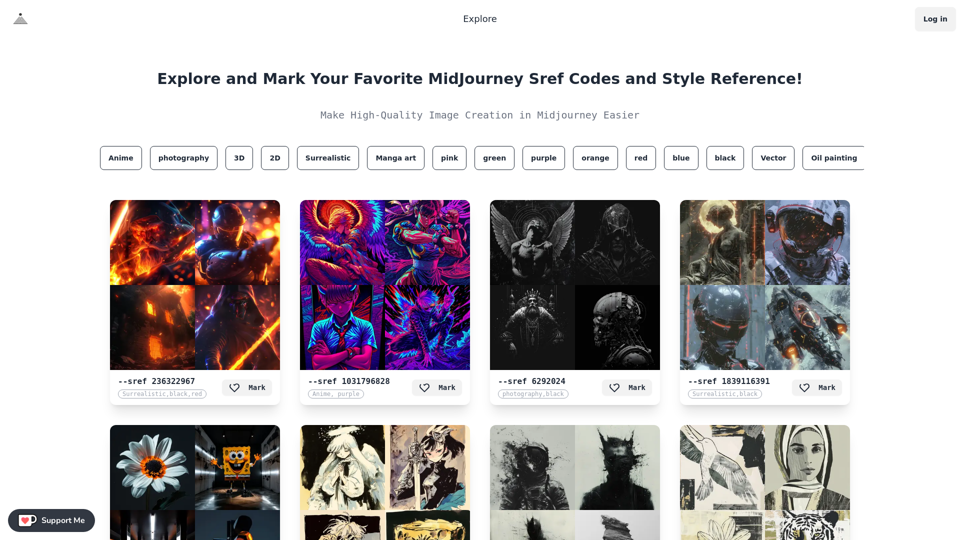
Midjourney SREF Codes Library for Style Reference What are SREF Codes? SREF codes are special text strings used in Midjourney to quickly and easily apply specific artistic styles to your image generations. How to Use SREF Codes: Simply add an SREF code to your Midjourney prompt. For example: `/imagine a majestic dragon, SREF:cyberpunk` SREF Code Library: This library contains a collection of SREF codes categorized by style. * Art Styles: * `photorealistic`: Creates images with high levels of realism. * `impressionistic`: Captures the essence of a scene with loose brushstrokes and vibrant colors. * `cubist`: Breaks down objects into geometric shapes. * `surrealist`: Creates dreamlike and fantastical images. * `abstract`: Focuses on form, color, and composition rather than representational imagery. * Visual Effects: * `cinematic`: Gives images a cinematic look and feel. * `HDR`: Creates images with high dynamic range, resulting in greater detail and contrast. * `neon`: Adds vibrant neon lights to the image. * `pixel art`: Generates images in a retro pixel art style. * Other Styles: * `anime`: Creates images in the style of Japanese animation. * `manga`: Similar to anime, but with a more comic book aesthetic. * `sketch`: Generates images that resemble pencil sketches. * `watercolor`: Creates images with the look and feel of watercolor paintings. Note: This is just a small sample of the many SREF codes available. Explore and Experiment: The best way to learn about SREF codes is to experiment with them! Try combining different codes to create unique and interesting styles.
Midjourney SREF Codes Library for Style Reference What are SREF Codes? SREF codes are special text strings used in Midjourney to quickly and easily apply specific artistic styles to your image generations. How to Use SREF Codes: Simply add an SREF code to your Midjourney prompt. For example: `/imagine a majestic dragon, SREF:cyberpunk` SREF Code Library: This library contains a collection of SREF codes categorized by style. * Art Styles: * `photorealistic`: Creates images with high levels of realism. * `impressionistic`: Captures the essence of a scene with loose brushstrokes and vibrant colors. * `cubist`: Breaks down objects into geometric shapes. * `surrealist`: Creates dreamlike and fantastical images. * `abstract`: Focuses on form, color, and composition rather than representational imagery. * Visual Effects: * `cinematic`: Gives images a cinematic look and feel. * `HDR`: Creates images with high dynamic range, resulting in greater detail and contrast. * `neon`: Adds vibrant neon lights to the image. * `pixel art`: Generates images in a retro pixel art style. * Other Styles: * `anime`: Creates images in the style of Japanese animation. * `manga`: Similar to anime, but with a more comic book aesthetic. * `sketch`: Generates images that resemble pencil sketches. * `watercolor`: Creates images with the look and feel of watercolor paintings. Note: This is just a small sample of the many SREF codes available. Explore and Experiment: The best way to learn about SREF codes is to experiment with them! Try combining different codes to create unique and interesting styles.Explore a list of 177 unique Midjourney sref codes and style references to find your perfect Midjourney sref code effect.
149.96 K