西语助手 es una extensión de Chrome diseñada para ayudar a los usuarios a aprender y comprender el español. Ofrece potentes capacidades de traducción para texto, documentos PDF y subtítulos de YouTube, convirtiéndola en una herramienta invaluable tanto para estudiantes de español como para profesionales.
Asistente de Español
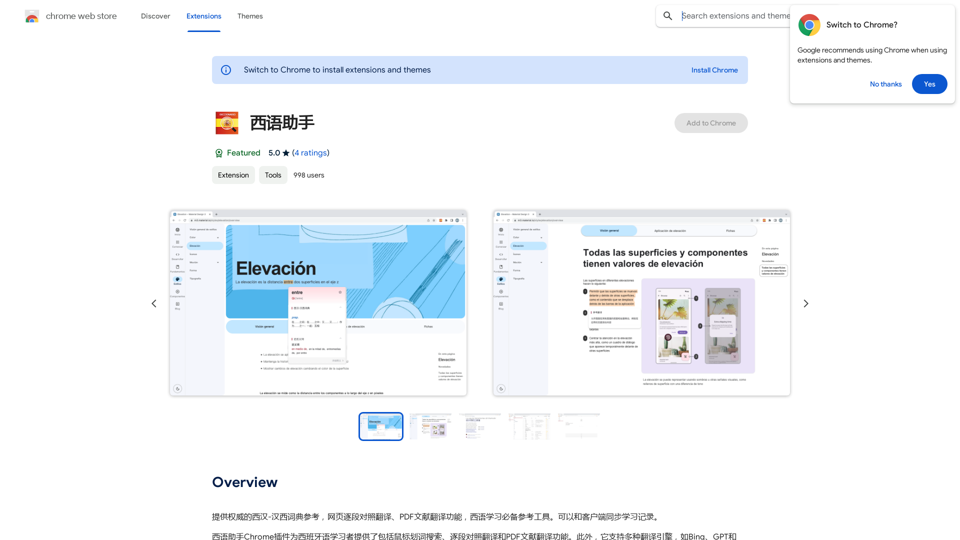
Proporciona un diccionario de autoridad de chino occidental-chino occidental como referencia, función de traducción de páginas web por secciones y función de traducción de documentos PDF, herramienta de referencia esencial para el aprendizaje del idioma español. Puede sincronizar registros de aprendizaje con el cliente.
Introducción
Funcionalidad
Traducción segmento por segmento
Los usuarios pueden traducir fácilmente el texto pasando el cursor sobre él y haciendo clic en el icono de traducción, proporcionando una forma conveniente de entender el contenido pieza por pieza.
Funcionalidad de búsqueda de palabras
La extensión incluye una función de búsqueda de palabras que permite a los usuarios buscar palabras y frases en su idioma nativo, con resultados de traducción instantáneos.
Traducción de documentos PDF
西语助手 admite la traducción de documentos PDF, facilitando la comprensión de artículos académicos, manuales técnicos y otros materiales complejos.
Múltiples motores de traducción
Los usuarios pueden elegir entre varios motores de traducción, incluyendo Bing, GPT y Google, para encontrar la traducción más precisa y adecuada para sus necesidades.
Gratuito
La versión básica de 西语助手 está disponible de forma gratuita, sin cuotas de suscripción ni costos ocultos. Hay disponible una versión premium para usuarios que requieren funciones y soporte adicionales.
Soporte multilingüe
Aunque se centra principalmente en el español, la extensión admite múltiples idiomas, incluyendo inglés y otros, ampliando su utilidad para diversos usuarios.
Preguntas Frecuentes
¿Cómo instalo 西语助手?
Visita la Chrome Web Store y haz clic en el botón "Añadir a Chrome" para instalar la extensión.
¿Cómo uso 西语助手?
- Haz clic en el icono de la extensión en tu navegador Chrome
- Selecciona el texto o PDF a traducir
- Haz clic en el icono de traducción
- Elige tu motor de traducción e idioma preferidos
- Revisa y ajusta los resultados según sea necesario
¿Qué idiomas admite 西语助手?
西语助手 admite principalmente español e inglés, pero también incluye múltiples otros idiomas para una mayor accesibilidad.
Sitios web relacionados

HiveHubAI - Análisis y Perspectivas de Medios Sociales
HiveHubAI - Análisis y Perspectivas de Medios SocialesDescubre HiveHubAI, tu plataforma de análisis de redes sociales impulsada por IA de confianza. Eleva tu influencia digital con análisis de Instagram y Facebook en tiempo real, insights personalizados de IA y optimización de contenido estratégica. Únete a nuestro acceso temprano para transformar tu estrategia de redes sociales.
740

Addlly AI: Primer patio de juegos de IA completo para la creación de contenido
Addlly AI: Primer patio de juegos de IA completo para la creación de contenidoEl mejor centro de juegos de IA generativa todo en uno y sin indicaciones para empresas. Genera blogs de SEO, publicaciones en redes sociales, textos publicitarios, comunicados de prensa, boletines informativos y más.
46.81 K
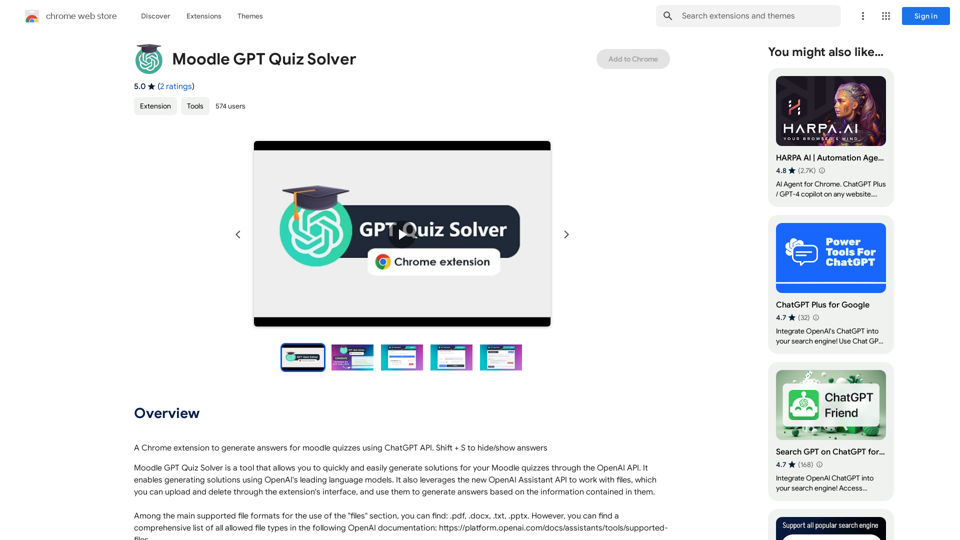
Una extensión de Chrome para generar respuestas para exámenes de Moodle utilizando la API de ChatGPT. Shift + S para ocultar/mostrar respuestas
193.90 M
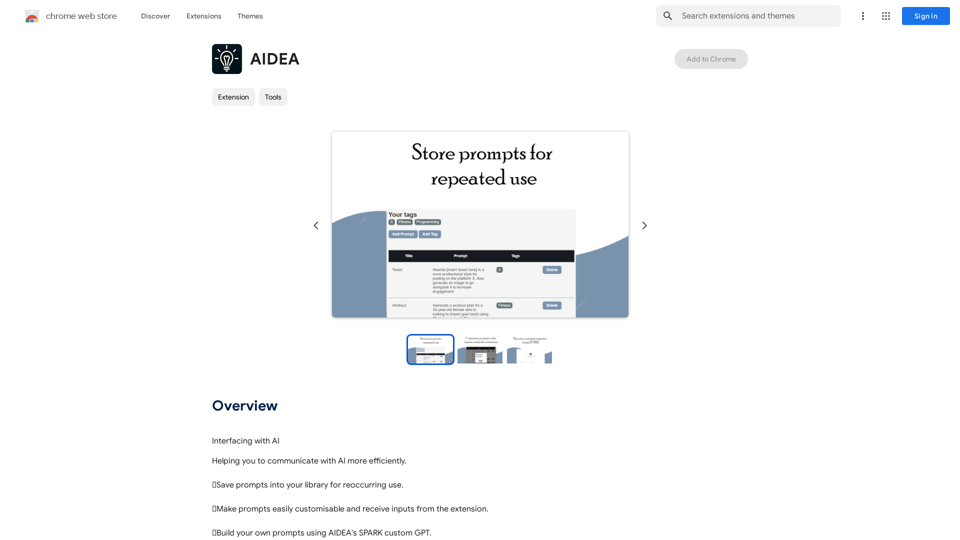
Generador de Preguntas El Generador de Preguntas es una herramienta en línea que ayuda a los usuarios a generar preguntas relevantes y personalizadas para una variedad de propósitos, como la preparación para una entrevista, la investigación de un tema o la creación de un cuestionario. Características * Genera preguntas relevantes y personalizadas según la entrada del usuario * Permite a los usuarios elegir el tipo de pregunta y el nivel de dificultad * Ofrece una amplia gama de temas y categorías para elegir * Permite guardar y compartir las preguntas generadas Ventajas * Ayuda a los usuarios a prepararse para entrevistas o exámenes * Facilita la investigación y el aprendizaje de nuevos temas * Permite crear cuestionarios personalizados para una variedad de propósitos * Es una herramienta accesible y fácil de usar
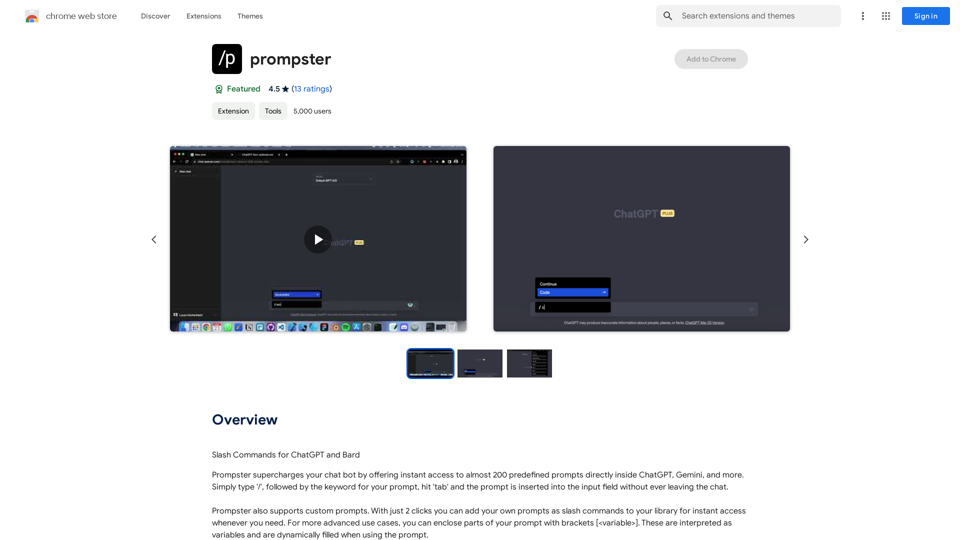
Generador de Preguntas El Generador de Preguntas es una herramienta en línea que ayuda a los usuarios a generar preguntas relevantes y personalizadas para una variedad de propósitos, como la preparación para una entrevista, la investigación de un tema o la creación de un cuestionario. Características * Genera preguntas relevantes y personalizadas según la entrada del usuario * Permite a los usuarios elegir el tipo de pregunta y el nivel de dificultad * Ofrece una amplia gama de temas y categorías para elegir * Permite guardar y compartir las preguntas generadas Ventajas * Ayuda a los usuarios a prepararse para entrevistas o exámenes * Facilita la investigación y el aprendizaje de nuevos temas * Permite crear cuestionarios personalizados para una variedad de propósitos * Es una herramienta accesible y fácil de usarComandos de barra para ChatGPT y Bard
193.90 M

Generador de Logotipos Rápido y Asequible para Pequeñas Empresas
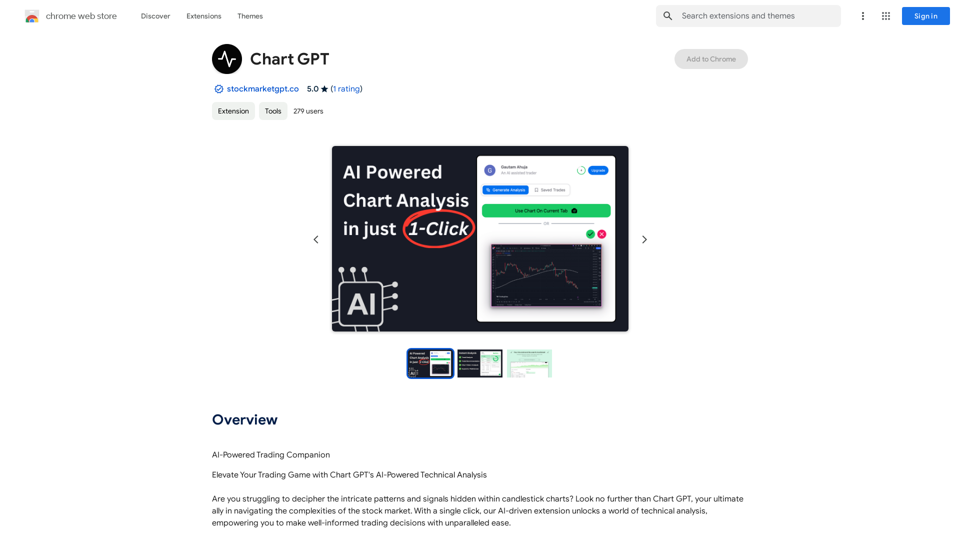
Generador de Logotipos Rápido y Asequible para Pequeñas EmpresasGenera logotipos únicos rápidamente y asequiblemente con Aikiu Studio. Crea diseños profesionales para pequeñas empresas y solopreneurs en minutos. Obtén creación de logotipos de alta calidad y sin problemas.
0