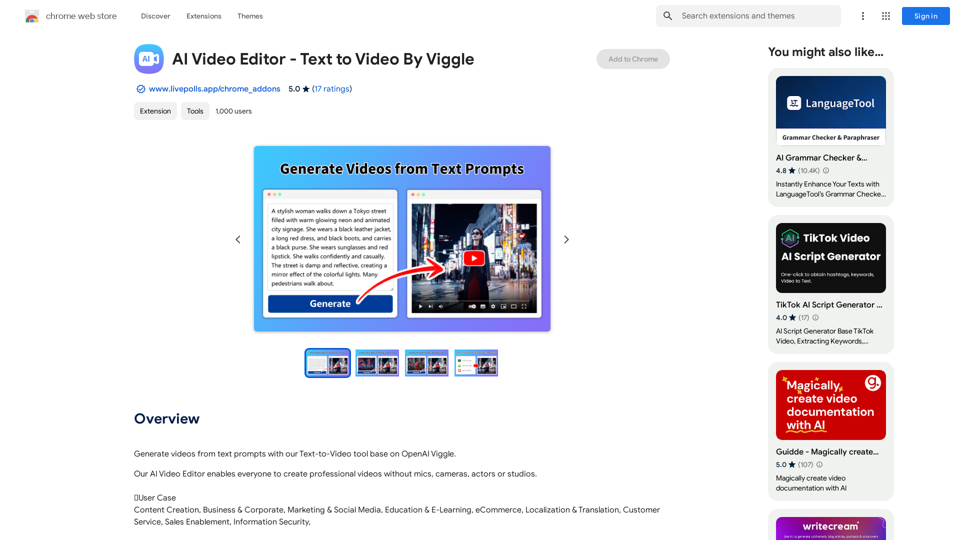
AI Video Editor - Text to Video ist eine innovative Plattform, die OpenAI Viggle nutzt, um Textaufforderungen in professionelle Videos umzuwandeln. Dieses Tool demokratisiert die Videoerstellung und ermöglicht Benutzern, beeindruckende Inhalte ohne traditionelle Ausrüstung oder Personal zu produzieren. Es bedient verschiedene Bedürfnisse, von der Umwandlung von Blogbeiträgen bis zur Erstellung von Produktvideos, und ist damit eine vielseitige Lösung für Content-Ersteller, Vermarkter und Unternehmen.
KI-Video-Editor - Text zu Video von Viggle
Erstellen Sie Videos aus Text-Prompts mit unserem Text-zu-Video-Tool basierend auf OpenAI Viggle.
Einführung
Funktion
Idee zu Video
Verwandeln Sie Ihre kreativen Konzepte in visuell ansprechende Videos mit KI-generierten Stimmen und bringen Sie Ihre Ideen mühelos zum Leben.
Blog zu Video
Konvertieren Sie geschriebene Blogartikel in ansprechende Videoinhalte, erweitern Sie Ihre Reichweite und steigern Sie das Publikumsengagement über verschiedene Medienformate hinweg.
PPT zu Video
Verwandeln Sie statische PowerPoint-Präsentationen schnell in dynamische Videoinhalte, fügen Sie Ihren Präsentationen eine neue Dimension hinzu und machen Sie sie besser teilbar.
Tweet zu Video
Verwandeln Sie prägnante Twitter-Beiträge in fesselnde Videoinhalte, verstärken Sie Ihre Social-Media-Präsenz und die Wirkung Ihrer Botschaft.
Avatar-Videoerstellung
Generieren Sie mit nur einem Klick beeindruckende Avatar-Videos, personalisieren Sie Ihre Inhalte und verleihen Sie Ihren Videoproduktionen eine einzigartige Note.
Produkt zu Video
Konvertieren Sie Amazon- und Airbnb-Produktlistings in überzeugende Videoinhalte, verbessern Sie die Produktsichtbarkeit und Attraktivität für potenzielle Kunden.
Anpassungsoptionen
Passen Sie Ihre Videos an, indem Sie aus einer Vielzahl von Stilen, Farben und Schriftarten wählen, um sie an Ihre Marke oder persönlichen Vorlieben anzupassen.
Benutzerfreundliches Prompt-Schreiben
Die Plattform bietet Anleitung zum Erstellen effektiver KI-Prompts, fördert Kreativität und betont Einfachheit und detaillierte Beschreibungen.
Flexible Preisgestaltung
Bietet sowohl eine kostenlose Version mit Grundfunktionen als auch kostenpflichtige Abonnements für erweiterten Zugang, um verschiedene Benutzerbedürfnisse und Budgets zu bedienen.
Häufig gestellte Fragen
Wie benutze ich die AI Video Editor - Text to Video Plattform?
Geben Sie Ihren Textprompt ein, wählen Sie die gewünschten Funktionen aus, und die Plattform generiert automatisch ein professionell aussehendes Video für Sie.
Kann ich die Videoausgabe anpassen?
Ja, Sie können Ihre Videos anpassen, indem Sie aus einer Reihe von Stilen, Farben und Schriftarten wählen, um sie an Ihre Vorlieben oder Markenidentität anzupassen.
Sind meine Daten auf der Plattform sicher?
Die Plattform priorisiert Datensicherheit und entspricht den Datenschutzgesetzen. Ihre Informationen werden mit niemandem geteilt, einschließlich des Add-on-Besitzers, um Vertraulichkeit zu gewährleisten.
Welche Arten von Videos kann ich mit diesem Tool erstellen?
Sie können verschiedene Arten von Videos erstellen, einschließlich Ideenpräsentationen, Blog-Content-Videos, PowerPoint-Präsentationsvideos, Tweet-Visualisierungen, Avatar-Videos und Produktpräsentationsvideos.
Benötige ich Videobearbeitungserfahrung, um diese Plattform zu nutzen?
Keine vorherige Videobearbeitungserfahrung ist erforderlich. Die KI-gesteuerte Plattform ist benutzerfreundlich gestaltet und ermöglicht es jedem, professionell aussehende Videos aus Texteingaben zu erstellen.
Verwandte Webseiten
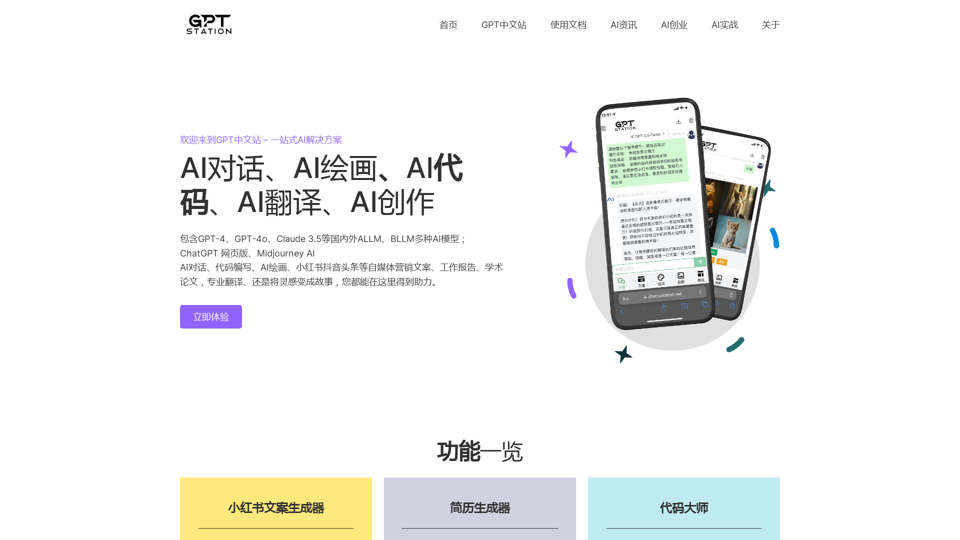
GPT-Chinese-Plattform - Erleben Sie die offizielle ChatGPT-Website auf Chinesisch, GPT-4, Midjourney-KI-Zeichnung, KI-Programmierung, KI-Übersetzung, KI-Kreation
GPT-Chinese-Plattform - Erleben Sie die offizielle ChatGPT-Website auf Chinesisch, GPT-4, Midjourney-KI-Zeichnung, KI-Programmierung, KI-Übersetzung, KI-KreationErleben Sie die offizielle chinesische Website von ChatGPT, GPT-4, Midjourney-KI-Zeichnung, KI-Programmierung, KI-Übersetzung und KI-Kreation.
1.25 K
ProfilePro - KI-SEO-Tool für Google-Business-Profil-SEO
ProfilePro - KI-SEO-Tool für Google-Business-Profil-SEOAudits GMB-SEO, automatisiert GBP-SEO-Aufgaben, optimiert Ihr GMB überall & schlägt Konkurrenten mit diesem AI-SEO-Tool, ohne dass Sie ausspionieren müssen!
193.90 M
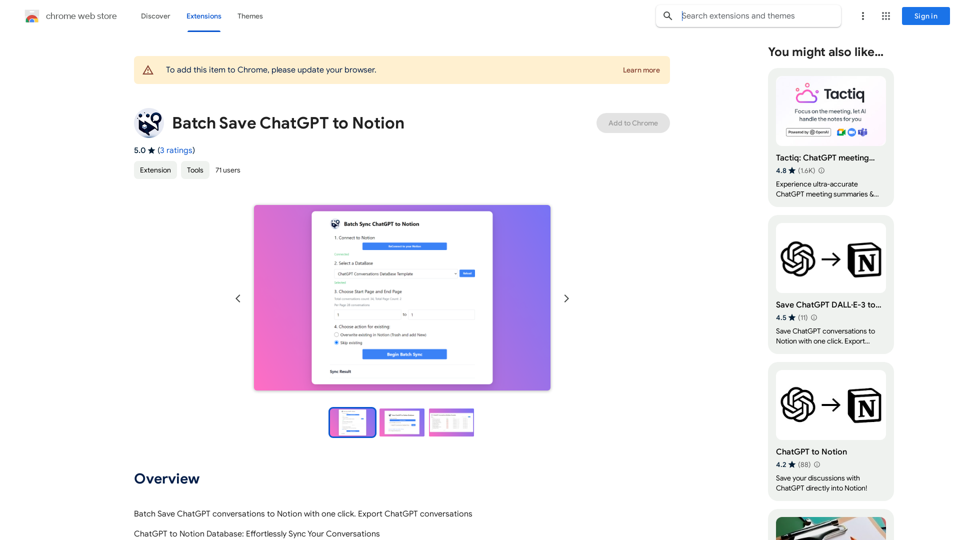
ChatGPT-Ergebnisse in Notion speichern Schritt 1: ChatGPT-Antwort erhalten * Geben Sie Ihre Anfrage an ChatGPT ein. * ChatGPT generiert eine Antwort. Schritt 2: Antwort in Notion speichern * Kopieren Sie die ChatGPT-Antwort. * Öffnen Sie Notion und erstellen Sie eine neue Seite oder einen neuen Block. * Fügen Sie die kopierte Antwort in Notion ein. Schritt 3: Batch-Speichern * Wiederholen Sie Schritte 1 und 2 für jede gewünschte ChatGPT-Antwort. * Sie können die Antworten in Notion in verschiedenen Seiten oder Blöcken organisieren.
ChatGPT-Ergebnisse in Notion speichern Schritt 1: ChatGPT-Antwort erhalten * Geben Sie Ihre Anfrage an ChatGPT ein. * ChatGPT generiert eine Antwort. Schritt 2: Antwort in Notion speichern * Kopieren Sie die ChatGPT-Antwort. * Öffnen Sie Notion und erstellen Sie eine neue Seite oder einen neuen Block. * Fügen Sie die kopierte Antwort in Notion ein. Schritt 3: Batch-Speichern * Wiederholen Sie Schritte 1 und 2 für jede gewünschte ChatGPT-Antwort. * Sie können die Antworten in Notion in verschiedenen Seiten oder Blöcken organisieren.ChatGPT-Gespräche mit einem Klick in Notion speichern. Exportieren Sie ChatGPT-Gespräche
193.90 M
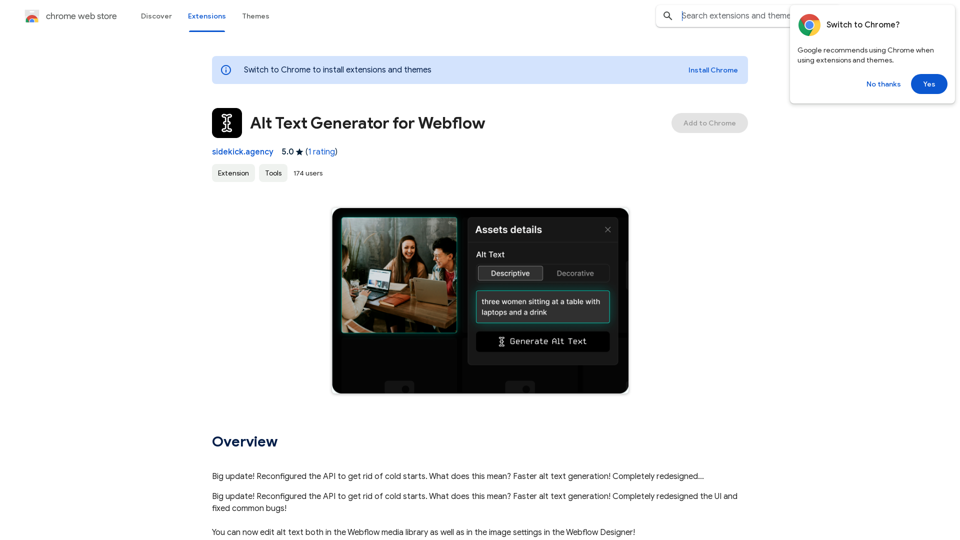
Große Aktualisierung! Die API wurde neu konfiguriert, um Kaltstarts zu vermeiden. Was bedeutet das? Schnelleres Generieren von Alternativtexten! Komplett neu gestaltet…
193.90 M
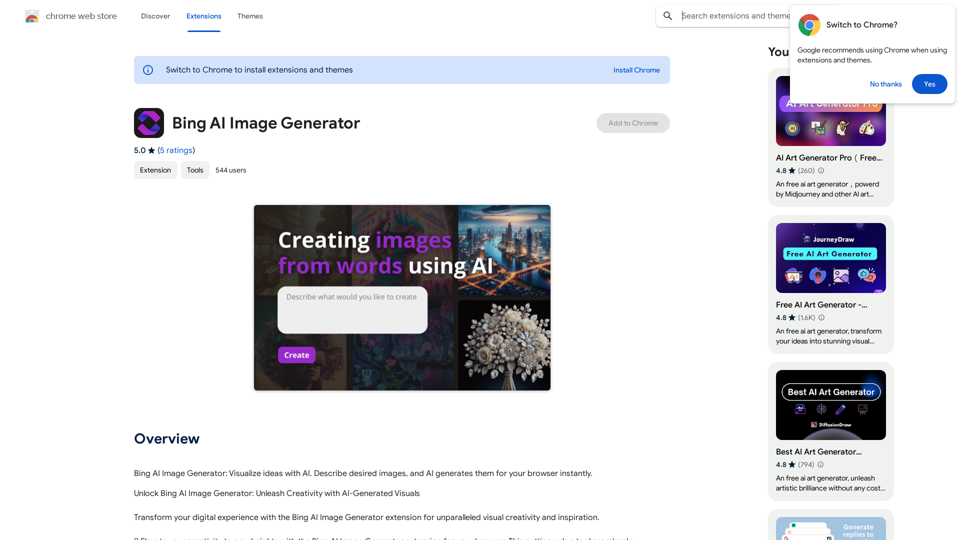
Bing KI-Bildgenerator: Visualisiere Ideen mit KI. Beschreibe die gewünschten Bilder, und die KI generiert sie sofort in deinem Browser.
193.90 M