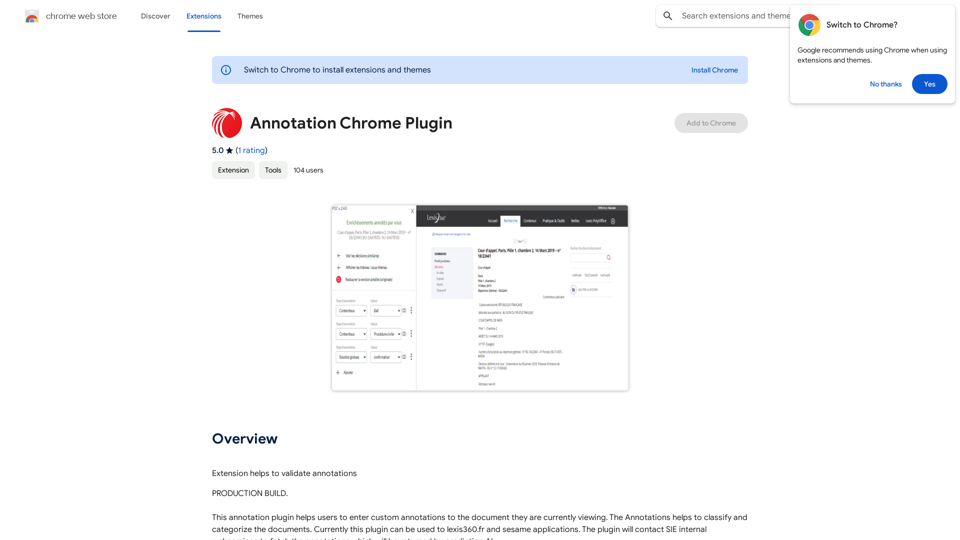
Annotation Chrome Plugin is a powerful browser extension designed to enhance document management and organization. It allows users to add custom annotations to documents they are viewing, facilitating classification and categorization. Currently compatible with lexis360.fr and sesame applications, this plugin integrates with SIE internal webservices to fetch AI-predicted annotations, streamlining the document analysis process.
Annotation Chrome Plugin
This extension helps to validate annotations.
Introduction
Feature
Custom Annotation Capability
Users can easily add personalized annotations to documents they are viewing, enhancing document organization and retrieval.
Document Classification and Categorization
The plugin aids in efficiently classifying and categorizing documents, improving information management and accessibility.
Integration with SIE Internal Webservices
Leverages AI prediction technology to fetch relevant annotations, enhancing the accuracy and efficiency of the annotation process.
Compatibility with Specific Applications
Currently supports lexis360.fr and sesame applications, catering to specific user needs in these platforms.
User-Friendly Installation
Simple installation process via the Chrome Web Store, with easy-to-follow setup instructions for immediate use.
Cost-Effective Solution
Offered as a free extension, making it accessible to all users without any financial barriers.
FAQ
What is the primary function of the Annotation Chrome Plugin?
The Annotation Chrome Plugin allows users to add custom annotations to documents they are viewing, facilitating document classification and categorization.
Which applications are currently supported by the plugin?
The plugin currently supports lexis360.fr and sesame applications.
Is there a cost associated with using the Annotation Chrome Plugin?
No, the Annotation Chrome Plugin is a free extension and does not require any subscription or payment.
How does the plugin fetch annotations?
The plugin contacts SIE internal webservices to retrieve annotations that are generated by prediction AI.
Where can users find installation instructions for the plugin?
Users can install the plugin from the Chrome Web Store and follow the provided prompts for setup.
Related Websites
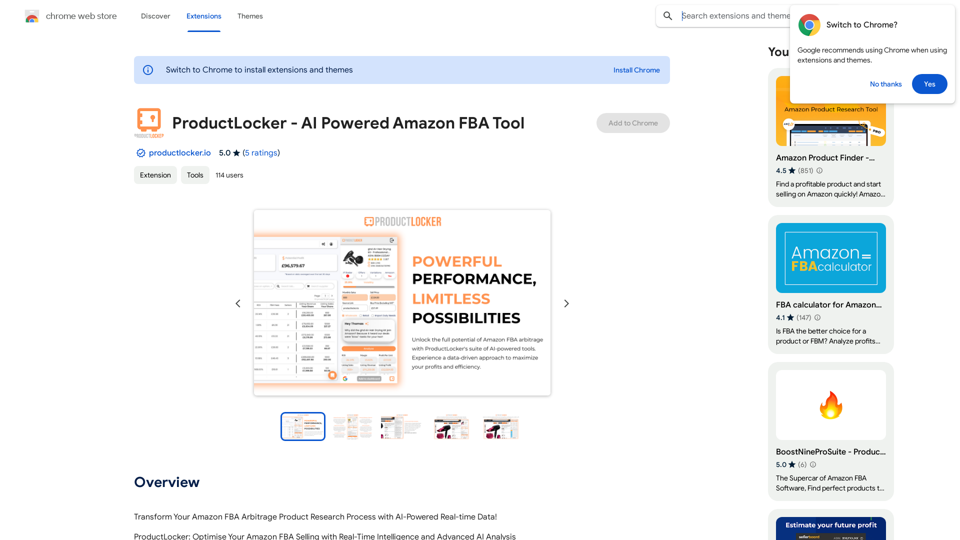


Toolquix: Elevate your social media presence with our comprehensive SMM panel. Access likes, followers, shares, and more for Instagram, Facebook, Twitter, YouTube, TikTok, and Telegram. Trusted by thousands for fast, reliable, and high-quality social media services.
0
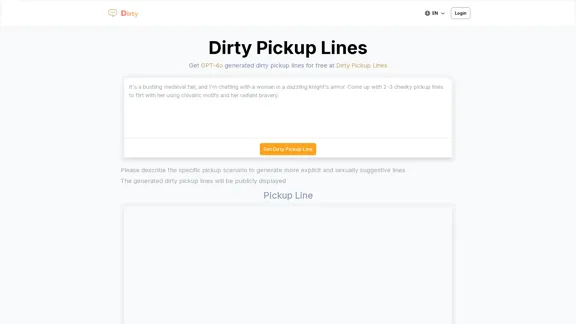
Dirty Pickup Lines - Online AI Raunchy Pickup Line Generator
Dirty Pickup Lines - Online AI Raunchy Pickup Line GeneratorDirty Pickup Lines is an online AI tool that generates explicit, sexually suggestive pickup lines for various scenarios, at no cost. Simply input a specific pickup scenario, and the AI will produce humorous, original, risqué pickup lines filled with sexual innuendos.
0
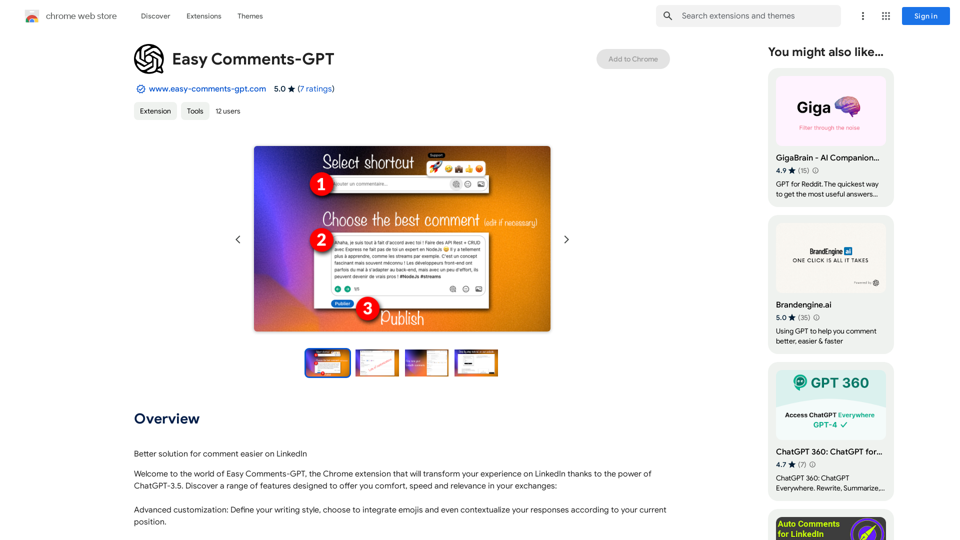
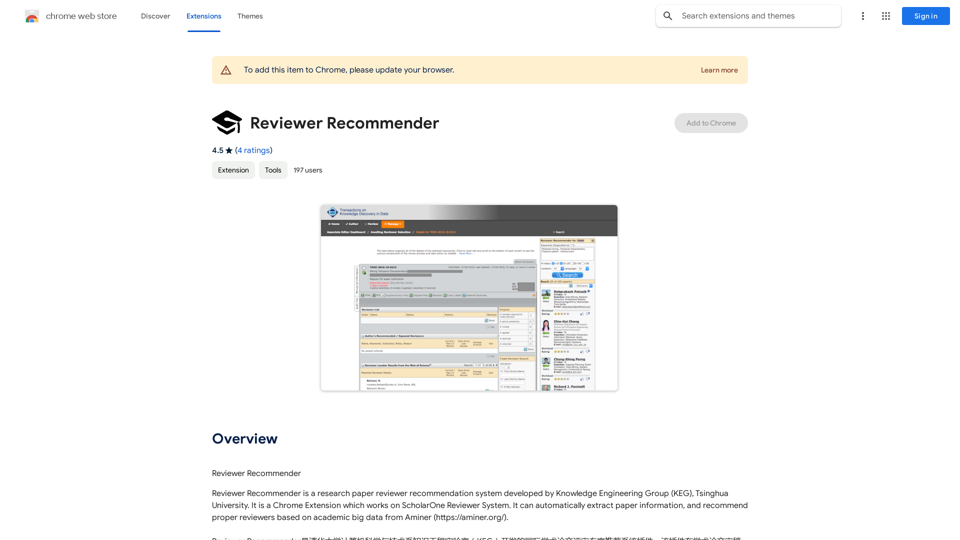
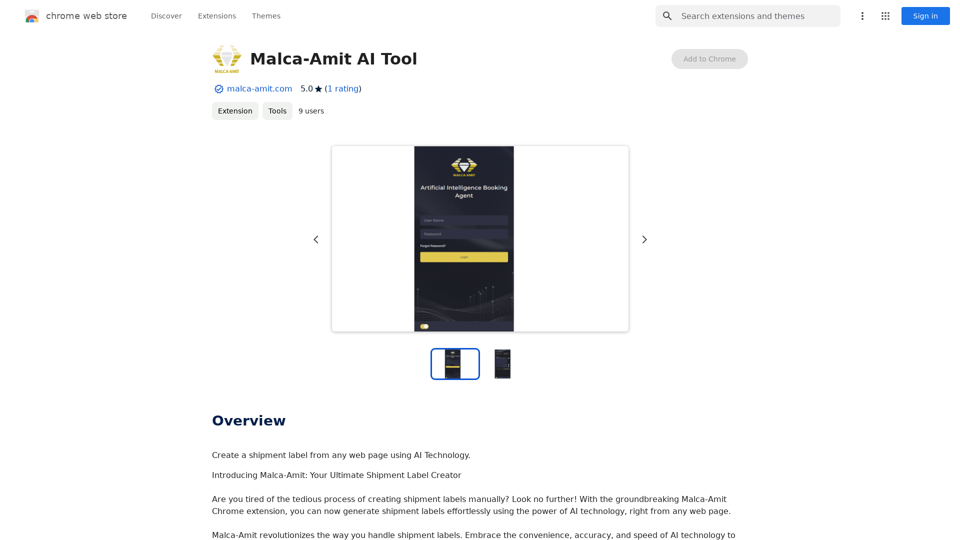
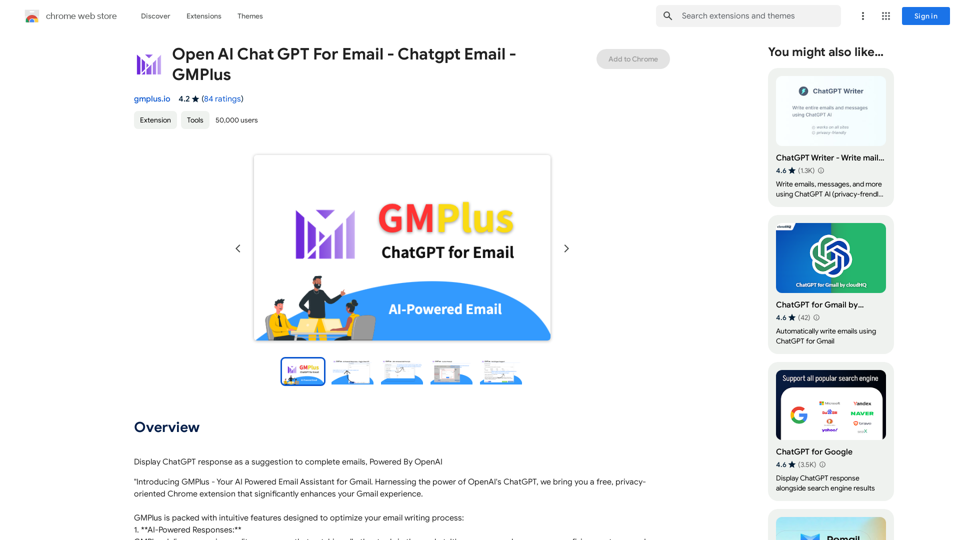
Email Completion Suggestions ============================= Powered by OpenAI, this feature provides intelligent suggestions to complete your emails, saving you time and effort. How it Works --------------- 1. Start Writing: Begin composing your email as you normally would. 2. AI Takes Over: Our AI engine, powered by OpenAI, kicks in and analyzes the context of your email. 3. Suggestions Appear: Relevant and contextual suggestions will appear, helping you complete your email quickly and efficiently. Benefits ------------ * Save Time: Get suggestions in real-time, reducing the time spent on writing emails. * Improve Quality: Enhance the clarity and coherence of your emails with AI-driven suggestions. * Boost Productivity: Focus on more important tasks while our AI handles the email completion. Get Started -------------- Try our email completion suggestions today and experience the power of AI-driven productivity!
193.90 M