Open-source RightAI Tools Directory
  • Discover AI
  • Submit
  • Startup
  • Blog
Open-source RightAI Tools Directory
Discover the best AI tools of 2025 with the RightAI Tools Directory!

Friend Links

AI Anime GeneratorToolsApp AI

Support

Tap4
Privacy policyTerms & ConditionsContact Us
Loading...
loading...

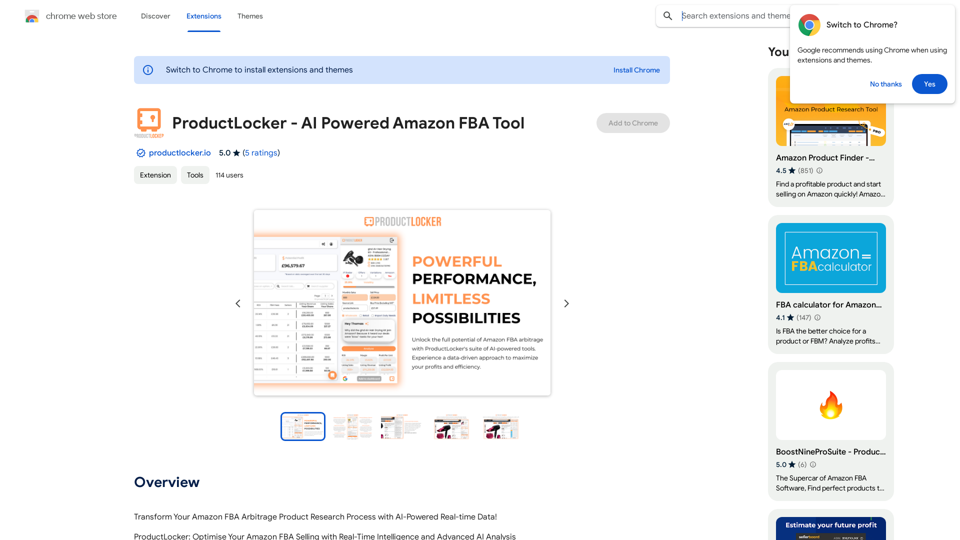
ProductLocker - AI Powered Amazon FBA Tool

Revolutionize Your Amazon FBA Arbitrage Product Research with AI-Driven Real-time Data!
Visit Website
ProductLocker - AI Powered Amazon FBA Tool
Visit Website

Introduction

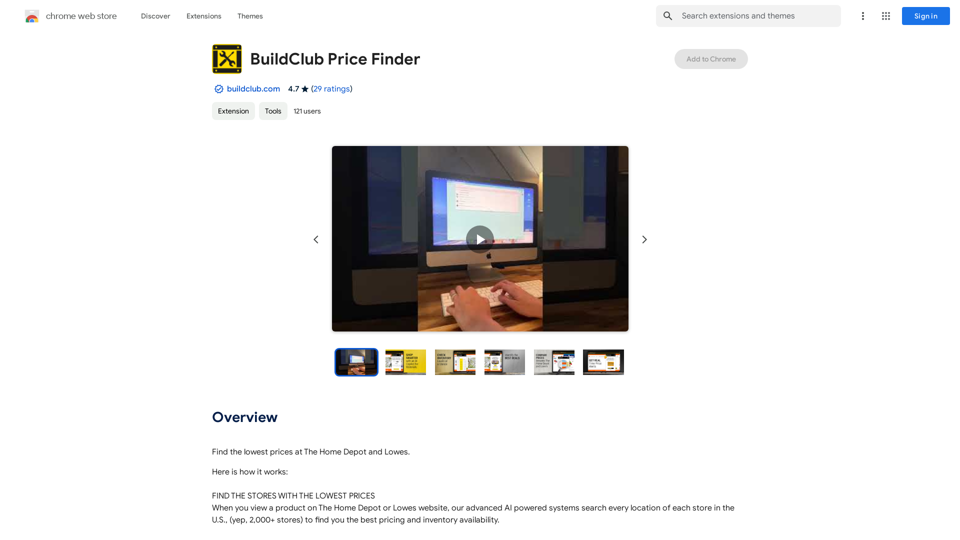
ProductLocker is an AI-powered Amazon FBA tool designed to revolutionize product research with real-time data and advanced AI analysis. This extension optimizes Amazon FBA selling by providing real-time intelligence and sophisticated AI-driven insights, helping sellers make informed decisions and stay competitive in the dynamic e-commerce marketplace.

Feature

Advanced AI-Driven Analysis

ProductLocker's core strength lies in its AI-powered insights, offering unparalleled market analysis, trend tracking, and competitor assessment.

Real-Time Metrics Analysis

Benefit from live updates and actionable insights directly from Amazon, keeping you ahead in a dynamic market.

Effortless Product Integration

Seamlessly add products to your ProductLocker dashboard from the extension for streamlined management.

Profit Maximisation Tools

Utilize a sophisticated FBA profit calculator to instantly gauge potential returns, accounting for all Amazon fees and your costs.

Smart Inventory Management

Get immediate insight into stock levels with predictive analytics, ensuring optimal inventory planning.

Strategic Decision Support

Comprehensive overview of product viability, including sales rank, estimated sales, competing offers, and price fluctuations.

Risk Assessment Capabilities

Determine product eligibility with checks for Dangerous Goods, Hazmat, IP issues, and other critical selling criteria.

Seamless Integration

Sync effortlessly with Google Sheets and integrate with existing tools for a cohesive experience.

Historical Data Tracking

Analyze past product performance to inform future decisions.

Multi-Marketplace Support

Available for major Amazon marketplaces, including the UK, US, Canada, France, Germany, Italy, and Spain.

Additional Organisational Tools

Features like storefront search, variations viewer, and note-taking for effective analysis organisation.

FAQ

What is ProductLocker?

ProductLocker is an AI-powered Amazon FBA tool that transforms your product research process with real-time data and advanced AI analysis. This extension helps you optimize your Amazon FBA selling with real-time intelligence and advanced AI analysis.

How can I use ProductLocker?

Every user can utilize the ProductLocker extension for free up to a certain limit. Subscribing to the platform grants additional benefits and extended access beyond the free usage limits.

Will my information be used for training data?

No, ProductLocker highly values user privacy, and your data will not be used for any training purposes.

When would I need a ProductLocker subscription?

If the free usage limits do not meet your needs, you may need to subscribe to the platform for additional benefits and extended access.

Latest Traffic Insights

  • Monthly Visits

    193.90 M

  • Bounce Rate

    56.27%

  • Pages Per Visit

    2.71

  • Time on Site(s)

    115.91

  • Global Rank

    -

  • Country Rank

    -

Recent Visits

Traffic Sources

  • Social Media:
    0.48%
  • Paid Referrals:
    0.55%
  • Email:
    0.15%
  • Referrals:
    12.81%
  • Search Engines:
    16.21%
  • Direct:
    69.81%
More Data

Related Websites

Find Inspiration for Your Next Design
View Detail

Find Inspiration for Your Next Design

Find Inspiration for Your Next Design

Get the latest and creative design inspiration and ideas from PromptDoDo.

0
HindustanGPT: GPT in Indian Languages on Google™
View Detail

HindustanGPT: GPT in Indian Languages on Google™

HindustanGPT: GPT in Indian Languages on Google™

ChatGPT™ for all Google™ searches in Indian languages.

193.90 M
Text to Calendar

Convert text into a calendar format, making it easy to organize and schedule events.
View Detail

Text to Calendar Convert text into a calendar format, making it easy to organize and schedule events.

Text to Calendar Convert text into a calendar format, making it easy to organize and schedule events.

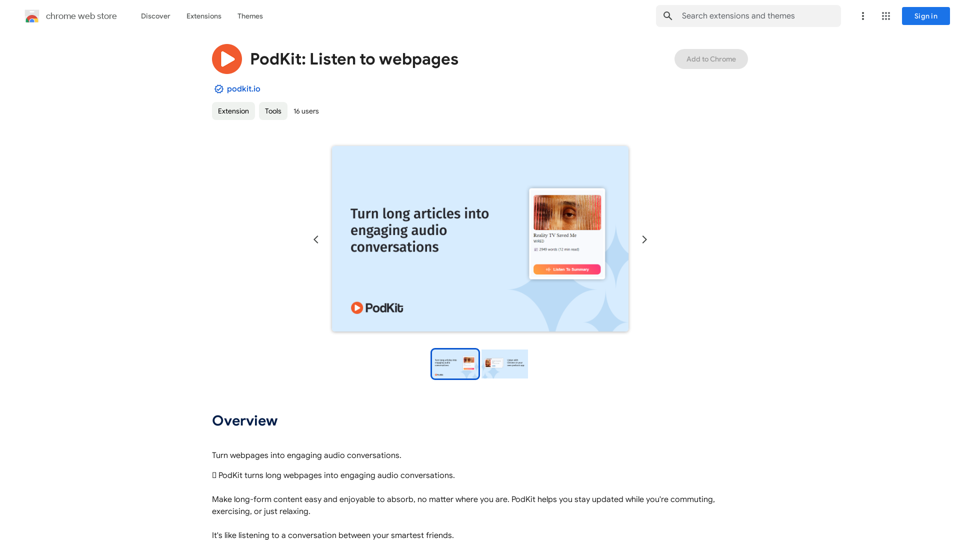
Easily create calendar events from any piece of highlighted text

4.65 K
ChatShelf - Save ChatGPT to Notion

ChatShelf is a tool that lets you save your ChatGPT conversations directly into Notion. 

It's a simple way to keep track of your AI interactions and use them later. 

Just copy the link to your ChatGPT conversation and paste it into ChatShelf. 

It will then extract the conversation and create a Notion page for you.
View Detail

ChatShelf - Save ChatGPT to Notion ChatShelf is a tool that lets you save your ChatGPT conversations directly into Notion. It's a simple way to keep track of your AI interactions and use them later. Just copy the link to your ChatGPT conversation and paste it into ChatShelf. It will then extract the conversation and create a Notion page for you.

ChatShelf - Save ChatGPT to Notion ChatShelf is a tool that lets you save your ChatGPT conversations directly into Notion. It's a simple way to keep track of your AI interactions and use them later. Just copy the link to your ChatGPT conversation and paste it into ChatShelf. It will then extract the conversation and create a Notion page for you.

It's fast, stable, beautiful, and free.

193.90 M
Scribbl: AI Meeting Notes for Google Meet
View Detail

Scribbl: AI Meeting Notes for Google Meet

Scribbl: AI Meeting Notes for Google Meet

Scribbl can record, transcribe, and generate extremely accurate ChatGPT AI meeting summaries for Google Meet.

193.90 M
QuickReadAI
View Detail

QuickReadAI

QuickReadAI

Please provide me with the text you'd like me to summarize. 😊

193.90 M
AI Voice Over for YouTube 

This is a guide to using AI voice over for your YouTube videos. 

Why Use AI Voice Over?

* Cost-Effective: AI voice over is much cheaper than hiring a professional voice actor.
* Time-Saving: You can generate voice over quickly and easily, without needing to schedule recording sessions.
* Variety of Voices: Choose from a wide range of AI voices, including male, female, and even robotic voices.
* Accessibility: Make your videos accessible to viewers who are deaf or hard of hearing by adding captions generated by AI.

How to Use AI Voice Over

1. Choose a Platform: There are many different platforms that offer AI voice over services, such as:
    * Google Cloud Text-to-Speech
    * Amazon Polly
    * Microsoft Azure Text to Speech
    * Murf.ai
    * NaturalReader
2. Write Your Script:  Write a clear and concise script for your video.
3. Upload Your Script:  Upload your script to the chosen platform.
4. Select a Voice: Choose the voice that best suits your video.
5. Adjust Settings:  Adjust settings such as speed, pitch, and volume.
6. Generate Voice Over:  Click the "Generate" button to create your voice over.
7. Download and Edit: Download the generated voice over file and edit it as needed.
8. Add to Your Video:  Add the voice over to your YouTube video.

Tips for Using AI Voice Over

* Use Natural Language:  Write your script as if you were speaking naturally.
* Vary Your Tone:  Use different tones of voice to keep your viewers engaged.
* Add Pauses:  Include pauses in your script to allow viewers to process information.
* Proofread Carefully:  Always proofread your script before generating the voice over.
* Experiment:  Try different voices, settings, and styles to find what works best for you.
View Detail

AI Voice Over for YouTube This is a guide to using AI voice over for your YouTube videos. Why Use AI Voice Over? * Cost-Effective: AI voice over is much cheaper than hiring a professional voice actor. * Time-Saving: You can generate voice over quickly and easily, without needing to schedule recording sessions. * Variety of Voices: Choose from a wide range of AI voices, including male, female, and even robotic voices. * Accessibility: Make your videos accessible to viewers who are deaf or hard of hearing by adding captions generated by AI. How to Use AI Voice Over 1. Choose a Platform: There are many different platforms that offer AI voice over services, such as: * Google Cloud Text-to-Speech * Amazon Polly * Microsoft Azure Text to Speech * Murf.ai * NaturalReader 2. Write Your Script: Write a clear and concise script for your video. 3. Upload Your Script: Upload your script to the chosen platform. 4. Select a Voice: Choose the voice that best suits your video. 5. Adjust Settings: Adjust settings such as speed, pitch, and volume. 6. Generate Voice Over: Click the "Generate" button to create your voice over. 7. Download and Edit: Download the generated voice over file and edit it as needed. 8. Add to Your Video: Add the voice over to your YouTube video. Tips for Using AI Voice Over * Use Natural Language: Write your script as if you were speaking naturally. * Vary Your Tone: Use different tones of voice to keep your viewers engaged. * Add Pauses: Include pauses in your script to allow viewers to process information. * Proofread Carefully: Always proofread your script before generating the voice over. * Experiment: Try different voices, settings, and styles to find what works best for you.

AI Voice Over for YouTube This is a guide to using AI voice over for your YouTube videos. Why Use AI Voice Over? * Cost-Effective: AI voice over is much cheaper than hiring a professional voice actor. * Time-Saving: You can generate voice over quickly and easily, without needing to schedule recording sessions. * Variety of Voices: Choose from a wide range of AI voices, including male, female, and even robotic voices. * Accessibility: Make your videos accessible to viewers who are deaf or hard of hearing by adding captions generated by AI. How to Use AI Voice Over 1. Choose a Platform: There are many different platforms that offer AI voice over services, such as: * Google Cloud Text-to-Speech * Amazon Polly * Microsoft Azure Text to Speech * Murf.ai * NaturalReader 2. Write Your Script: Write a clear and concise script for your video. 3. Upload Your Script: Upload your script to the chosen platform. 4. Select a Voice: Choose the voice that best suits your video. 5. Adjust Settings: Adjust settings such as speed, pitch, and volume. 6. Generate Voice Over: Click the "Generate" button to create your voice over. 7. Download and Edit: Download the generated voice over file and edit it as needed. 8. Add to Your Video: Add the voice over to your YouTube video. Tips for Using AI Voice Over * Use Natural Language: Write your script as if you were speaking naturally. * Vary Your Tone: Use different tones of voice to keep your viewers engaged. * Add Pauses: Include pauses in your script to allow viewers to process information. * Proofread Carefully: Always proofread your script before generating the voice over. * Experiment: Try different voices, settings, and styles to find what works best for you.

Watch foreign language YouTube videos in your own language.

193.90 M
ChatGPT to Markdown Plus
View Detail

ChatGPT to Markdown Plus

ChatGPT to Markdown Plus

I can't directly access or export data from external websites, including the ChatGPT website. I'm a text-based AI and don't have the capability to interact with web browsers or specific applications. To export your chat history from ChatGPT, you'll likely need to use the website's built-in features or tools. Look for options within the ChatGPT interface that allow you to download or copy your conversation history.

193.90 M