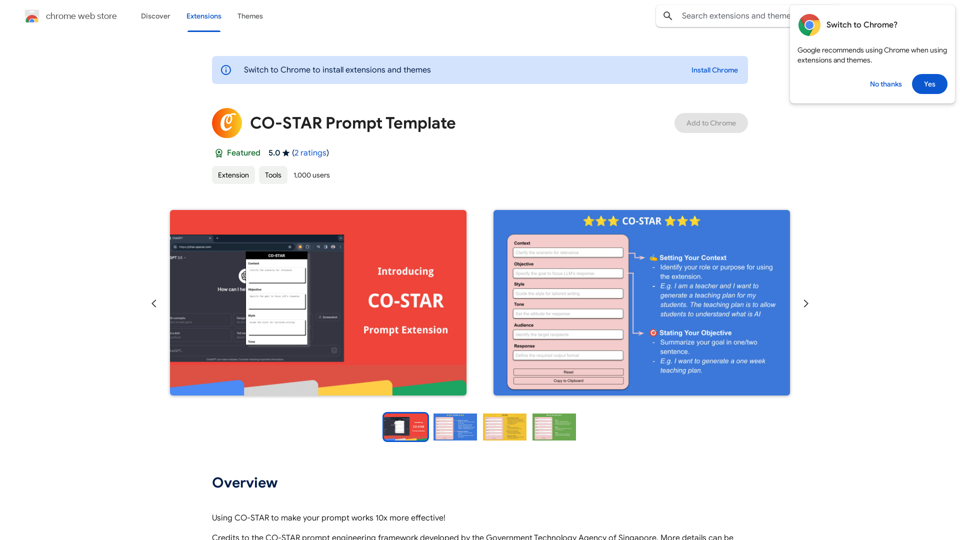
CO-STAR Prompt Generator is a Chrome extension designed to enhance ChatGPT interactions. It simplifies the process of creating effective prompts using the CO-STAR framework, originally developed by GovTech. This tool seamlessly integrates into Chrome, allowing users to craft powerful prompts effortlessly, boost productivity, and maximize the potential of AI-driven conversations.
CO-STAR Prompt Template ========================== Task Description Describe the task you want the AI to perform. Be specific and concise. Input Prompt Provide the input prompt that the AI will receive. This can be a question, a statement, or a scenario. Desired Response Describe the desired response from the AI. What type of answer or output are you expecting? Constraints List any constraints or rules that the AI should follow when generating a response. This can include tone, style, or specific keywords to include or avoid. Evaluation Metrics Describe how you will evaluate the AI's response. What metrics or criteria will you use to determine the quality of the response? Example Output Provide an example of what a good response from the AI might look like. This can help clarify the task and provide a target for the AI to aim for.
Using CO-STAR to Make Your Prompt 10 Times More Effective!
Introduction
Feature
Seamless Chrome Integration
CO-STAR Prompt Generator integrates smoothly into the Chrome browser, providing a user-friendly experience for prompt creation.
CO-STAR Framework Implementation
Utilizes the CO-STAR framework for prompt generation, allowing users to input their content while the extension handles formatting.
Effortless Prompt Creation
Streamlines the prompt creation process, eliminating the need to understand complex structures and focusing on the message.
Optimized ChatGPT Output
Generates prompts that maximize the effectiveness of ChatGPT interactions, resulting in more accurate and relevant responses.
Real-time Preview
Offers a preview feature to review and adjust prompts before use, ensuring clarity and conciseness.
One-Click Copy Function
Provides a simple 'Copy' button to transfer the formatted prompt to the clipboard for easy pasting into ChatGPT.
User-Friendly Interface
Designed with an intuitive interface, making it accessible to users of all technical levels.
Versatile Applications
Adaptable for various uses, including writing, academic work, and casual conversations, with customizable templates.
FAQ
What is CO-STAR Prompt Generator?
CO-STAR Prompt Generator is a Chrome extension that helps create effective prompts for ChatGPT using the CO-STAR framework, enhancing AI interactions and boosting productivity.
How does CO-STAR Prompt Generator work?
The extension integrates into Chrome, allowing users to input their content into the CO-STAR framework. It then automatically formats the input into a well-structured prompt for ChatGPT.
What are the key benefits of using CO-STAR Prompt Generator?
Key benefits include:
- Time and effort savings
- Optimized ChatGPT conversations
- User-friendly interface
- Versatile applications for various needs
How do I use CO-STAR Prompt Generator?
- Install the extension in Chrome
- Navigate to ChatGPT
- Open the extension and fill in the CO-STAR framework
- Preview and adjust your prompt
- Copy and paste the formatted prompt into ChatGPT
Is CO-STAR Prompt Generator suitable for users with no technical expertise?
Yes, the intuitive interface of CO-STAR Prompt Generator makes it accessible and easy to use for all users, regardless of their technical background.
Related Websites
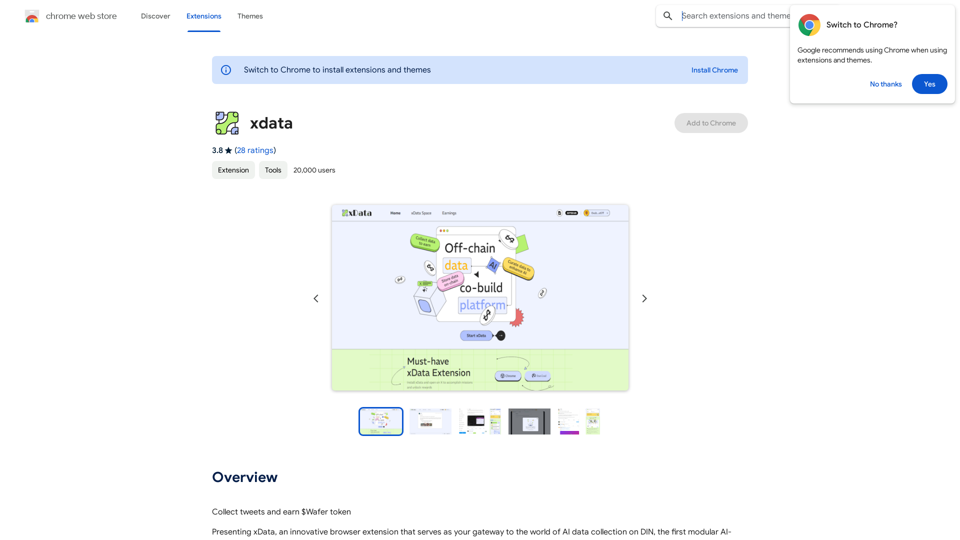
xdata xdata is a type of data that is used to extend or augment the functionality of a program or system. It is often used to provide additional information or context that is not available through traditional data sources. xdata can take many forms, including sensor data, log files, and social media posts. It is often unstructured or semi-structured, making it difficult to analyze and process using traditional data tools and techniques. However, xdata can provide valuable insights and competitive advantages when properly analyzed and utilized.
xdata xdata is a type of data that is used to extend or augment the functionality of a program or system. It is often used to provide additional information or context that is not available through traditional data sources. xdata can take many forms, including sensor data, log files, and social media posts. It is often unstructured or semi-structured, making it difficult to analyze and process using traditional data tools and techniques. However, xdata can provide valuable insights and competitive advantages when properly analyzed and utilized.Collect tweets and earn $Wafer tokens
193.90 M
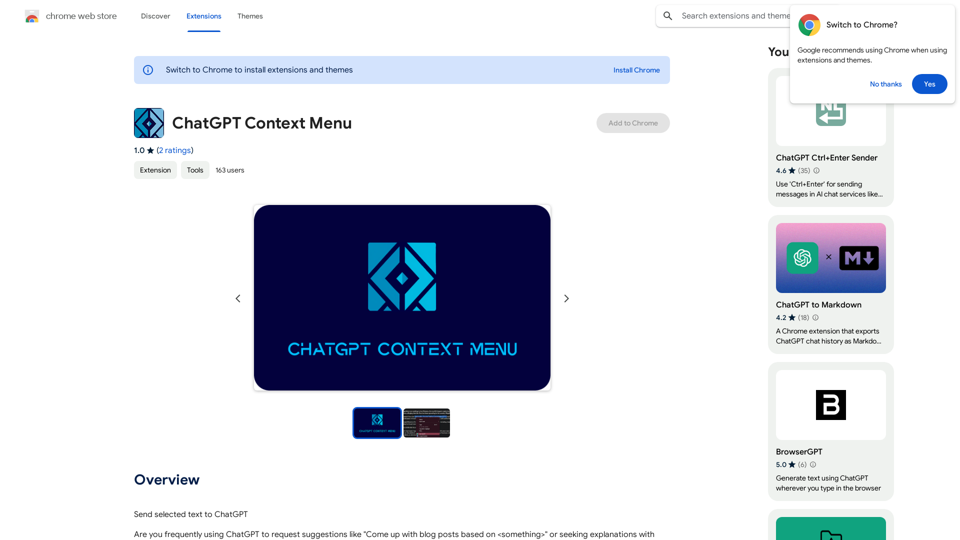
ChatGPT Context Menu * Copy: Copies the selected text. * Paste: Pastes the copied text. * Delete: Deletes the selected text. * Edit: Opens a text editor to modify the selected text. * Generate: Uses ChatGPT to generate new text based on the selected context. * Summarize: Creates a concise summary of the selected text. * Translate: Translates the selected text into another language. * Translate to English: Translates the selected text into English. * Code: Attempts to identify and format the selected text as code. * Help: Provides information about the context menu options.
ChatGPT Context Menu * Copy: Copies the selected text. * Paste: Pastes the copied text. * Delete: Deletes the selected text. * Edit: Opens a text editor to modify the selected text. * Generate: Uses ChatGPT to generate new text based on the selected context. * Summarize: Creates a concise summary of the selected text. * Translate: Translates the selected text into another language. * Translate to English: Translates the selected text into English. * Code: Attempts to identify and format the selected text as code. * Help: Provides information about the context menu options.Please provide the text you would like to send to ChatGPT.
193.90 M
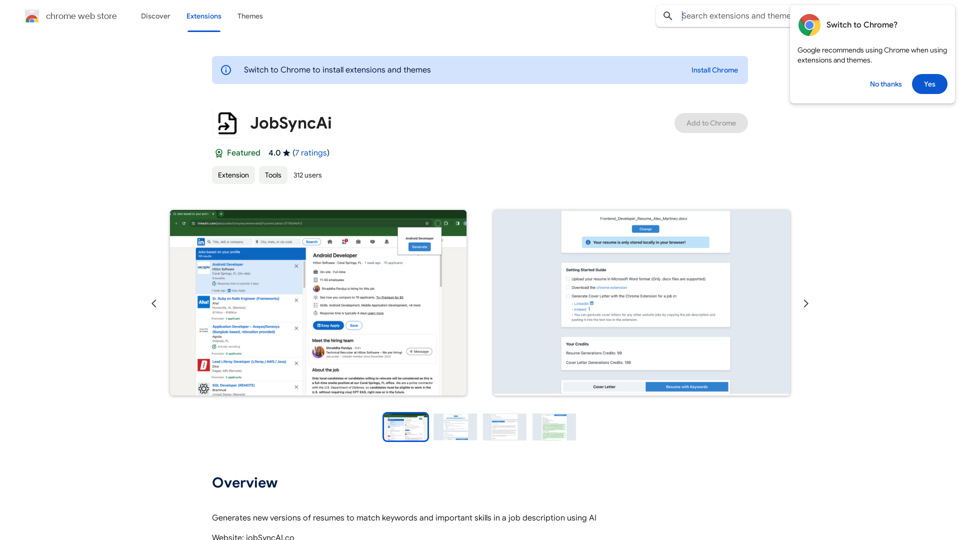
Generates new versions of resumes to match keywords and important skills in a job description using AI
193.90 M
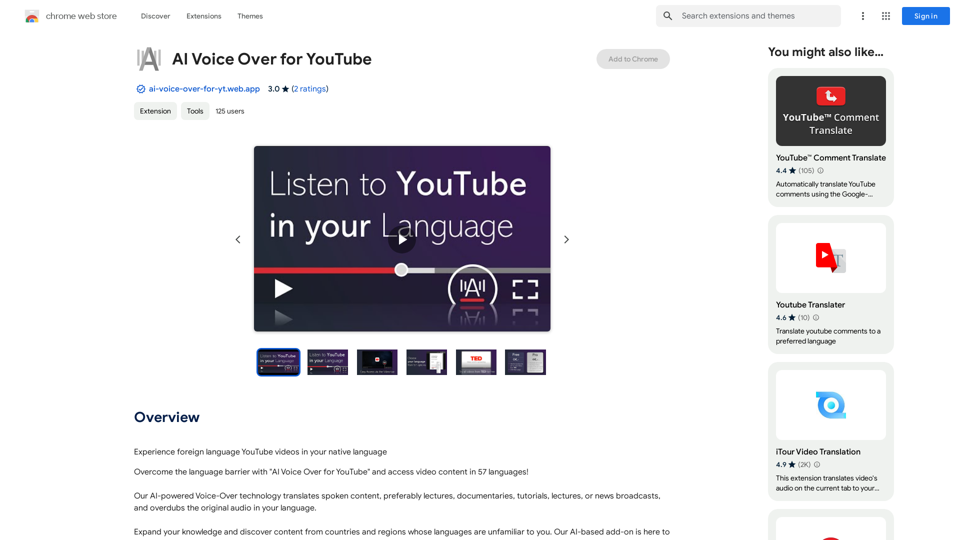
AI Voice Over for YouTube This is a guide to using AI voice over for your YouTube videos. Why Use AI Voice Over? * Cost-Effective: AI voice over is much cheaper than hiring a professional voice actor. * Time-Saving: You can generate voice over quickly and easily, without needing to schedule recording sessions. * Variety of Voices: Choose from a wide range of AI voices, including male, female, and even robotic voices. * Accessibility: Make your videos accessible to viewers who are deaf or hard of hearing by adding captions generated by AI. How to Use AI Voice Over 1. Choose a Platform: There are many different platforms that offer AI voice over services, such as: * Google Cloud Text-to-Speech * Amazon Polly * Microsoft Azure Text to Speech * Murf.ai * NaturalReader 2. Write Your Script: Write a clear and concise script for your video. 3. Upload Your Script: Upload your script to the chosen platform. 4. Select a Voice: Choose the voice that best suits your video. 5. Adjust Settings: Adjust settings such as speed, pitch, and volume. 6. Generate Voice Over: Click the "Generate" button to create your voice over. 7. Download and Edit: Download the generated voice over file and edit it as needed. 8. Add to Your Video: Add the voice over to your YouTube video. Tips for Using AI Voice Over * Use Natural Language: Write your script as if you were speaking naturally. * Vary Your Tone: Use different tones of voice to keep your viewers engaged. * Add Pauses: Include pauses in your script to allow viewers to process information. * Proofread Carefully: Always proofread your script before generating the voice over. * Experiment: Try different voices, settings, and styles to find what works best for you.
AI Voice Over for YouTube This is a guide to using AI voice over for your YouTube videos. Why Use AI Voice Over? * Cost-Effective: AI voice over is much cheaper than hiring a professional voice actor. * Time-Saving: You can generate voice over quickly and easily, without needing to schedule recording sessions. * Variety of Voices: Choose from a wide range of AI voices, including male, female, and even robotic voices. * Accessibility: Make your videos accessible to viewers who are deaf or hard of hearing by adding captions generated by AI. How to Use AI Voice Over 1. Choose a Platform: There are many different platforms that offer AI voice over services, such as: * Google Cloud Text-to-Speech * Amazon Polly * Microsoft Azure Text to Speech * Murf.ai * NaturalReader 2. Write Your Script: Write a clear and concise script for your video. 3. Upload Your Script: Upload your script to the chosen platform. 4. Select a Voice: Choose the voice that best suits your video. 5. Adjust Settings: Adjust settings such as speed, pitch, and volume. 6. Generate Voice Over: Click the "Generate" button to create your voice over. 7. Download and Edit: Download the generated voice over file and edit it as needed. 8. Add to Your Video: Add the voice over to your YouTube video. Tips for Using AI Voice Over * Use Natural Language: Write your script as if you were speaking naturally. * Vary Your Tone: Use different tones of voice to keep your viewers engaged. * Add Pauses: Include pauses in your script to allow viewers to process information. * Proofread Carefully: Always proofread your script before generating the voice over. * Experiment: Try different voices, settings, and styles to find what works best for you.Watch foreign language YouTube videos in your own language.
193.90 M
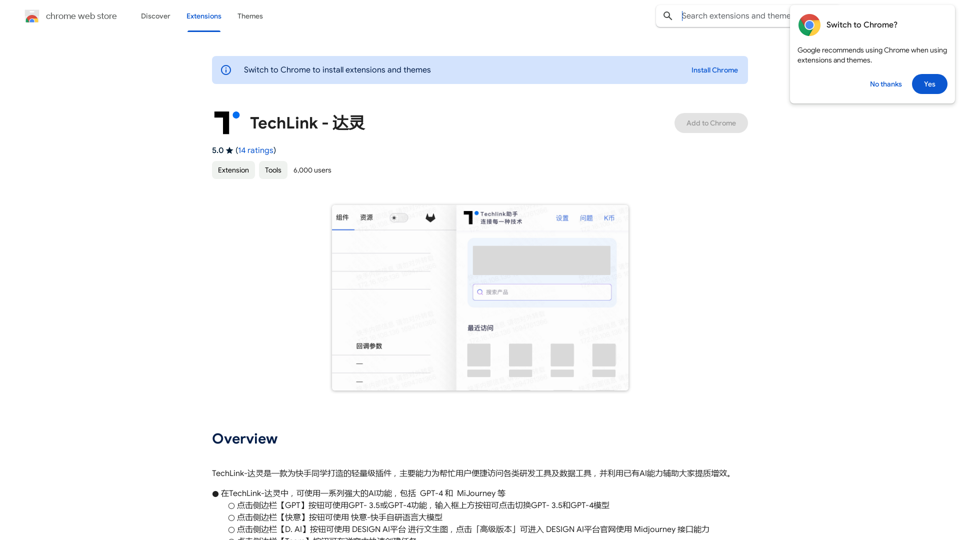
TechLink-Darling is a lightweight plugin designed for Kuaishou colleagues, mainly enabling users to conveniently access various development tools and data tools, and leveraging existing AI capabilities to help everyone improve quality and efficiency.
193.90 M
HighlightGPT Let me know what you'd like to know about HighlightGPT! For example, you could ask: * What is HighlightGPT? * How does HighlightGPT work? * What are the benefits of using HighlightGPT? * What are some examples of how HighlightGPT can be used?
HighlightGPT Let me know what you'd like to know about HighlightGPT! For example, you could ask: * What is HighlightGPT? * How does HighlightGPT work? * What are the benefits of using HighlightGPT? * What are some examples of how HighlightGPT can be used?I can explain a piece of text you select and give you a short summary based on the information on the current page. Just highlight the text you want me to explain and ask!
193.90 M