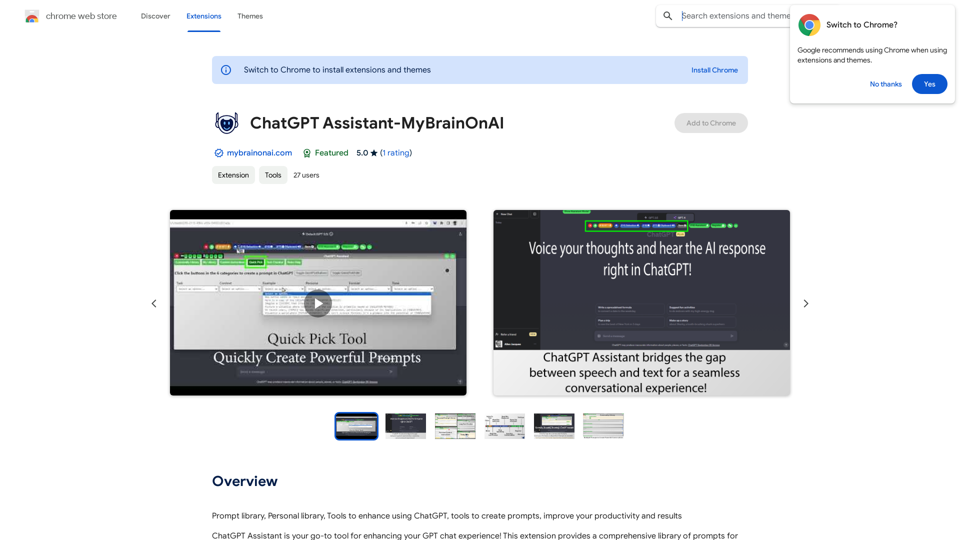
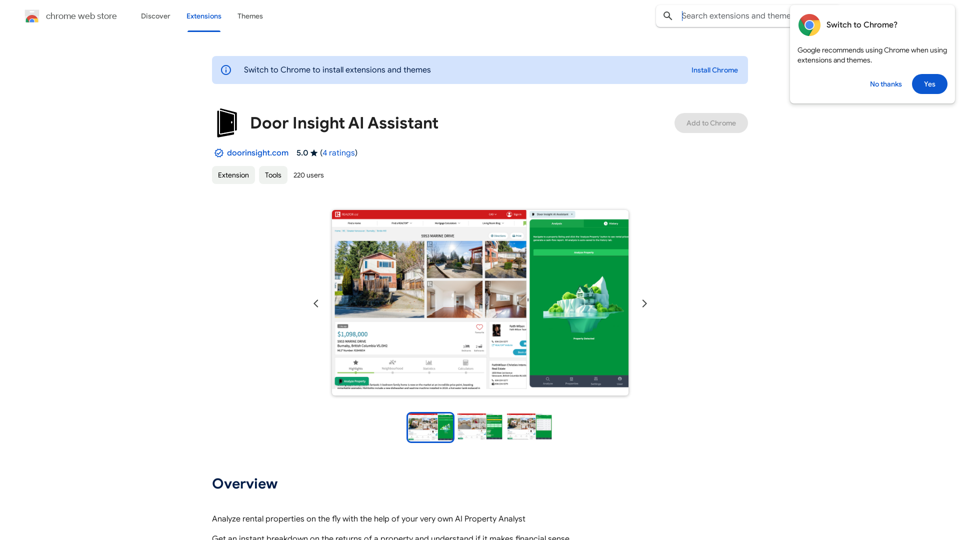
Door Insight AI Assistant is a powerful AI-driven platform designed for real estate analysis. It offers instant property evaluations, providing users with comprehensive financial breakdowns and return assessments. This tool is particularly useful for analyzing rental properties, making it an invaluable resource for real estate professionals and investors.
Door Insight AI Assistant
Analyze rental properties in real time with your personal AI Property Analyst.
Introduction
Feature
Rent Estimate
Door Insight AI Assistant leverages Canada's largest rent database to provide accurate rent estimates for any property.
Cap Rate Calculation
The platform automatically calculates the capitalization rate, a crucial metric for real estate investors to assess property profitability.
Monthly Cash Flow Analysis
Users receive detailed breakdowns of monthly cash flows for properties, offering clear insights into potential returns.
Comprehensive Expense Consideration
The tool factors in all associated property expenses, ensuring a thorough understanding of financial performance.
Report Generation
Door Insight AI Assistant enables users to generate on-the-fly reports, delivering detailed property financial performance breakdowns.
Browser Extension
The platform is easily accessible through a browser extension, providing instant access to its AI-powered tools for real estate analysis.
Daily Free Usage
Users can benefit from daily free uses of the AI-powered tools, allowing exploration of various real estate analysis tasks.
Data Security and Privacy
Door Insight AI Assistant prioritizes user data security and privacy, ensuring information is not used for training purposes and offering account deletion options.
FAQ
How many users have benefited from Door Insight AI Assistant?
Thousands of real estate professionals have utilized Door Insight AI Assistant to make informed decisions when analyzing rental properties.
What are the benefits of subscribing to Door Insight AI Assistant?
Subscribing grants additional benefits and extended access beyond the free usage limits, making it an essential tool for real estate professionals.
How can I maximize my use of Door Insight AI Assistant?
By leveraging the daily free uses of Door Insight AI Assistant's AI-powered tools, you can explore a vast range of AI-powered tools to support various tasks in real estate analysis.
Related Websites
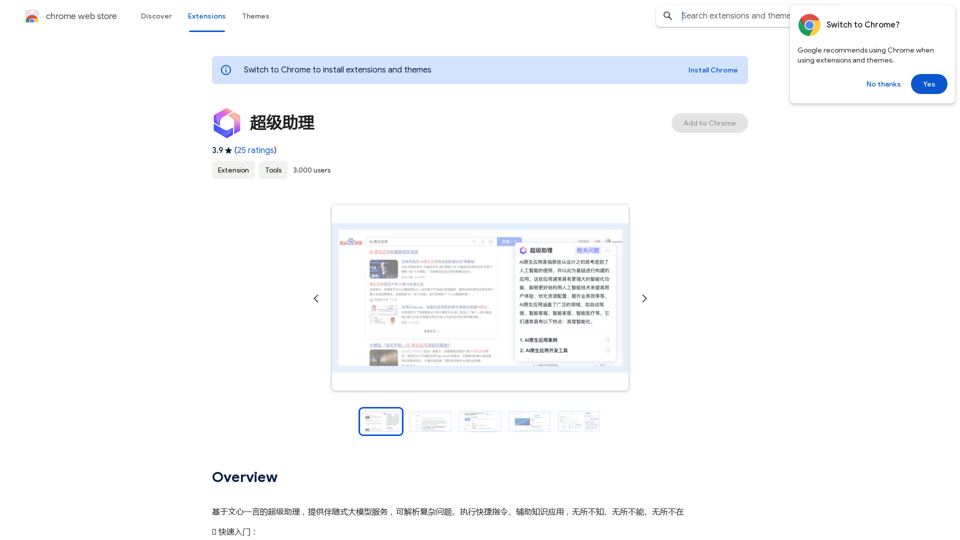
A super assistant based on Wenxin Yiyan, providing companion-style large model services. It can parse complex questions, execute quick commands, and assist with knowledge applications. It knows everything, can do everything, and is everywhere.
193.90 M

Ads Society is the best way to save ads from TikTok and Facebook Ads libraries with one click.
193.90 M
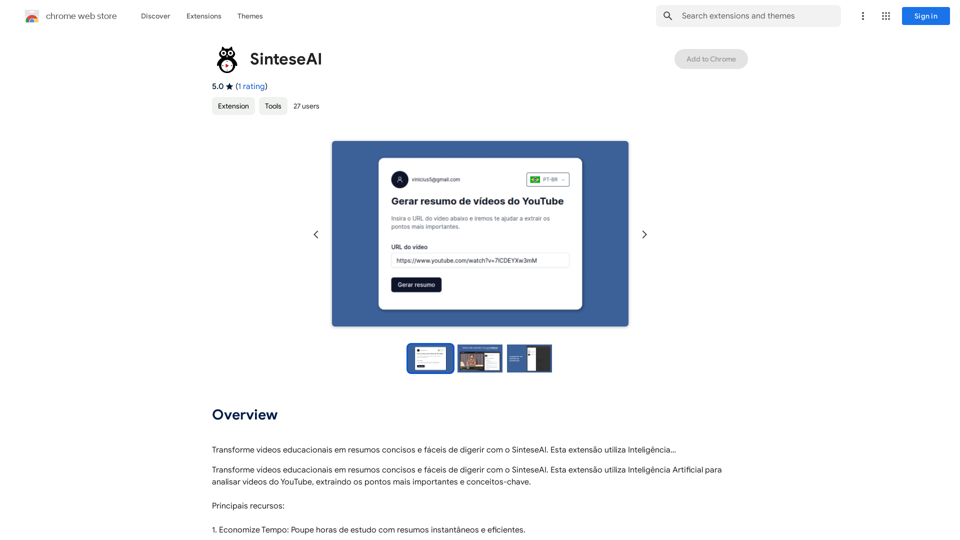
Turn educational videos into concise and easy-to-digest summaries with SinteseAI. This extension uses Artificial Intelligence...
193.90 M
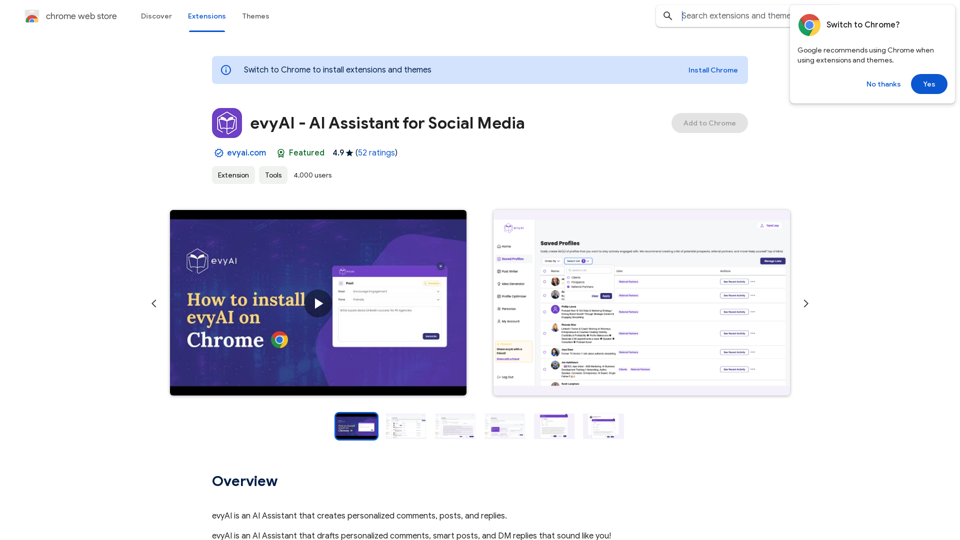
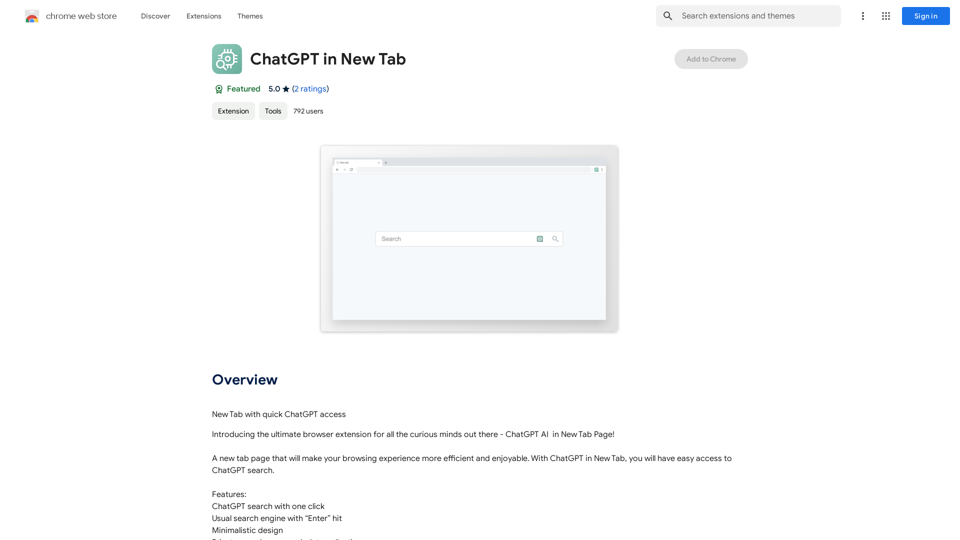
Open ChatGPT in a New Tab You can open ChatGPT in a new tab by following these steps: #Method 1: Using the Browser's Context Menu 1. Right-click on the ChatGPT link or button. 2. Select "Open in new tab" or "Open link in new tab" from the context menu. #Method 2: Using the Keyboard Shortcut 1. Press `Ctrl + Click` (Windows/Linux) or `Cmd + Click` (Mac) on the ChatGPT link or button. #Method 3: Using the Browser's Toolbar 1. Click on the ChatGPT link or button while holding down the `Ctrl` key (Windows/Linux) or `Cmd` key (Mac). 2. Release the key after the new tab is opened. By following these methods, you can easily open ChatGPT in a new tab and start chatting without leaving your current page.
Open ChatGPT in a New Tab You can open ChatGPT in a new tab by following these steps: #Method 1: Using the Browser's Context Menu 1. Right-click on the ChatGPT link or button. 2. Select "Open in new tab" or "Open link in new tab" from the context menu. #Method 2: Using the Keyboard Shortcut 1. Press `Ctrl + Click` (Windows/Linux) or `Cmd + Click` (Mac) on the ChatGPT link or button. #Method 3: Using the Browser's Toolbar 1. Click on the ChatGPT link or button while holding down the `Ctrl` key (Windows/Linux) or `Cmd` key (Mac). 2. Release the key after the new tab is opened. By following these methods, you can easily open ChatGPT in a new tab and start chatting without leaving your current page.New Tab with Quick ChatGPT Access
193.90 M
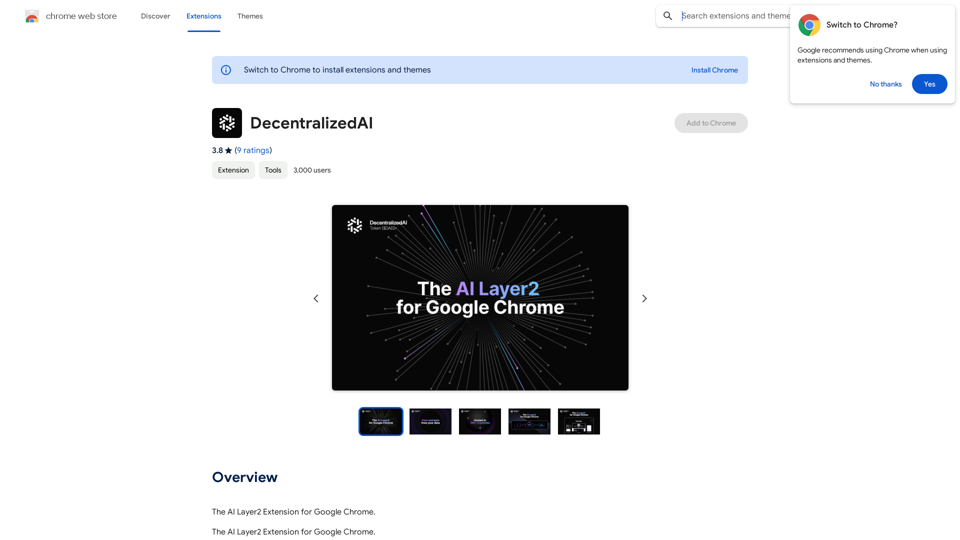
DecentralizedAI This is a general term referring to artificial intelligence (AI) systems that are not controlled by a single, centralized entity. Instead of relying on a large corporation or government to manage and govern AI, decentralized AI aims to distribute these capabilities across a network of independent nodes. Think of it like a blockchain for AI: * Transparency: The decision-making processes of decentralized AI are open and visible to everyone. * Security: Since there's no single point of failure, it's harder for malicious actors to take control or manipulate the system. * Resilience: Even if some nodes go offline, the network can continue to function. * Accessibility: Decentralized AI can make AI technology more accessible to individuals and smaller organizations. There are many potential applications for decentralized AI, including: * Data privacy: Decentralized AI can help protect user data by distributing it across multiple nodes. * Fairness and bias mitigation: By involving a wider range of participants in the training process, decentralized AI can help reduce bias in AI systems. * Autonomous organizations: Decentralized AI can be used to create self-governing organizations that operate without human intervention. Decentralized AI is still a relatively new field, but it has the potential to revolutionize the way we develop and use AI.
DecentralizedAI This is a general term referring to artificial intelligence (AI) systems that are not controlled by a single, centralized entity. Instead of relying on a large corporation or government to manage and govern AI, decentralized AI aims to distribute these capabilities across a network of independent nodes. Think of it like a blockchain for AI: * Transparency: The decision-making processes of decentralized AI are open and visible to everyone. * Security: Since there's no single point of failure, it's harder for malicious actors to take control or manipulate the system. * Resilience: Even if some nodes go offline, the network can continue to function. * Accessibility: Decentralized AI can make AI technology more accessible to individuals and smaller organizations. There are many potential applications for decentralized AI, including: * Data privacy: Decentralized AI can help protect user data by distributing it across multiple nodes. * Fairness and bias mitigation: By involving a wider range of participants in the training process, decentralized AI can help reduce bias in AI systems. * Autonomous organizations: Decentralized AI can be used to create self-governing organizations that operate without human intervention. Decentralized AI is still a relatively new field, but it has the potential to revolutionize the way we develop and use AI.The AI Layer2 Extension for Google Chrome.
193.90 M
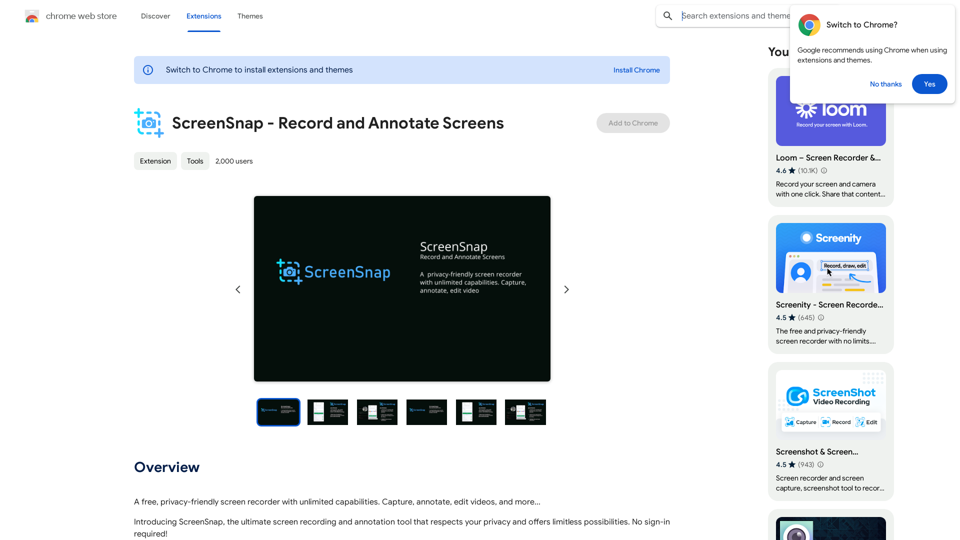
A free, privacy-friendly screen recorder with unlimited capabilities. Capture, annotate, edit videos, and more...
193.90 M