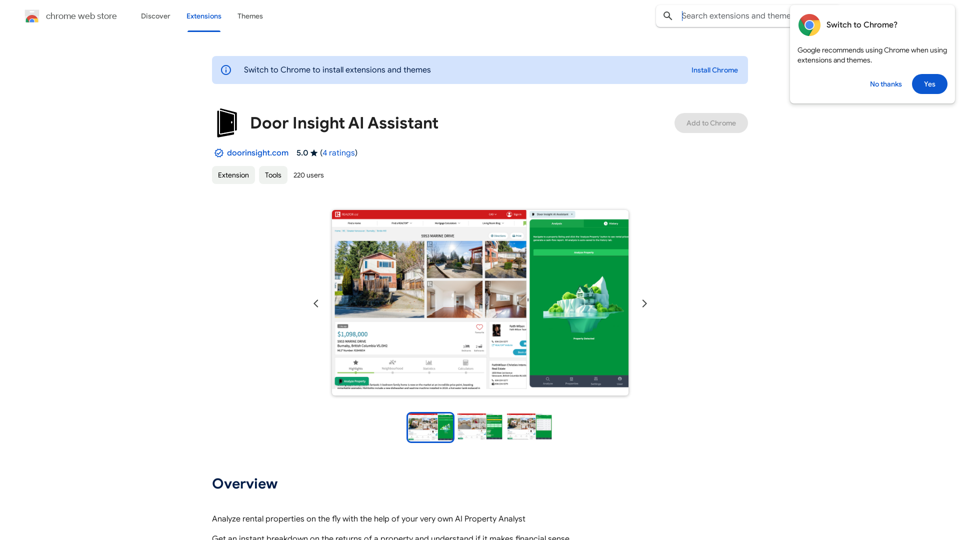
Door Insight AI Assistant is a powerful AI-driven platform designed for real estate analysis. It offers instant property evaluations, providing users with comprehensive financial breakdowns and return assessments. This tool is particularly useful for analyzing rental properties, making it an invaluable resource for real estate professionals and investors.
Door Insight AI Assistant
Analyze rental properties in real time with your personal AI Property Analyst.
Introduction
Feature
Rent Estimate
Door Insight AI Assistant leverages Canada's largest rent database to provide accurate rent estimates for any property.
Cap Rate Calculation
The platform automatically calculates the capitalization rate, a crucial metric for real estate investors to assess property profitability.
Monthly Cash Flow Analysis
Users receive detailed breakdowns of monthly cash flows for properties, offering clear insights into potential returns.
Comprehensive Expense Consideration
The tool factors in all associated property expenses, ensuring a thorough understanding of financial performance.
Report Generation
Door Insight AI Assistant enables users to generate on-the-fly reports, delivering detailed property financial performance breakdowns.
Browser Extension
The platform is easily accessible through a browser extension, providing instant access to its AI-powered tools for real estate analysis.
Daily Free Usage
Users can benefit from daily free uses of the AI-powered tools, allowing exploration of various real estate analysis tasks.
Data Security and Privacy
Door Insight AI Assistant prioritizes user data security and privacy, ensuring information is not used for training purposes and offering account deletion options.
FAQ
How many users have benefited from Door Insight AI Assistant?
Thousands of real estate professionals have utilized Door Insight AI Assistant to make informed decisions when analyzing rental properties.
What are the benefits of subscribing to Door Insight AI Assistant?
Subscribing grants additional benefits and extended access beyond the free usage limits, making it an essential tool for real estate professionals.
How can I maximize my use of Door Insight AI Assistant?
By leveraging the daily free uses of Door Insight AI Assistant's AI-powered tools, you can explore a vast range of AI-powered tools to support various tasks in real estate analysis.
Related Websites
ChatBotKit makes it easy for developers and non-developers alike to build chatbots that can communicate with users in natural language.
33.88 K
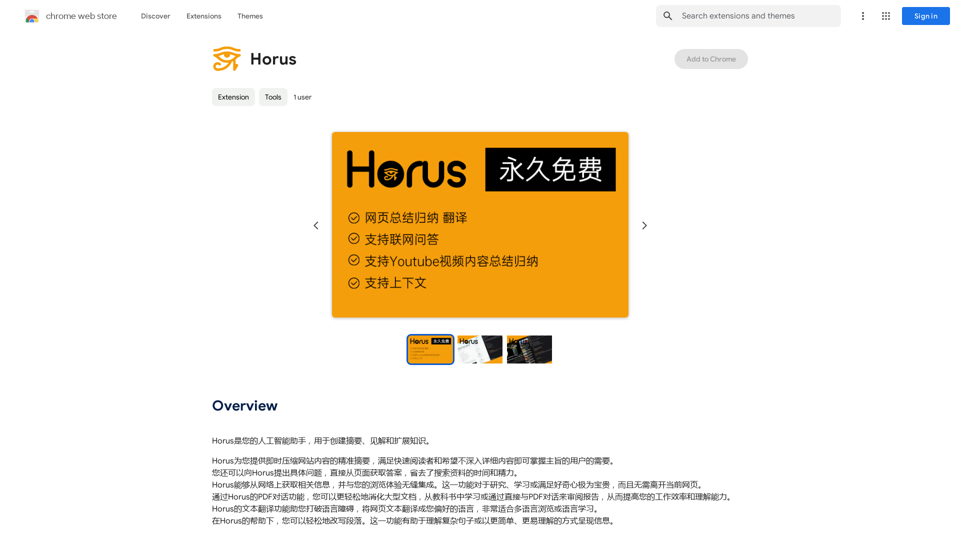
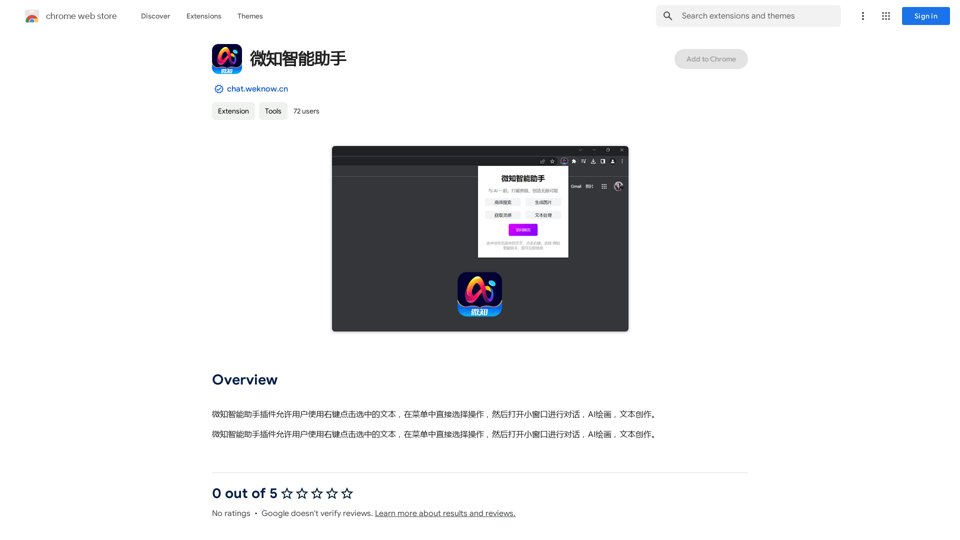
The Wechat Intelligent Assistant plugin allows users to right-click on selected text, choose an operation from the menu, and then open a small window for conversation, AI drawing, and text creation.
193.90 M
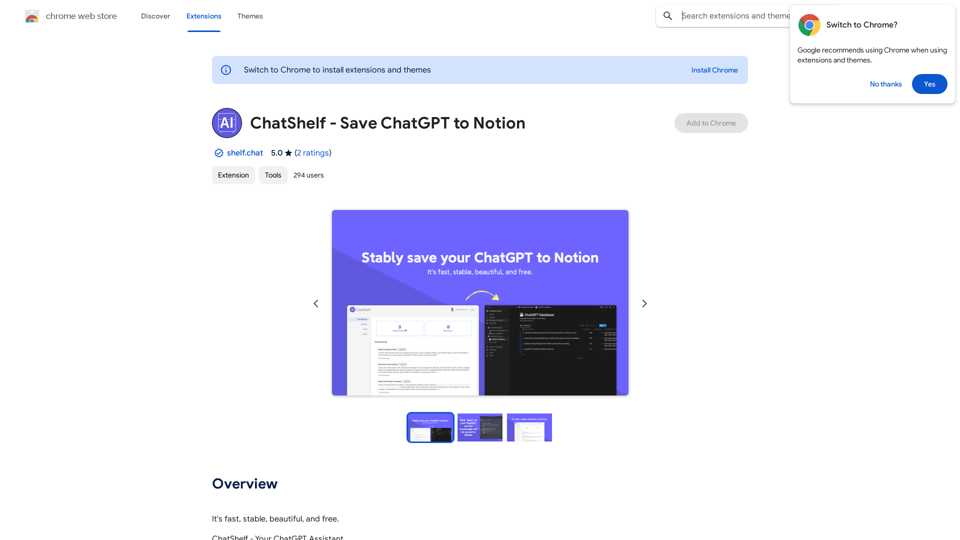
ChatShelf - Save ChatGPT to Notion ChatShelf is a tool that lets you save your ChatGPT conversations directly into Notion. It's a simple way to keep track of your AI interactions and use them later. Just copy the link to your ChatGPT conversation and paste it into ChatShelf. It will then extract the conversation and create a Notion page for you.
ChatShelf - Save ChatGPT to Notion ChatShelf is a tool that lets you save your ChatGPT conversations directly into Notion. It's a simple way to keep track of your AI interactions and use them later. Just copy the link to your ChatGPT conversation and paste it into ChatShelf. It will then extract the conversation and create a Notion page for you.It's fast, stable, beautiful, and free.
193.90 M
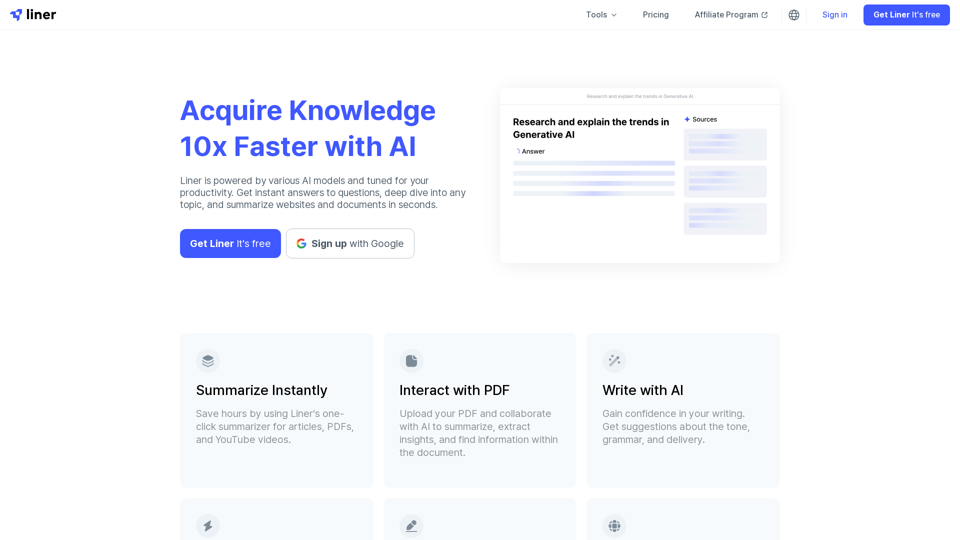
Liner | AI Copilot on Your Workspace, Powered by ChatGPT
Liner | AI Copilot on Your Workspace, Powered by ChatGPTTry Liner. Boost productivity and optimize your workflow with AI Copilot by summarizing articles, generating code, and composing emails.
6.20 M
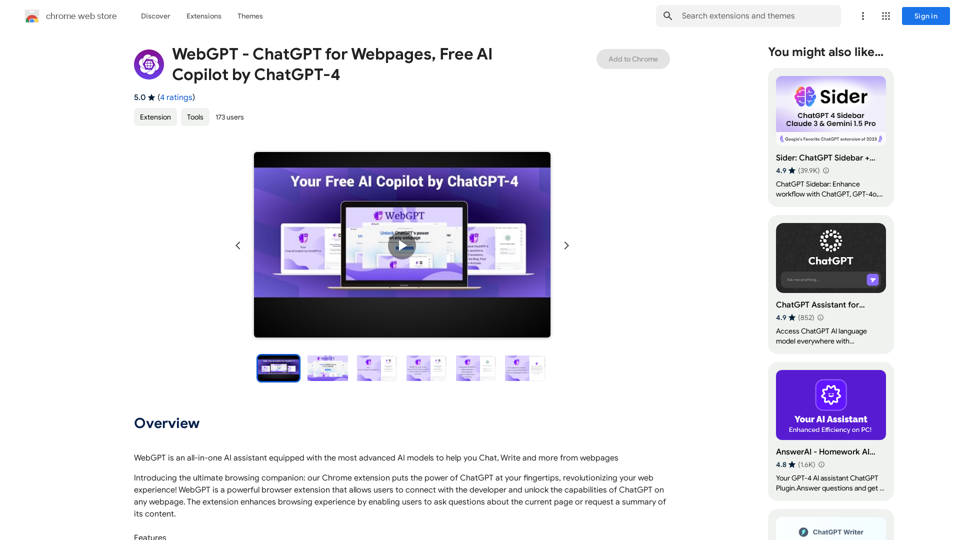
WebGPT - ChatGPT for Webpages, Free AI Copilot by ChatGPT-4
WebGPT - ChatGPT for Webpages, Free AI Copilot by ChatGPT-4WebGPT is an all-in-one AI assistant with the most advanced AI models to help you chat, write, and more, all from webpages.
193.90 M
ChatGPT TextCheck - analyze any text for Influence & Propaganda with AI
ChatGPT TextCheck - analyze any text for Influence & Propaganda with AIAn extension to help you avoid misinformation
193.90 M