X-Alpha is an AI-powered Chrome extension designed to enhance your Twitter experience by transforming it into a sophisticated analysis tool. It provides users with instant insights on trending tokens and market trends directly from their browser. By combining on-chain data with social media trends, X-Alpha offers a comprehensive solution for those looking to stay ahead in the fast-paced world of cryptocurrency and market analysis.
X-Alpha
X-Alpha Chrome Extension
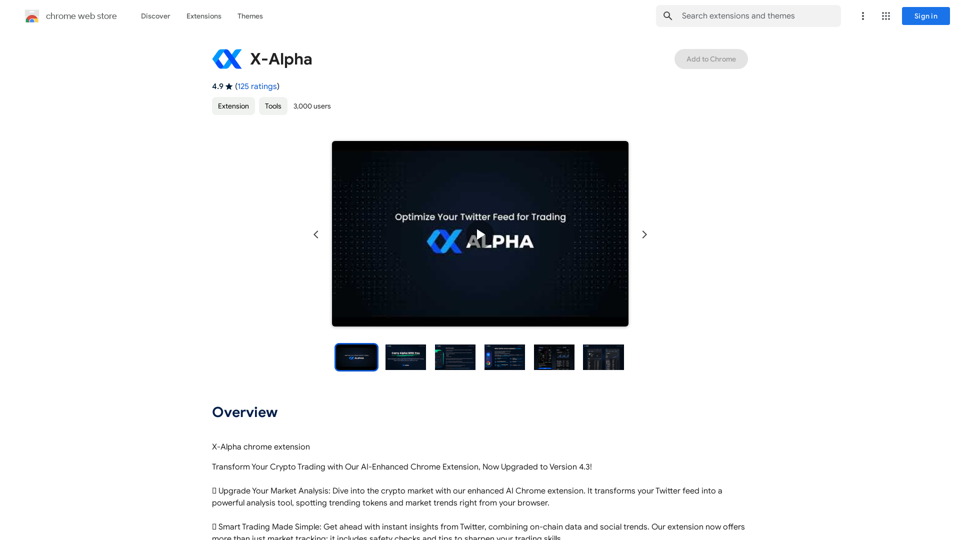
Introduction
Feature
Quick Market Insights
Instantly access updated information on a wide range of tokens, providing a more comprehensive market overview directly from your Twitter feed.
Actionable Signals from Social Media
Transform your Twitter interactions into smart trading cues. X-Alpha offers options to create engaging and insightful tweets based on the analyzed data.
Enhanced Trading Features
- Safety checks to protect your investments
- Trading tips to improve your skills and strategy
- Comprehensive analysis combining on-chain data and social trends
Multi-language Support
X-Alpha seamlessly integrates with all language settings of your Twitter app, making it accessible to a global user base.
Cashtags & Hashtags Trends
Stay updated on the latest trending cashtags and hashtags on Twitter, providing valuable insights into current market discussions and sentiment.
Easy Installation and Use
- Install the X-Alpha Chrome extension
- Navigate to Twitter and reload the page
- Experience your feed enhanced with AI-driven insights
Cross-platform Availability
While primarily a Chrome extension, X-Alpha is also available on mobile devices with a Google-approved app.
FAQ
How much does X-Alpha cost?
X-Alpha offers a free Chrome extension with core features. Premium features are available through a subscription model for users seeking advanced functionalities.
What do users say about X-Alpha?
X-Alpha has received exceptional user feedback, boasting an average rating of 4.9 out of 5 stars. Users particularly praise its accuracy in providing timely insights and its user-friendly interface.
How does X-Alpha work?
X-Alpha utilizes advanced AI technology to analyze Twitter data, providing users with actionable insights and trends. It combines this analysis with on-chain data to offer a comprehensive view of the market.
Related Websites

Talk to a chatbot, ask questions, and get the exact information you need from YouTube videos, all without leaving YouTube!
193.90 M
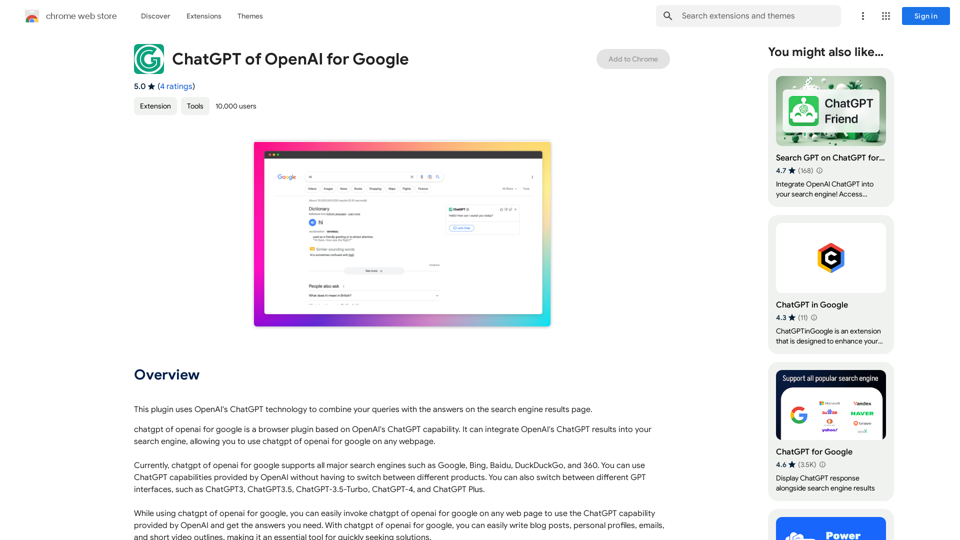
This plugin uses OpenAI's ChatGPT technology to combine your questions with the answers found on the search engine results page.
193.90 M
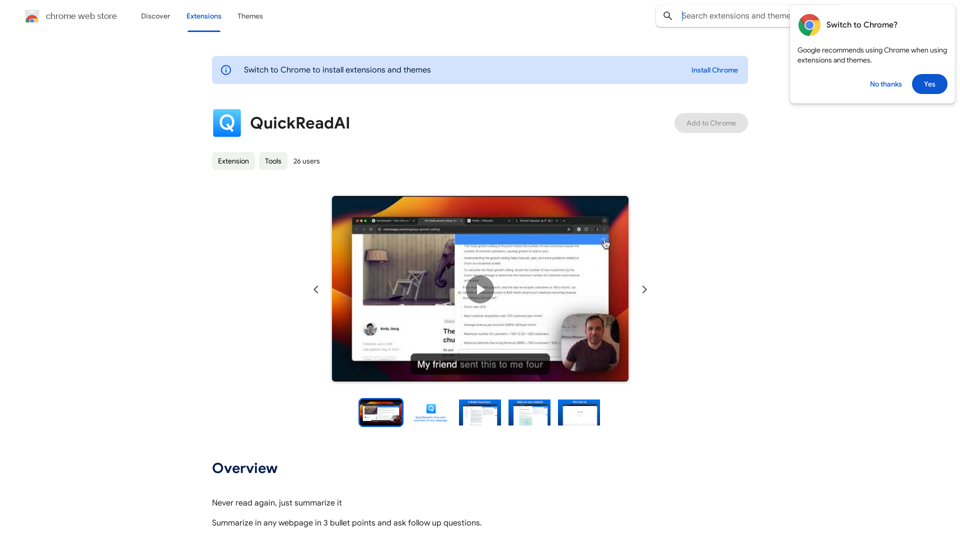
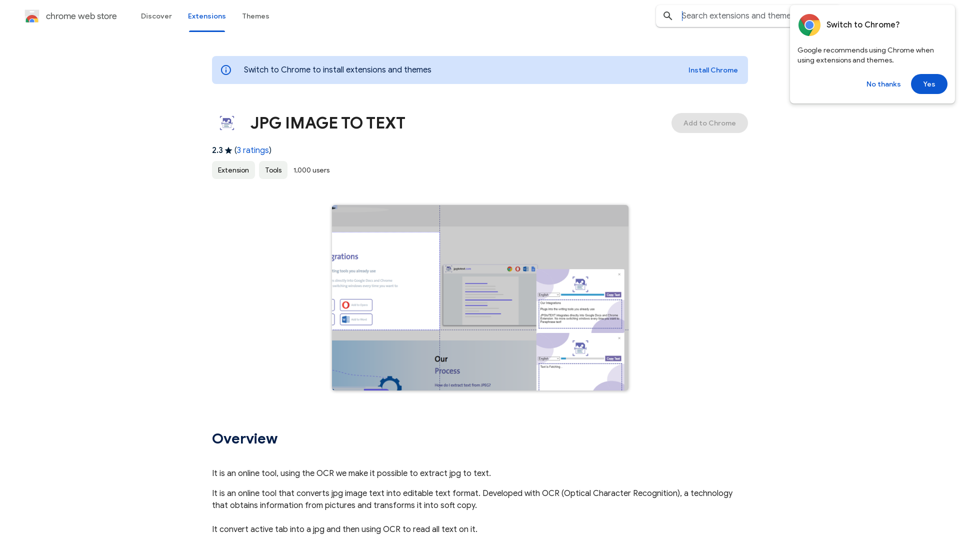
Converting JPG Images to Text Converting a JPG image to text is a process known as Optical Character Recognition (OCR). This technology enables you to extract text from images, scanned documents, and photos. Here's how to do it: Method 1: Online OCR Tools You can use online OCR tools to convert JPG images to text. Here are the steps: 1. Upload your JPG image: Go to an online OCR tool website, such as Online OCR Tools or OCR.space, and upload your JPG image. 2. Select the language: Choose the language of the text in your image. 3. Click on "Convert": The tool will convert the image to text. 4. Download the text: You can download the extracted text as a Word document, PDF, or plain text file. Method 2: Google Drive You can also use Google Drive to convert JPG images to text. Here's how: 1. Upload your JPG image: Upload your JPG image to Google Drive. 2. Right-click on the image: Right-click on the uploaded image and select "Open with" > "Google Docs". 3. The image will be converted: Google Docs will automatically convert the image to text. 4. Edit and download: You can edit the extracted text and download it as a Word document or PDF. Method 3: Adobe Acrobat If you have Adobe Acrobat installed on your computer, you can use it to convert JPG images to text. Here's how: 1. Open Adobe Acrobat: Open Adobe Acrobat on your computer. 2. Create a new document: Create a new document and click on "Tools" > "Recognize Text". 3. Select the image: Select the JPG image you want to convert. 4. Click on "Recognize": Adobe Acrobat will convert the image to text. 5. Edit and save: You can edit the extracted text and save it as a Word document or PDF. These are the three methods to convert JPG images to text. Choose the method that works best for you!
Converting JPG Images to Text Converting a JPG image to text is a process known as Optical Character Recognition (OCR). This technology enables you to extract text from images, scanned documents, and photos. Here's how to do it: Method 1: Online OCR Tools You can use online OCR tools to convert JPG images to text. Here are the steps: 1. Upload your JPG image: Go to an online OCR tool website, such as Online OCR Tools or OCR.space, and upload your JPG image. 2. Select the language: Choose the language of the text in your image. 3. Click on "Convert": The tool will convert the image to text. 4. Download the text: You can download the extracted text as a Word document, PDF, or plain text file. Method 2: Google Drive You can also use Google Drive to convert JPG images to text. Here's how: 1. Upload your JPG image: Upload your JPG image to Google Drive. 2. Right-click on the image: Right-click on the uploaded image and select "Open with" > "Google Docs". 3. The image will be converted: Google Docs will automatically convert the image to text. 4. Edit and download: You can edit the extracted text and download it as a Word document or PDF. Method 3: Adobe Acrobat If you have Adobe Acrobat installed on your computer, you can use it to convert JPG images to text. Here's how: 1. Open Adobe Acrobat: Open Adobe Acrobat on your computer. 2. Create a new document: Create a new document and click on "Tools" > "Recognize Text". 3. Select the image: Select the JPG image you want to convert. 4. Click on "Recognize": Adobe Acrobat will convert the image to text. 5. Edit and save: You can edit the extracted text and save it as a Word document or PDF. These are the three methods to convert JPG images to text. Choose the method that works best for you!It is an online tool that uses Optical Character Recognition (OCR) to make it possible to extract text from images in JPG format.
193.90 M