GPTOnline é uma extensão gratuita do ChatGPT que permite conversas instantâneas alimentadas por IA sem a necessidade de criar uma conta ou fazer login. Esta ferramenta integra-se perfeitamente com motores de busca populares como Google e Bing, fornecendo aos usuários respostas geradas por IA diretamente nessas plataformas. O GPTOnline destaca-se pela sua acessibilidade, suporte multilíngue e recursos avançados, tornando a interação com IA mais conveniente e versátil para usuários em todo o mundo.
GPTOnline - Extensão ChatGPT Gratuita
Converse com o ChatGPT instantaneamente, sem necessidade de inscrição. Obtenha respostas de IA no Google, Bing e mais.
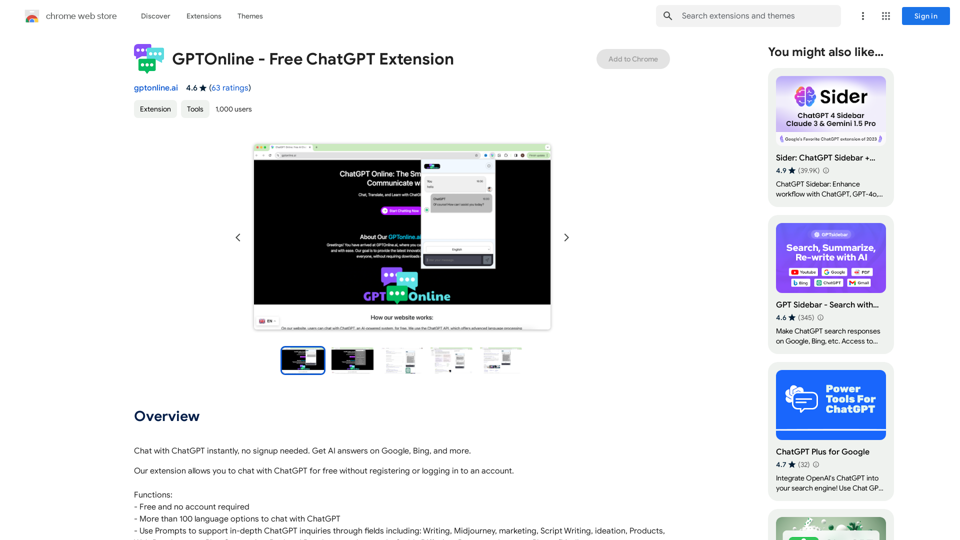
Introdução
Característica
Gratuito e Sem Necessidade de Conta
O GPTOnline oferece seus serviços completamente gratuitos, sem custos ocultos ou taxas de assinatura. Os usuários podem acessar todos os recursos sem a necessidade de criar uma conta ou fazer login, garantindo uma experiência sem complicações.
Suporte Multilíngue
A extensão possui suporte para mais de 100 idiomas, permitindo que os usuários interajam com o ChatGPT em seu idioma preferido. Este recurso melhora a acessibilidade e a experiência do usuário para um público global.
Prompts Avançados
O GPTOnline inclui um recurso avançado de Prompts, permitindo que os usuários realizem consultas aprofundadas em vários campos, como escrita, marketing e roteirização. Esta funcionalidade suporta interações de IA mais especializadas e direcionadas.
Integração Perfeita
Os usuários podem facilmente instalar o GPTOnline a partir da Chrome Web Store, integrando-o diretamente em seu navegador. Uma vez instalado, acessar o ChatGPT é tão simples quanto clicar no ícone da extensão na barra de ferramentas do navegador.
Compatibilidade Multiplataforma
O GPTOnline é compatível com múltiplos dispositivos, funcionando em qualquer dispositivo que suporte o navegador Chrome. Isso garante que os usuários possam acessar a assistência de IA em diferentes plataformas.
FAQ
O GPTOnline é realmente gratuito para usar?
Sim, o GPTOnline é totalmente gratuito. Não há taxas de assinatura, custos ocultos ou requisitos para criar uma conta ou fazer login para usar seus serviços.
Quantos idiomas o GPTOnline suporta?
O GPTOnline suporta mais de 100 opções de idiomas, permitindo que os usuários interajam com o ChatGPT em seu idioma preferido.
Posso usar o GPTOnline em diferentes dispositivos?
Sim, o GPTOnline é compatível com múltiplos dispositivos e pode ser usado em qualquer dispositivo que tenha o navegador Chrome instalado.
Como começo a usar o GPTOnline?
Para começar a usar o GPTOnline, basta instalar a extensão da Chrome Web Store. Uma vez instalado, você pode começar a conversar com o ChatGPT instantaneamente clicando no ícone da extensão na barra de ferramentas do seu navegador.
O que são Prompts no GPTOnline?
Prompts são um recurso avançado no GPTOnline que suporta consultas aprofundadas do ChatGPT em vários campos, incluindo escrita, marketing e roteirização. Eles ajudam os usuários a adaptar suas interações de IA para necessidades mais específicas e especializadas.
Sites relacionados
Esta extensão economiza seu tempo carregando automaticamente as informações sobre o histórico de inspeção do veículo no autotrader.co.uk.
193.90 M

aireply: Seu Assistente Pessoal de Escrita de E-mails
aireply: Seu Assistente Pessoal de Escrita de E-mailsaireply: Assistente de Repostas e Escrita de E-mails de IA
193.90 M
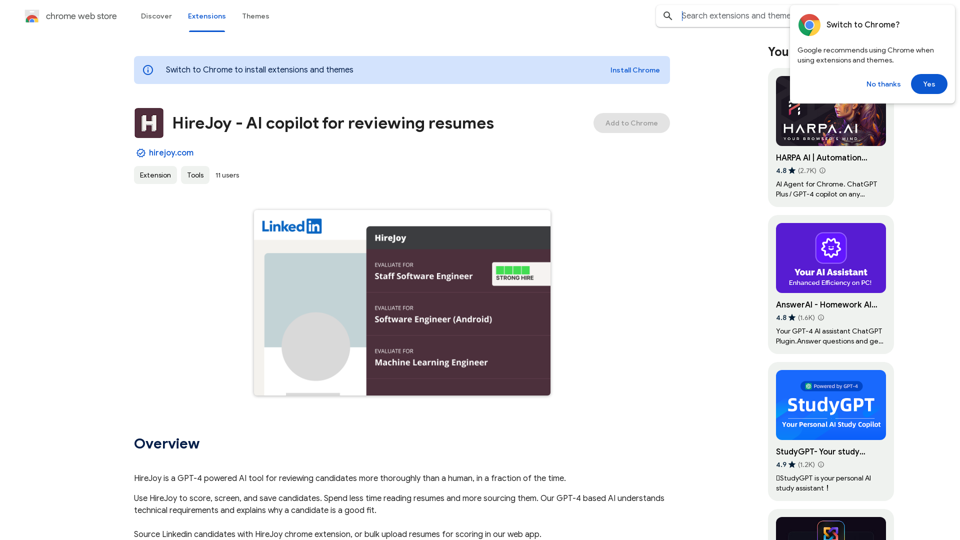
HireJoy - Copiloto de IA para revisão de currículos
HireJoy - Copiloto de IA para revisão de currículosHireJoy é uma ferramenta de IA com tecnologia GPT-4 para revisar candidatos de forma mais completa que um humano, em fração de tempo.
193.90 M
AI Deer: Solução de correção de frases em coreano.
AI Deer: Solução de correção de frases em coreano.A IA Deer vai te guiar para transformar sua inspiração incrível em um texto maravilhoso!
193.90 M
Resumo de Artigos Web com a Inteligência Artificial GPT-4 Utilize a poderosa inteligência artificial GPT-4 para gerar resumos profissionais e concisos de artigos web. Como funciona: 1. Insira o link do artigo web. 2. GPT-4 analisará o conteúdo do artigo. 3. Receba um resumo conciso e informativo, destacando os pontos principais. Benefícios: * Economia de tempo: Resuma artigos longos em minutos. * Compreensão rápida: Obtenha os insights essenciais de forma clara e objetiva. * Profissionalismo: Resumos bem estruturados e de alta qualidade. Experimente agora e otimize sua leitura!
193.90 M
Hottalks.ai - Desfrute da Experiência de Namorada AI Última
Hottalks.ai - Desfrute da Experiência de Namorada AI ÚltimaSeu companheiro de sonho está esperando! Experiência de bate-papo de IA sem censura com imagens de IA NSFW. Experimente role-plays dirigidos por IA adaptáveis hoje.
40.45 K