Job Clerk Co-pilot is an AI-powered assistant designed to streamline the NHS job application process. This web extension automates form-filling on trac.jobs, making applications faster, more accurate, and stress-free. It offers effortless form filling, time-saving features, and improved accuracy, all through a user-friendly interface.
Job Clerk Co-pilot
Your AI assistant for job applications. Visit jobclerk.com for more.
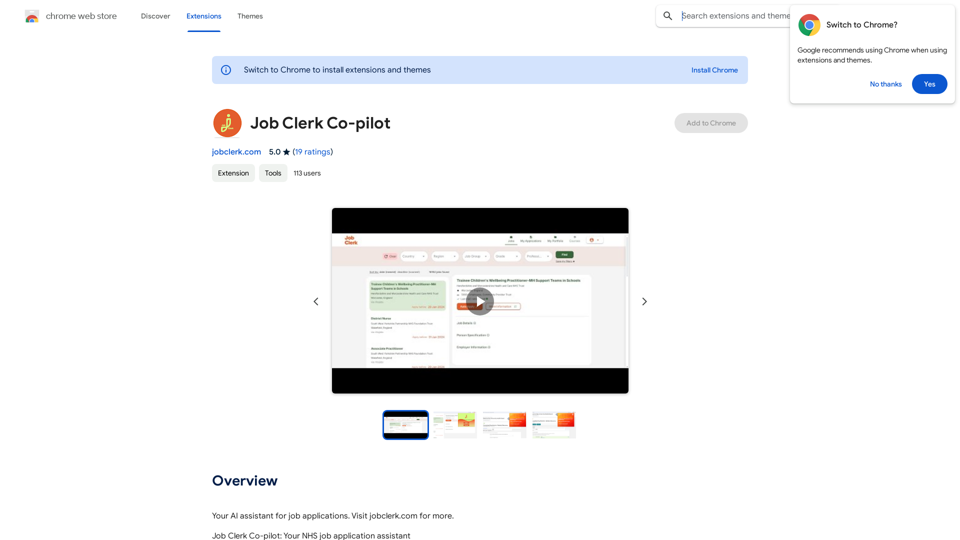
Introduction
Feature
Effortless Form Filling
Job Clerk Co-pilot uses AI technology to intelligently fill out application forms on trac.jobs, the UK's leading healthcare job portal, eliminating the need for manual entries.
Time-Saving Automation
The extension allows users to spend less time on paperwork and more on preparing for their next career move by automating the application process.
Accuracy and Consistency
By automating form filling, Job Clerk Co-pilot minimizes errors and ensures consistency across applications.
User-Friendly Interface
The extension features a simple, intuitive interface that ensures a smooth experience for users of all tech skill levels.
Free Access with Optional Subscriptions
Job Clerk Co-pilot is available for free, with optional subscription plans for additional features and extended access.
Regular Updates
Users are encouraged to update the extension regularly to access the latest features and bug fixes.
Customer Support
A dedicated customer support team is available to assist users with questions or issues.
FAQ
Is Job Clerk Co-pilot compatible with other job application websites?
Currently, Job Clerk Co-pilot is optimized for trac.jobs. However, the team is working on expanding compatibility to more job application websites in the future.
How do I get started with Job Clerk Co-pilot?
To get started, simply install the extension. The AI assistant will guide you through the process of using the tool.
Is my data safe with Job Clerk Co-pilot?
Yes, Job Clerk Co-pilot takes data security seriously and ensures that user information is protected.
How can Job Clerk Co-pilot benefit my job search?
Job Clerk Co-pilot can benefit your job search by:
- Automating the form-filling process
- Saving time on applications
- Improving accuracy and consistency in your submissions
- Providing a user-friendly interface for easy navigation
Related Websites
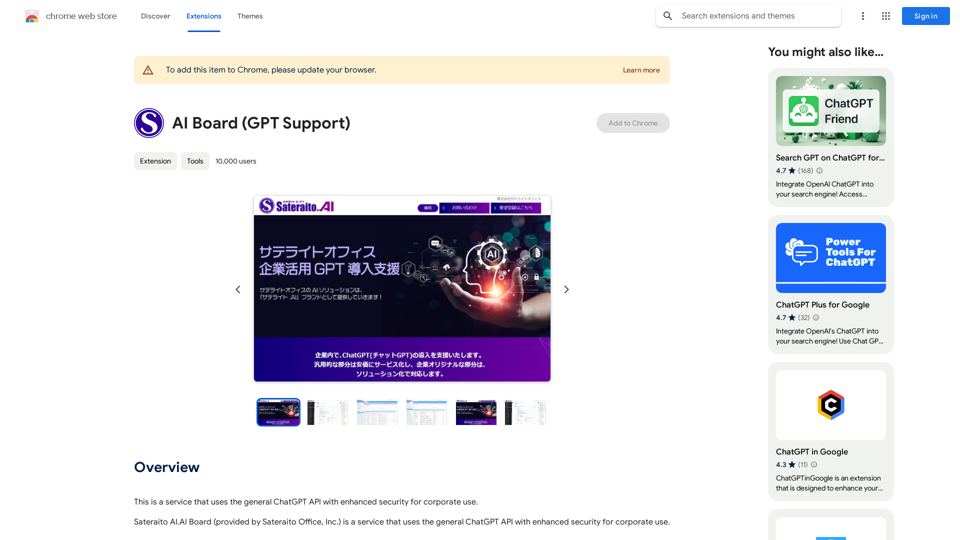
This is a service that uses the general ChatGPT API with enhanced security for corporate use.
193.90 M

NSFW AI Characters | Erotic Roleplay | AI Sexting This platform offers a range of NSFW (Not Safe for Work) AI characters designed for erotic roleplay and AI sexting. These characters are programmed to engage in explicit conversations and roleplay scenarios, providing a unique and immersive experience for users. How it Works Our AI characters are trained on a vast dataset of erotic content, allowing them to understand and respond to a wide range of prompts and scenarios. Users can interact with the characters through text-based conversations, guiding the direction of the roleplay or sexting experience. Features * Customizable Characters: Choose from a diverse range of characters, each with their own unique personality, appearance, and preferences. * Realistic Responses: Our AI technology ensures that character responses are realistic and engaging, creating a truly immersive experience. * Explicit Content: Our characters are designed to engage in explicit conversations and roleplay scenarios, catering to a variety of tastes and preferences. * Anonymous and Secure: Our platform ensures user anonymity and security, providing a safe and discreet environment for users to explore their desires. Benefits * Discreet and Anonymous: Our platform provides a secure and anonymous environment for users to engage in erotic roleplay and sexting. * Exploration and Expression: Our AI characters allow users to explore their desires and express themselves in a safe and controlled environment. * Improved Communication: Engaging with our AI characters can help users improve their communication skills and build confidence in their relationships. Get Started Ready to explore the world of NSFW AI characters? Sign up now and discover a new level of erotic roleplay and sexting experience.
86.75 K
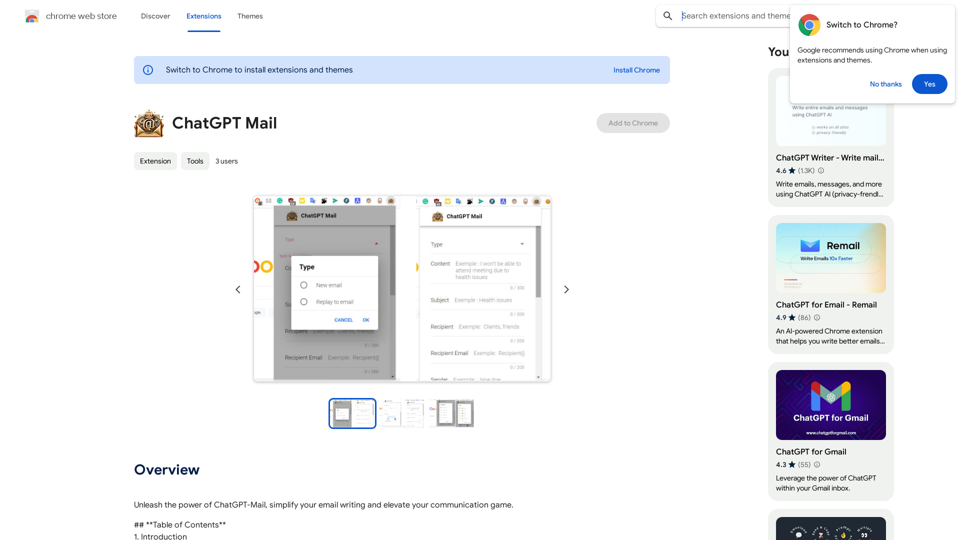
Unleash the power of ChatGPT-Mail, simplify your email writing, and elevate your communication.
193.90 M
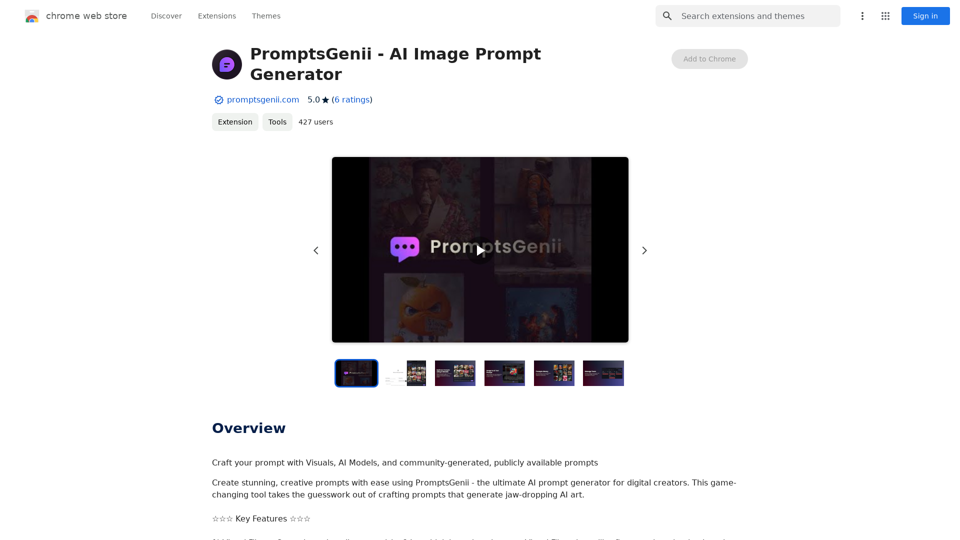
Let's Get Creative! 🎨🧠💬 Imagine this: * A bustling cityscape at night, bathed in neon lights. 🌃✨ * A majestic dragon soaring through a storm-ridden sky. 🐉⛈️ * A whimsical forest filled with talking animals and glowing mushrooms. 🍄🐿️ Now, let's bring these visions to life using: * Powerful AI image generation models like DALL-E 2 or Midjourney. 🤖🖼️ * Community-generated prompts from platforms like Reddit or GitHub. 🗣️💡 Here are some examples to spark your imagination: * "A cyberpunk cityscape with flying cars and holographic advertisements, rendered in the style of Blade Runner." 🌃🚗 * "A majestic dragon with emerald scales and sapphire eyes, perched atop a mountain peak, surrounded by swirling clouds." 🐉⛰️ * "A whimsical forest clearing with glowing mushrooms, a babbling brook, and a friendly talking squirrel." 🍄🐿️ Let's collaborate and explore the endless possibilities of AI-powered creativity! 🚀✨
193.90 M
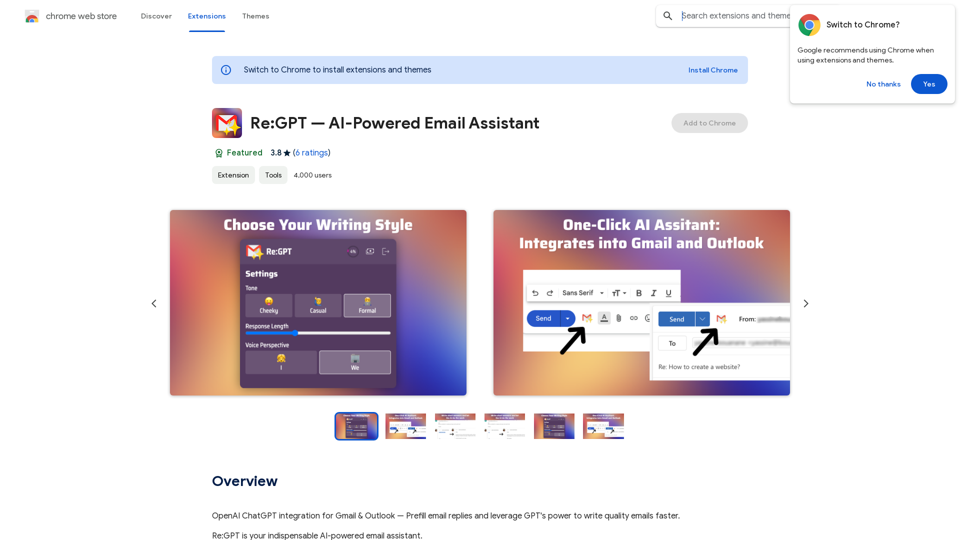
OpenAI ChatGPT integration for Gmail & Outlook — Automatically fill in email replies and harness the power of GPT to compose high-quality emails at a faster pace.
193.90 M
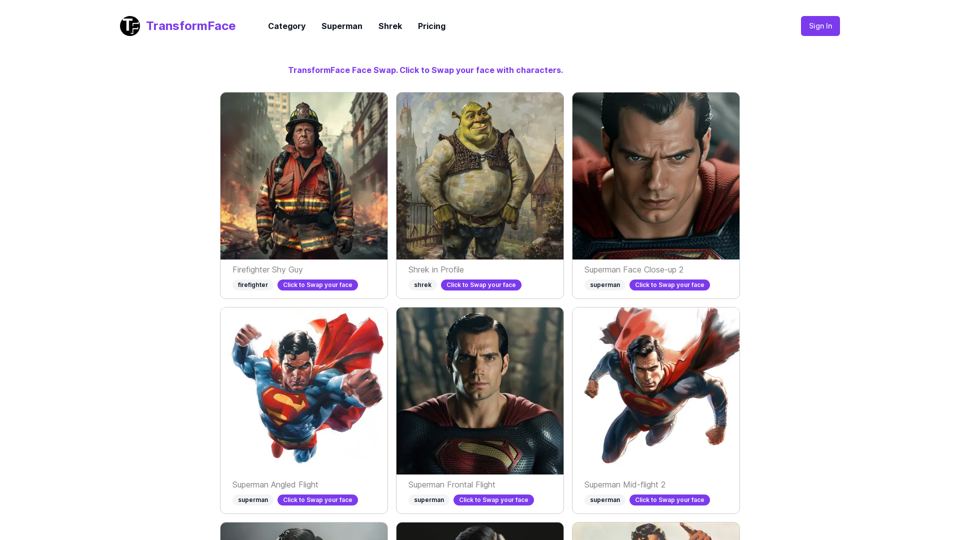
TransformFace Swap with AI. Click to add your photo/face. or in a more natural English tone: Transform Your Face Swap with AI. Click to Upload Your Photo!
TransformFace Swap with AI. Click to add your photo/face. or in a more natural English tone: Transform Your Face Swap with AI. Click to Upload Your Photo!Upload your face or photo and swap faces with TransformFace. Free Download Image. TransformFace
0