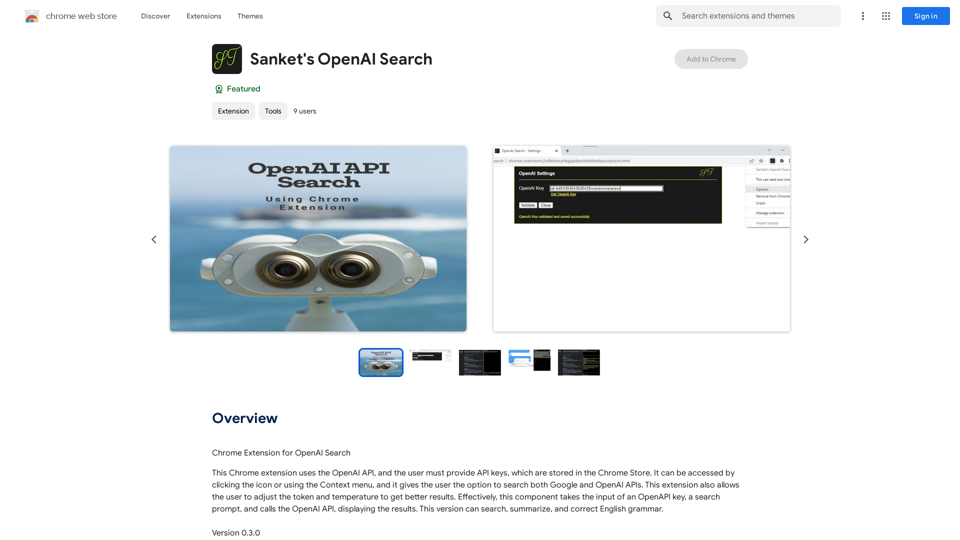
Sanket's OpenAI Search is a Chrome extension that enhances web searching by combining Google and OpenAI APIs. This powerful tool allows users to access a wide range of information, customize search parameters, and utilize additional features to optimize their search experience. The extension is free to use and requires users to provide their OpenAI API keys for functionality.
Sanket's OpenAI Search
Chrome Extension for OpenAI Search
This is a Chrome extension that integrates OpenAI's powerful search capabilities directly into your browser.
Features:
* Seamless Search: Access OpenAI's search results directly from your address bar or by clicking a dedicated button.
* Contextual Understanding: The extension leverages OpenAI's advanced language models to understand the context of your search queries, delivering more relevant and insightful results.
* Summarization and Insights: Get concise summaries and key takeaways from search results, saving you time and effort.
* Customizable Settings: Tailor your search experience with options to adjust parameters like temperature and top_p for fine-tuned results.
Benefits:
* Enhanced Research: Uncover deeper insights and explore information more effectively.
* Improved Productivity: Quickly find the information you need and streamline your workflow.
* New Ways to Explore: Discover unexpected connections and gain a broader understanding of topics.
Introduction
Feature
Dual API Search Capability
Sanket's OpenAI Search enables users to search both Google and OpenAI APIs simultaneously, providing access to a vast array of information from multiple sources.
Customizable Search Parameters
Users can adjust token and temperature settings to fine-tune their search results, allowing for more precise and relevant information retrieval.
Enhanced Search Features
The extension includes additional functionalities such as TL;DR (Too Long; Didn't Read) summaries and note-taking capabilities, helping users efficiently process and organize search results.
User-Friendly Installation
Users can easily install Sanket's OpenAI Search from the Chrome Web Store, making it readily accessible to Chrome browser users.
Free to Use
The extension is available at no cost, allowing users to benefit from its advanced search capabilities without any financial commitment.
FAQ
How do I get started with Sanket's OpenAI Search?
To begin using Sanket's OpenAI Search:
- Install the extension from the Chrome Web Store
- Provide your OpenAI API keys
- Start searching using both Google and OpenAI APIs
What are the key features of Sanket's OpenAI Search?
The main features include:
- Dual API search (Google and OpenAI)
- Adjustable token and temperature settings
- Additional search features like TL;DR and Notes
- Free to use
Are there any tips for optimizing my search experience?
To get the most out of Sanket's OpenAI Search:
- Experiment with token and temperature adjustments to refine your results
- Utilize the TL;DR and Notes features for efficient information processing
- Take advantage of the dual API search to access a broader range of information
Related Websites
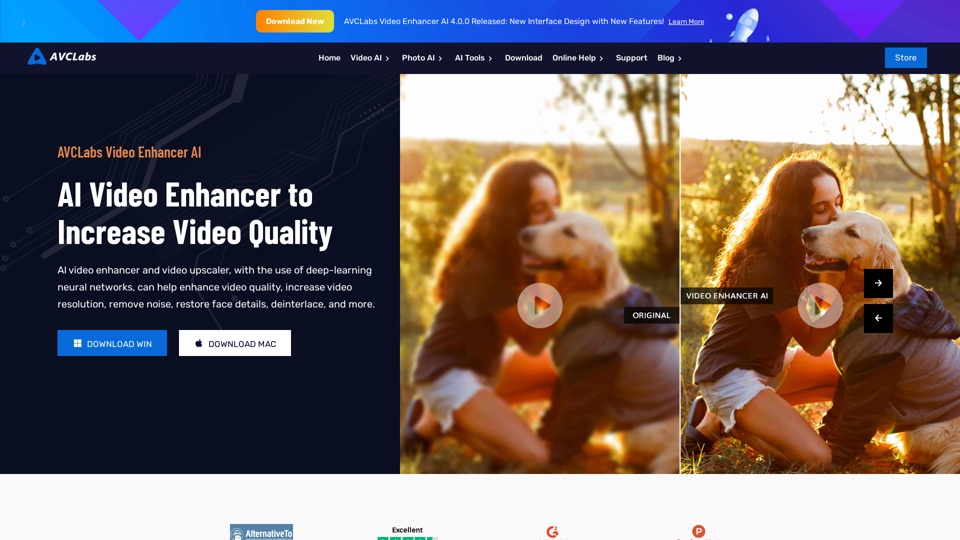
AVCLabs AI: Enhance Your Video and Photo Quality with AI
AVCLabs AI: Enhance Your Video and Photo Quality with AIAVCLabs is an AI products provider, which is dedicated to serving customers with products including Video Enhancer, Photo Editor, Photo Enhancer, and Video Blur AI.
356.07 K

FLUX Canny - Advanced AI Tool for Image Generation with Edge Guidance
FLUX Canny - Advanced AI Tool for Image Generation with Edge GuidanceFLUX Canny - A professional edge-guided AI image generation tool. Transform sketches into stunning artwork with precise structural control.
0
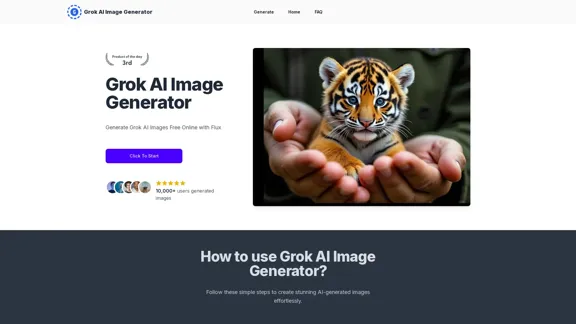
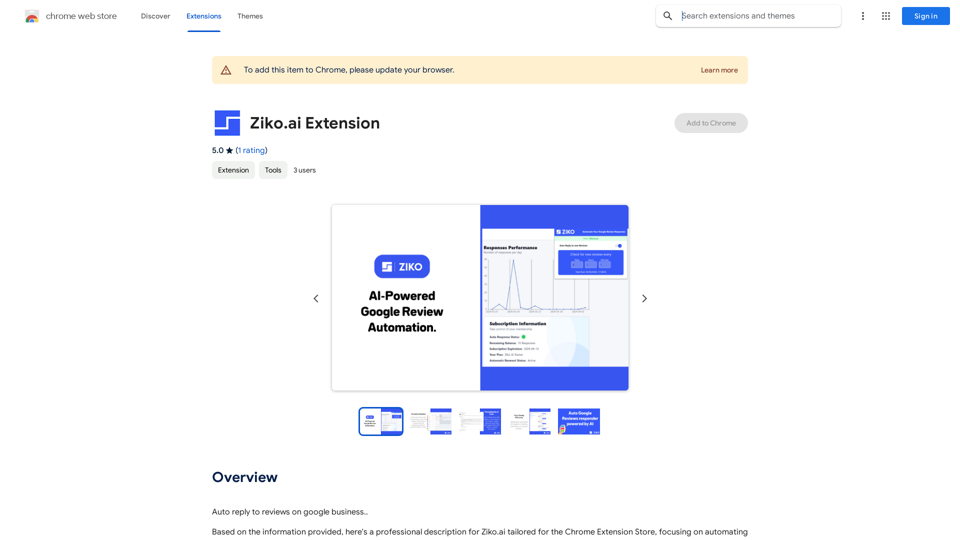
Here are some examples of auto-replies you can use for Google Business reviews: For Positive Reviews: * "Thank you so much for the wonderful review! We're thrilled you had a positive experience. We appreciate your business and look forward to seeing you again soon." * "We're so happy to hear you enjoyed your time with us! Your feedback means a lot to us. Thanks for taking the time to leave a review." * "Wow, thank you for the kind words! We strive to provide excellent service and we're glad we met your expectations. We appreciate your support!" For Negative Reviews: * "We're sorry to hear that you had a negative experience. We value your feedback and would like to learn more about what happened. Please contact us directly at [phone number] or [email address] so we can address your concerns." * "Thank you for your honest feedback. We apologize that we didn't meet your expectations. We're always working to improve our services and we appreciate you bringing this to our attention." * "We understand your frustration and sincerely apologize for any inconvenience caused. We'd like to make things right. Please contact us at [phone number] or [email address] so we can discuss this further." Tips: * Be prompt: Respond to reviews as quickly as possible. * Be genuine: Your responses should sound sincere and authentic. * Be professional: Avoid getting defensive or argumentative. * Keep it concise: Get to the point and avoid writing lengthy responses. * Offer solutions: If possible, offer a way to resolve the issue.
193.90 M
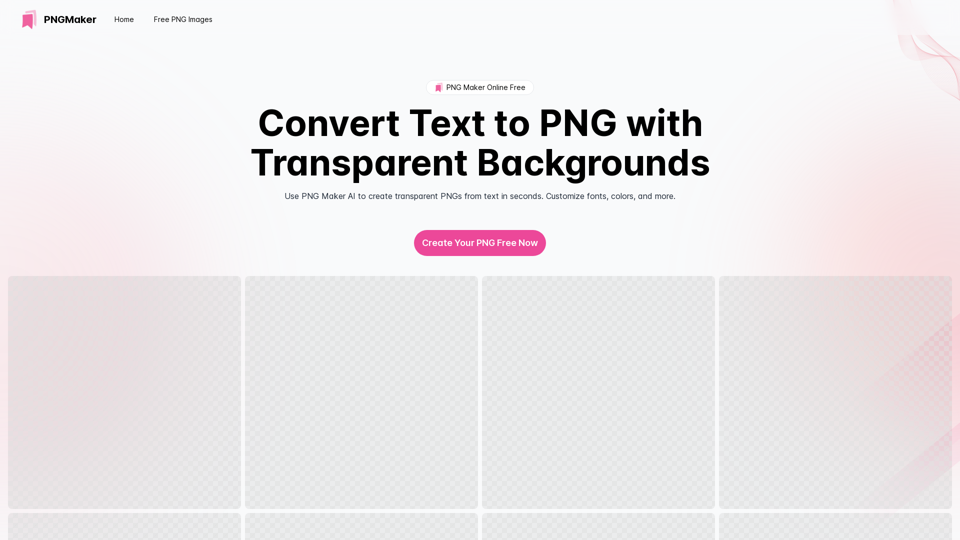
PNG Maker Online Free: Convert Text to PNG with Transparent Backgrounds
PNG Maker Online Free: Convert Text to PNG with Transparent BackgroundsEffortlessly create high-quality PNG images using PNG maker. Our png maker online free tool transforms text to PNG with customizable options. Ideal for web designers and content creators needing a transparent PNG maker.
121.14 K
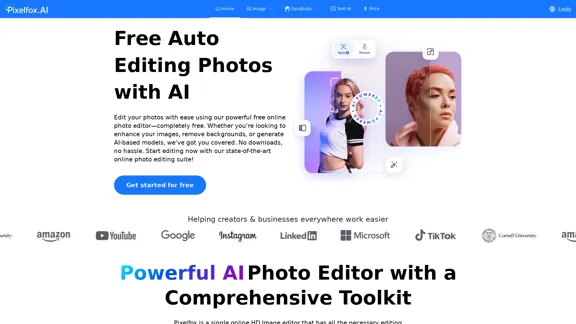
Pixelfox AI is one of the best free AI image editing tools, designed to automatically edit images and photos. Start editing photos now.
58.05 K
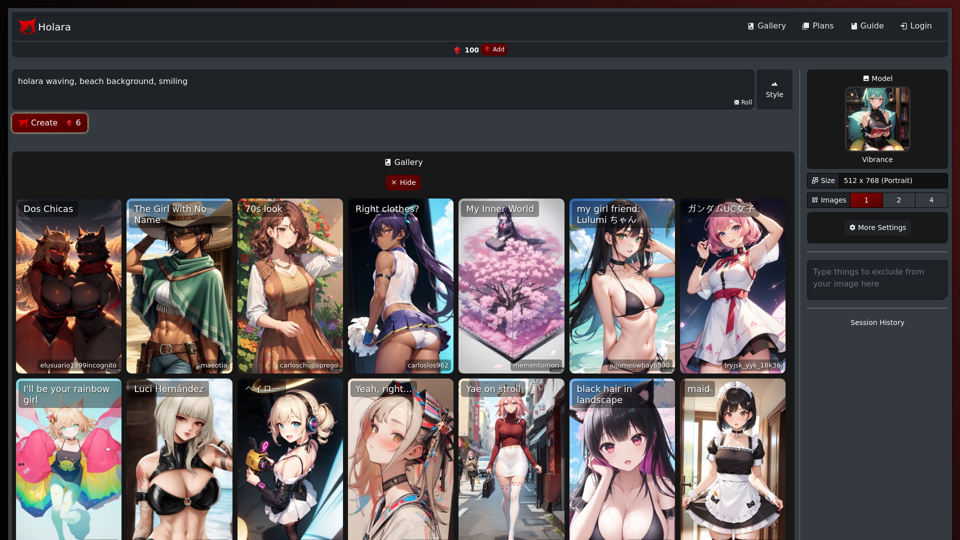
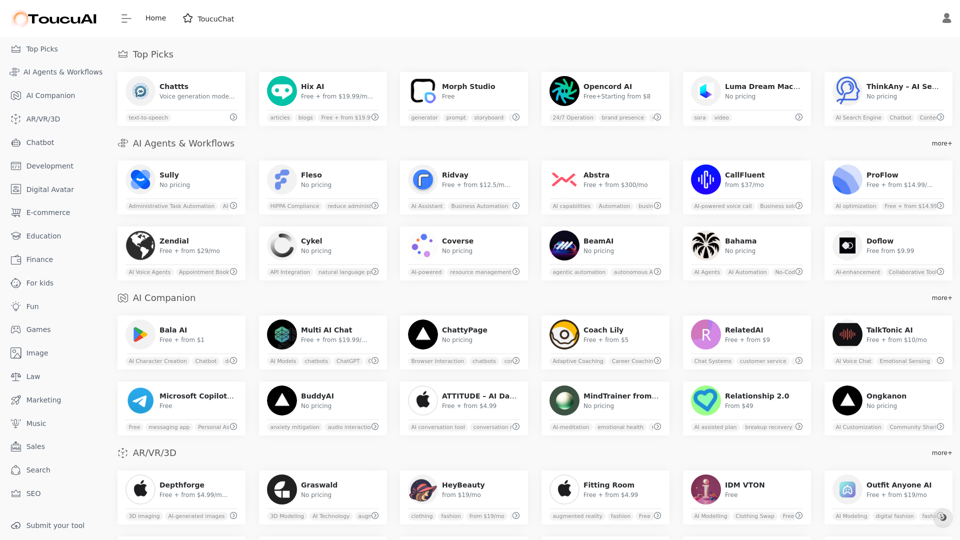
Toucu AI Directory | Curated List of over 8,000 AI Tools in 2024
Toucu AI Directory | Curated List of over 8,000 AI Tools in 2024Toucu AI Directory is a curated list of over 8,000 AI tools in 2024, providing access to a wide variety of AI technologies for different purposes.
585