Open-source RightAI Tools Directory
  • Discover AI
  • Submit
  • Startup
  • Blog
Open-source RightAI Tools Directory
Discover the best AI tools of 2025 with the RightAI Tools Directory!

Friend Links

AI Anime GeneratorToolsApp AI

Support

Tap4
Privacy policyTerms & ConditionsContact Us
Loading...
loading...

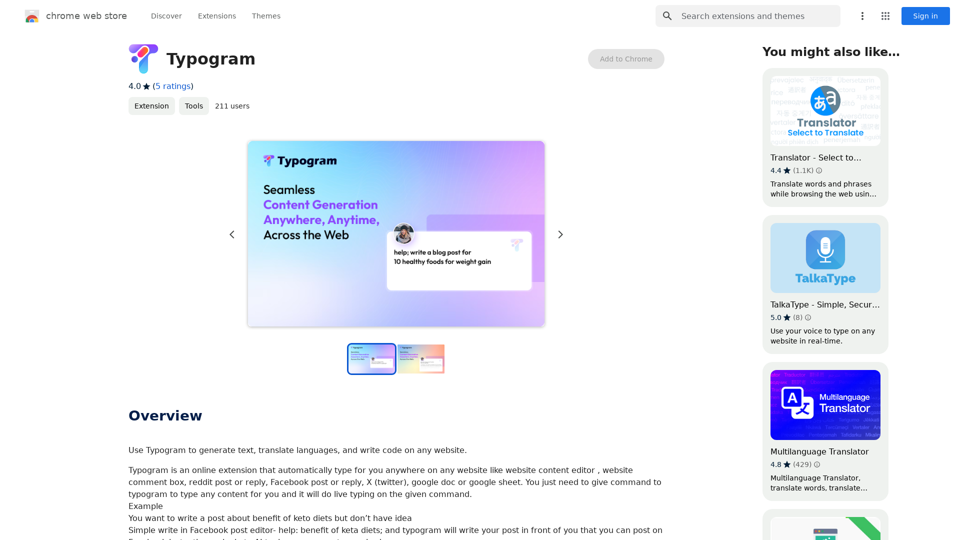
Suggesty Suggesty is a cutting-edge AI-powered tool designed to assist users in generating high-quality content quickly and efficiently.

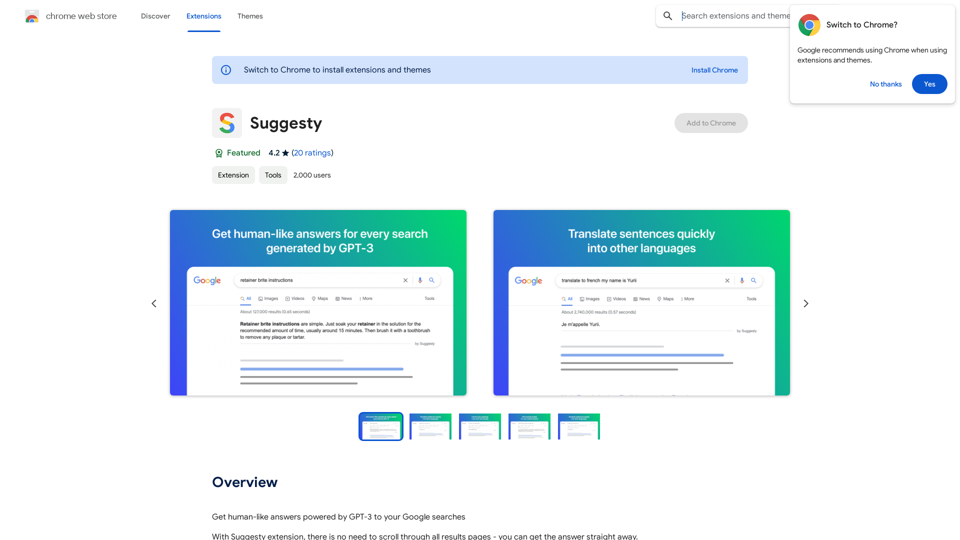
Get human-like answers powered by GPT-3 to your Google searches
Visit Website
Suggesty

Suggesty is a cutting-edge AI-powered tool designed to assist users in generating high-quality content quickly and efficiently.
Visit Website

Introduction

Suggesty is a Chrome extension that leverages GPT-3 to provide human-like answers to Google searches. It offers instant responses to queries without the need to scroll through multiple search result pages. This tool enhances the search experience by integrating advanced AI capabilities directly into the Google search interface.

Feature

Instant AI-Powered Answers

Suggesty sends your Google request to GPT-3 and displays its answers directly on the Google page, providing quick and relevant information without leaving the search results.

Grammar Correction

Users can type "fix grammar" to correct their sentences, making it a useful tool for improving writing skills and ensuring error-free text.

Language Translation

Suggesty offers easy translation of text into various languages, facilitating multilingual communication and understanding.

Recipe Generation

The extension can create cocktail recipes based on the ingredients you have, showcasing its versatility beyond simple question-answering.

Versatile Query Handling

Suggesty can handle a wide range of requests, allowing users to type any question and receive an AI-generated answer powered by GPT-3.

Google Chrome Integration

As a Chrome extension, Suggesty seamlessly integrates with the Google search experience, enhancing the browser's functionality.

FAQ

How does Suggesty work?

Suggesty utilizes GPT-3 to generate answers to user questions. Upon installation, users can start by typing their questions in the search bar. The extension then sends the request to GPT-3 and displays the answer directly on the Google page.

What are the benefits of using Suggesty?

  • Instant access to AI-generated answers
  • Improvement of writing and grammar skills
  • Generation of ideas and inspiration through GPT-3

What are the limitations of Suggesty?

  • Exclusive compatibility with Google Chrome
  • Potential inaccuracies in GPT-3 generated answers
  • Not a replacement for human judgment and critical thinking

How can users maximize their use of Suggesty?

  • Utilize Suggesty for quick answers to questions
  • Experiment with various types of requests to explore GPT-3's capabilities
  • Leverage the tool to enhance writing and grammar skills

Latest Traffic Insights

  • Monthly Visits

    193.90 M

  • Bounce Rate

    56.27%

  • Pages Per Visit

    2.71

  • Time on Site(s)

    115.91

  • Global Rank

    -

  • Country Rank

    -

Recent Visits

Traffic Sources

  • Social Media:
    0.48%
  • Paid Referrals:
    0.55%
  • Email:
    0.15%
  • Referrals:
    12.81%
  • Search Engines:
    16.21%
  • Direct:
    69.81%
More Data

Related Websites

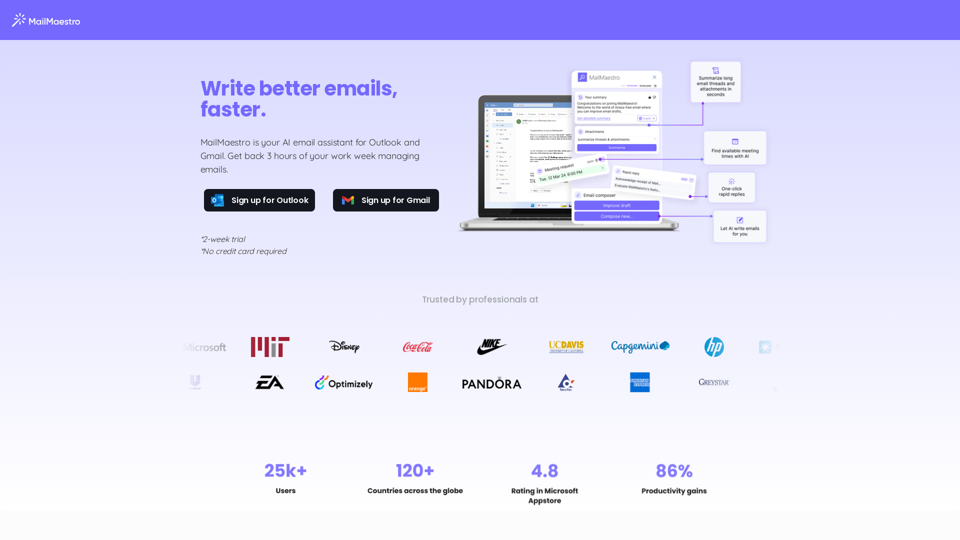
FisherAI - Your Best Summary Copilot, Supporting ChatGPT & Gemini
View Detail

FisherAI - Your Best Summary Copilot, Supporting ChatGPT & Gemini

FisherAI - Your Best Summary Copilot, Supporting ChatGPT & Gemini

Your Best AI Summary Assistant

193.90 M
Upgrade My Chat
View Detail

Upgrade My Chat

Upgrade My Chat

ChatGPT Improvements: Enhanced User Experience: * Seamless Chat History Search: Easily find past conversations and specific messages within your chat history. New Features: * Search your Chat History: A dedicated search bar allows you to quickly locate past interactions, saving time and effort.

193.90 M
Goal
View Detail

Goal

Goal

Website Created Using Create-React-App

168
Article Summary with ChatGPT and Take Notes

This is a guide on how to use ChatGPT to summarize articles and take notes effectively. 

Step 1:  Provide ChatGPT with the Article

Copy and paste the full text of the article into the ChatGPT interface. 

Step 2:  Craft Your Prompt

Tell ChatGPT what you want it to do. Here are some examples:

* Summarize: "Please summarize this article in 200 words."
* Key Points: "What are the main points of this article?"
* Bullet Points: "Summarize the key findings of this article in bullet points."
* Notes: "Take notes on this article, focusing on the author's arguments and supporting evidence."

Step 3:  Review and Refine

ChatGPT will generate a summary, key points, bullet points, or notes based on your prompt. 

* Read carefully: Make sure the output accurately reflects the article's content.
* Edit as needed:  You can ask ChatGPT to rephrase sections or provide more detail.
* Add your own insights:  Don't just copy ChatGPT's output. Use it as a starting point and add your own thoughts, questions, and connections.

Tips for Effective Use:

* Be specific: The more specific your prompt, the better the output will be.
* Experiment with different prompts: Try various phrasing to see what works best.
* Use ChatGPT as a tool:  It's a powerful aid, but it's not a replacement for critical reading and thinking.
View Detail

Article Summary with ChatGPT and Take Notes This is a guide on how to use ChatGPT to summarize articles and take notes effectively. Step 1: Provide ChatGPT with the Article Copy and paste the full text of the article into the ChatGPT interface. Step 2: Craft Your Prompt Tell ChatGPT what you want it to do. Here are some examples: * Summarize: "Please summarize this article in 200 words." * Key Points: "What are the main points of this article?" * Bullet Points: "Summarize the key findings of this article in bullet points." * Notes: "Take notes on this article, focusing on the author's arguments and supporting evidence." Step 3: Review and Refine ChatGPT will generate a summary, key points, bullet points, or notes based on your prompt. * Read carefully: Make sure the output accurately reflects the article's content. * Edit as needed: You can ask ChatGPT to rephrase sections or provide more detail. * Add your own insights: Don't just copy ChatGPT's output. Use it as a starting point and add your own thoughts, questions, and connections. Tips for Effective Use: * Be specific: The more specific your prompt, the better the output will be. * Experiment with different prompts: Try various phrasing to see what works best. * Use ChatGPT as a tool: It's a powerful aid, but it's not a replacement for critical reading and thinking.

Article Summary with ChatGPT and Take Notes This is a guide on how to use ChatGPT to summarize articles and take notes effectively. Step 1: Provide ChatGPT with the Article Copy and paste the full text of the article into the ChatGPT interface. Step 2: Craft Your Prompt Tell ChatGPT what you want it to do. Here are some examples: * Summarize: "Please summarize this article in 200 words." * Key Points: "What are the main points of this article?" * Bullet Points: "Summarize the key findings of this article in bullet points." * Notes: "Take notes on this article, focusing on the author's arguments and supporting evidence." Step 3: Review and Refine ChatGPT will generate a summary, key points, bullet points, or notes based on your prompt. * Read carefully: Make sure the output accurately reflects the article's content. * Edit as needed: You can ask ChatGPT to rephrase sections or provide more detail. * Add your own insights: Don't just copy ChatGPT's output. Use it as a starting point and add your own thoughts, questions, and connections. Tips for Effective Use: * Be specific: The more specific your prompt, the better the output will be. * Experiment with different prompts: Try various phrasing to see what works best. * Use ChatGPT as a tool: It's a powerful aid, but it's not a replacement for critical reading and thinking.

I can do that! Please provide me with the URL of the webpage or article you'd like me to summarize. I'll do my best to create a concise and easy-to-understand summary for you.

193.90 M
NodeFlair - One-Click Job Apply
View Detail

NodeFlair - One-Click Job Apply

NodeFlair - One-Click Job Apply

Say goodbye to filling out repetitive job applications and apply to millions of jobs with just one click!

193.90 M
Empler AI | AI Workflows with GPT & More
View Detail

Empler AI | AI Workflows with GPT & More

Empler AI | AI Workflows with GPT & More

Next-Generation AI Tool For Better Outcomes.

193.90 M
Shinkai Visor: Supercharged AI for Tasks
View Detail

Shinkai Visor: Supercharged AI for Tasks

Shinkai Visor: Supercharged AI for Tasks

Shinkai enhances AI capabilities to better manage your daily tasks and keeps the AI current with worldwide information.

193.90 M
UMLGenius
View Detail

UMLGenius

UMLGenius

A Chrome extension for generating UML diagrams

193.90 M