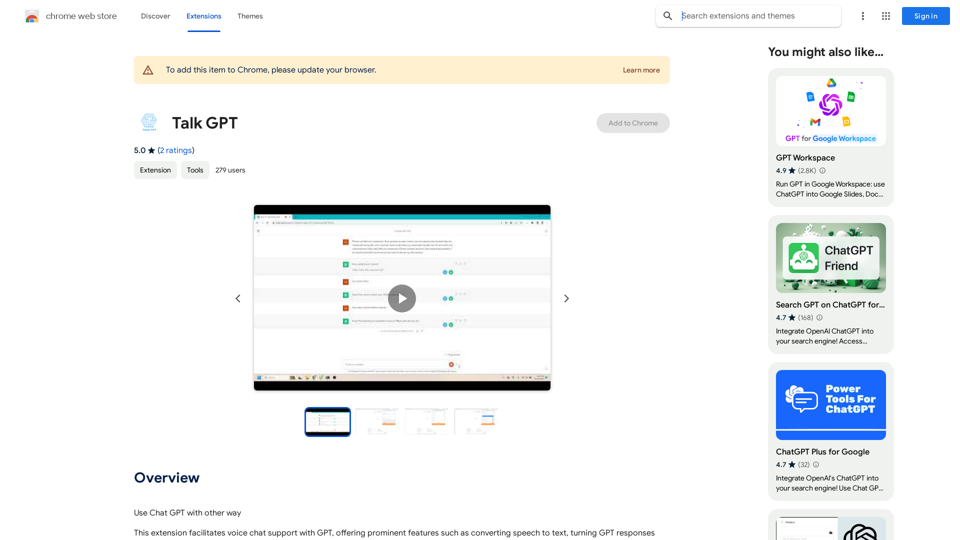
Talk GPT is a Chrome extension that enhances the Chat GPT experience by introducing voice chat capabilities. It offers features such as speech-to-text conversion, text-to-speech for GPT responses, sentence rephrasing suggestions, and the ability to create conversational scripts. This tool aims to make interactions with GPT more natural and focused, while also serving as a platform for improving communication skills.
Talk GPT
Use ChatGPT in a different way.
Introduction
Feature
Voice Interaction with GPT
Talk GPT enables users to communicate with GPT using voice commands, converting speech to text for input and GPT responses to speech for output.
Sentence Enhancement
The extension suggests better-phrased sentences, helping users improve their language skills and communication effectiveness.
Conversational Script Creation
Users can generate conversational scripts with GPT, useful for various applications such as practice dialogues or content creation.
Customizable Voice Settings
Talk GPT allows users to adjust speaking speed and voice, providing a personalized experience tailored to individual preferences.
Seamless Integration
The extension integrates smoothly with the Chrome browser, accessible via the toolbar for easy activation and use.
Multi-app Compatibility
Talk GPT can be used in conjunction with other apps and services that support voice chat, expanding its utility beyond the browser.
FAQ
Is Talk GPT free to use?
Yes, Talk GPT is a free Chrome extension. Users can access and utilize all its features without any additional costs.
How do I start using Talk GPT?
To begin using Talk GPT:
- Install the extension from the Chrome Web Store
- Click on the extension icon in the Chrome browser toolbar
- Access the features and customize settings as needed
Can I customize the voice output?
Yes, Talk GPT offers customization options for:
- Speaking speed
- Voice selection
These settings can be adjusted to suit your personal preferences and needs.
What are some practical applications of Talk GPT?
Talk GPT can be used for:
- Improving communication skills through practice conversations
- Creating conversational scripts for various purposes
- Enhancing language learning by hearing correct pronunciations
- Assisting with hands-free interaction with GPT
Related Websites
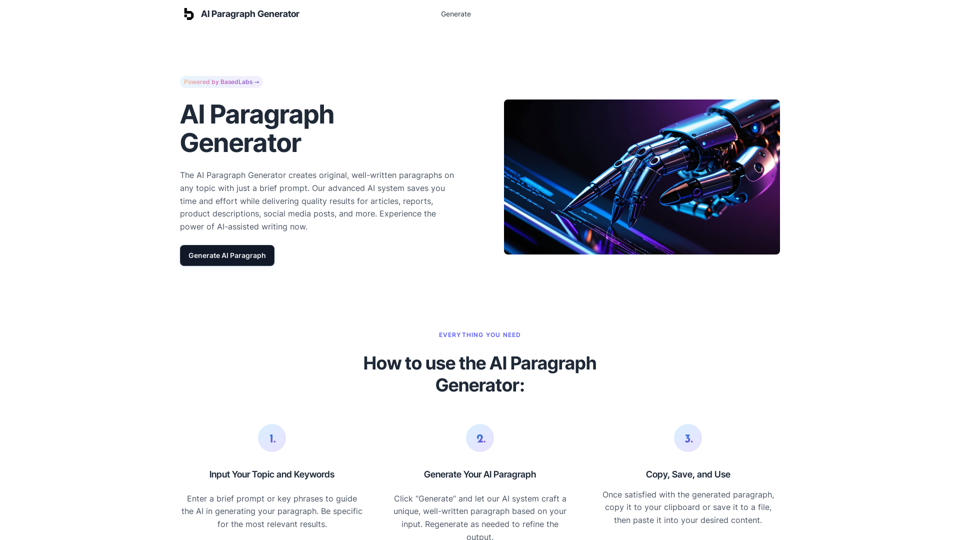
AI Paragraph Generator – Quickly generate paragraphs on any topic with our state-of-the-art AI Paragraph Generator
AI Paragraph Generator – Quickly generate paragraphs on any topic with our state-of-the-art AI Paragraph GeneratorAI Paragraph Generator – Quickly generate paragraphs on any topic with our state-of-the-art AI Paragraph Generator
0
Collect over 90,000+ GPTs, search for them quickly. Save GPTs to your personal space and manage them. In GPT-4, it will automatically suggest relevant GPTs.
193.90 M
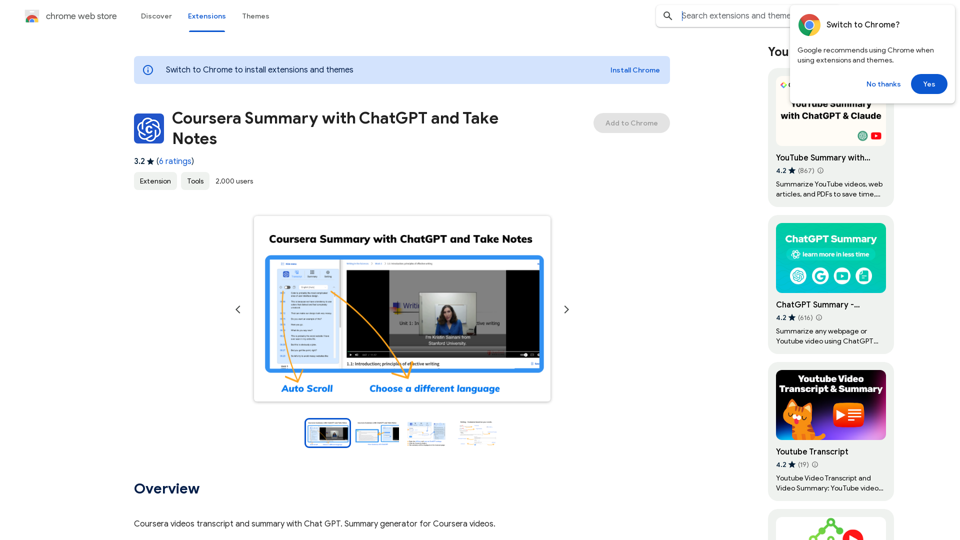
Coursera Summary with ChatGPT and Take Notes ===================================================== What is Coursera? Coursera is an online learning platform that partners with top universities and organizations to offer courses and degree programs in a wide range of fields. What is ChatGPT? ChatGPT is a conversational AI tool that can understand and respond to human input in a human-like way. It can be used to generate text, answer questions, and even create content. How to Use ChatGPT for Coursera Summary? You can use ChatGPT to summarize Coursera courses by: * Providing the course material or lecture notes to ChatGPT * Asking ChatGPT to summarize the key points or main ideas * Reviewing and editing the summary generated by ChatGPT Benefits of Using ChatGPT for Coursera Summary Using ChatGPT for Coursera summary can help you: * Save time by automating the summarization process * Improve understanding and retention of course material * Focus on key concepts and ideas * Enhance learning experience How to Take Notes with ChatGPT? You can use ChatGPT to take notes by: * Providing the course material or lecture notes to ChatGPT * Asking ChatGPT to generate notes or key points * Reviewing and editing the notes generated by ChatGPT * Organizing and structuring the notes for easy reference Benefits of Using ChatGPT for Taking Notes Using ChatGPT for taking notes can help you: * Save time by automating the note-taking process * Improve organization and structure of notes * Enhance understanding and retention of course material * Focus on key concepts and ideas
Coursera Summary with ChatGPT and Take Notes ===================================================== What is Coursera? Coursera is an online learning platform that partners with top universities and organizations to offer courses and degree programs in a wide range of fields. What is ChatGPT? ChatGPT is a conversational AI tool that can understand and respond to human input in a human-like way. It can be used to generate text, answer questions, and even create content. How to Use ChatGPT for Coursera Summary? You can use ChatGPT to summarize Coursera courses by: * Providing the course material or lecture notes to ChatGPT * Asking ChatGPT to summarize the key points or main ideas * Reviewing and editing the summary generated by ChatGPT Benefits of Using ChatGPT for Coursera Summary Using ChatGPT for Coursera summary can help you: * Save time by automating the summarization process * Improve understanding and retention of course material * Focus on key concepts and ideas * Enhance learning experience How to Take Notes with ChatGPT? You can use ChatGPT to take notes by: * Providing the course material or lecture notes to ChatGPT * Asking ChatGPT to generate notes or key points * Reviewing and editing the notes generated by ChatGPT * Organizing and structuring the notes for easy reference Benefits of Using ChatGPT for Taking Notes Using ChatGPT for taking notes can help you: * Save time by automating the note-taking process * Improve organization and structure of notes * Enhance understanding and retention of course material * Focus on key concepts and ideasAutomate Your Learning: Coursera Videos Transcript and Summary with ChatGPT ============================================================ Are you tired of manually taking notes while watching Coursera videos? Do you wish you had a summary of the video to review later? Look no further! With the power of ChatGPT, you can now generate transcripts and summaries of Coursera videos with ease. How it Works --------------- 1. Transcribe the Video: Use a transcription tool to convert the audio from the Coursera video into text. 2. Feed it to ChatGPT: Input the transcript into ChatGPT, and it will generate a concise summary of the video. 3. Review and Refine: Review the summary, refine it as needed, and you're good to go! Benefits ------------ * Save Time: No more manual note-taking or re-watching videos to understand the content. * Improve Retention: A summary of the video helps you retain information better and review it quickly. * Enhance Learning: Focus on understanding the concepts rather than taking notes. Get Started -------------- Try it out today and take your learning to the next level!
193.90 M
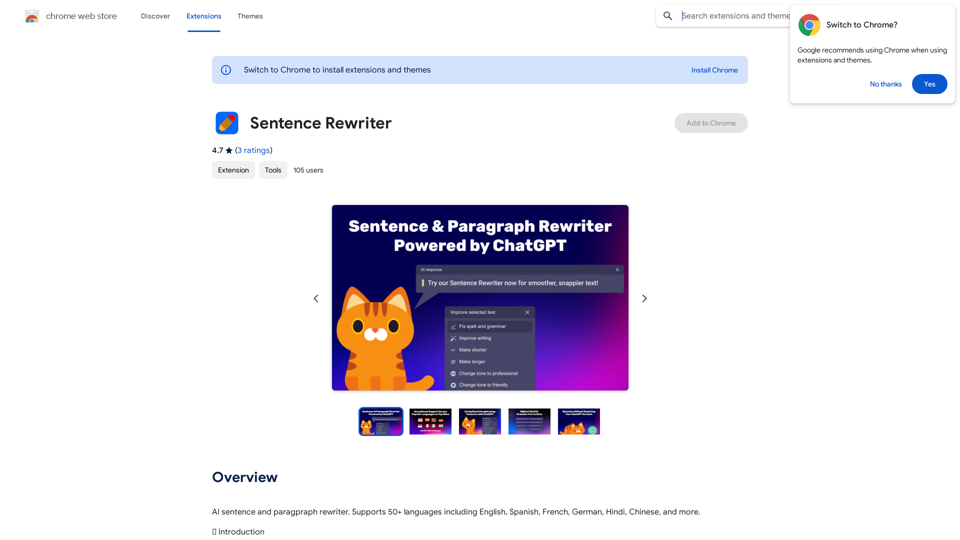
AI sentence and paragraph rewriter. Supports 50+ languages including English, Spanish, French, German, Hindi, Chinese, and more.
193.90 M
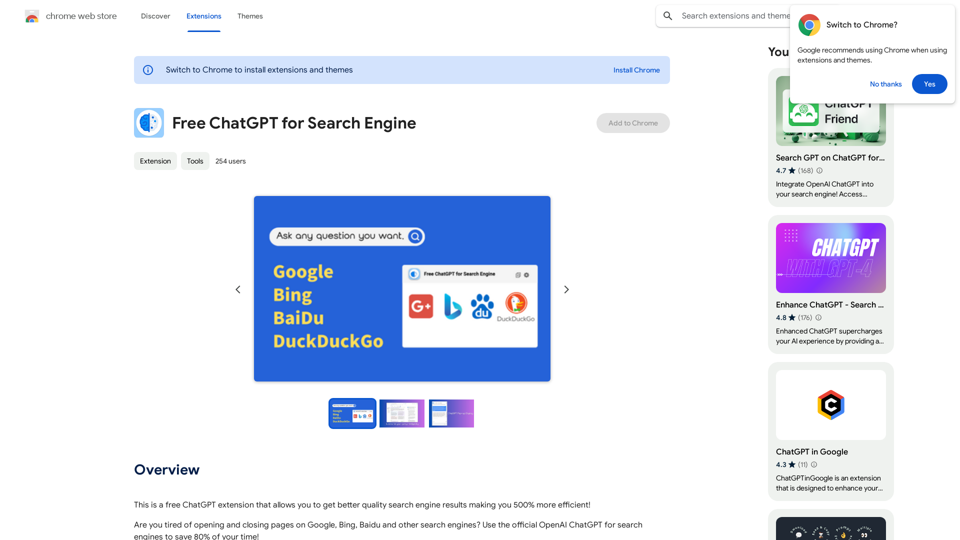
This is a free ChatGPT extension that helps you get better quality search engine results, making you 500% more efficient!
193.90 M
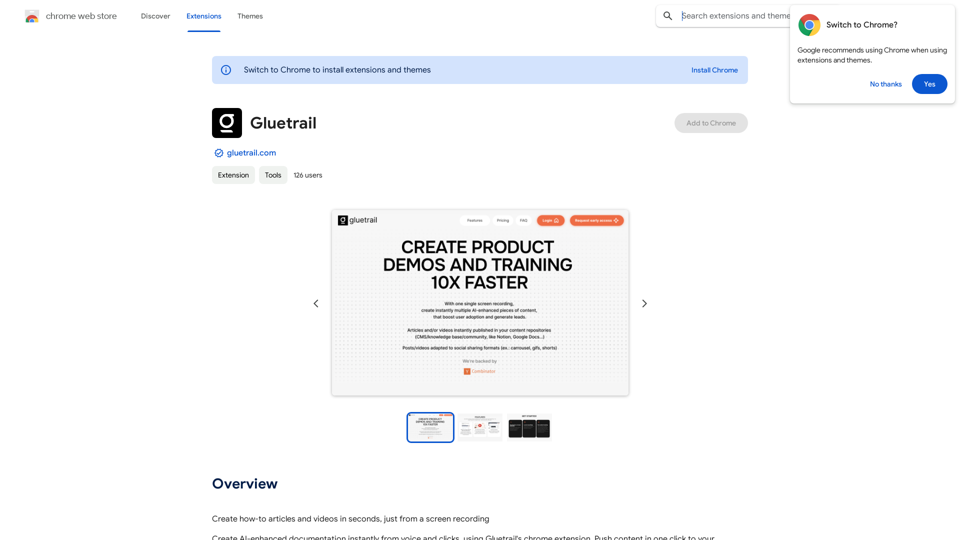
Turn Screen Recordings into How-To Content in Seconds! Tired of spending hours editing videos for tutorials? Introducing [Your Product Name]! Our revolutionary tool lets you instantly transform your screen recordings into professional-looking how-to articles and videos. Here's how it works: 1. Record your screen: Capture your steps clearly and concisely. 2. Upload to [Your Product Name]: Our AI does the heavy lifting. 3. Get your content: Choose from automatically generated articles or polished videos, ready to share! [Your Product Name] is perfect for: * Educators: Create engaging online lessons. * Businesses: Train employees efficiently. * YouTubers: Boost your content creation speed. Stop wasting time editing. Start creating with [Your Product Name]!
193.90 M