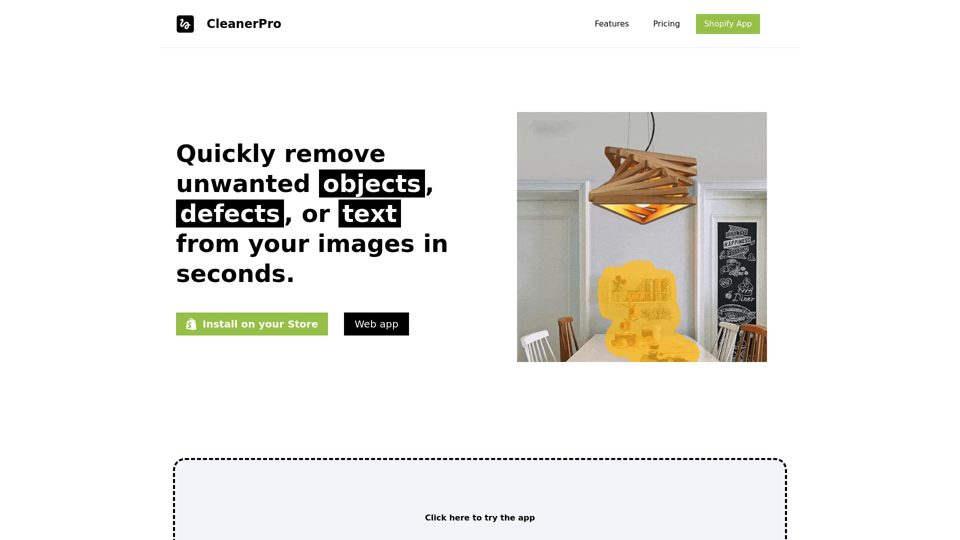
CleanerPro is an AI-powered image editor tailored for Shopify stores. It enables users to swiftly remove unwanted objects, defects, or text from images within seconds. This tool is designed to enhance e-commerce visuals, offering a range of features to create clean, professional-looking images for marketing, websites, and social media.
CleanerPro - The Best Image Editor for Shopify
CleanerPro, our AI-powered image editor, transforms e-commerce visuals by enabling effortless removal of logos, text, and unwanted elements with just one click.
Introduction
Feature
Draw to Remove Objects
- Upload an image and use a pencil tool to remove unwanted elements
- AI instantly delivers a clean, flawless image with one click
- Remove text, logos, people, defects, or any undesired objects
Remove Background
- Easily eliminate backgrounds for a clean, professional look
- Simple and fast process using AI technology
- Ideal for marketing, websites, and social media
Upscale Images Resolution
- Enhance image clarity and detail with higher resolution
- Create stunning, professional-looking photos
- Perfect for various digital marketing purposes
Compress Images Weight
- Reduce file sizes without compromising quality
- Improve website loading speed and performance
- Maintain image sharpness while optimizing for quicker loading
Flexible Pricing Plans
| Plan | Price | Features |
|---|---|---|
| Starter | $5/month | 100 images/month, Draw to remove objects, Compress images |
| Pro | $10/month | 250 images/month, All Starter features + Remove background, Upscale images resolution |
| Company | $15/month | 500 images/month, All Pro features |
Easy Integration
- Install the Shopify app
- Choose a suitable plan
- Start editing images with AI-powered features
FAQ
Will my information be used for your training data?
No, CleanerPro highly values user privacy, and your data will not be used for any training purposes.
Can I cancel my subscription?
Yes, you can cancel your subscription at any time, and all your data will be removed as well.
How do I get started with CleanerPro?
Simply install the Shopify app, choose a plan that suits your needs, and start editing your images with AI-powered features.
Related Websites
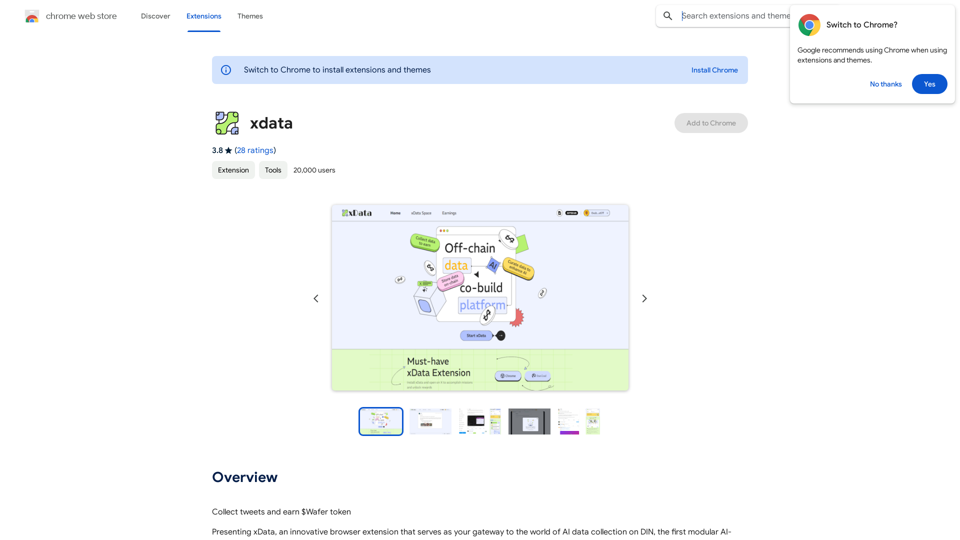
xdata xdata is a type of data that is used to extend or augment the functionality of a program or system. It is often used to provide additional information or context that is not available through traditional data sources. xdata can take many forms, including sensor data, log files, and social media posts. It is often unstructured or semi-structured, making it difficult to analyze and process using traditional data tools and techniques. However, xdata can provide valuable insights and competitive advantages when properly analyzed and utilized.
xdata xdata is a type of data that is used to extend or augment the functionality of a program or system. It is often used to provide additional information or context that is not available through traditional data sources. xdata can take many forms, including sensor data, log files, and social media posts. It is often unstructured or semi-structured, making it difficult to analyze and process using traditional data tools and techniques. However, xdata can provide valuable insights and competitive advantages when properly analyzed and utilized.Collect tweets and earn $Wafer tokens
193.90 M
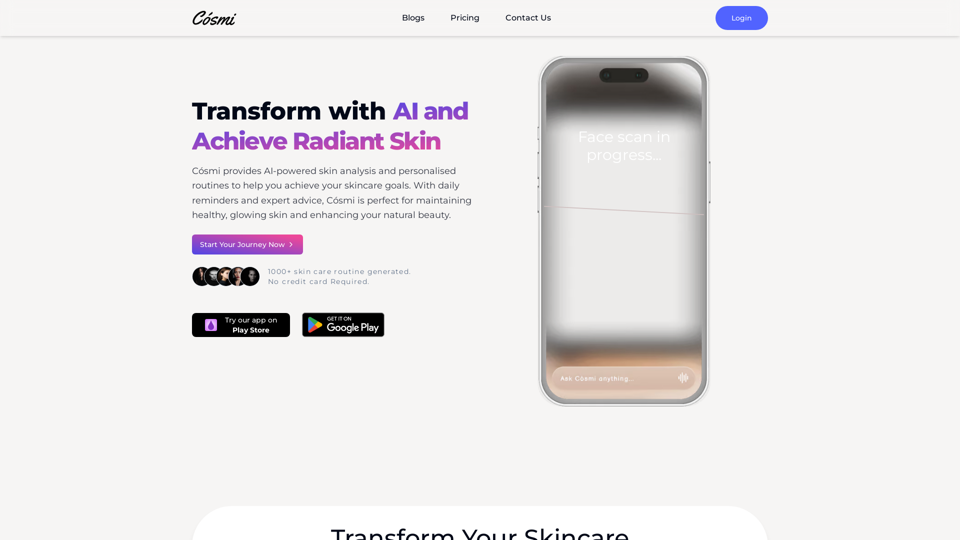
Cosmi | The Best AI Skincare Advisor You will Ever Need
Cosmi | The Best AI Skincare Advisor You will Ever NeedGlow with AI-Powered Skincare Solutions. Cosmi's advanced AI offers tailored, daily reminders and expert product recommendations.
0
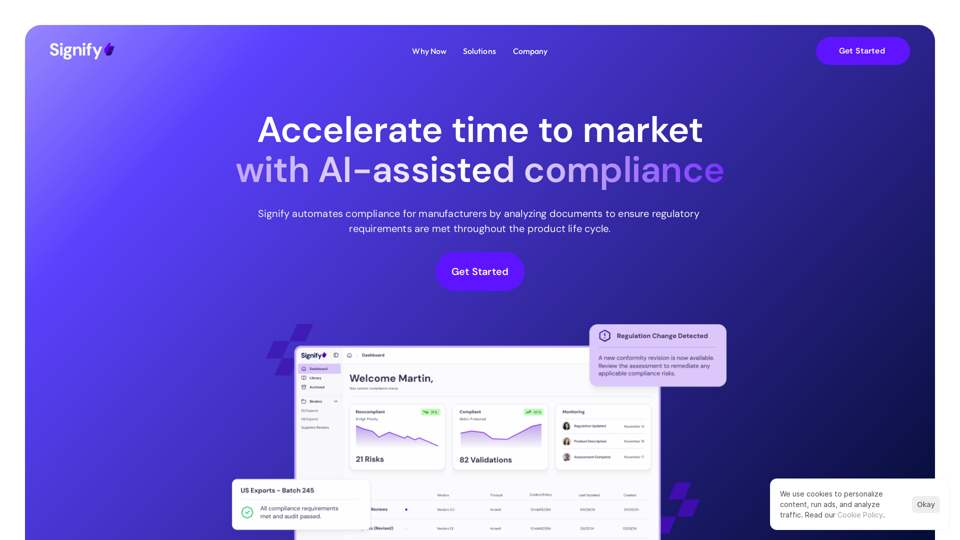
Signify - Compliance Management System for Manufacturing
Signify - Compliance Management System for ManufacturingSignify automates compliance for manufacturers by analyzing documents to ensure regulatory requirements are met throughout the product lifecycle.
3.17 K
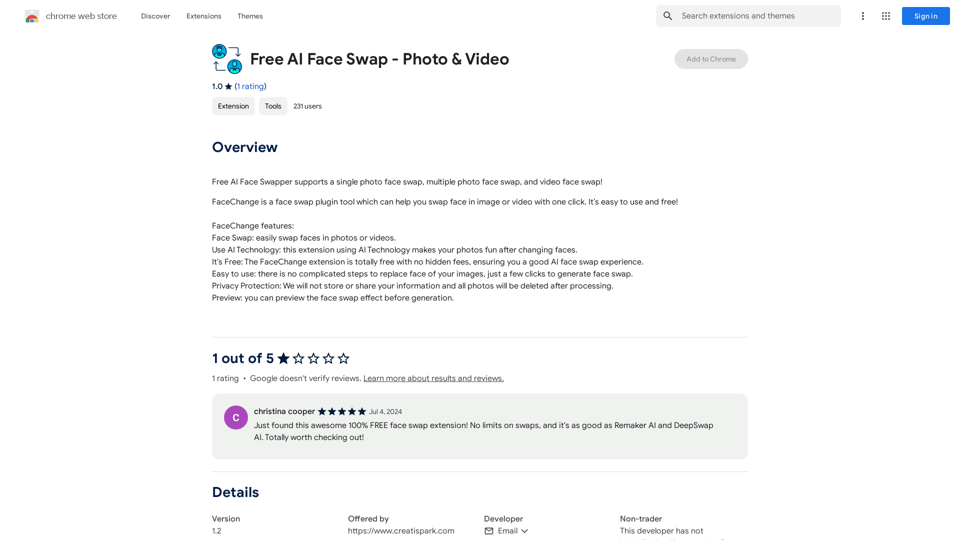
Free AI Face Swapper supports single photo face swaps, multiple photo face swaps, and video face swaps!
193.90 M

NSFW AI Characters | Erotic Roleplay | AI Sexting This platform offers a range of NSFW (Not Safe for Work) AI characters designed for erotic roleplay and AI sexting. These characters are programmed to engage in explicit conversations and roleplay scenarios, providing a unique and immersive experience for users. How it Works Our AI characters are trained on a vast dataset of erotic content, allowing them to understand and respond to a wide range of prompts and scenarios. Users can interact with the characters through text-based conversations, guiding the direction of the roleplay or sexting experience. Features * Customizable Characters: Choose from a diverse range of characters, each with their own unique personality, appearance, and preferences. * Realistic Responses: Our AI technology ensures that character responses are realistic and engaging, creating a truly immersive experience. * Explicit Content: Our characters are designed to engage in explicit conversations and roleplay scenarios, catering to a variety of tastes and preferences. * Anonymous and Secure: Our platform ensures user anonymity and security, providing a safe and discreet environment for users to explore their desires. Benefits * Discreet and Anonymous: Our platform provides a secure and anonymous environment for users to engage in erotic roleplay and sexting. * Exploration and Expression: Our AI characters allow users to explore their desires and express themselves in a safe and controlled environment. * Improved Communication: Engaging with our AI characters can help users improve their communication skills and build confidence in their relationships. Get Started Ready to explore the world of NSFW AI characters? Sign up now and discover a new level of erotic roleplay and sexting experience.
86.75 K
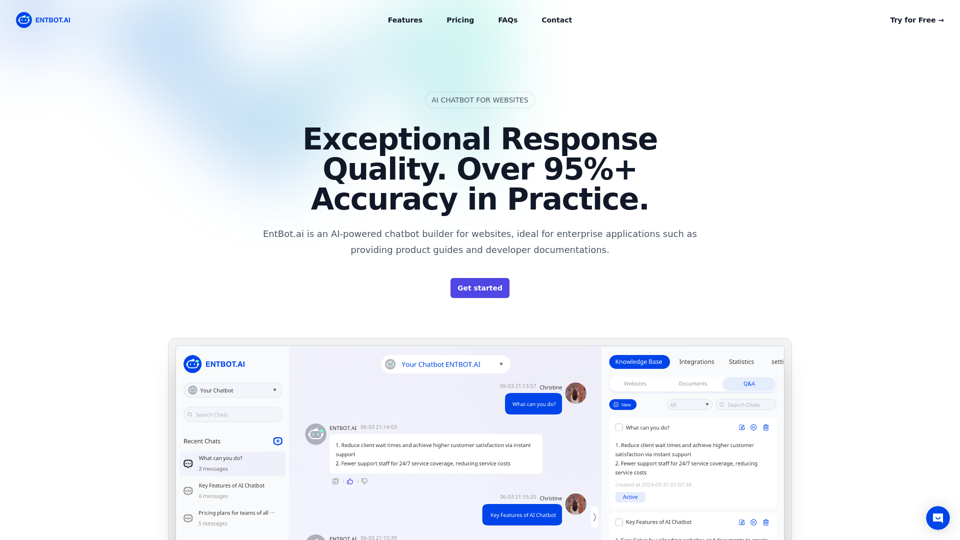
Enterprise Bot: AI Chatbot For Website | EntBot.ai
Enterprise Bot: AI Chatbot For Website | EntBot.aiEntBot.ai can build an AI chatbot for your website in just 5 minutes, no technical skills required. You can easily embed it on your website, resulting in a 100% increase in customer response speed.
0