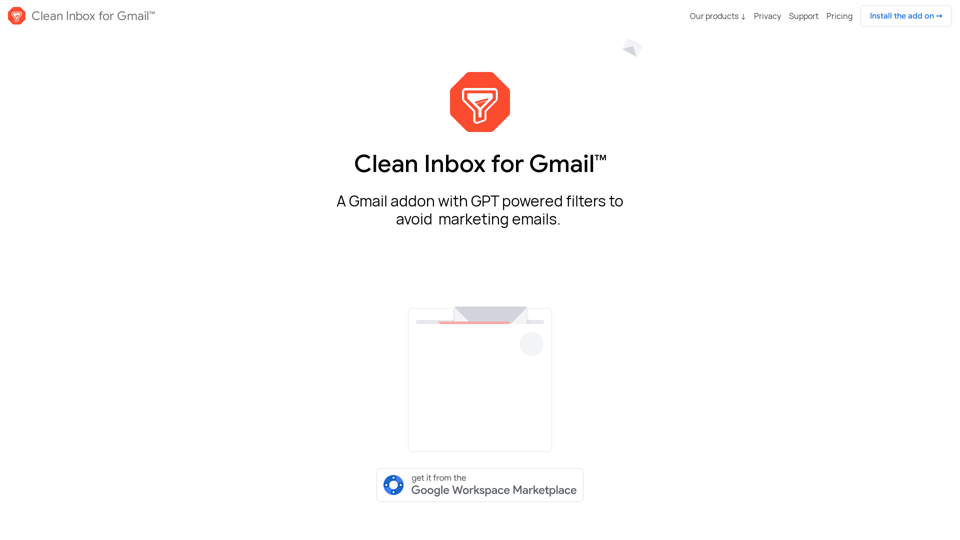
Clean Inbox for Gmail™ is an innovative Gmail addon that utilizes GPT-powered filters to help users manage their inbox more effectively. It combats unwanted emails, spam, and marketing messages, allowing users to maintain a cleaner, more organized email experience. This AI-powered solution leverages advanced technology to identify and categorize emails, offering both pre-defined and custom filter categories.
Clean Inbox for Gmail™ | A Gmail addon with GPT powered filters to avoid unwanted email, spam and marketing email
Clean Inbox for Gmail™ | A Gmail addon with GPT powered filters to avoid unwanted email, spam and marketing email.
Introduction
Feature
GPT-Powered Filters
Leverages advanced AI technology to identify and categorize emails, providing intelligent and adaptable email management.
Public Categories
Browse and install pre-defined categories to label entire groups of incoming emails, offering quick out-of-the-box solutions.
Custom Filter Categories
Create personalized filters using GPT-3.5 (ChatGPT) technology, allowing for more granular control over email organization.
Sender Management
Easily manage unwanted and allowed senders without the need for manual unsubscribing, streamlining the process of controlling incoming emails.
Privacy-Focused
Ensures user privacy by not reading email contents and only labeling, not deleting, filtered emails, addressing growing concerns about digital security.
Installation and Setup
- Install the addon from the official website or Google Workspace Marketplace
- Browse and select public categories
- Create custom filter categories
- Manage sender lists
- Review labeled emails
Pricing Options
| Plan | Features | Price |
|---|---|---|
| Free | Basic filtering and public categories | $0 |
| Premium | Custom GPT-powered filters, advanced sender management | Contact for pricing |
FAQ
Is my email content safe with Clean Inbox for Gmail™?
Yes, the addon prioritizes privacy and cannot read the contents of your emails. Filtered emails are only labeled, never deleted.
Can I create my own custom filters?
Absolutely! The addon uses GPT-3.5 technology to help you create custom filter categories tailored to your needs.
Will this completely eliminate all unwanted emails?
While it significantly reduces unwanted emails, no solution is 100% perfect. Regular review and updates to your filters will help maximize effectiveness.
Is Clean Inbox for Gmail™ affiliated with Google?
No, Clean Inbox for Gmail™ is not affiliated with Google. It's an independent addon created by Codemoon.
What do users say about Clean Inbox for Gmail™?
The addon has a 4.8/5 rating from over 100 reviews and 10,000+ users, with many praising its effectiveness in managing unwanted emails.
Related Websites
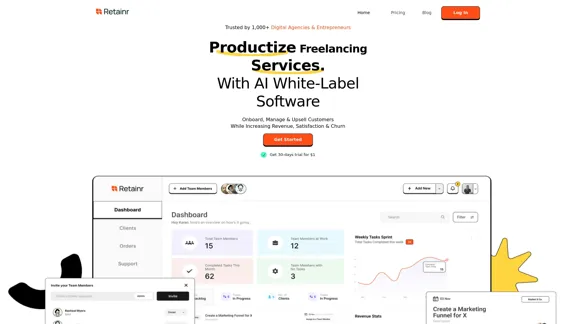
Elevate your brand, streamline operations, and foster stronger client relationships. The future of creative agency management starts here! From your own branded app to streamlined client management, Retainr.io empowers you at every step.
39.23 K
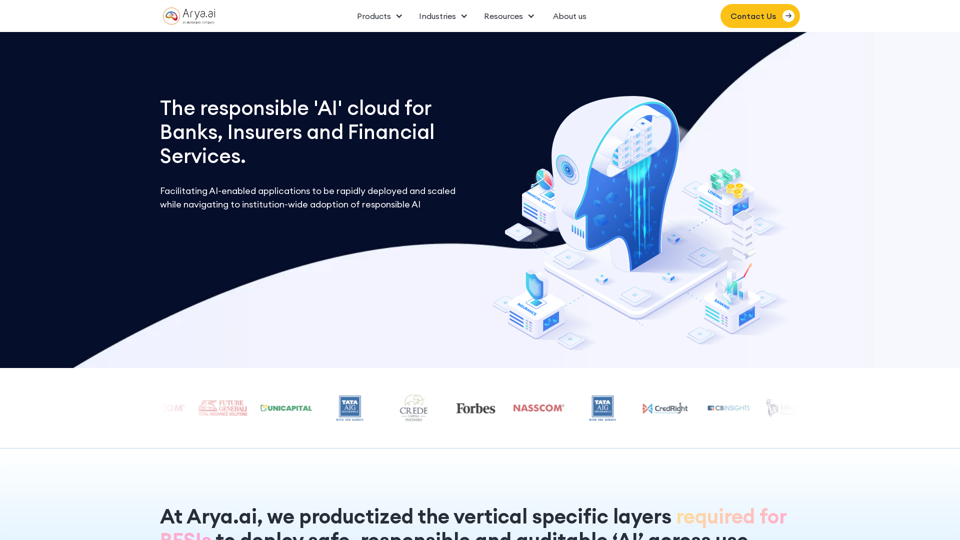
The AI Cloud for Banks, Insurers and Financial Services
The AI Cloud for Banks, Insurers and Financial ServicesArya.ai is the 'AI Cloud' for Banks, Insurers and Financial Services to expedite the adoption of AI that is responsible, accurate and auditable.
108.58 K

Discover and Learn AI Tools with AiToolGo | Your AI Learning Platform
Discover and Learn AI Tools with AiToolGo | Your AI Learning PlatformFind the best AI tools and learning resources tailored to your needs at AiToolGo. Empower your AI journey with solutions for everyone, regardless of background or expertise. Join our community today!
65.31 K
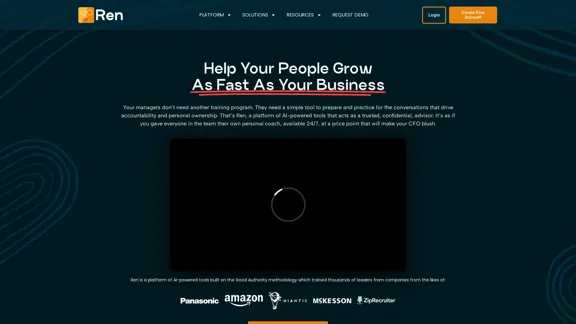
Leadership Coaching App | Create Free Account Today
Leadership Coaching App | Create Free Account TodayConversational AI leadership tool that is revolutionizing leadership coaching, infinitely scalable and capable of being deployed as a leadership development tool to your entire organization
0
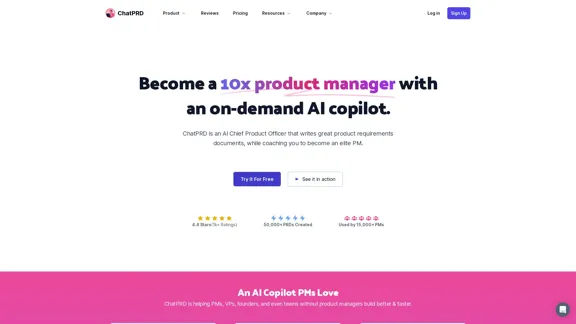
An on-demand Chief Product Officer who creates and enhances your Product Requirements Documents (PRDs), while mentoring you to become a top-tier Product Manager.
162.60 K