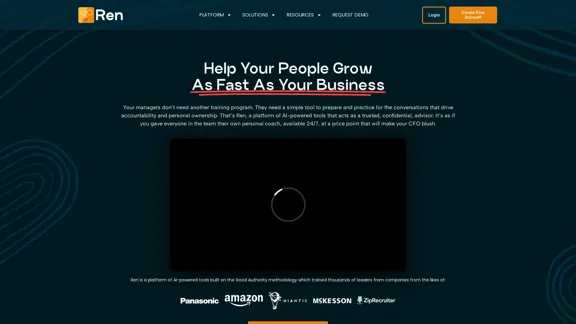
Ren is an AI-powered leadership coaching platform designed to revolutionize people development within organizations. It offers personalized, 24/7 coaching to employees at all levels, from individual contributors to managers and executives. Ren aims to simplify the process of preparing for difficult conversations, aligning team goals, and fostering personal growth through AI-driven insights and guidance.
Leadership Coaching App | Create Free Account Today
Conversational AI leadership tool that is revolutionizing leadership coaching, infinitely scalable and capable of being deployed as a leadership development tool to your entire organization
Introduction
Feature
-
AI-Powered Coaching
- 24/7 availability for personalized leadership advice
- Real-time guidance for handling workplace challenges
- Preparation assistance for difficult conversations and 1:1 meetings
-
Personalized Development Paths
- Creation of individual profiles based on goals, challenges, and preferences
- AI-generated growth themes and weekly insights
- Accountability tracking through user commitments
-
Team Management Tools
- Addition of up to 10 direct reports (Team Plan)
- AI-driven recommendations for giving feedback
- Team dashboard for engagement tracking and action insights
-
Organizational Insights
- Customizable dashboards for executives
- Data-driven culture and people trend analysis
- Privacy-preserving insights for informed decision-making
-
Customization Options
- Integration of company values and leadership standards (Business Plan)
- Advanced security options
- Customizable knowledge base and document templates
-
Scalability
- Capability to deploy to thousands of employees simultaneously
- Tiered pricing plans for individuals, teams, and enterprises
How to Use?
-
Start with the free Starter Plan to explore Ren's basic features and functionality.
-
Regularly update your personal profile with goals, challenges, and preferences to receive more accurate and relevant advice.
-
Utilize Ren's 1:1 meeting prep tool before important conversations to improve communication effectiveness.
-
Encourage team members to engage with Ren consistently for better organizational insights and improved team alignment.
-
For enterprise users, consider customizing Ren with your company's specific values and leadership standards for more tailored coaching.
FAQ
How does Ren maintain employee privacy while providing organizational insights?
Ren ensures that individual coaching sessions remain private and secure. The organizational dashboards provide aggregated insights without compromising individual employee privacy, striking a balance between organizational awareness and personal confidentiality.
Can Ren be customized to align with my company's specific values and goals?
Yes, especially for Business Plan users. Ren can be trained on your company's values and key leadership standards, allowing for a more tailored coaching experience that aligns with your organization's unique culture and objectives.
How does Ren differ from traditional human coaching?
Ren offers 24/7 availability, scalability to coach thousands of employees simultaneously, and real-time feedback based on AI-driven insights. While it doesn't replace human coaching entirely, it provides a level of accessibility and consistency that traditional coaching methods can't match at scale.
Is Ren suitable for employees at all levels of an organization?
Yes, Ren is designed to cater to employees at all levels, from individual contributors to top executives. The platform adapts its coaching approach based on the user's role and specific needs within the organization.
Price
- Starter Plan: Free for individuals
- Team Plan: $99/seat/month (up to 10 direct reports)
- Business Plan: Custom pricing (call for quote)
The price is for reference only, please refer to the latest official data for actual information.
Evaluation
Ren presents an innovative approach to leadership development by leveraging AI technology. Its strengths lie in its scalability, 24/7 availability, and ability to provide personalized coaching at a fraction of the cost of traditional human coaching. The platform's integration of the Good Authority methodology adds credibility to its coaching approach.
However, the effectiveness of AI-driven coaching compared to human interaction remains a point of consideration. While Ren offers impressive features, the nuanced understanding and empathy provided by human coaches may still be irreplaceable in certain complex situations.
The tiered pricing structure allows organizations of various sizes to benefit from Ren's capabilities, though the jump from the free Starter Plan to the $99/seat/month Team Plan might be significant for smaller teams or startups.
Overall, Ren represents a promising tool for organizations looking to scale their leadership development efforts efficiently. Its success will likely depend on the quality of its AI algorithms and the willingness of employees to engage consistently with the platform.
Latest Traffic Insights
Monthly Visits
0
Bounce Rate
0.00%
Pages Per Visit
0.00
Time on Site(s)
0.00
Global Rank
-
Country Rank
-
Recent Visits
Traffic Sources
- Social Media:0.00%
- Paid Referrals:0.00%
- Email:0.00%
- Referrals:0.00%
- Search Engines:0.00%
- Direct:0.00%
Related Websites
AI for Email Security & Sustainability | mxHERO Inc.
AI for Email Security & Sustainability | mxHERO Inc.mxHERO AI combines the power of LLM AI with your email in a single dashboard. It offers robust email security, governance, and environmental sustainability features.
20.76 K
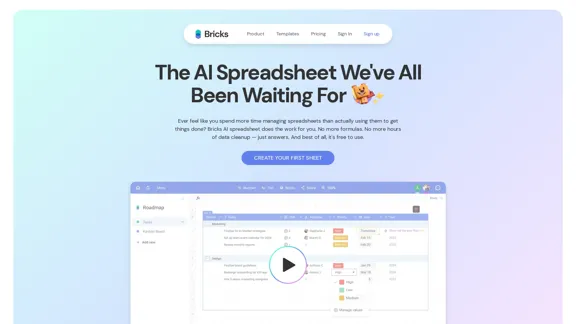
Ever feel like you spend more time managing spreadsheets than actually using them to get things done? Bricks AI spreadsheet does the work for you. No more formulas. No more hours of data cleanup — just answers. And best of all, it's free to use.
705.85 K
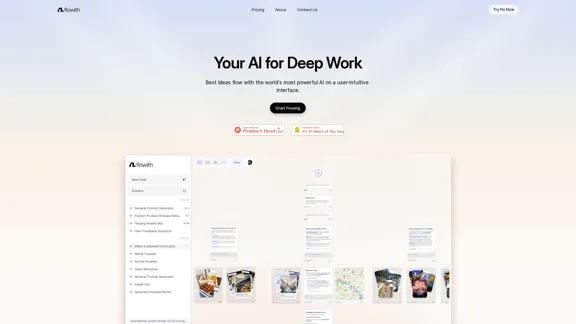
Surpassing traditional chat-based tools, Flowith streamlines tasks on a multi-thread interface powered by a most advanced agent framework. The intuitive canvas and smart framework boost productivity, helping users stay in the flow.
13.71 K
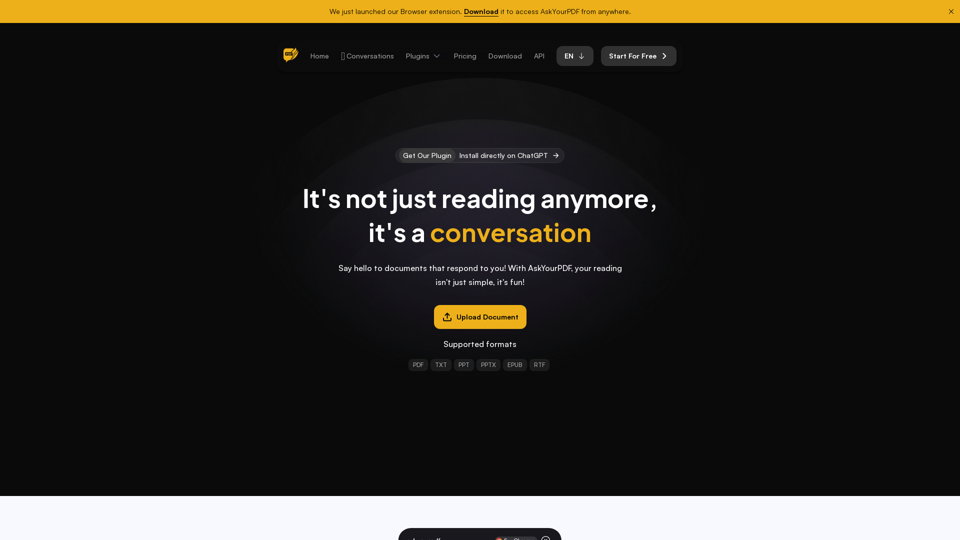
We created AskYourPDF as the ultimate ChatPDF AI App for all your needs. Simply upload your PDF files and interact with our smart chat AI to extract valuable information from your documents.
355.38 K
Copilot for Microsoft 365 – Microsoft Adoption Copilot for Microsoft 365 is a powerful AI assistant that helps you work smarter and faster across Microsoft 365 apps and services. It combines the power of large language models (LLMs) with your organization's data in the Microsoft Graph and Microsoft 365 apps to turn your words into the most powerful productivity tool on the planet. Copilot is designed to help you: • Unleash creativity • Unlock productivity • Uplevel skills Copilot is built on Microsoft's comprehensive approach to security, compliance, and privacy. Copilot in Microsoft 365 apps and services: • Does not use your data to train the underlying LLM • Does not replace human ingenuity and judgment • Is designed to keep humans in the loop Copilot is currently available in Word, Excel, PowerPoint, Outlook, Teams, and more. Getting Started with Copilot To get started with Copilot, follow these steps: 1. Check availability: Ensure your organization has access to Copilot. 2. Learn the basics: Familiarize yourself with Copilot's capabilities and how to use it effectively. 3. Explore use cases: Discover how Copilot can help you in your specific role and tasks. 4. Practice and refine: Use Copilot regularly and refine your prompts for better results. 5. Share and collaborate: Collaborate with colleagues using Copilot and share best practices. Best Practices for Using Copilot 1. Be specific in your prompts 2. Provide context for better results 3. Review and edit Copilot's output 4. Use Copilot as a starting point, not a final product 5. Experiment with different approaches 6. Stay informed about new features and updates Copilot in Different Microsoft 365 Apps • Word: Draft, edit, summarize, and rewrite content • Excel: Analyze data, create formulas, and generate insights • PowerPoint: Create presentations, design slides, and generate content • Outlook: Compose emails, summarize threads, and manage your inbox • Teams: Summarize meetings, generate action items, and create meeting notes Responsible AI and Copilot Microsoft is committed to developing AI systems responsibly. When using Copilot, keep in mind: • AI-generated content may contain biases or inaccuracies • Always review and verify Copilot's output • Use your judgment and expertise alongside Copilot's suggestions • Be aware of your organization's policies regarding AI use Conclusion Copilot for Microsoft 365 is a powerful tool that can significantly enhance your productivity and creativity. By understanding its capabilities, following best practices, and using it responsibly, you can make the most of this AI assistant in your daily work.
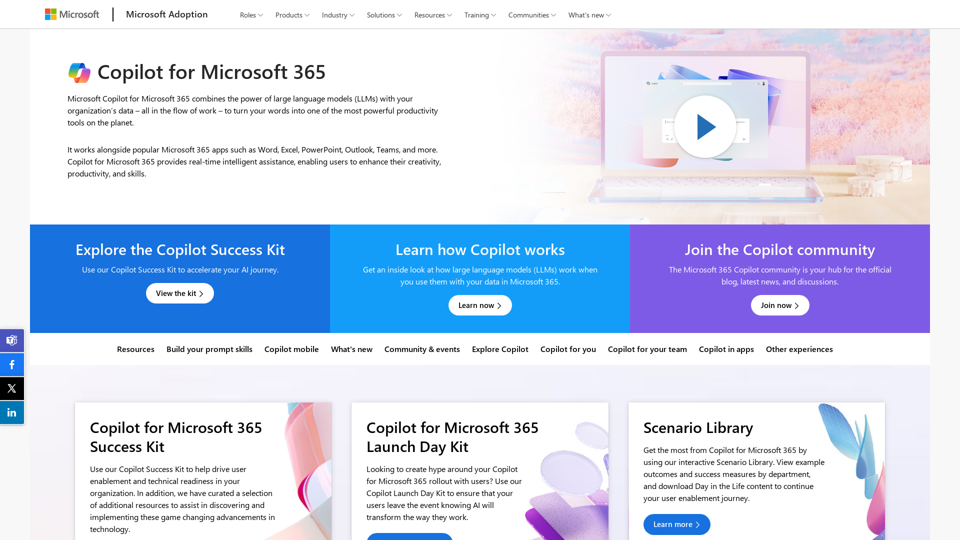
Copilot for Microsoft 365 – Microsoft Adoption Copilot for Microsoft 365 is a powerful AI assistant that helps you work smarter and faster across Microsoft 365 apps and services. It combines the power of large language models (LLMs) with your organization's data in the Microsoft Graph and Microsoft 365 apps to turn your words into the most powerful productivity tool on the planet. Copilot is designed to help you: • Unleash creativity • Unlock productivity • Uplevel skills Copilot is built on Microsoft's comprehensive approach to security, compliance, and privacy. Copilot in Microsoft 365 apps and services: • Does not use your data to train the underlying LLM • Does not replace human ingenuity and judgment • Is designed to keep humans in the loop Copilot is currently available in Word, Excel, PowerPoint, Outlook, Teams, and more. Getting Started with Copilot To get started with Copilot, follow these steps: 1. Check availability: Ensure your organization has access to Copilot. 2. Learn the basics: Familiarize yourself with Copilot's capabilities and how to use it effectively. 3. Explore use cases: Discover how Copilot can help you in your specific role and tasks. 4. Practice and refine: Use Copilot regularly and refine your prompts for better results. 5. Share and collaborate: Collaborate with colleagues using Copilot and share best practices. Best Practices for Using Copilot 1. Be specific in your prompts 2. Provide context for better results 3. Review and edit Copilot's output 4. Use Copilot as a starting point, not a final product 5. Experiment with different approaches 6. Stay informed about new features and updates Copilot in Different Microsoft 365 Apps • Word: Draft, edit, summarize, and rewrite content • Excel: Analyze data, create formulas, and generate insights • PowerPoint: Create presentations, design slides, and generate content • Outlook: Compose emails, summarize threads, and manage your inbox • Teams: Summarize meetings, generate action items, and create meeting notes Responsible AI and Copilot Microsoft is committed to developing AI systems responsibly. When using Copilot, keep in mind: • AI-generated content may contain biases or inaccuracies • Always review and verify Copilot's output • Use your judgment and expertise alongside Copilot's suggestions • Be aware of your organization's policies regarding AI use Conclusion Copilot for Microsoft 365 is a powerful tool that can significantly enhance your productivity and creativity. By understanding its capabilities, following best practices, and using it responsibly, you can make the most of this AI assistant in your daily work.Microsoft Copilot combines the power of large language models (LLMs) with your organization's data to turn your words into one of the most powerful productivity tools on the planet.
608.60 K
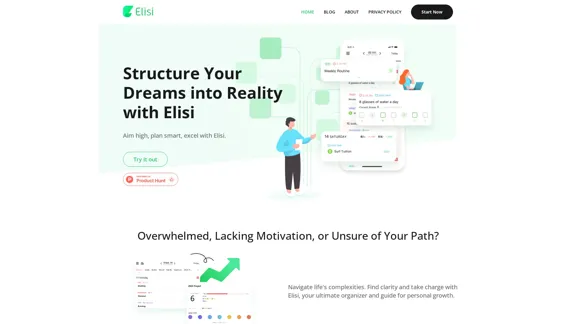
Digital All-in-One Planner for Productivity & Time Management | Elisi
Digital All-in-One Planner for Productivity & Time Management | ElisiElisi is a user-friendly, cross-device All-in-one Planner to help you improve personal productivity and manage your time effectively. Features include pre-templated modules in a bullet journal along with task planning, habit tracking, project management and note taking. Try Elisi on your iPhone or Android device today!
8.90 K
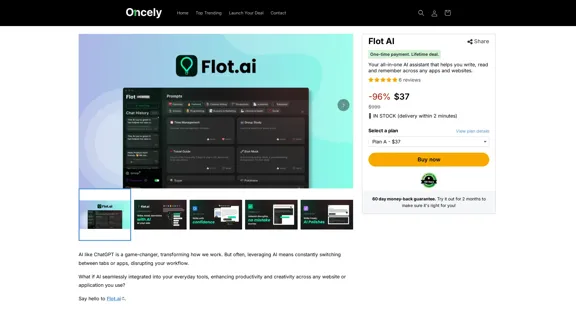
Flot AI: Write, Read, Memorize with AI at your side. – Oncely
Flot AI: Write, Read, Memorize with AI at your side. – OncelyFlot is your all-in-one AI assistant, enhancing your writing, speeding up your reading, and helping you remember information across websites and apps. (Available on Windows and macOS)
645