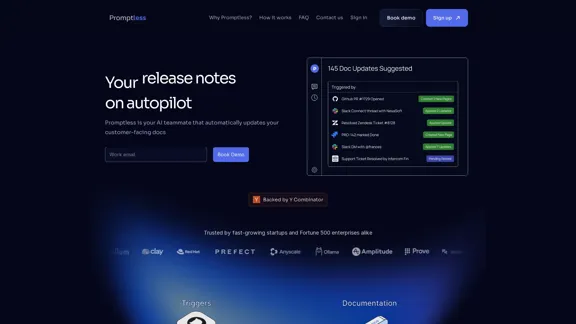
Promptless is an AI-powered tool designed to automatically update technical documentation as products evolve. It integrates seamlessly with various tools to ensure that customer-facing documents, such as API references and knowledge bases, remain current. This service is particularly beneficial for startups and large enterprises, helping to reduce support volume and implementation times.
Automatic Technical Documentation Updates with AI
Promptless keeps your technical documents up to date by automatically drafting document updates from GitHub pull requests, enhancing customer satisfaction and increasing free user conversions while reducing implementation time and support requests.
Introduction
Feature
-
Automatic Updates
Promptless automatically publishes new and updated API references, use-case guides, and changelog updates, ensuring that documentation is always up-to-date.
-
Integration with Development Tools
The tool integrates with platforms like Jira, Confluence, and Slack, allowing it to gather relevant context from various sources to facilitate documentation updates.
-
Trigger Mechanisms
Promptless can be triggered automatically by Pull Requests, support tickets, or tagged threads, streamlining the documentation process.
-
Notification System
Users receive notifications when documentation changes are drafted, allowing for quick reviews and updates in the existing CMS or documentation hosting platform.
-
Support for SaaS Products
It helps keep customer-facing knowledge bases updated, which can significantly reduce the volume of support inquiries.
-
User-Friendly Interface
Designed to save time, Promptless works in the background, allowing users to focus on more critical tasks while it manages documentation updates.
How to Use?
- Sign up for a Promptless account to get started.
- Integrate Promptless with your existing tools like Jira and Slack for seamless operation.
- Set up triggers for Pull Requests and support tickets to automate documentation updates.
- Regularly check notifications for drafted changes to ensure timely reviews.
- Utilize the API documentation features to keep technical guides current.
FAQ
What is Promptless?
Promptless is an AI tool that automates the updating of technical documentation, ensuring that it remains accurate and relevant as products evolve.
How does Promptless work?
Promptless integrates with various tools to gather context about changes in your product and automatically drafts updates for technical documentation.
Does Promptless integrate with my tools?
Yes, Promptless integrates with common tools where your source code and technical documentation reside, with new integrations being added regularly.
How does Promptless use my data?
Promptless uses your data to identify relevant changes and draft updates for your documentation, ensuring privacy and security throughout the process.
Do I need to replace my docs hosting provider to use Promptless?
No, Promptless can work with your existing documentation hosting provider without requiring a switch.
Price
- Free Trial: Available
- Pricing details are not explicitly stated; contact Promptless for specific plans.
The price is for reference only, please refer to the latest official data for actual information.
Evaluation
-
Strengths: Promptless effectively automates the documentation process, significantly reducing the time and effort required to keep technical documents updated. Its integration with popular tools enhances its usability and efficiency.
-
Areas for Improvement: While the automation features are robust, users may encounter challenges with the accuracy of context gathering, especially in complex projects. Continuous improvement in AI algorithms and more customizable integration options could enhance user experience.
-
User Experience: The interface is user-friendly, but additional training resources could help users maximize the tool's potential.
-
Overall Impression: Promptless is a valuable tool for teams looking to streamline their documentation processes, but users should remain vigilant about reviewing AI-generated updates to ensure accuracy.
Related Websites
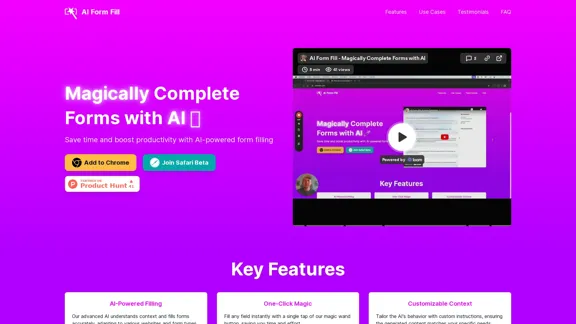
AI Form Fill: The browser extension that uses AI to automatically fill out forms for you. Save time and boost productivity with magical form completion.
2.35 K
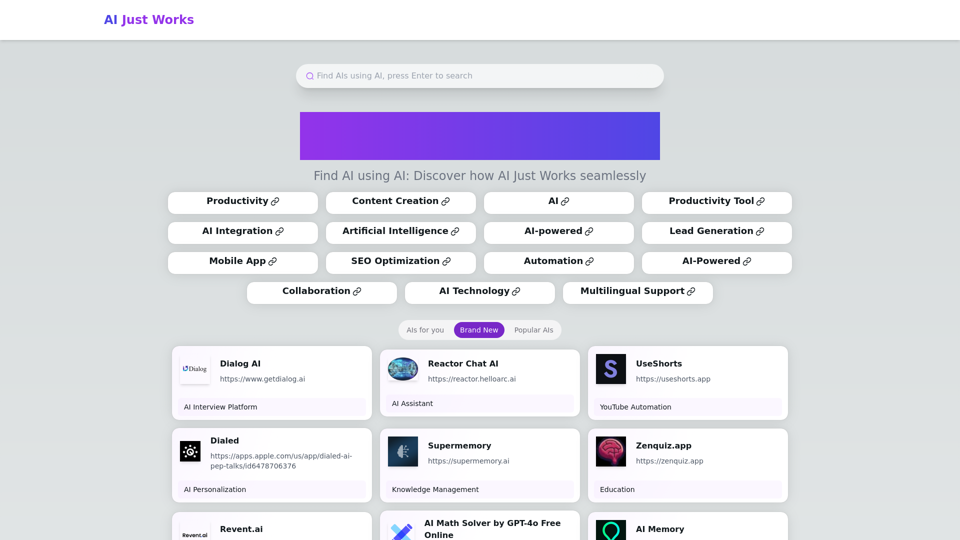
AI Just Works: Discover the Best AI Tools for Your Needs, designed to find AI solutions for your business.
0
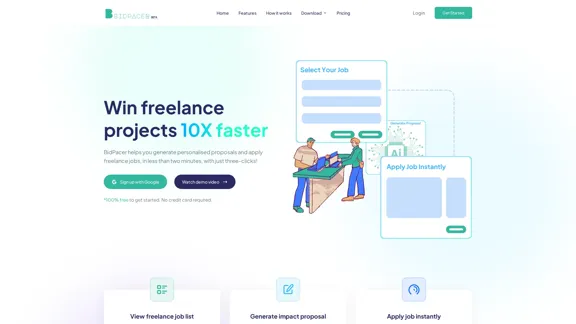

Trade Ideas: AI-Driven Stock Scanning & Charting Platform
Trade Ideas: AI-Driven Stock Scanning & Charting PlatformTrade Ideas: Real-time AI stock scanning, automated trades, entry/exit signals & trade alerts. Manage your portfolio, mitigate risk, backtest, & analyze markets
355.16 K

We created AskYourPDF as the ultimate ChatPDF AI App for all your needs. Simply upload your PDF files and interact with our smart chat AI to extract valuable information from your documents.
355.38 K
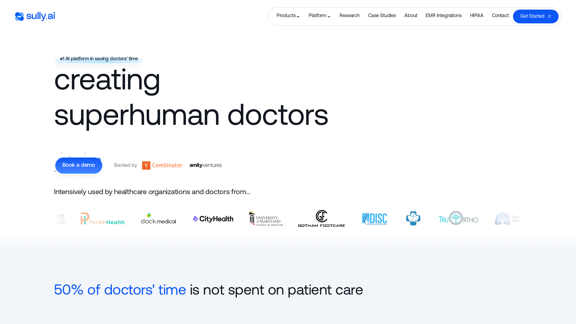
Sully.ai - The #1 all-in-one AI solution for saving doctors' time
Sully.ai - The #1 all-in-one AI solution for saving doctors' timeSully.ai is an all-in-one AI Medical Assistant designed to save doctors' time by helping them with time-consuming tasks performed before, during, and after patient visits.
42.63 K
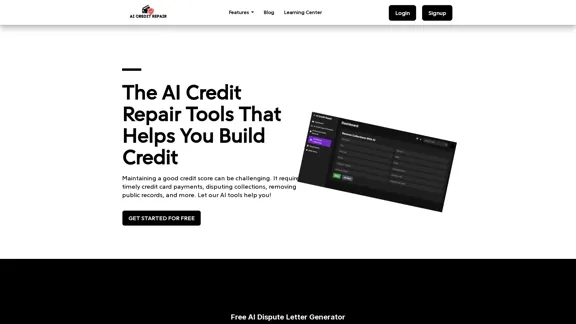
Our technology identifies and assists you in removing accounts that are negatively impacting your credit. We utilize AI to help you achieve an optimal credit score.
1.26 K
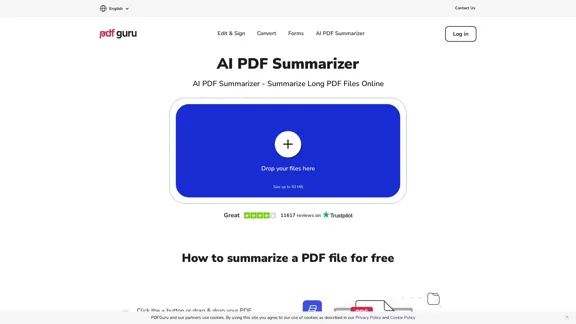
AI PDF Summarizer - Summarize lengthy PDF documents online.
AI PDF Summarizer - Summarize lengthy PDF documents online.Get concise summaries and ask questions with our PDF analyzer — perfect for efficient document review. Summarize PDFs quickly with our AI-powered tool.
5.90 M