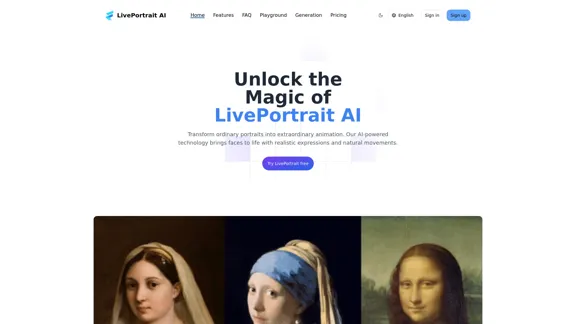
LivePortrait AI is an innovative platform that transforms static portraits into dynamic animations using advanced AI technology. It offers a user-friendly interface for creating lifelike facial animations from a single photo, with features like music synchronization and customizable animation styles. This tool caters to various applications, including social media marketing, education, and virtual events.
LivePortrait AI: Create Amazing AI Portrait Animation in Minutes
LivePortrait AI uses advanced technology to create stunning AI portrait animation. Upload your photo and watch it come to life with realistic movements and expressions.
Introduction
Feature
AI-Driven Animation
LivePortrait AI utilizes cutting-edge deep learning algorithms to generate realistic animations from static portraits. The technology captures subtle facial expressions and natural movements, bringing images to life with stunning accuracy.
Simple and Intuitive Interface
The platform is designed for ease of use, requiring no technical expertise. Users can quickly animate their portraits through a straightforward process, making it accessible to both beginners and professionals.
Lifelike Expressions
The AI algorithms excel at reproducing nuanced facial expressions, ensuring that the animated portraits convey authentic emotions and movements.
Music Synchronization
LivePortrait AI offers the ability to sync animated portraits with music, enhancing the overall impact and versatility of the created content.
Multi-Platform Accessibility
The service is mobile-friendly and can be accessed from any device with an internet connection, providing flexibility for users on-the-go.
Customization Options
Users can adjust animation speed and choose from various animation styles, allowing for personalized results that suit different project needs.
Secure Data Handling
LivePortrait AI prioritizes user privacy and data security. Uploaded photos are used solely for animation purposes and are not shared with third parties.
Versatile Output Formats
Animated portraits can be downloaded in various formats, facilitating easy sharing and integration into different projects.
FAQ
What file formats does LivePortrait AI support?
LivePortrait AI supports common image formats including JPG, PNG, and JPEG.
Can I use the animated portraits for commercial purposes?
Yes, the animated portraits can be used for both personal and commercial projects. Users should refer to the licensing terms for specific details.
Does LivePortrait AI offer different animation styles?
Yes, the platform provides a variety of animation styles, allowing users to select the most suitable look for their project.
What are some applications of LivePortrait AI?
LivePortrait AI can be used for:
- Social Media Marketing
- Education & E-Learning
- Virtual Events & Presentations
What are the technological advantages of LivePortrait AI?
The key technological advantages include:
- Advanced AI Algorithms
- Robust Image Processing
- User-Friendly Interface
Is pricing information available for LivePortrait AI?
The website mentions both free and paid plans with different usage limits, but specific pricing details are not provided.
Related Websites
![Simplified Chrome Extension
This is a basic Chrome extension designed to be easy to understand and modify.
Manifest File (manifest.json):
```json
{
"manifest_version": 3,
"name": "Simplified Extension",
"version": "1.0",
"description": "A simple Chrome extension example.",
"permissions": [
"activeTab"
],
"action": {
"default_popup": "popup.html"
}
}
```
Popup HTML (popup.html):
```html
<!DOCTYPE html>
<html>
<head>
<title>Simplified Extension</title>
</head>
<body>
<h1>Hello from the extension!</h1>
<p>This is a simple popup.</p>
</body>
</html>
```
Explanation:
* manifest.json: This file tells Chrome what your extension does.
* `manifest_version`: Specifies the version of the manifest file format.
* `name`: The name of your extension.
* `version`: The current version of your extension.
* `description`: A brief description of your extension.
* `permissions`: Lists the permissions your extension needs to function. Here, it needs access to the active tab.
* `action`: Defines the popup that appears when the extension icon is clicked.
* popup.html: This file contains the HTML code for the popup window.
How it works:
1. When you install the extension, Chrome reads the `manifest.json` file.
2. When you click the extension icon, Chrome opens the `popup.html` file in a new window.
3. The popup displays the "Hello from the extension!" message.](https://static.right-ai.com/tools/2024/7/4/chromewebstore-google-com-detail-simplified-chrome-extensi-hibfheifkaehlpnfggmfimfbhhffcmla-thumbnail-1720057553.png "Simplified Chrome Extension
This is a basic Chrome extension designed to be easy to understand and modify.
Manifest File (manifest.json):
```json
{
\"manifest_version\": 3,
\"name\": \"Simplified Extension\",
\"version\": \"1.0\",
\"description\": \"A simple Chrome extension example.\",
\"permissions\": [
\"activeTab\"
],
\"action\": {
\"default_popup\": \"popup.html\"
}
}
```
Popup HTML (popup.html):
```html
<!DOCTYPE html>
<html>
<head>
<title>Simplified Extension</title>
</head>
<body>
<h1>Hello from the extension!</h1>
<p>This is a simple popup.</p>
</body>
</html>
```
Explanation:
* manifest.json: This file tells Chrome what your extension does.
* `manifest_version`: Specifies the version of the manifest file format.
* `name`: The name of your extension.
* `version`: The current version of your extension.
* `description`: A brief description of your extension.
* `permissions`: Lists the permissions your extension needs to function. Here, it needs access to the active tab.
* `action`: Defines the popup that appears when the extension icon is clicked.
* popup.html: This file contains the HTML code for the popup window.
How it works:
1. When you install the extension, Chrome reads the `manifest.json` file.
2. When you click the extension icon, Chrome opens the `popup.html` file in a new window.
3. The popup displays the \"Hello from the extension!\" message.")
Simplified Chrome Extension This is a basic Chrome extension designed to be easy to understand and modify. Manifest File (manifest.json): ```json { "manifest_version": 3, "name": "Simplified Extension", "version": "1.0", "description": "A simple Chrome extension example.", "permissions": [ "activeTab" ], "action": { "default_popup": "popup.html" } } ``` Popup HTML (popup.html): ```html <!DOCTYPE html> <html> <head> <title>Simplified Extension</title> </head> <body> <h1>Hello from the extension!</h1> <p>This is a simple popup.</p> </body> </html> ``` Explanation: * manifest.json: This file tells Chrome what your extension does. * `manifest_version`: Specifies the version of the manifest file format. * `name`: The name of your extension. * `version`: The current version of your extension. * `description`: A brief description of your extension. * `permissions`: Lists the permissions your extension needs to function. Here, it needs access to the active tab. * `action`: Defines the popup that appears when the extension icon is clicked. * popup.html: This file contains the HTML code for the popup window. How it works: 1. When you install the extension, Chrome reads the `manifest.json` file. 2. When you click the extension icon, Chrome opens the `popup.html` file in a new window. 3. The popup displays the "Hello from the extension!" message.
Simplified Chrome Extension This is a basic Chrome extension designed to be easy to understand and modify. Manifest File (manifest.json): ```json { "manifest_version": 3, "name": "Simplified Extension", "version": "1.0", "description": "A simple Chrome extension example.", "permissions": [ "activeTab" ], "action": { "default_popup": "popup.html" } } ``` Popup HTML (popup.html): ```html <!DOCTYPE html> <html> <head> <title>Simplified Extension</title> </head> <body> <h1>Hello from the extension!</h1> <p>This is a simple popup.</p> </body> </html> ``` Explanation: * manifest.json: This file tells Chrome what your extension does. * `manifest_version`: Specifies the version of the manifest file format. * `name`: The name of your extension. * `version`: The current version of your extension. * `description`: A brief description of your extension. * `permissions`: Lists the permissions your extension needs to function. Here, it needs access to the active tab. * `action`: Defines the popup that appears when the extension icon is clicked. * popup.html: This file contains the HTML code for the popup window. How it works: 1. When you install the extension, Chrome reads the `manifest.json` file. 2. When you click the extension icon, Chrome opens the `popup.html` file in a new window. 3. The popup displays the "Hello from the extension!" message.Design & Collaborate Marketing made easy #Simplified
193.90 M
AI Art Generator | AI Image Generator - Jasper Art
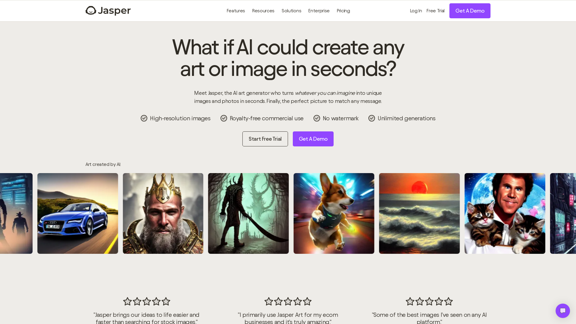
AI Art Generator | AI Image Generator - Jasper ArtJasper Art is a new AI art generator that transforms your text prompt into stunning art and lifelike AI-generated images within seconds. Your AI artist produces the ideal picture to complement your message.
939.36 K
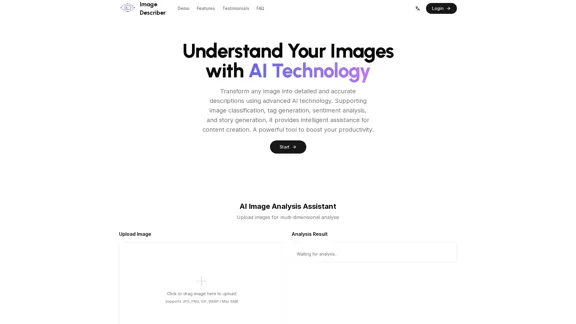
Image Describer - Free AI Image Description Tool, Allowing Every Image to Communicate
Image Describer - Free AI Image Description Tool, Allowing Every Image to CommunicateImage Descriptor is a free AI tool that identifies and describes the contents of images. Generate accurate, detailed image descriptions effortlessly.
5.16 K
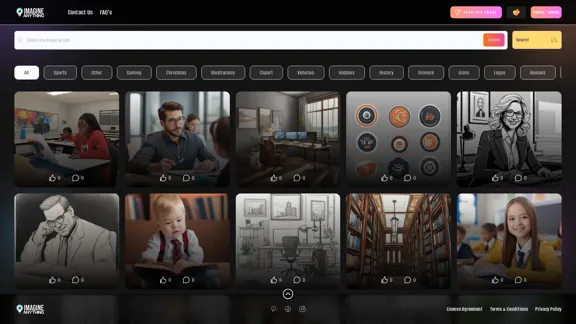
Generate Free AI Images with Imagine Anything. Easily create Photos, Clipart, Graphics and more with our AI Generator.
56.84 K
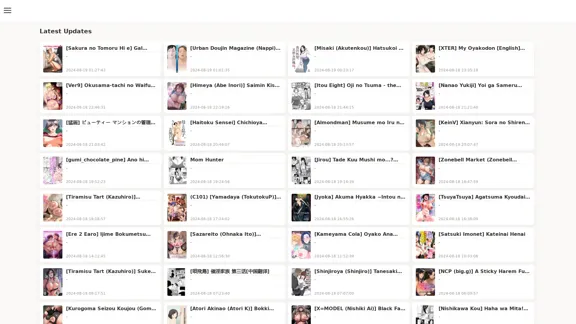
FreeAI Manga is a website that provides free access to a wide variety of manga content, including doujinshi and adult-oriented manga. The site features a regularly updated collection of manga titles across different genres and languages, with a focus on fan-translated works.
0
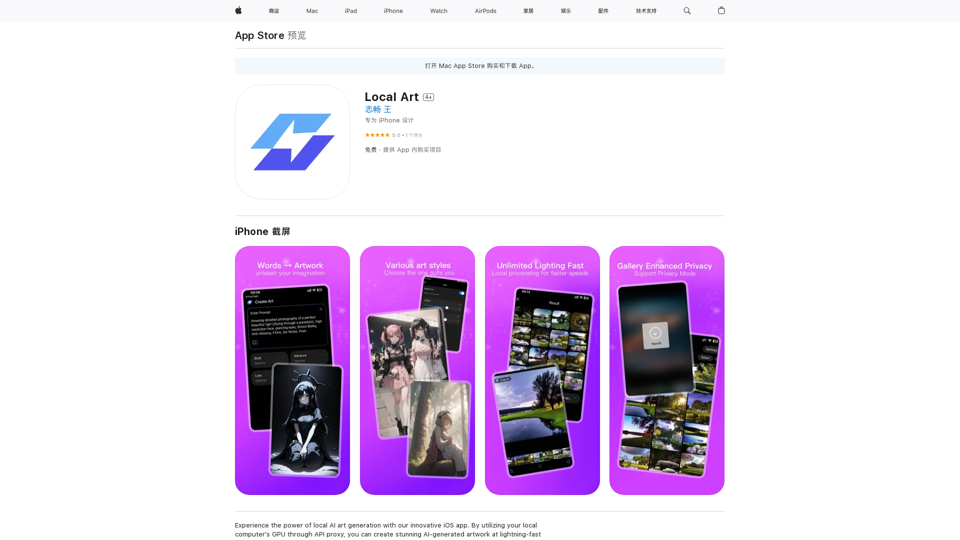
Experience the power of local AI art generation with our innovative iOS app. By utilizing your local computer's GPU through API proxy, you can create stunning AI-generated artwork without relying on cloud services, ensuring faster processing speeds and greater control over your creative vision.
124.77 M